

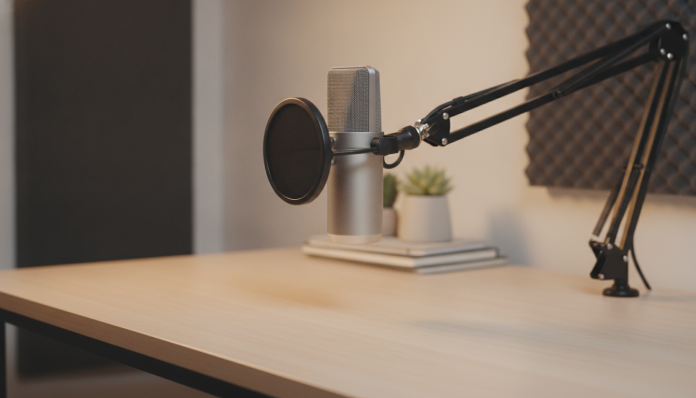

Why USB microphone is the right entry point for podcast beginners
You’ve decided to start a podcast. You already have the topic, the script in your head and maybe even a guest waiting. What’s missing is the right equipment, and here begins the first pitfall: the market offers dozens of microphones with confusing specifications, acronyms that look like code and prices that range from reasonable to absurd.
The USB microphone is the smart choice for those taking the first steps. Unlike XLR microphones (which require a separate audio interface, a device that converts the analog signal to digital before it reaches your computer), USB connects directly to your computer or laptop and is automatically recognized by the operating system. No external sound card, no advanced configuration. You plugged it in, opened your recording software and you’re ready to go.
This guide brings together the main models available in Brazil in 2026, explains what each specification means in practice and helps you choose without spending more than necessary, nor saving where you shouldn’t.
What to look for in the technical sheet before buying
Before comparing models, it’s worth understanding what specifications really mean for your use.
Polar pattern: which direction does the microphone “listen” from?
The polar pattern defines where the microphone captures sound. For solo podcasts, the ideal is the cardioid pattern (heart-shaped in front of the microphone), which rejects sounds coming from behind and the sides. This means less environmental noise, computer fan noise and street noise. Some models offer multiple patterns (omnidirectional, bidirectional, stereo), which is useful for in-person interviews, but unnecessary if you record alone.
Sample rate and bit depth: where real quality lives
The sample rate indicates how many times per second the audio is captured. The CD standard is 44.1 kHz, and most podcasts distribute at quality lower than that. Entry-level microphones reach 48 kHz, which is already more than enough. The bit depth defines the “dynamic range” of the audio, that is, the difference between the lowest and highest sound the microphone can record without distorting. Values of 16 or 24 bits are common; 24 bits offers more room for editing later.
Frequency response: what the microphone amplifies
The frequency response shows which frequencies the microphone captures with more or less intensity. For human voice, the range of 80 Hz to 15 kHz is already quite comprehensive. Microphones with slight elevation between 2 kHz and 5 kHz tend to make the voice more “present” and intelligible, which is desirable in podcasts.
Comparison of main models available in Brazil in 2026
The models below are the most cited in national stores and Brazilian audio forums. Prices are estimates based on values practiced in the national retail market and may vary according to exchange rate and reseller.
| Model | Polar Pattern | Sample Rate | Bit Depth | Estimated Price (BR) | US Launch |
|---|---|---|---|---|---|
| Blue Yeti (current series) | Cardioid, omni, bidirectional, stereo | 48 kHz | 16 bits | R$ 700 to R$ 950 | US$ 129 |
| HyperX QuadCast S | Cardioid, omni, bidirectional, stereo | 48 kHz | 16 bits | R$ 650 to R$ 900 | US$ 139 |
| Rode PodMic USB | Cardioid | 48 kHz | 24 bits | R$ 1,000 to R$ 1,350 | US$ 149 |
| Samson Q2U | Cardioid (USB and XLR) | 44.1 / 48 kHz | 16 bits | R$ 400 to R$ 580 | US$ 59 |
| Maono AU-PM461TR | Cardioid | 48 kHz | 24 bits | R$ 250 to R$ 380 | US$ 39 |
The prices above are references from 2026 and vary according to the reseller, exchange rate and promotions. Always check the current price before buying.
Blue Yeti and HyperX QuadCast S: the classics that still make sense
The Blue Yeti is one of the best-selling USB microphones in the world for years. According to manufacturer Logitech (which acquired Blue Microphones), it offers four selectable polar patterns via physical button and gain control on the back. Gain is the microphone’s sensitivity: the higher it is, the more it captures, including unwanted noise. For beginners, having this physical control makes adjusting much easier without needing to enter software settings.
The HyperX QuadCast S competes directly with the Yeti and adds RGB lighting. For those who stream live and appear on video, the visual appearance can be relevant. Technically, the two are very similar in public specifications. The choice between them is usually a matter of design and local availability. Both record at 48 kHz at 16 bits, which is suitable for podcasts, but those planning to edit audio heavily may prefer 24 bits.
Rode PodMic USB: the quality jump when budget allows
Rode is an Australian manufacturer with a good reputation in the audio market for content creators. The PodMic USB emerged as a version of the original PodMic (which was XLR only) with native USB-C connectivity, maintaining the robust design and dynamic cardioid pattern.
The dynamic microphone (unlike the condenser, which is more sensitive and captures more detail, but also more ambient noise) is ideal for those recording in acoustically untreated rooms, such as a bedroom with echo or an office with outside noise. According to Rode’s technical sheet, the PodMic USB records at 48 kHz with 24 bits of depth, which gives more room for maneuvering in editing. For those in an apartment or with little control over the environment, this feature makes a real difference.
Samson Q2U and Maono AU-PM461TR: cost-benefit for limited budget
The Samson Q2U is an interesting case because it offers USB and XLR output at the same time. This means you start by connecting via USB and, in the future, can buy an audio interface and migrate to XLR without changing the microphone. Those thinking long-term and don’t want to repeat the investment in a year will appreciate this flexibility. Recording quality is competent for the price, with frequency response declared between 50 Hz and 16 kHz according to Samson.
The Maono AU-PM461TR is the option for those who need to start with the smallest possible investment. The Chinese brand gained space in 2024 and 2025 with microphones that deliver decent specifications (48 kHz, 24 bits according to technical sheet) at prices well below established competitors. The caveat is that construction is simpler and after-sales support in Brazil is limited. For a first microphone, aiming to learn and test the format, it works well.
Anatel approval, warranty and importation: what Brazilian buyers need to know
This point is frequently overlooked and can be costly. In Brazil, electronic equipment needs Anatel approval (National Telecommunications Agency) to be sold legally. USB microphones generally fall under this requirement because they have internal electronic circuits with data transmission.
Models sold by official resellers like Amazon Brasil, Kabum, Pichau and specialized professional audio stores usually come with an invoice, one year warranty under the Consumer Protection Code and homologated product. On the other hand, microphones imported via Shopee or AliExpress without a national intermediary enter a gray area: they can be stopped at customs, have warranty issues or simply have no support.
If you import directly from the US, purchases over US$ 50 (declared value) for individuals are already subject to taxation, which can add between 20% and 60% to the cost depending on the import channel. Calculate before you decide.
Setting up a home office with quality goes beyond the microphone. The position of the equipment in the room, Wi-Fi interference and your home network layout also affect the experience of live streaming. If you’re going to do podcasts with remote guests and need a stable connection, it’s worth checking tips on how to improve Wi-Fi in a 2-story home without mesh to avoid drops during recording.
Basic computer setup: no mystery
- Connect the USB microphone to your computer.
- On Windows 11, go to Settings > System > Sound and select the microphone as the default input device.
- On macOS, go to System Preferences > Sound > Input and select the device.
- Open your recording software (Audacity, GarageBand or Descript are popular and free or have a free version available).
- In the software settings, confirm that the USB microphone is selected as the audio input.
- Do a 30-second test, listen to the result with headphones and adjust the gain (physical on the microphone or digital in the software) until the peak level is around -12 dB to -6 dB.
- Position the microphone about 15 to 20 cm from your mouth, slightly below mouth level and pointing at your chin to reduce plosive sounds (the explosions of “p” and “b”).
Frequently asked questions about USB microphone for podcasts
Do I need a pop filter or windscreen?
The pop filter is a screen (usually foam or fabric) placed in front of the microphone to reduce plosive sounds. Many USB microphones already come with built-in foam or have a polar pattern that minimizes the problem. Still, an inexpensive external pop filter (between R$ 30 and R$ 80) is a worthwhile investment if you notice distortion in certain syllables during tests.
Does USB microphone work with smartphone or tablet?
It depends on the device and microphone model. Some work with USB-C to USB-A adapters, but not all phones provide enough power through the port to properly power the microphone. Check the microphone’s technical sheet to see if there’s declared support for mobile devices and what adapter is needed. If you use a tablet for studies or work, this compatibility can be important, as well as choosing a best tablet for studying up to R$ 2,000 in 2026 that has a USB-C port with audio support.
Is USB microphone enough for professional quality?
For podcasts distributed on streaming platforms, yes. Most listeners access via mobile phone, with Bluetooth headphones or a small speaker, and the difference between a good USB microphone and a professional XLR setup isn’t noticeable in that scenario. What really makes a difference is the recording environment: a quiet room with some cushions and shelves full of books isolates more noise than any microphone.
Is it worth buying a used USB microphone?
It depends on the condition and the seller. Condenser microphones (more sensitive) can degrade over time if stored incorrectly or exposed to moisture. Dynamic microphones like the PodMic USB and Samson Q2U are more robust. Ask for a test audio before buying. Without warranty, the risk is yours.
Which USB microphone to choose by your profile
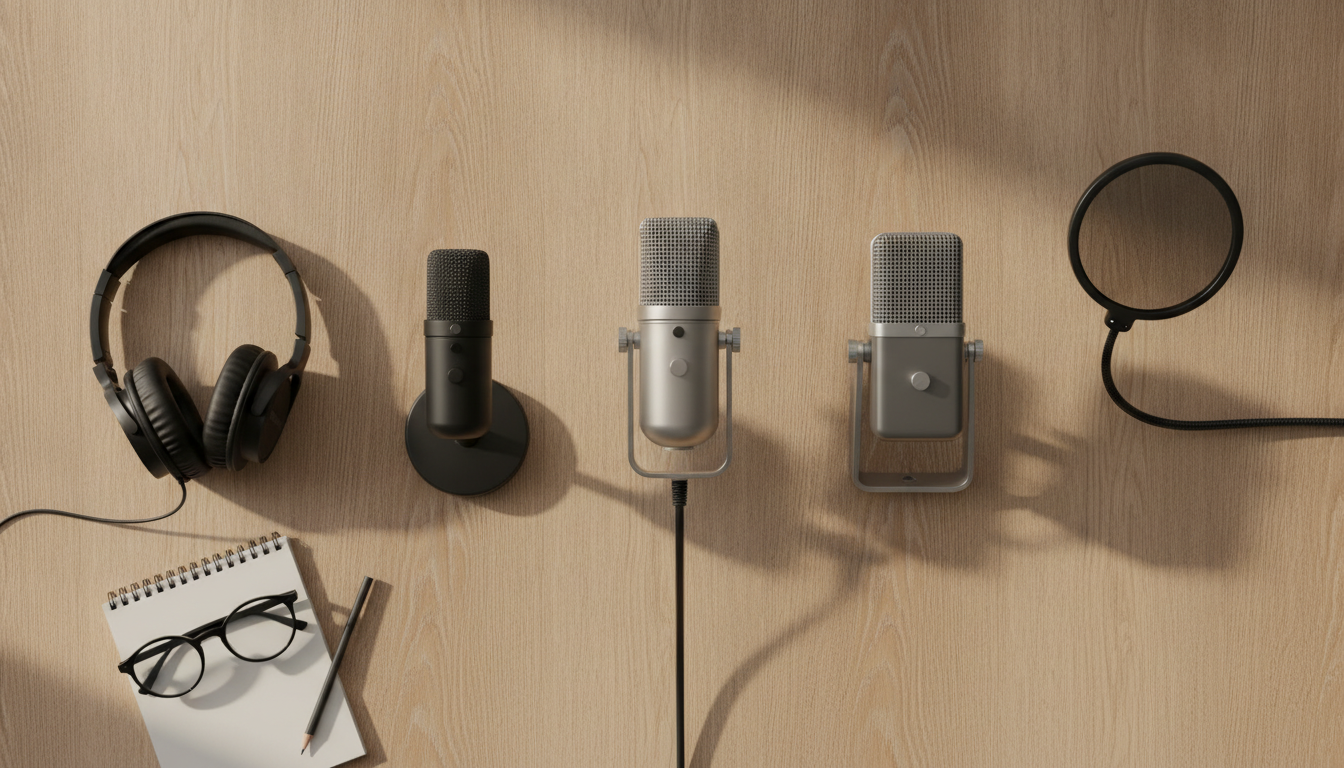
There is no “best” microphone in absolute terms. There is the right microphone for your budget and situation.
If you want the smallest investment possible to test the format: the Maono AU-PM461TR delivers the basics for around R$ 250 to R$ 380. It’s good to validate whether the podcast will take off before spending more.
If you have between R$ 400 and R$ 600 and think long-term: the Samson Q2U is the smartest choice for the flexibility to migrate to XLR in the future without changing the microphone.
If the budget reaches R$ 700 to R$ 950 and you want something robust with good community support: Blue Yeti or HyperX QuadCast S, preferably the Yeti if you don’t care about RGB lighting.
If you record in a noisy environment or without acoustic treatment and can invest over R$ 1,000: the Rode PodMic USB is the most justified jump due to the dynamic nature of the microphone and build quality.
What doesn’t make sense is to paralyze the decision waiting for the “perfect” equipment. Podcast is, first and foremost, content. A good microphone helps, but doesn’t replace a relevant topic and a voice that knows how to tell stories.