

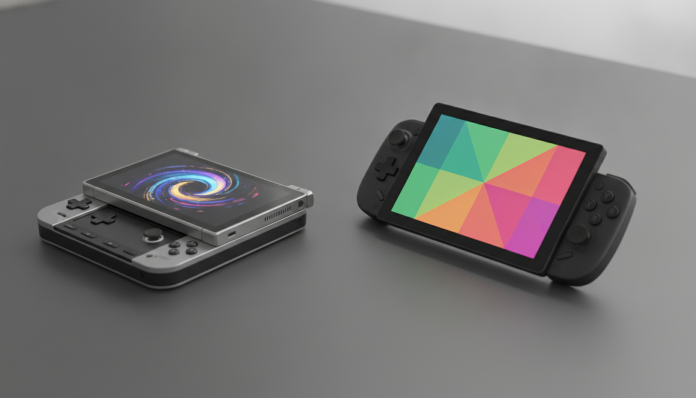

Nintendo Switch 2 versus Steam Deck OLED: what changes in practice and which makes more sense for you
Two portables, two completely different gaming philosophies, and a real dilemma for anyone who wants to spend between R$ 3,000 and R$ 5,000 on a console that will come out of your bag every day. The Nintendo Switch 2 arrived in 2025 as the direct evolution of the best-selling hybrid console in history, bringing more powerful hardware and a proprietary library that no other manufacturer can replicate. The Steam Deck OLED, launched by Valve at the end of 2023, remains strong in 2026 as the alternative for those who want to play their PC catalog in a portable format, with a screen that puts many cheap televisions to shame.
The selection criterion here is not which has the most impressive hardware on paper. It’s which fits better with your lifestyle, your gaming history, and in the Brazilian context, how much you’re willing to pay to bring the device to the country. The short answer: if you play Nintendo titles or want the most polished and integrated experience possible, Switch 2 is the obvious choice. If you have a considerable Steam library and prefer software flexibility, Steam Deck OLED delivers value that’s hard to ignore.
Comparative tech specs
| Specification | Nintendo Switch 2 | Steam Deck OLED |
|---|---|---|
| Processor | Custom NVIDIA CPU/GPU (ARM) | AMD APU Zen 2 + RDNA 2 |
| RAM | 12 GB LPDDR5 | 16 GB LPDDR5 |
| Storage | 256 GB UFS (expandable via microSD Express) | 512 GB or 1 TB NVMe |
| Display | 7.9 in. LCD 1080p, 120 Hz | 7.4 in. OLED 800p, 90 Hz |
| Battery | Approx. 2 to 6.5 hours (per Nintendo) | Approx. 3 to 12 hours (per Valve) |
| Weight | Approx. 568 g (with Joy-Con 2) | 640 g |
| Connectivity | Wi-Fi 6, Bluetooth 5.3, USB-C, UHS-II reader | Wi-Fi 6E, Bluetooth 5.3, USB-C, UHS-I reader |
| Operating System | Nintendo Switch OS (proprietary) | SteamOS 3 (Linux) |
| Launch Price (USA) | US$ 449.99 | US$ 549.99 (1 TB) |
| Availability in Brazil | Official Nintendo Brazil store and retailers | Import only (no official sale in Brazil) |
National prices vary according to exchange rate, taxes, and point of sale. Always consult the official spec sheet from each manufacturer to confirm specifications.
Gaming performance: raw power versus optimization
The Switch 2 uses a custom NVIDIA chip based on ARM architecture, similar to what the manufacturer uses in modern embedded devices. Nintendo has not officially disclosed clock speeds, but the company’s proposition has always been the same: very tight optimization between hardware and software. First-party games like Mario Kart World and The Legend of Zelda run under conditions controlled by both the developer and manufacturer simultaneously, resulting in a seamless experience. It’s like comparing a car engine specifically designed for a specific chassis versus a generic engine adapted.
The Steam Deck OLED uses the AMD Van Gogh APU, which combines Zen 2 CPU and RDNA 2 GPU. It’s not the most modern hardware available, but Valve invested heavily in SteamOS and Proton compatibility tools (translation layer that allows running Windows games on Linux). In practice, this means much of the Steam catalog works, but the word “much” hides variations: some titles run perfectly, others require manual tweaks to resolution and frame rate, and some simply don’t work. ProtonDB, maintained by the community, is the most reliable reference for checking compatibility before purchase.
In AAA titles from 2025 and 2026, the Steam Deck OLED typically delivers between 30 and 60 frames per second on medium or low settings, depending on the game. Switch 2 plays in another field: native titles are developed to run well on that specific hardware, without the variability that comes with the PC ecosystem’s open nature.
Screen and visual quality in everyday use
The Switch 2’s screen is a 7.9-inch IPS LCD with Full HD resolution (1080×1920 pixels) and 120 Hz refresh rate. It’s a large, sharp screen with good color reproduction for an LCD. In handheld mode, 120 Hz makes a real difference in action and competitive games.
The Steam Deck OLED, as the name suggests, uses a 7.4-inch OLED panel with 1280×800 pixel resolution. OLED (Organic Light Emitting Diode) is technology where each pixel emits its own light and can be individually turned off, resulting in true black and much higher contrast than any LCD. For those who game in low-light environments or appreciate high-contrast images, the difference is visible and for some, decisive. The slightly lower resolution (800p versus 1080p on Switch 2) is rarely noticed on a 7-inch screen at normal viewing distance.
If you’ll mainly play docked to a TV, Switch 2 takes the lead: the official dock (included) supports 4K video output on some games and 1080p on most. Steam Deck can be connected via USB-C or external dock, but SteamOS in TV mode is still a less integrated experience than Switch’s TV mode.
Battery, ergonomics, and real-world use away from home
The Switch 2 battery has an approximate capacity of 5,220 mAh, according to information released by Nintendo. Battery life varies greatly depending on the game and screen brightness: heavier titles drain faster, and the 2 to 6.5 hour range cited by the manufacturer reflects this variation.
The Steam Deck OLED has a 50 Wh (watt-hour) battery, which is a more precise unit of stored energy. Valve claims 3 to 12 hours of battery life depending on usage. Less demanding games, like 2D indie titles, land on the higher end of the range; heavy AAA titles consume more. In practice, users report between 2 and 5 hours on high graphical demand games.
In terms of ergonomics, the Switch 2 with Joy-Con 2 is lighter (about 568 g) and has the compact form factor that previous generation users already know. Steam Deck weighs 640 g and has a wider body, which for some people results in fatigue during long gaming sessions. For airplane travel or public transit use, Switch 2 is noticeably more practical to store and pull out of a backpack.
Software, games, and ecosystem: where the choice becomes personal
This is the point that probably already defines your decision before any hardware comparison. Switch 2 runs Nintendo exclusives: Donkey Kong Bonanza, the next Pokémon, Mario, Zelda, and everything the company will launch over the coming years. These games don’t come to PC, PlayStation, or Xbox. If you grew up with these franchises or have kids who love them, there’s no alternative.
Steam Deck accesses your existing Steam account library. If you have hundreds of games purchased over the years, much of it can be played portably at no additional cost. The platform also allows installing other stores like Epic Games Store or GOG, and even emulators, which significantly expands possibilities for those who understand how to configure each of these environments.
An important detail for those thinking of the two devices as complementary: Steam Deck doesn’t directly compete with Switch 2 in ecosystem. They don’t overlap in catalog. Many people have both.
Brazilian context: import, warranty, and real prices
The Nintendo Switch 2 has official sales in Brazil, with Anatel approval and one-year warranty from Nintendo Brazil. Retailers like Amazon Brasil, Magazine Luiza, and specialized stores sell the device. In 2026, the price practiced in Brazil is around R$ 3,500 to R$ 4,200 for the standard console, varying according to promotions and point of sale. Always confirm at the store before purchasing.
The Steam Deck OLED has no official sales in Brazil and has not gone through Anatel approval. To bring it to Brazil, you depend on direct import from the USA (where it’s sold by Valve starting at US$ 549.99 for the 512 GB model) or through intermediary importers. In addition to the product price, international shipping, import tax (which can reach 60% of the product plus shipping value), and in many cases the Customs fee are factored in. The result is that an imported Steam Deck OLED can cost between R$ 4,000 and R$ 6,000 depending on the channel. Without official sales, warranty is handled by returning the device to the seller abroad, making any repair an expensive and time-consuming process.
If financial and logistical issues are important to you, and they almost always are, Switch 2 has a clear advantage in the national context. Those interested in the debate between portables and hybrid devices will recognize a pattern similar to what we discussed in tablet for work in 2026: is it worth replacing your notebook?: convenience and integration usually win in daily use.
Frequently asked questions about Nintendo Switch 2 and Steam Deck OLED
Is Switch 2 compatible with original Switch games?
According to Nintendo, most original Switch games are compatible with Switch 2, but the company confirmed that some titles may not work. Check the official compatibility list on Nintendo’s website before assuming your old catalog works fully.
Can Steam Deck OLED run Xbox Game Pass games?
Microsoft launched an Xbox Cloud Gaming streaming app for Linux in 2024, which allows you to play Game Pass titles via streaming on Steam Deck, as long as you have stable internet connection. Native Xbox games don’t run locally on the device.
Can I connect Switch 2 or Steam Deck OLED to a TV?
Yes, both allow TV connection. Switch 2 uses the official dock (included in the package) and supports video output up to 4K on compatible titles. Steam Deck requires a dock or USB-C cable with DisplayPort Alt Mode support for video output, sold separately.
Which is better for playing with children?
Nintendo Switch 2 has integrated parental controls via app, a catalog of games rated for all ages, and more familiar ergonomics. For use with children, it’s the more indicated choice. Steam Deck requires manual configuration to restrict access to content, which requires more attention from guardians.
Which to choose based on your profile
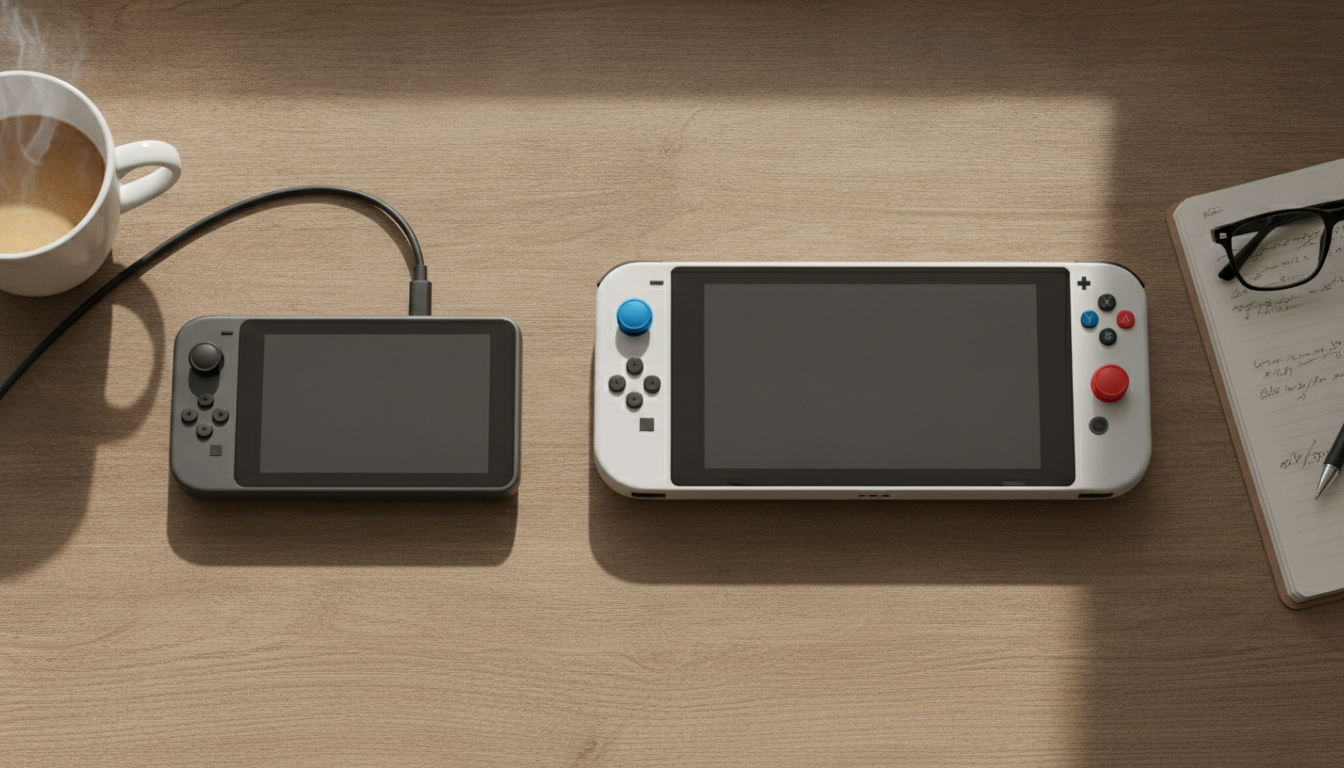
Nintendo Switch 2 is for you if you want Nintendo exclusives, value an integrated and frictionless experience, will use the console with family or kids, or prefer to have official support and warranty in Brazil without the hassle of importing. It’s also the most practical choice in terms of physical portability.
Steam Deck OLED makes sense if you have a large Steam library you want to enjoy portably, don’t mind the possibility of configuring games individually, and are willing to face importing with all it implies in cost and risk. The OLED screen is genuinely superior for those who prioritize image quality above all else.
The two can coexist on the same shelf, and for many enthusiasts this is exactly the ideal setup. But if you have to choose one, define first: “I want to play Nintendo games” or “I want to play my Steam library portably”. That answer already solves the dilemma before any specification comparison.
Price range:
- Nintendo Switch 2 in Brazil: approximately R$ 3,500 to R$ 4,200 (prices subject to variation)
- Imported Steam Deck OLED: approximately R$ 4,000 to R$ 6,000 depending on channel and exchange rate
Recommended for Switch 2: families, Nintendo franchise fans, those who prioritize convenience and national support Recommended for Steam Deck OLED: players with consolidated Steam library, Linux and customization enthusiasts, those who make screen quality the absolute priority