


Where to start a smart home without spending much
Setting up a smart home seems like something for a decorator’s apartment or for people with money to burn. In practice, you can start with less than R$ 500 and feel a real difference in your daily life. The key is choosing your first devices well, understanding how they communicate, and avoiding products that don’t work together.
This guide was designed for someone starting from zero: you’ve never installed a smart bulb, don’t know what a hub is, and got confused by all the acronyms on product boxes. You’ll leave here knowing exactly what to buy first, why that order matters, and what to avoid so you don’t waste money.
Short answer: with R$ 500 you won’t build an apartment from the future, but you can set up a solid foundation that grows over time. The secret is starting with the right ecosystem and devices that solve real problems.
What is an ecosystem and why it decides everything
Before looking at any product, you need to understand one concept: an ecosystem is the set of brands, apps, and protocols that work together. Think of it like travel outlets: if you buy a US device and try to use it in a European outlet, it doesn’t fit. It’s similar with smart homes.
The three most prevalent ecosystems in Brazil in 2026 are Amazon Alexa, Google Home, and Apple HomeKit. Each has a voice assistant, a central app, and a list of compatible products. There’s also Matter, an open protocol launched in 2022 that allows devices from different ecosystems to communicate. Many new products already support Matter, reducing the risk of being locked into a single brand.
Practical tip: choose an ecosystem based on the phone you already use. If it’s Android, Google Home tends to be smoother. If it’s iPhone, HomeKit makes more sense. If you already have an Echo Dot or Echo Pop at home, Alexa is the natural path. Don’t mix ecosystems at first, because the experience becomes fragmented and frustrating.
The protocols on the boxes: Wi-Fi, Zigbee, and Matter
When you look at a smart product’s packaging, you’ll find terms like Wi-Fi, Zigbee, Bluetooth, and Matter. Understanding the difference prevents regret.
- Wi-Fi: connects directly to your home router without extra equipment. It’s the simplest to set up, but can overload networks with many devices and usually consumes more energy.
- Zigbee: low-power protocol that creates its own network between devices, like a web. It requires a hub (a central device) to work. It’s more stable for many devices, but requires this initial investment.
- Matter: open standard that runs on Wi-Fi or Thread (another protocol). Products with Matter work with Alexa, Google Home, and HomeKit at the same time. Check the technical sheet to see if the product is Matter 1.0 or a later version.
For a kit under R$ 500, the simplest approach is to start with Wi-Fi devices, which don’t need a hub. As the kit grows, Zigbee can pay off.
Suggested kit: what to buy with R$ 500
The assembly below was designed to have the greatest impact with the least investment. Prices are approximations for the Brazilian market in 2026 and vary greatly between stores, promotions, and whether the product is imported or nationally distributed. Always check before buying.
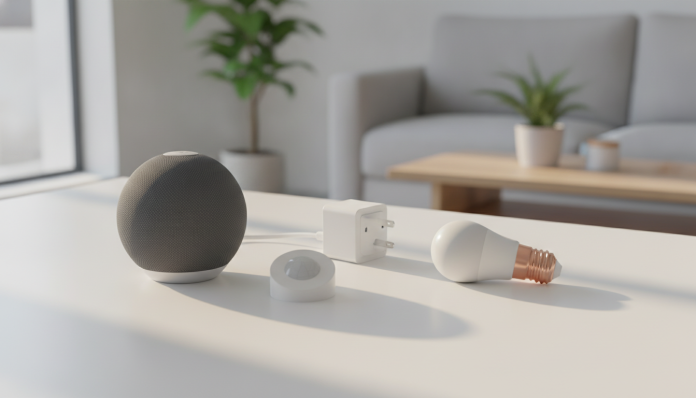
Smart bulb (1 or 2 units)
The smart bulb is the most popular entry item because installation is immediate: you swap the regular bulb for a smart one and configure it through the app. No wiring, no construction.
Brands with good presence in Brazil include Intelbras, Positivo Smart Home, and Multilaser. Products from these brands have Anatel homologation, which is important: it means the product passed technical analysis to work on the frequency bands allowed in Brazil. Imported products without homologation can be seized by Federal Revenue and have no legal warranty.
Wi-Fi bulbs from these brands cost between R$ 60 and R$ 120 per unit, based on prices from major retailers. Look for models with color temperature adjustment support (warm white to cool white) and dimmer (intensity control) for more versatility.
- Price range: R$ 60 to R$ 120 per unit
- What to check in technical specifications: compatibility with Alexa or Google Home, equivalent power, adjustable color temperature
Smart outlet
The smart outlet is underestimated but very useful. You place it between the wall outlet and any regular device, turning a desk lamp, a fan, or even a coffee maker into devices controllable from your phone. Some models can also monitor energy consumption.
Brands like Intelbras, Positivo, and TP-Link (Tapo line) have smart outlets with Anatel homologation available in Brazil. The TP-Link Tapo line, for example, is nationally distributed and sold in physical stores like Americanas and Magazine Luiza.
- Price range: R$ 80 to R$ 150
- What to check: support for Matter or the ecosystem you chose, load capacity in amperes
Smart speaker with voice assistant
This is the item that ties everything together. A smart speaker with Alexa or Google Assistant works as the central voice control hub: you speak and it activates the bulbs, the outlet, and any other compatible device.
The Amazon Echo Pop and Amazon Echo Dot are the most common in Brazil, with prices around R$ 200 to R$ 300 depending on generation and promotions. The Google Nest Mini is the alternative for those who prefer the Google ecosystem. Both brands run frequent promotions on dates like Black Friday and Prime Day, when prices can drop significantly.
- Price range: R$ 200 to R$ 300
- What to check: device generation, if it includes a Brazilian outlet adapter (NBR 14136 standard)
Kit summary with budget
| Item | Estimated price range |
|---|---|
| 2 Wi-Fi smart bulbs | R$ 120 to R$ 240 |
| 1 smart outlet | R$ 80 to R$ 150 |
| 1 smart speaker | R$ 200 to R$ 300 |
| Estimated total | R$ 400 to R$ 690 |
As you can see, depending on the models chosen, it’s possible to stay under R$ 500 by prioritizing a single bulb at first, or taking advantage of speaker promotions. The kit doesn’t need to be bought all at once.
How to set everything up in less than an hour
Configuration follows a logical order. There’s no point trying to set up the bulb before you have the ecosystem app installed.
- Define the ecosystem (Alexa, Google Home, or HomeKit) and download the official app on your phone.
- Create an account or log in with your existing account (Google or Amazon).
- Install the smart bulb in the socket and turn on the physical switch. The switch needs to stay on for the bulb to receive remote commands.
- In the app, select “add device” and follow the setup wizard. You’ll need to connect the device to your home’s 2.4 GHz Wi-Fi network. Attention: most affordable smart devices don’t work on 5 GHz networks.
- Repeat the process for the smart outlet.
- Turn on the smart speaker and follow the app to connect it to the same account.
- Group devices by “rooms” within the app to make voice control easier. Example: “Alexa, turn off the bedroom light.”
- Create simple routines, like turning off all lights automatically at midnight.
The complete process takes an average of 30 to 45 minutes for someone doing it for the first time, according to reports on user forums like Reddit and Facebook groups focused on smart homes in Brazil.
Attention to imports and warranty
Buying imported devices without Anatel homologation may seem tempting for the price, especially on sites like AliExpress. The risk is real: the product can be held at customs, you pay import tax, and you’re still left without legal warranty in case of defect. The minimum 90-day warranty required by the Consumer Protection Code applies to products sold by suppliers operating in Brazil.
Products from Intelbras and Positivo Smart Home brands are manufactured or distributed locally and have technical support in Portuguese, which helps a lot in case of problems. The TP-Link Tapo line also has official technical assistance in Brazil.
Another point: devices using the Matter protocol tend to be safer in terms of longevity. If a brand shuts down its cloud server, Matter products can continue to work locally. This has already happened with smaller brands in the US market, and it’s a real risk here too.
Common problems and how to solve them
The bulb doesn’t appear in the app during setup. Check that your phone is connected to the 2.4 GHz Wi-Fi network during the process, not the 5 GHz one. Many modern routers have both networks with the same name, and the phone may automatically choose the wrong one.
The speaker doesn’t respond to voice commands to activate the bulb. Confirm that the devices are linked to the same account and the same “home” within the app. Devices on different accounts don’t communicate.
The smart outlet turns off by itself sometimes. It could be a weak Wi-Fi signal problem. Try moving the router closer or using a signal repeater. Smart devices are sensitive to network instabilities.
The phone heats up a lot when you leave the app open during setup. This is common in processes that use Bluetooth and Wi-Fi simultaneously for extended periods. You can read more about causes of cell phone heating in the article Cell phone heating while charging: how to solve the problem, which covers the main causes and solutions.
Frequently asked questions about smart home kits
Do I need internet to use the devices after they’re set up?
It depends on the device. Most affordable Wi-Fi products need internet to work because control goes through the manufacturer’s cloud servers. Some models with Matter support local control, without internet, but you should check this in the technical sheet before buying.
Can I mix different brands in the same kit?
Yes, as long as they all support the same ecosystem (Alexa, Google Home, or HomeKit) or the Matter protocol. An Intelbras bulb and a Positivo outlet work together in Google Home without any problem, for example. What doesn’t work well is mixing different apps and ecosystems without a central control point.
Is it worth buying a ready-made kit from one brand?
Ready-made kits are usually cheaper per unit and guarantee compatibility between items. Brands like Positivo Smart Home sell starter kits in Brazil. The disadvantage is that you’re more locked into the brand’s proprietary ecosystem, with less flexibility to add products from other companies later.
Does this kit work in apartments with condo Wi-Fi?
Most of the time, no. Condo networks usually have security settings that block communication between devices. The ideal is to have your own router in the apartment, connected to the condo’s fiber or network point. This personal router creates a private network where smart devices work normally.
Where to grow after the first R$ 500
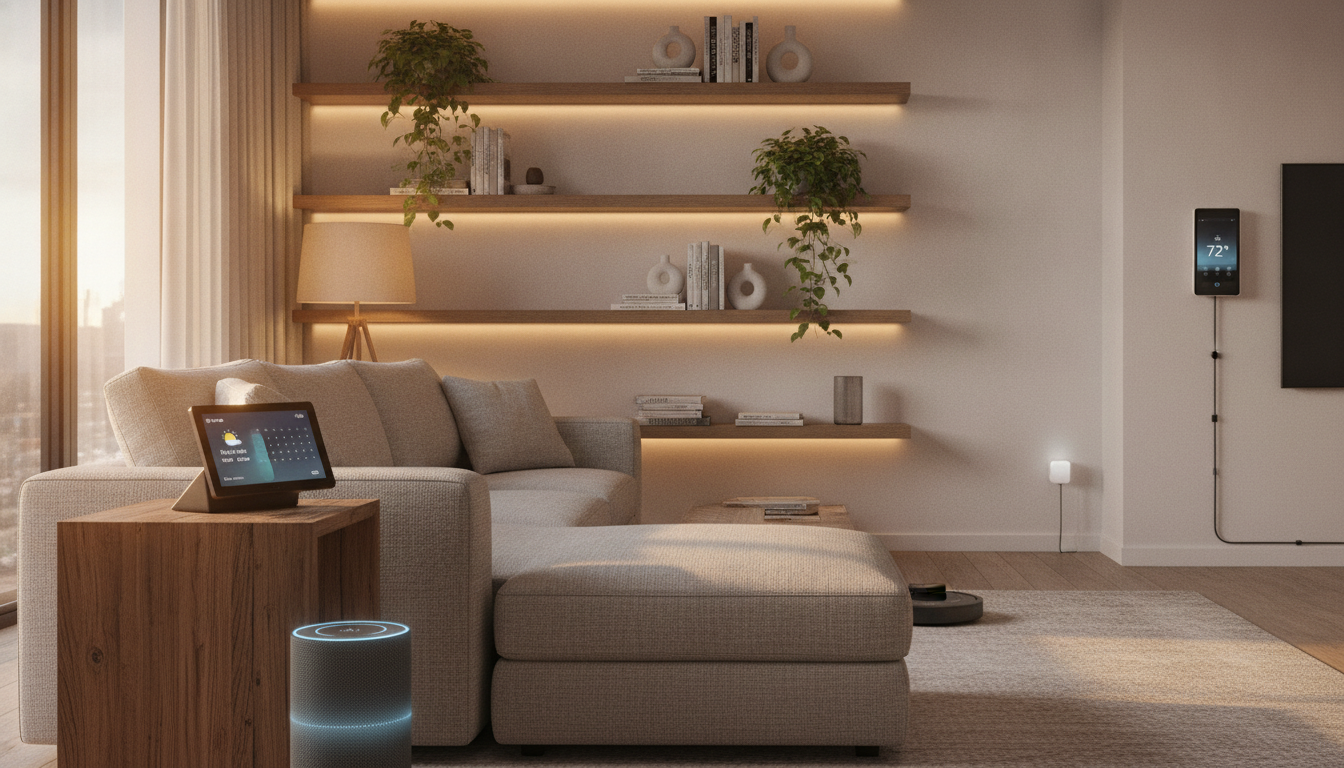
Once the basic kit is working, the natural next step is adding a smart camera for external or internal monitoring. Brands like Intelbras and TP-Link Tapo have models with Alexa and Google Home support between R$ 150 and R$ 300.
Then a door or window opening sensor adds a layer of security for less than R$ 80 and can send alerts to your phone or automatically activate a light. Motion sensors follow the same logic.
The important thing is that each new device adds to what you already have without needing to replace anything. That’s why choosing the right ecosystem at the start is so decisive. A well-planned kit today can grow for years without you needing to throw away what you’ve already bought.