

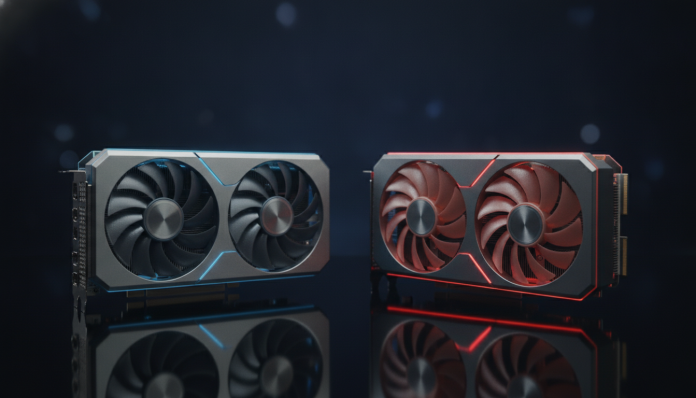

RTX 5070 vs RX 9070 XT: which GPU offers better value?
If you’re building or upgrading a gaming PC in 2026 with an upper-mid-range budget, you’ve probably come across these two names: Nvidia’s GeForce RTX 5070 and AMD’s Radeon RX 9070 XT. Both were launched in early 2025 and arrived in the Brazilian market throughout that year, positioned directly against each other in the same price range. The choice between them isn’t obvious and will depend on what you prioritize: feature ecosystem, energy efficiency, support for specific technologies, or simply the best frame-per-dollar value.
The short answer: if you want the most complete ecosystem with superior ray tracing and DLSS 4, the RTX 5070 delivers more software features. If you want pure rasterization, energy efficiency, and very competitive performance at a potentially lower price, the RX 9070 XT is one of AMD’s best offerings in years. Neither is wrong, but they serve different user profiles.
Comparative spec sheet
| Specification | RTX 5070 | RX 9070 XT |
|---|---|---|
| Architecture | Blackwell (GB205) | RDNA 4 (Navi 48) |
| Manufacturing process | 4nm TSMC | 4nm TSMC |
| Shaders / Stream Processors | 6,144 CUDA Cores | 4,096 Stream Processors |
| Memory | 12 GB GDDR7 | 16 GB GDDR6 |
| Memory bus | 192-bit | 256-bit |
| Memory bandwidth | Approx. 672 GB/s | Approx. 640 GB/s |
| TDP (power consumption) | 150 W | 304 W |
| Video outputs | 3x DisplayPort 2.1, 1x HDMI 2.1 | 2x DisplayPort 2.1, 2x HDMI 2.1 |
| Dedicated ray tracing | Yes (5th generation) | Yes (2nd generation RDNA) |
| Primary upscaling | DLSS 4 (with Multi Frame Generation) | FSR 4 |
| Launch price (USA) | US$ 549 | US$ 549 |
| Price range in Brazil (2026) | R$ 4,500 to R$ 5,500 (varies by retailer) | R$ 3,800 to R$ 5,000 (varies by retailer) |
Prices subject to exchange rate fluctuations, inventory availability, and retailer variations. Always check the manufacturer’s spec sheet and national resellers before purchasing.
Architecture and memory: where each shines
The first thing that stands out in the table is power consumption: the RTX 5070 has a declared TDP of approximately 150 W, while the RX 9070 XT reaches 304 W. This doesn’t mean AMD is wasting energy; it means the two companies arrived at different design philosophies. Nvidia compressed more work per watt with the Blackwell architecture, while AMD bet on a larger chip with more transistors, extracting raw performance at a higher energy cost.
For you, this translates into two practical scenarios. If your case has ventilation limitations or you want a smaller power supply, the RTX 5070 is more friendly. If you already have an 850 W or larger power supply and good airflow, the RX 9070 XT leverages that headroom better to compete with cards in a higher category.
The memory difference is also relevant. The RTX 5070 brings 12 GB of GDDR7, which is faster per module. The RX 9070 XT responds with 16 GB of GDDR6 on a 256-bit bus, guaranteeing more total capacity, especially useful at 4K resolutions with high-quality textures or content creation workloads. In modern games from 2025 and 2026, some AAA titles already demand more than 12 GB in ultra settings at 4K, so this difference starts to appear in extreme cases. If you primarily play at 1440p, the RTX 5070’s 12 GB will rarely limit you.
Gaming performance: rasterization, ray tracing, and upscaling
In pure rasterization, the traditional way of rendering images in games (without physics-based lighting calculation), benchmarks available throughout 2025 placed both GPUs at nearly equal levels. According to data published by international outlets like Digital Foundry and Tom’s Hardware based on third-party testing, the RX 9070 XT frequently outperforms or ties with the RTX 5070 at 1440p and 4K in titles that don’t use heavy ray tracing. This is a game-changer for AMD, which historically lagged in this price range.
When it comes to ray tracing (a technique that simulates the physical behavior of light in real-time, resulting in more realistic reflections and shadows), Nvidia maintains a clear advantage. The RTX 5070 uses the fifth generation of dedicated RT cores, and the difference is noticeable in titles like Cyberpunk 2077 with Path Tracing enabled or Alan Wake 2. AMD has evolved considerably with RDNA 4, but still falls several steps behind Nvidia in heavy RT workloads. If ray tracing is a priority for you, the RTX 5070 is the natural choice.
Upscaling deserves its own paragraph. DLSS 4, with Multi Frame Generation (AI technology that generates multiple intermediate frames, increasing perceived framerate), is a real differentiator for Nvidia without a direct equivalent in AMD. AMD’s FSR 4 has improved considerably in image quality compared to previous versions and has the advantage of working on virtually any GPU, but DLSS 4 still delivers superior results in compatible games. If you use high refresh rate monitors (165 Hz or higher) and want to extract maximum frames, the RTX 5070 has an edge.
Content creation, AI, and professional use
Outside of gaming, the RTX 5070 has a structural advantage for those using the PC for creative work. Nvidia’s CUDA ecosystem is supported by far more professional software, such as DaVinci Resolve, Blender, Adobe Premiere, and local generative AI tools. Applications that accelerate tasks by GPU tend to be optimized first for CUDA, and that remains true in 2026.
AMD has improved support via ROCm (its open computing platform), but adoption is still more limited. For 3D rendering in Blender, for example, the RTX 5070 tends to be faster in scenes using OptiX (Nvidia’s ray tracing engine). For simple video editing or streaming, the difference is minimal, and both cards have efficient hardware encoders: Nvidia with NVENC and AMD with VCN.
If you’re a programmer or developer thinking of building a workstation that also games, it’s worth considering the whole picture: monitor, CPU, and even a support notebook. Speaking of which, if you also use a notebook for work outside home, it might be useful to check which notebook to choose for programming up to R$ 5,000 in 2026 to complement your setup without breaking the budget.
Availability in Brazil and purchasing considerations
Both cards arrived in the Brazilian market throughout 2025 through partner manufacturers like Asus, MSI, Gigabyte, PowerColor, and Sapphire. In 2026, availability is already normalized at most major national retailers like Kabum, Pichau, and Terabyte Shop.
An important point: GPUs sold in Brazil by authorized resellers generally have local warranty of one to two years, depending on the partner manufacturer. Purchases via importation (such as on American sites) can complicate the warranty process, as you would need to cover international shipping in case of defect. Anatel homologation is mandatory for equipment that emits radiofrequency in the country, but GPUs don’t fall directly under this requirement, so this isn’t a problem in this case.
Watch the exchange rate: since both were launched at US$ 549 in the USA, any variation in the dollar directly impacts prices in reais. The RX 9070 XT has appeared with slightly more aggressive national promotional prices, which can reinforce its value-for-money argument. Research at least three stores before buying and verify that the product has a national invoice.
Frequently asked questions about RTX 5070 and RX 9070 XT
Is the RX 9070 XT really better than the RTX 5070 in rasterization?
According to analyses published by outlets like Digital Foundry and Hardware Unboxed throughout 2025, the RX 9070 XT competes very well and frequently ties or outperforms the RTX 5070 in games that don’t rely on heavy ray tracing, especially at 1440p. In ray tracing and the DLSS ecosystem, Nvidia has the advantage. Before deciding, check benchmarks in the specific titles you play.
Is it worth buying an RTX 5070 or RX 9070 XT for 1080p gaming?
Both cards are oversized for 1080p in 2026, unless you have a 360 Hz or higher monitor and want to extract extremely high framerates in competitive games. For 1080p at high refresh rates, a previous-generation GPU would likely deliver sufficient performance for less money. These GPUs are more justified at 1440p and 4K.
Is AMD’s FSR 4 comparable to DLSS 4?
FSR 4 represents a significant leap in quality over FSR 3, according to AMD itself and publicly available image analyses. However, Nvidia’s DLSS 4 is still considered superior in image quality by most technical outlets that compared the two. The advantage of FSR 4 is working on GPUs from other manufacturers; DLSS 4’s advantage is Multi Frame Generation, which has no direct parallel in AMD’s ecosystem.
What power supply do I need for each?
Nvidia recommends a power supply of at least 650 W for the RTX 5070. For the RX 9070 XT, with TDP above 300 W, an 850 W power supply is the recommended minimum, and 1,000 W provides more safety margin. Always consult the official recommendations from the manufacturers and your specific model’s partner manufacturer.
Which to choose: recommendations by profile
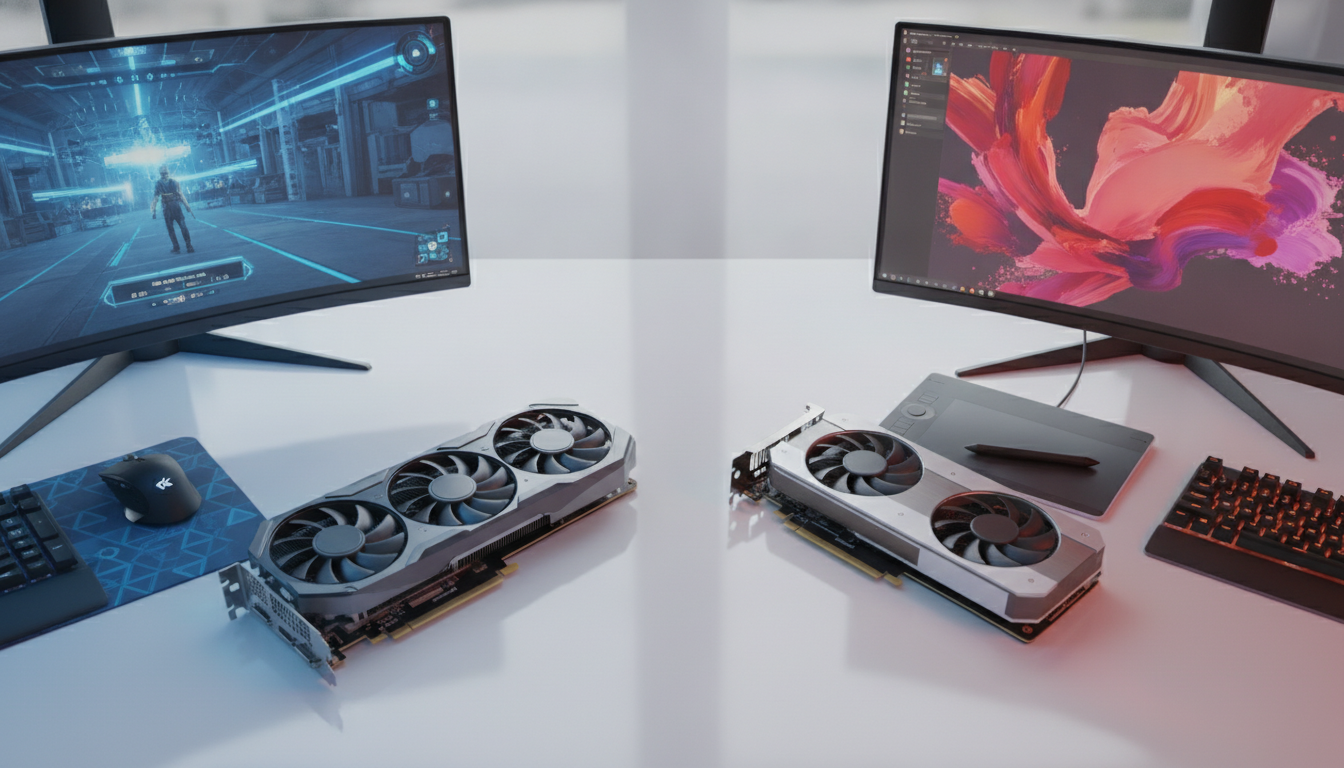
The decision between the two GPUs depends less on which is “the best” in absolute terms and more on what you expect from your PC.
Choose the RTX 5070 if:
- Ray tracing and DLSS 4 are priorities in the games you play
- You use creative software that depends on CUDA (Blender, DaVinci, Premiere)
- Your power supply is up to 750 W and you don’t want to upgrade
- You want the most complete Nvidia ecosystem, including Nvidia App and local AI features
Choose the RX 9070 XT if:
- Pure rasterization is the focus and you don’t use ray tracing frequently
- You want more VRAM (16 GB) for 4K gaming with heavy textures or high-resolution content creation
- You found the card at a significantly lower price than the RTX 5070
- You have a robust power supply and aren’t concerned about power consumption
For most gamers prioritizing 1440p without ray tracing and wanting the best possible value for money, the RX 9070 XT is the smarter buy in 2026. For those wanting the complete ecosystem, using creative tools, or playing ray-tracing-intensive titles, the RTX 5070 justifies the investment. Both are excellent GPUs; the mistake would be buying either without considering what really matters for your use case.