

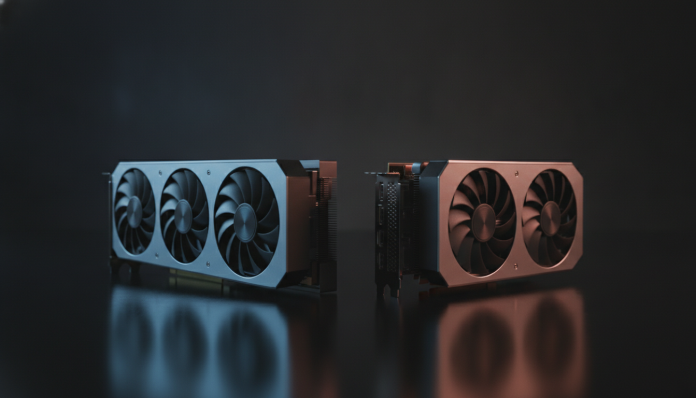

RTX 5070 and RX 9070 XT: what sets the two cards apart when making a decision
Two video cards with similar prices, different manufacturers and proposals that diverge more than they appear at first glance. The RTX 5070, from NVIDIA, and the RX 9070 XT, from AMD, compete for the same budget in 2026 and are, for most Brazilian gamers who want high-level performance without entering the absurd territory of top-of-the-line cards, the most discussed choices of the year. The question that remains is simple: which one makes more sense for your case?
The short answer is: it depends very much on how you use your PC. The RX 9070 XT delivers rasterization (the traditional process of rendering images in games, without ray tracing effects) that is extremely competitive, with lower cost in most Brazilian channels. The RTX 5070 has clear advantages in ray tracing and in the ecosystem of NVIDIA exclusive technologies, especially DLSS 4 with AI-powered frame generation. For those who play modern titles with ray tracing enabled or use the PC professionally for content creation, NVIDIA delivers something that AMD still doesn’t replicate. For those who want the best value for money in traditional games, AMD does well.
Below, you’ll find a detailed comparison by criterion, with official specifications from manufacturers, context of prices in Brazil and a clear recommendation by profile at the end.
Technical specifications: RTX 5070 vs RX 9070 XT
| Specification | RTX 5070 | RX 9070 XT |
|---|---|---|
| Manufacturer | NVIDIA | AMD |
| Architecture | Blackwell (GB205) | RDNA 4 (Navi 48) |
| Shaders / Stream Processors | 6,144 CUDA Cores | 4,096 Stream Processors |
| Boost Clock (official) | ~2.51 GHz | ~2.97 GHz |
| Memory | 12 GB GDDR7 | 16 GB GDDR6 |
| Memory Bus | 192 bits | 256 bits |
| Memory Bandwidth | ~672 GB/s | ~640 GB/s |
| TDP (power consumption) | ~150 W | ~304 W |
| Power Connector | 1x 16-pin (PCIe 5.0) | 2x 8-pin (standard) |
| Ray Tracing | RT Cores 4th Generation | Ray Accelerators RDNA 4 |
| AI Upscaling | DLSS 4 (Multi Frame Gen) | FSR 4 |
| Launch Price (USA) | US$ 549 | US$ 549 |
Two important notes about this table. First, the RTX 5070’s 192-bit bus is smaller than its competitor’s, but GDDR7 memory technology partially compensates in bandwidth. Second, 12 GB of VRAM (video memory) versus 16 GB is a real difference: in some very demanding games running at 4K with maximum textures, this ceiling can appear sooner on NVIDIA’s card. Check the technical specifications of the specific game you want to run before deciding.
Gaming performance: rasterization and everyday gaming
In pure rasterization, which represents the overwhelming majority of games that people actually play, the RX 9070 XT delivers performance very close to the RTX 5070 and, in several titles, beats the competition. According to public data released by AMD at the launch of the RDNA 4 architecture, the card was positioned to compete directly with the RTX 5070 in rasterization performance at 1440p and 4K.
What does this mean in practice? If you mainly play titles like Counter-Strike 2, Valorant, FIFA or open-world games without ray tracing enabled, the difference between the two cards will be small in most situations. At 1440p with maximum settings, both deliver very comfortable framerates (frames per second) in these scenarios. The choice for raw performance in this usage profile leans toward AMD, especially considering the price difference that occurs in the Brazilian market, where the RX 9070 XT has come in cheaper depending on the purchase channel.
The gap opens when the topic is ray tracing, a technology that simulates the physical behavior of light in real time, producing reflections, shadows and much more realistic lighting. NVIDIA maintains a historical advantage in this area, and the Blackwell generation is no exception. The RX 9070 XT improved ray tracing significantly compared to previous AMD generations, but the RTX 5070 still delivers more performance in these scenarios, according to comparisons published by international outlets like Digital Foundry and Tom’s Hardware. If you play Cyberpunk 2077 with full ray tracing or Alan Wake 2 in maximum visual quality mode, NVIDIA is the safer choice.
AI and upscaling: DLSS 4 vs FSR 4
Upscaling is a technology that renders the game at lower resolution and uses algorithms to enlarge the image, maintaining visual quality and gaining significantly in performance. It’s one of the most important features for any modern graphics card.
DLSS 4, from NVIDIA, uses artificial intelligence running on the Tensor Cores (processors dedicated to AI tasks within the GPU) of the Blackwell architecture. The most relevant novelty is Multi Frame Generation: instead of generating one intermediate frame per rendered frame (as in DLSS 3), DLSS 4 can generate up to three frames per real frame, drastically multiplying the displayed FPS. It’s an impressive technology in terms of perceived fluidity, but it generates debates about latency and frame authenticity. For competitive titles where every millisecond counts, it’s worth studying whether the mode makes sense for you; for cinematic single-player experiences, the visual result is very positive, according to user reports and analysis from specialized outlets.
FSR 4 (FidelityFX Super Resolution 4), from AMD, arrived with a significant quality jump compared to FSR 3. AMD claims that FSR 4 uses machine learning models, moving closer to DLSS in terms of image quality. An important FSR advantage is that it works on any GPU, including NVIDIA cards. But the more advanced modes, especially FSR 4’s Frame Generation, work only on AMD RDNA 4 hardware.
For those who use heavy upscaling as part of their gaming workflow, NVIDIA still has a technical advantage, especially in edge stability and fine details. For those who prefer to play without upscaling or in situations where FSR is already sufficient, the difference ceases to be decisive.
Ecosystem and exclusive features
NVIDIA has decades of advantage in ecosystem building. CUDA, the company’s parallel computing platform, is used by professional software for video editing, 3D modeling, machine learning and data science. If you use DaVinci Resolve, Adobe Premiere, Blender or generative AI tools on your PC, the RTX 5070 delivers acceleration that the RX 9070 XT simply doesn’t replicate in the same way.
AMD, on the other hand, bets on ROCm as an open computing platform, but software support for this ecosystem is still more limited compared to CUDA. For exclusive gaming use, this doesn’t matter. For those who have a PC that serves both for gaming and for working with content creation or development, NVIDIA makes more sense.
Another relevant feature is NVIDIA Broadcast, a free tool that uses AI to remove microphone noise and webcam background in real time. For streamers or those who have frequent meetings, it’s a practical differentiator. AMD has AMD Noise Suppression for microphone, but NVIDIA’s set of tools is more complete.
Price and availability in Brazil
Both cards were launched in the USA with a suggested price of US$ 549. In Brazil, the scenario is very different. Video cards imported suffer from import duties, ICMS and other taxes that can make the product cost between two and three times the American launch value, depending on the purchase channel.
In 2026, models of both cards have appeared in Brazilian stores like Kabum, Pichau, Terabyte and Amazon Brasil, with significant price variations depending on the manufacturer partner (ASUS, Gigabyte, MSI, Sapphire, PowerColor). As a general rule, always check the price of the day before buying, as exchange rate fluctuations and stock availability greatly affect the final value.
An important point: when buying from authorized national resellers, you have local warranty and don’t face the problem of bringing the product from abroad and dealing with technical support without Brazilian support. Before buying, verify that the product has Anatel homologation (mandatory for legal marketing in Brazil) and what the reseller’s warranty policy is. This especially applies to purchases on marketplaces with third-party sellers.
If you’re assembling a complete setup and looking to save on peripherals to invest more in the GPU, it’s worth checking out the guide to mechanical keyboard up to 300 reais to not spend more than necessary on accessories.
Power consumption and case compatibility
The TDP difference between the two cards is relevant. The RTX 5070 has a design power consumption around 150 W, a notably low number for a high-performance card. The RX 9070 XT has a TDP of approximately 304 W, requiring more from the power supply and potentially generating more heat inside the case.
In practice, this means that to assemble a PC with the RTX 5070, a 650 W to 750 W power supply is already sufficient with headroom. For the RX 9070 XT, especially combined with a high-power processor, an 850 W to 1000 W power supply is more recommended. This has an impact on the total cost of assembly if you don’t already have an adequate power supply.
The RTX 5070’s power connector uses the 16-pin PCIe 5.0 standard (the “12VHPWR” connector), which comes with an adapter in retail versions. The RX 9070 XT uses two 8-pin connectors, a traditional format present in any average current power supply. For those with an older PC and don’t want to buy a new power supply, AMD has an advantage in compatibility.
Frequently asked questions about RTX 5070 and RX 9070 XT
Does the RX 9070 XT really beat the RTX 5070 in performance?
In pure rasterization and in several 1440p titles, the RX 9070 XT delivers performance very close to or better than the RTX 5070, according to analysis from outlets like Tom’s Hardware and Gamers Nexus. In ray tracing and professional CUDA workloads, the RTX 5070 has a clear advantage. There’s no single answer: it depends on where and how you use the card.
Is 12 GB of VRAM on the RTX 5070 enough in 2026?
For most games at 1440p and even a good portion of 4K titles, yes. But some very demanding games with ultra textures can pressure this limit. If you plan to play at 4K with maximum settings on all new releases, the 16 GB of the RX 9070 XT gives you more safety margin. Check the memory requirements of the specific game you play the most.
Is it worth buying the RTX 5070 imported to save money?
The price difference can be tempting, but importing carries risks: no local warranty, no Anatel support and possibility of seizure at customs with tax charges. In many cases, the final cost of informal importation eliminates the savings. Prefer authorized channels with Brazilian invoice.
Does FSR 4 work on the RTX 5070?
FSR 4 in image quality mode works on GPUs from other manufacturers, but the more advanced Frame Generation features of FSR 4 are exclusive to AMD RDNA 4 hardware. Those who use RTX 5070 have access to DLSS 4, which includes the Multi Frame Generation exclusive to Blackwell GPUs.
Which card to buy: recommendation by profile
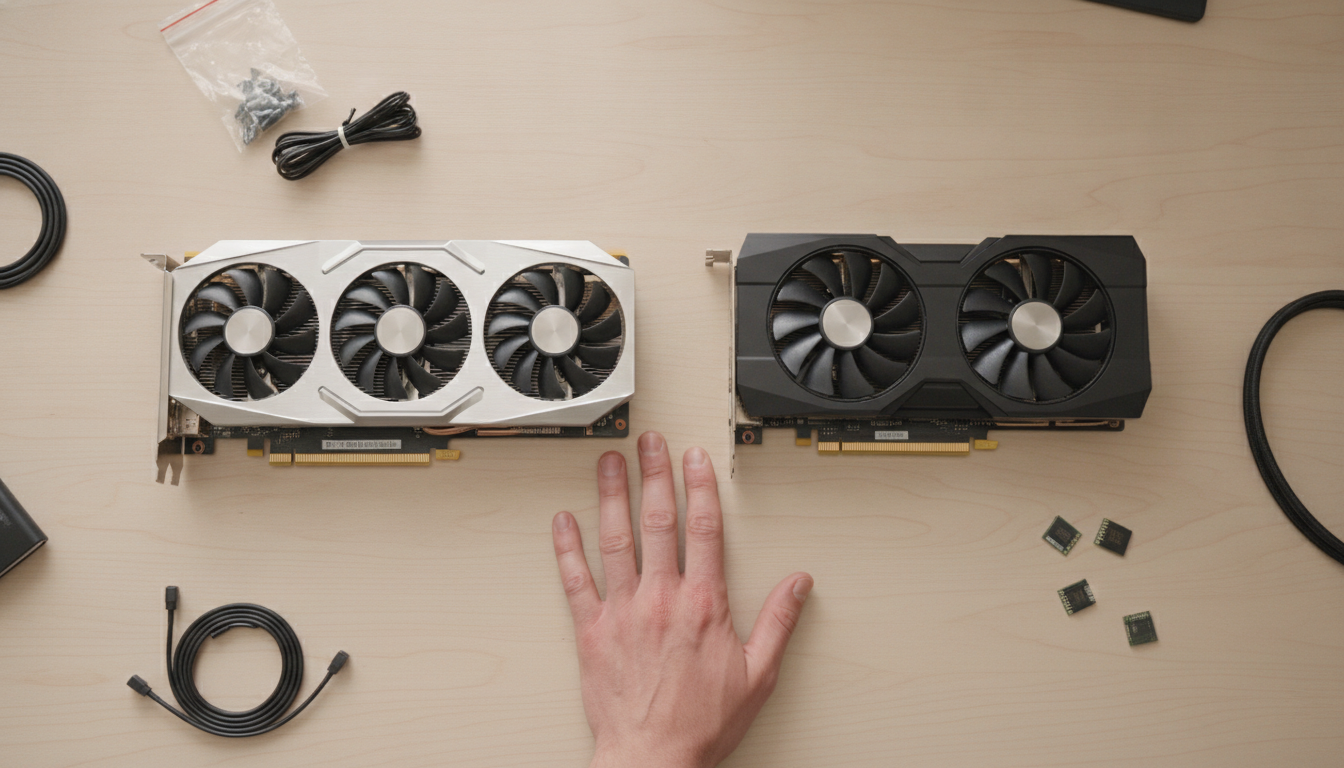
If you got this far wanting a straight answer, here it is.
Choose the RX 9070 XT if:
- You play most titles without ray tracing enabled
- You prefer to pay less for the card and invest the rest in other components
- You have a quality power supply with available 8-pin connectors
- You don’t use professional software that depends on CUDA
- You want more VRAM for future projects or very demanding 4K games
Choose the RTX 5070 if:
- You play titles with ray tracing enabled and want the best visual result
- You use software like DaVinci Resolve, Blender or AI tools that depend on CUDA
- You want to take advantage of DLSS 4 with Multi Frame Generation in compatible titles
- Lower power consumption is relevant for your power supply or case configuration
- Streaming is part of your use and you want NVIDIA’s AI tools
For a more in-depth analysis of the two cards with a focus on value for money, also check out the comparison RTX 5070 vs RX 9070 XT: which GPU is worth the money, which details additional usage scenarios.
In 2026, the quality level of both cards is high enough that the decision is more about ecosystem and priorities than absolute performance. Know what you value most in your setup and the money will go in the right place.