


What You Need to Play 1440p at 144 Hz Without Breaking the Bank
Building a gaming PC in 2026 with a budget of up to 7,000 BRL and still being able to run games in 1440p (Quad HD resolution, which has twice the pixels of Full HD) at 144 Hz (one hundred and forty-four frames per second, which makes movement much smoother) is possible, but requires smart choices. You won’t have the most powerful machine on the market, but you’ll have a configuration that delivers excellent image quality in most competitive titles and demanding releases with adjusted detail settings.
The secret here is understanding where each real makes the most difference. GPU and CPU concentrate the largest slice of the budget, and balancing the two without bottlenecks is what separates a coherent build from a waste. In this guide you’ll find real suggestions for components available in Brazil, approximate price ranges, and what to prioritize if the budget gets tight.
Comparison Table: Configurations by Range Within Budget
| Component | Balanced Build (~R$ 6,500) | Optimized Build (~R$ 7,000) |
|---|---|---|
| GPU | Radeon RX 7700 XT | GeForce RTX 4070 Super (base version) |
| CPU | Ryzen 5 7600X | Ryzen 5 7600X or Core i5-13600K |
| Motherboard | B650 (AMD) or B760 (Intel) | B650 (AMD) or B760 (Intel) |
| RAM | 32 GB DDR5 6000 MHz CL30 | 32 GB DDR5 6000 MHz CL30 |
| SSD | 1 TB NVMe PCIe 4.0 | 1 TB NVMe PCIe 4.0 |
| Cooler | Air cooler tower (ex.: DeepCool AK400) | Air cooler tower |
| Power Supply | 650 W 80 Plus Gold | 750 W 80 Plus Gold |
| Case | Mid-tower ATX with airflow | Mid-tower ATX with airflow |
Prices vary considerably depending on the store, promotions, and exchange rates. Always check current prices on marketplaces like Pichau, KaBuM, and Terabyte Shop before closing your purchase.
GPU: The Most Important Component for 1440p 144 Hz
The graphics card is the heart of any build aimed at high resolution and high refresh rates. At 1440p, you demand much more from the GPU than at Full HD, so there’s no point in economizing too much here and then stuttering in the games that matter most to you.
The RX 7700 XT, from AMD, ranges around R$ 2,800 to R$ 3,200 in Brazil in mid-2026, depending on the brand and store. According to AMD’s datasheet, it uses the RDNA 3 architecture with 12 GB of GDDR6 VRAM, which is sufficient video memory for 1440p without immediate concern about future titles. It supports FSR 3 (FidelityFX Super Resolution, AMD’s upscaling technology, which renders at a lower resolution and reconstructs the image to appear higher) and Fluid Motion Frames, which generate intermediate frames to increase perceived FPS.
The RTX 4070 Super from NVIDIA ranges around R$ 3,500 to R$ 4,000 in entry-level versions, and brings the advantage of DLSS 3.5 with Frame Generation, technology equivalent to AMD’s but with more efficient ray tracing according to NVIDIA’s official specifications. If you play titles that support DLSS and enable ray tracing, the qualitative difference is real. For those focused on competitive games without ray tracing, the RX 7700 XT delivers better value for money.
What to Check in the GPU Datasheet Before Buying
- Amount of VRAM: look for a minimum of 12 GB for 1440p with high texture
- Support for DisplayPort 1.4 or 2.1 (necessary for 1440p 144 Hz without signal compression)
- TDP consumption declared by the manufacturer, to size the power supply correctly
- Anatel certification: cards sold by official resellers in Brazil must have the seal; check before importing on your own
CPU and Motherboard: Don’t Fall into the Expensive Processor Trap
In gaming-focused builds, the processor is rarely the bottleneck if you choose something in the right range. A Ryzen 5 7600X or a Core i5-13600K (launched in 2022, but still widely available and with excellent value for money in 2026) fulfill the role without leaving the GPU waiting.
The Ryzen 5 7600X uses the AM5 platform, which has AMD support promised until at least 2027 according to official company statements, giving room to swap processors in the future without changing the motherboard. The i5-13600K uses Intel’s LGA1700 platform, which is already being replaced by newer series, so upgrade prospects are lower. Both range between R$ 900 and R$ 1,300 in Brazil depending on the version (with or without factory cooler, with or without iGPU).
For the motherboard, a B650 (for AMD) or B760 (for Intel) in the R$ 600 to R$ 900 range works well. It’s not worth paying for an X670 or Z790 if you don’t plan extreme overclocking. Check if the chosen motherboard supports the RAM speed you want to use, as some cheaper B650s have XMP/EXPO profile limitations (automatic memory overclocking profile).
RAM, SSD, and Power Supply: Where to Economize Intelligently
32 GB of DDR5 at 6000 MHz with CL30 latency is the ideal point for AM5 builds in 2026. Intel with B760 also accepts DDR5, but verify compatibility with the specific motherboard. Two 16 GB modules in dual channel (two modules working together, which increases memory bandwidth) are mandatory to not leave performance on the table. Expect to pay between R$ 400 and R$ 600 for a decent kit from brands like Kingston, Corsair, or G.Skill.
The NVMe PCIe 4.0 SSD with 1 TB handles loading modern games. Brands like Kingston KC3000, WD Black SN770, and Seagate FireCuda 520 have good reputation and are available in Brazil with local warranty. Avoid no-name SSDs on suspicious promotions; the price difference doesn’t justify the risk of losing data or having unpredictable performance.
The power supply is the component most people underestimate. For an RX 7700 XT, a 650 W 80 Plus Gold power supply is sufficient. For an RTX 4070 Super, go up to 750 W. Brands with good reputation available in Brazil include Corsair, Seasonic, and EVGA (where you can still find stock). Never economize on the power supply: it affects the lifespan of all other components.
1440p 144 Hz Monitor: The Indispensable Complement
There’s no point in a well-assembled build if the monitor doesn’t deliver what the GPU processes. For 1440p 144 Hz, look for IPS panels (which offer truer colors and wide viewing angles) or VA (more contrast, good for immersive games). TN panels have faster response on paper, but colors are visibly worse.
Monitors from brands like LG, Samsung, AOC, and Gigabyte on 27-inch diagonal with IPS 1440p 144 Hz panel cost between R$ 1,200 and R$ 1,800 in Brazil. If you want to better understand the difference between 144 Hz and higher rates to decide if it’s worth paying more, the article 240Hz vs 144Hz Monitor: Which One Is Worth Buying? analyzes exactly that point with good level of detail.
Check if the monitor has FreeSync Premium or G-Sync Compatible in the datasheet. These certifications guarantee that the refresh rate syncs with what the GPU delivers, eliminating tearing (when the screen displays two frames at once, causing a visible horizontal line).
Importing or Buying in Brazil: What to Consider
Importing components individually from the US may seem advantageous due to exchange rates, but involves real risks. Products without Anatel certification can be retained by the Federal Revenue Service. Furthermore, warranty for components imported by individuals generally has no local coverage, so any defect means international shipping costs and waiting.
Buying from authorized resellers in Brazil, such as Pichau, KaBuM, Terabyte Shop, and regional stores, guarantees invoices, local warranty of at least one year (according to the Consumer Protection Code), and support in Portuguese. The higher price often justifies the peace of mind, especially for sensitive components like GPU and motherboard.
Frequently Asked Questions About 1440p 144 Hz Gaming PC Under 7,000 BRL
Is It Worth Using DDR4 Instead of DDR5 to Save Money?
AMD’s AM5 platforms require DDR5 mandatorily, so there’s no choice in that case. For Intel with LGA1700, some B760 motherboards accept DDR4, which can reduce cost by R$ 100 to R$ 200, but the performance difference in games tends to be small according to public benchmarks available on specialized channels like Hardware Unboxed and Digital Foundry.
Does Factory Cooler Work for the Ryzen 5 7600X?
The 7600X doesn’t come with a factory cooler, so you need to buy one separately. A simple air cooler tower like DeepCool AK400 or Thermalright Assassin X 120 R, in the R$ 150 to R$ 250 range, easily solves it for use without aggressive overclocking. Water cooler is not necessary for this processor in this usage range.
Do I Need a Dedicated Sound Card or Separate Wi-Fi?
Modern B650 and B760 motherboards already come with acceptable integrated audio and, in many models, Wi-Fi 6 onboard. Check the datasheet of the specific motherboard before buying. Dedicated sound card only makes a difference if you use professional audio equipment or high-impedance headsets.
Can This Build Last 3 More Years?
For competitive games at 1440p 144 Hz, yes. For AAA titles with all settings maxed and ray tracing enabled, it may be necessary to reduce some details in two or three years, or use upscaling (FSR or DLSS) to compensate. The AM5 platform allows CPU upgrade without changing the motherboard, which extends the build’s lifespan.
Which Configuration to Choose for Your Profile
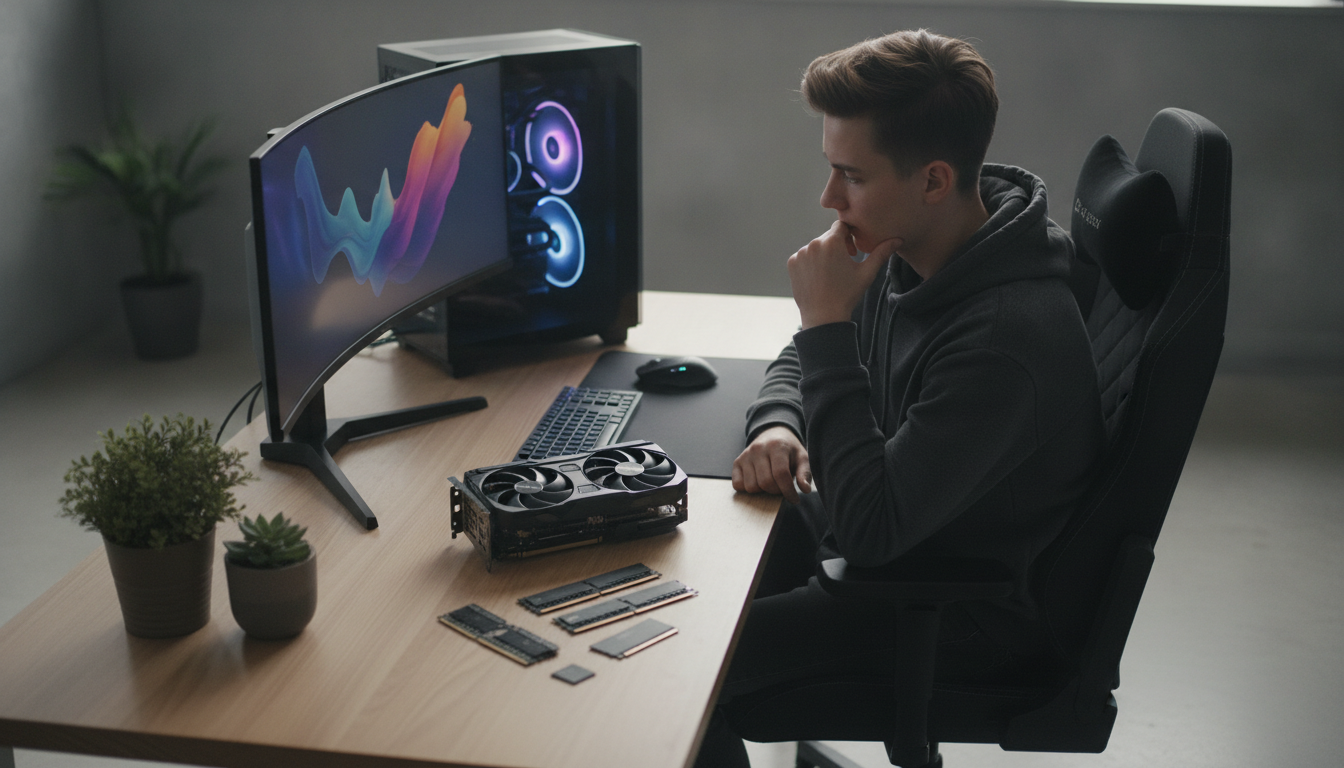
If your focus is competitive games like Valorant, CS2, and League of Legends, the RX 7700 XT with Ryzen 5 7600X delivers FPS well above 144 at 1440p with medium-high settings, and you still have room to put a better monitor or more RAM in the future. For those who play demanding single-player titles like games from Ubisoft, EA, and heavy RPGs, the RTX 4070 Super compensates for the extra cost due to efficiency with ray tracing and DLSS 3.5, which stretches perceived performance without compromising visual quality too much.
The optimized build at ~R$ 7,000 is feasible, but requires hunting for promotions and comparing stores frequently. Don’t rush: a difference of R$ 300 to R$ 500 in the GPU can significantly change the usage experience over the next few years. Mount your component list, put it on price monitoring on Brazilian stores, and wait for the right moment to close.