

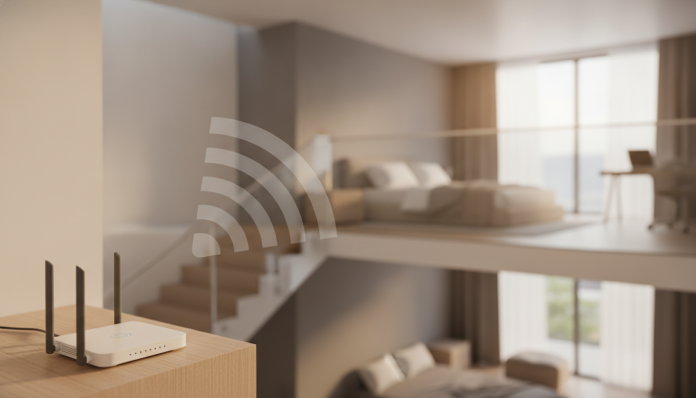

Weak Wi-Fi on Second Floor: Why It Happens and How to Really Fix It
If your router signal vanishes before reaching the office upstairs, you’re not alone. Multi-story homes are a classic challenge for wireless networks, and the problem comes down to physics: walls, concrete slabs, and distance combined significantly degrade signal strength. The good news is you can solve this without buying an expensive mesh system, which often costs more than necessary for smaller floor plans.
This tutorial shows what to do before spending money—often a simple repositioning works—and which affordable equipment can save your network without complex rewiring or infrastructure. The basics: access to your router’s panel (usually via browser at 192.168.0.1 or 192.168.1.1) and about an hour to test each adjustment.
Understanding Why Signal Dies Through the Slab
Before buying anything, understand the enemy. Wi-Fi signals travel as radio waves, and they lose strength passing through dense materials. A concrete slab with reinforcement can reduce signal by 10-20 dB depending on thickness—practically the difference between a stable 200 Mbps connection and an unstable 10 Mbps, or no connection at all.
Modern routers operate on two main bands: 2.4 GHz and 5 GHz. The 5 GHz band offers higher speeds but penetrates solid obstacles poorly. The 2.4 GHz band travels farther and passes through walls and slabs better, though it’s more congested by neighboring devices (other routers, microwaves, security cameras). Newer routers also operate on 6 GHz, present in Wi-Fi 6E and Wi-Fi 7, which is faster and less congested but with even shorter range. For second floors, 2.4 GHz remains your best friend for penetration.
Another overlooked factor is router position. If it’s in a corner, inside a closed rack, or behind the TV, signal is wasted before even attempting to reach the other floor.
Step 1: Optimize Your Current Router Position and Settings
Before buying new equipment, do this:
- Move the router to the center of your home. Signal propagates approximately spherically from the device. If it’s in a corner, half the signal goes outside.
- Place it at elevated height, such as on top of a shelf, not on the floor or inside a closed cabinet.
- Position antennas correctly. On routers with external antennas, one common position is one antenna vertical and another at 45 degrees, which improves coverage across multiple planes. Consult your model’s manual for specific recommendations.
- Access your router panel and check the Wi-Fi channel configured on 2.4 GHz. Use an app like Wi-Fi Analyzer (available for Android) to see which channels neighbors are using, and switch to the least occupied. Channels 1, 6, and 11 don’t overlap on 2.4 GHz.
- Ensure your router firmware is updated. Many manufacturers release updates improving stability and range. Look for “Firmware Update” in your device’s panel.
This adjustment set alone can solve the problem in homes with thinner slabs or shorter floor distances. Test before spending.
Step 2: Consider a Signal Repeater or Extender
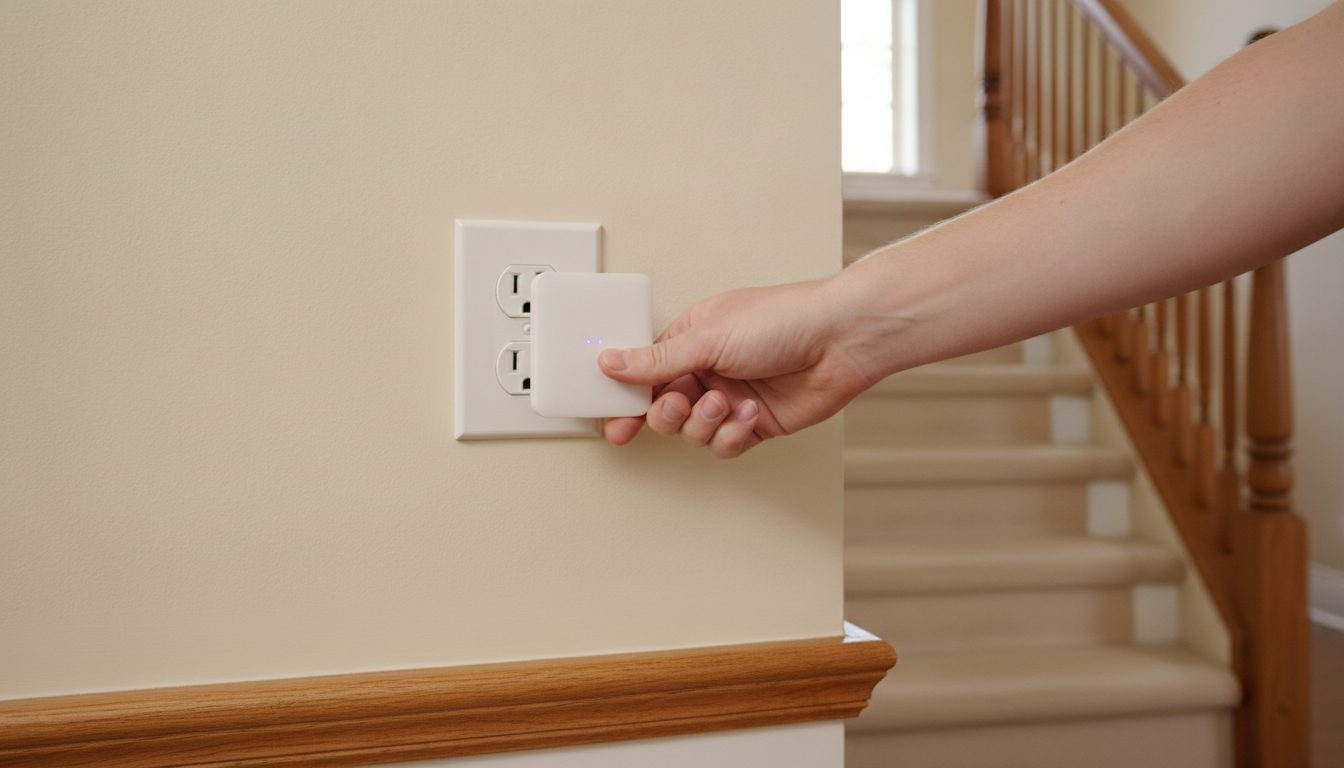
If fine-tuning isn’t enough, the next step is a signal extender, also called a Wi-Fi repeater or range extender. It captures your router’s signal and retransmits it over a larger area. It’s the cheapest and most common solution in Brazil for this specific problem.
Important caveat: a repeater works best positioned halfway between the router and the weak signal area, where it still receives decent signal from the main router. Placing it where signal is already poor amplifies bad signal and produces frustrating results.
Some popular models homologated by Anatel (Brazil’s telecom regulatory agency, which requires certification for radio frequency equipment legally sold in the country):
- TP-Link RE330 or RE305: dual-band extenders (2.4 GHz + 5 GHz), entry-level, priced around R$ 150-200. According to TP-Link specs, the RE330 offers combined speeds up to 1200 Mbps, though remember this is theoretical sum under ideal conditions.
- TP-Link RE705X: Wi-Fi 6 (802.11ax) support extender, improving efficiency in environments with many connected devices. Price range around R$ 350-450 in Brazil as of 2026.
- Intelbras IWE 3001: Brazilian option from Intelbras, widely available with local support. Check current specs on the manufacturer’s site, as the line updates frequently.
For those importing directly from the US via sites like Amazon, it’s essential to verify Anatel certification before use. Using an uncertified router or extender is irregular in Brazil—issues with operators or neighbors may cause difficulties. Also, warranty for self-imported products isn’t covered by Brazilian consumer protection laws the same way official distributor products are.
Step 3: Use a Second Router as Wired Access Point
This is the most robust and most underestimated solution. If you can run an Ethernet cable from downstairs to the second floor—even along the outside wall or through conduit—you can connect a second router configured in AP (Access Point) mode. In this mode, the second router stops functioning as a router and becomes just an additional Wi-Fi antenna, distributing your main network signal.
Results far exceed a repeater because the cable eliminates signal loss when the extender needs wireless communication with the router. Available bandwidth on the second floor will nearly match your primary connection.
Many standard routers have an AP mode option in their settings panel. If you have an old router in a drawer, try this before buying anything. The process varies by model but typically involves:
- Connecting the secondary router to the primary via cable through the WAN or LAN port (depends on model and desired configuration).
- Accessing the secondary router’s panel and disabling DHCP server (which distributes IP addresses), leaving that function to the primary router.
- Setting the same network name (SSID) and Wi-Fi password as the primary router. Your devices then automatically switch access points as you move around the house.
Step 4: Evaluate Powerline as Cable Alternative
Running cable through the second floor isn’t always feasible. In those cases, Powerline (or PLC adapter, “Power Line Communication”) is an alternative using your home’s electrical wiring to transmit network data. You plug one adapter near the router with an Ethernet cable, and another upstairs where you can connect a device via cable or use a model with built-in Wi-Fi.
Powerline performance varies greatly depending on electrical wiring quality, installation age, and whether both points are on the same circuit. In new installations, it can work very well. In older homes with outdated wiring, results may disappoint. There’s no way to know without testing.
Powerline kits with integrated Wi-Fi from brands like TP-Link (TL-WPA line) and Multilaser are found in Brazil. Verify Anatel homologation and check specs for nominal speed, which typically ranges 600-2000 Mbps theoretical today.
When Mesh Makes Sense Anyway
Everything described above resolves the vast majority of second-floor weak Wi-Fi cases. But situations exist where mesh systems are genuinely the right answer: very large homes with multiple floors and many blind spots, or when you simply don’t want managing two separate routers and prefer unified solutions with management apps.
Mesh systems like TP-Link Deco or Eero (from Amazon) are available in Brazil, but kits with two or three nodes easily exceed R$ 800-2000 depending on Wi-Fi standard. If your need is just covering one second floor, cost rarely justifies it.
Common Problems and Solutions
The extender is connected but second floor is still slow. The extender is probably too far from the primary router. Move it to a position receiving strong primary router signal, even if closer to the first floor than second.
Device doesn’t automatically switch to nearest access point. This happens because the device makes the switching decision, not the router. Using the same SSID and password on both access points helps, but older phones stay “stuck” on weaker signal. Turning device Wi-Fi off and back on usually fixes it.
AP mode doesn’t appear in my old router settings. Some basic routers lack this option in the standard panel. An alternative is installing DD-WRT or OpenWrt alternative firmware (open-source router projects), offering AP mode even on devices without it factory-installed. Check if your model is compatible on each project’s official site first.
Electrical wiring doesn’t work with Powerline. The Powerline adapter must be on the same electrical circuit as the router. If your home has separate circuits for bedrooms and living area, it may not work. Consult an electrician if needed.
Frequently Asked Questions About Weak Second-Floor Wi-Fi
Does a Wi-Fi repeater reduce network speed?
Somewhat, yes. Single-band repeaters divide available spectrum between receiving the router signal and retransmitting it, potentially cutting effective speed in half. Dual-band models with dedicated backhaul bands (inter-equipment communication) minimize this problem. Check the spec sheet for this function.
Can I use two routers from different brands in AP mode?
Yes. AP mode is a network standard and doesn’t depend on brand compatibility. You just need the second router to support this configuration, which most mid-range and higher models offer.
Does Ethernet cabling need specific category?
For home networks in 2026, Cat 5e cable already supports Gigabit Ethernet (1 Gbps) and suffices for most residential connections. If running new cable, Cat 6 is worth it for safety margin and nearly identical meter cost. Cat 6A or Cat 7 are excessive for typical home use.
Do I need Anatel approval for an imported US router?
Technically yes. Radio frequency equipment needs Anatel certification for legal Brazil use. Practically, personal use rarely causes problems, but lack of homologation can complicate warranty and support. If buying in Brazil, it’s already certified. If importing, check Anatel’s site to confirm the model has registration.
What to Do Now
Start simple: reposition the router and adjust the channel. If that doesn’t work, a certified extender under R$ 200 solves most cases in two-story homes with standard slabs. If you can run cable, AP mode with a secondary router is the most stable and cheapest long-term solution. Powerline becomes Plan B when cables are infeasible and you want better than a repeater.
Home Wi-Fi is like any other technology equipment: most expensive isn’t always necessary. Just as it makes sense to evaluate cost-benefit before buying gadgets—like researching whether the QCY T13 ANC 2 is worth it in 2026—the path here is testing what you have before opening your wallet.