

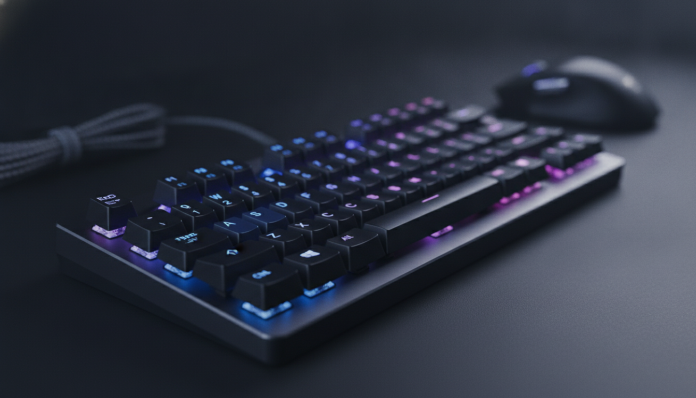

Mechanical keyboards under R$ 300: what to expect from this range and how to choose well
Buying a mechanical keyboard without breaking the bank is totally possible in 2026, but it requires attention. The range up to R$ 300 has changed a lot in recent years: Asian brands like Redragon, Motospeed, and Keychron (with their entry-level models) have popularized decent switches, aluminum construction, and even wireless connectivity at prices that were previously unthinkable. The problem is that the supply has grown, and along with good products came many mediocre ones with misleading specifications.
This article is a structured buying guide for those who want their first mechanical keyboard or want to replace a membrane keyboard without compromising their budget. Don’t expect elaborate RGB or luxury stabilizers, but expect satisfying typing, real durability, and honest value for money. The short answer: for most profiles, Redragon and Motospeed deliver the best national cost-benefit, and Keychron is worth it if you tolerate importing.
Comparison table: main models available in Brazil
| Model | Layout | Switch | Backlighting | Connection | Price range (BR) |
|---|---|---|---|---|---|
| Redragon K552 Kumara | TKL (87 keys) | Outemu Red / Blue | Red LED | Wired USB | R$ 150 to R$ 220 |
| Redragon K580 Vata | Full size (104) | Outemu Red / Blue | RGB | Wired USB | R$ 200 to R$ 260 |
| Motospeed CK62 | 60% (61 keys) | Outemu / Gateron | RGB | USB + Bluetooth | R$ 180 to R$ 250 |
| Motospeed K82 | Full size (104) | Outemu Red / Blue | RGB | Wired USB | R$ 170 to R$ 230 |
| Ducky One 3 Mini (imported) | 60% (61 keys) | Cherry MX | RGB | Wired USB | R$ 380 to R$ 500 |
| Keychron K6 (imported) | 65% (68 keys) | Gateron / Keychron | White / RGB | USB + Bluetooth | R$ 280 to R$ 380 |
Prices collected from stores like Kabum, Pichau, Amazon Brasil, and Mercado Livre; values vary according to promotions and exchange rates. Imported models without official stores in Brazil may exceed the R$ 300 ceiling depending on pricing.
How a mechanical switch works: what you need to understand before buying
The switch is the mechanism under each key. Unlike a membrane keyboard where you press rubber against a plate, in a mechanical keyboard each key has its own independent component. This means more precise response, longer lifespan (typically 50 to 100 million actuations according to manufacturers), and distinct tactile or sonic feedback.
Switches divide into three main families. Linear switches (like Red) move smoothly without obstruction, ideal for fast typists or gamers. Tactile switches (like Brown) have a small “bump” in the middle of the travel, providing feedback without excessive noise. Clicky switches (like Blue) make that characteristic “clack” you’ve probably heard before: great for those who like sonic feedback, terrible for open offices.
In the range up to R$ 300, you’ll mainly find Outemu switches and, in some models, Gateron. Outemu is a functional copy of classic Cherry MX, with lower quality plastics, but it works very well for daily use. Gateron typically has greater smoothness and lightness than Outemu and, in the opinion of much of the community, comes close to Cherry MX at a much lower cost. Genuine Cherry MX in this price range in Brazil? Practically impossible to find.
Redragon: the safest choice for the national market
Redragon has a consolidated presence in Brazil, with physical stock in major retailers and 12-month warranty with Portuguese-language support. For those who don’t want to worry about importing, customs, or invoices from outside the country, it’s the most straightforward path.
The K552 Kumara is the most sold Redragon model in Brazil for a simple reason: it works. TKL layout (no numpad, freeing up desk space), construction with metal panel, Outemu switches with Red or Blue options, and a price that rarely exceeds R$ 220. According to Redragon’s spec sheet, the K552 has a declared lifespan of 50 million actuations per key and a removable braided USB cable, which makes replacement easy if it wears out.
The K580 Vata is the option for those who need the complete layout with numpad. It has full RGB and more switch options, but loses some chassis rigidity compared to the K552. If you do a lot of numeric data entry, the extra cost is worth it; if not, the K552 delivers more for less.
For whom it’s suitable: users who want easy warranty, local support, and don’t want to deal with imports. For whom it’s not suitable: those who prioritize premium switches or want wireless connectivity.
Motospeed: best value if you accept Outemu switches
Motospeed has a proposal similar to Redragon, but with two important differentiators: the CK62 offers Bluetooth in the R$ 180 to R$ 250 range, something rare in competitors. For those who use multiple devices or want to connect the keyboard to a tablet and a PC without changing cables, this solves a lot.
The 60% layout of the CK62 (no F-keys, no arrows, no numpad) scares those not accustomed to it, but it’s a deliberate choice for space and portability. Secondary functions are accessible via Fn key. If you type a lot and use Windows or Linux shortcuts, it may take a few weeks to adapt, but productivity returns to normal.
The K82 is Motospeed’s full-size alternative, with RGB and solid construction at a competitive price. The spec sheet indicates Outemu Red or Blue switches, per-key RGB backlighting, and up to 26-key anti-ghosting, which is sufficient for casual gaming.
Something important: Motospeed doesn’t have such structured technical assistance in Brazil as Redragon does. Verify that the seller offers national warranty before buying.
For whom it’s suitable: those who want Bluetooth or compact layout without paying extra. For whom it’s not suitable: those who need guaranteed post-sale support or smoother switches.
Keychron and imports: is it worth paying more or taking the risk?
Keychron has fervent fans, and for good reasons. The construction is superior, the Gateron switches included in entry-level models have greater lightness and consistency than Outemu, and native macOS support is a real differentiator for Apple users. The problem in Brazil is that Keychron doesn’t have an official store here, and importing the K6 or K2 models usually exceeds R$ 300 when you add shipping, IOF, and possible customs fees.
If you find a Keychron K6 for R$ 280 to R$ 320 in some flash deal or through a group import, seriously consider it. But between a Keychron without national invoice and a Redragon K552 with one year warranty, for most profiles Redragon is the more rational choice.
A practical tip: if you’re going to invest in imports, check the Anatel homologation of the product. Wired keyboards generally don’t need specific certification, but Bluetooth models need homologation to be legal in Brazil. Products without Anatel homologation can be held at customs or have resale prohibited. Consult the Anatel website to verify if the model is registered before buying.
Speaking of peripherals and productivity, if you’re setting up a more complete setup, it’s worth checking a notebook for programming up to R$ 5000 to complement your work environment.
What to evaluate beyond the switch: construction, stabilizers, and keycaps
A lot of people focus only on the switch and forget three factors that define 50% of the experience.
Chassis construction: plastic keyboards tend to vibrate more and transmit switch sound strangely. Models with metal panel (like the K552) sound cleaner and have less flex. In the range up to R$ 300, avoid models with thin 100% plastic chassis.
Stabilizers: these are mechanisms that balance large keys like Space, Enter, and Backspace. Poor stabilizers make these keys squeak or vibrate. In most keyboards in this range, stabilizers are the “costar” type (mounted on the plate), and quality varies greatly. Read reviews from those who’ve already used the specific model, as the spec sheet doesn’t make this clear.
Keycaps: these are the little caps on each key. The most common standard here is ABS (thinner plastic that yellows over time and feels “oily” to the touch). PBT keycaps (thicker, textured, durable) are superior but rare in this range. If it matters to you, check beforehand or consider buying a separate PBT keycap set, which costs between R$ 50 and R$ 150.
Frequently asked questions about mechanical keyboards under R$ 300
How long does a cheap mechanical keyboard last?
Outemu switches have a declared lifespan of 50 million actuations, which, in intensive 8-hour-a-day use, represents several years of operation. The most fragile points are usually the cable, stabilizers, and ABS keycaps, not the switch itself.
Do I need to lubricate switches on a keyboard in this range?
It’s not mandatory, but it helps. Outemu linear switches become noticeably smoother after lubrication with switch-specific grease (such as Krytox 205g0 or equivalent). It’s a manual and time-consuming process, but it makes a real difference in typing experience.
Is a mechanical keyboard with Bluetooth in this range reliable?
The Motospeed CK62 is the most cited by the Brazilian community in this range, and the Bluetooth connection works stably for everyday use, according to user reports. For competitive gaming, Bluetooth latency can be a factor, so prefer wired in those cases.
What’s the difference between TKL, 75%, 65%, and 60% keyboards?
Full size has 104 keys including numpad. TKL (tenkeyless) removes the numpad, leaving 87 keys. 75% keeps F-keys and arrows in compressed layout. 65% includes arrows but no dedicated F-keys. 60% is the most compact, with no arrows and no dedicated F-keys. The smaller, the more desk space, but the greater the adaptation curve.
Which mechanical keyboard to choose for your profile
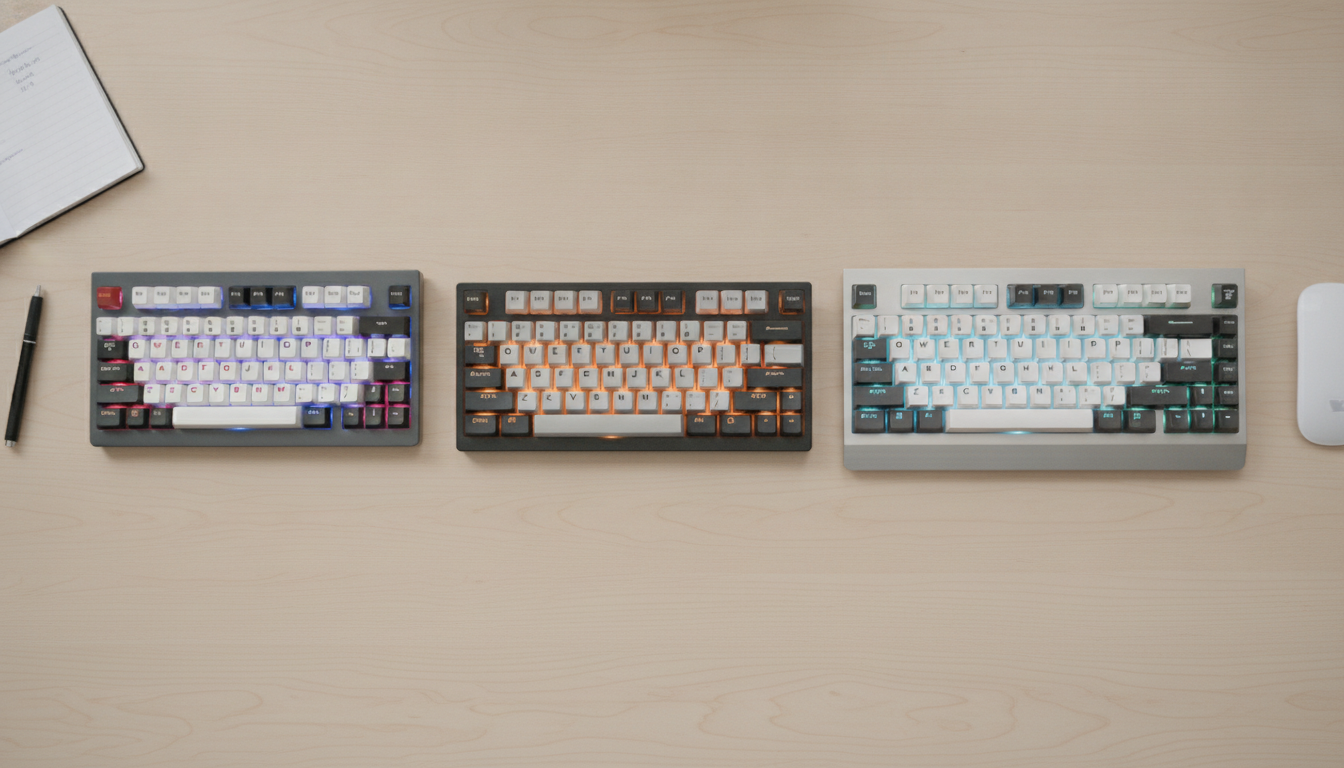
If you want the simplest path, with national warranty and support, the Redragon K552 is the direct recommendation. It works, lasts, and doesn’t require in-depth research.
If you want Bluetooth or compact layout for less than R$ 250, the Motospeed CK62 delivers something few competitors offer in this range. Just confirm warranty with the seller.
If you’re willing to spend up to R$ 350 and accept importing, a Keychron K6 with Gateron switches will deliver a visibly superior experience, especially if you use macOS or value build quality. Check the exchange rate and Anatel homologation status before closing the deal.
For those setting up a more complete work or study setup, keyboard choice goes hand in hand with other hardware decisions, and well-chosen peripherals make a real difference in daily life, whether writing code, editing text, or gaming at the end of the workday.
Recommended for general use: Redragon K552 (Red for typing, Blue for those who like sonority) Recommended for mobility and multiple devices: Motospeed CK62 Recommended for those who can invest a bit more: Keychron K6 (via import) Price range: R$ 150 to R$ 300 for national models; R$ 280 to R$ 380 for imported