


The tablet market grew more than 23% between 2023 and 2025, according to IDC data, driven by the consolidation of hybrid work and the boom in content consumption on larger screens. In this scenario, Samsung bet on a strategy that has already proven to work well with phones in the FE line (Fan Edition): take the DNA of a flagship, cut costs where users feel it least, and deliver a more affordable product. The Galaxy Tab S10 FE hit the market in late 2025 promising exactly that, but in 2026, with an increasingly competitive market and ever-more aggressive Chinese competitors, the question is inevitable — does it still make sense?
The problem this tablet tries to solve is clear: the standard Galaxy Tab S10 and S10+ cost serious money, while entry-level tablets fall short in screen, processing, and software support. The Tab S10 FE tries to occupy that middle ground — the famous “sweet spot” — delivering the S Pen included, a large screen, and guaranteed updates for seven years. But promise is one thing, reality is another.
I spent three weeks with the Tab S10 FE as my primary device for work and content consumption. I used it for text editing, Google Meet meetings, reading technical PDFs, 4K streaming on YouTube, and some casual gaming tests. I ran benchmarks with Geekbench 6 and 3DMark, measured operating temperature, and evaluated battery life in real conditions. That’s what you’re about to read.
Technical Specifications
| Component | Detail |
|---|---|
| Processor | Exynos 1580 (4nm) |
| CPU | Octa-core (1×3.1 GHz + 3×2.6 GHz + 4×1.95 GHz) |
| GPU | Xclipse 540 |
| RAM | 8 GB LPDDR4x |
| Storage | 128 GB / 256 GB (UFS 2.2) |
| Expansion | MicroSD up to 1 TB |
| Screen | 10.9″ LCD PLS, 2304 x 1440 px, 90 Hz |
| Max brightness | up to 800 nits |
| Rear camera | 13 MP, f/2.0 |
| Front camera | 10 MP, f/2.2 |
| Battery | 10,090 mAh |
| Charging | 45W wired (charger not included) |
| Connectivity | Wi-Fi 6, Bluetooth 5.3, USB-C 3.2 |
| S Pen | Included (no Bluetooth) |
| Operating System | Android 15 (One UI 7), guaranteed updates through 2032 |
| Dimensions | 259.1 x 166.4 x 6.5 mm |
| Weight | 523 g |
| 5G version | Available in select markets |
Pros and Cons
Pros:
- S Pen included in the price, no additional cost — a real differentiator in this segment
- Seven years of guaranteed system and security updates from Samsung
- 10.9″ screen with good resolution and smooth 90 Hz for daily use
- Huge battery that easily lasts a full day with moderate to heavy use
- MicroSD card support — increasingly rare in modern tablets
- One UI 7 well-optimized for stylus use and productivity
- Aluminum structure with premium finish that doesn’t give away its price
Cons:
- LCD screen instead of AMOLED — noticeable loss in blacks and contrast in dark environments
- Exynos 1580 is competent, but lags behind competitors’ Snapdragon 8s Gen 3
- No charger in the box in 2026 is simply unacceptable at this price point
- S Pen without Bluetooth connectivity — doesn’t work as a remote for presentations
- Mediocre cameras, especially for video; not a strong point of the device
- Weight of 523 g starts to feel heavy in long reading sessions
- No 3.5mm audio jack (traditional headphone connector)
Cost-Benefit Analysis
In 2026, the Tab S10 FE is in the price range of R$2,199 to R$2,699 at national retail, depending on configuration and store. It’s a price that demands serious justification.
The major competitive advantage lies in seven years of updates. Think of it as a longevity guarantee: a tablet you buy today will receive Android 22 (or whatever comes next) through 2032. That’s rare. Apple does something similar with the iPad, but charges significantly more. Android tablets from competitors — Xiaomi, Lenovo — typically promise two to three years of updates, if they promise at all.
The Exynos 1580 delivered approximately 1,050 single-core and 3,400 multi-core points in Geekbench 6. For reference, this places it above entry-level tablets but below the Dimensity 9300 that powers more aggressive competitors. In everyday practice — light multitasking, document editing, streaming — you don’t feel the lack of more power. The problem appears in heavier video editing or demanding gaming, where the tablet starts throttling (reducing speed to control temperature) after 15 to 20 minutes of maximum load.
The battery was a pleasant surprise: with mixed use (3 hours streaming, 2 hours typing, calls, browsing), the device ended the day with 23% charge remaining. On light use, it easily lasted a day and a half. The 45W charging is fast — from 20% to 100% in about 75 minutes — but, I repeat: the charger doesn’t come in the box.
For those using the tablet as a study tool, for reading, meetings, and content consumption, the cost-benefit is good. For heavy creative work or gaming, better options exist at the same price.
Comparison with Competitors
| Model | Price (BR 2026) | Processor | Screen | Updates | S Pen/Stylus |
|---|---|---|---|---|---|
| Galaxy Tab S10 FE | ~R$2,399 | Exynos 1580 | 10.9″ LCD 90Hz | 7 years | Included |
| Xiaomi Pad 7 | ~R$2,099 | Snapdragon 7+ Gen 3 | 11.2″ LCD 144Hz | 3 years | Not included (+R$350) |
| Lenovo Tab P12 | ~R$1,999 | Dimensity 7050 | 12.7″ LCD 60Hz | 2 years | Not included |
| iPad (10th generation) | ~R$3,299 | Apple A14 Bionic | 10.9″ LCD 60Hz | ~6 years (estimated) | Not included (+R$600) |
| Galaxy Tab A9+ | ~R$1,799 | Snapdragon 695 | 11″ LCD 90Hz | 4 years | Not included |
The Xiaomi Pad 7 is the most threatening competitor: superior processor, 144Hz screen, lower price. But it loses badly on long-term support and doesn’t include a stylus. The iPad still dominates in software optimization and ecosystem, but costs more and the stylus is an absurd extra expense. The Tab S10 FE wins handily when the criteria are long-term support + included stylus + Samsung DeX ecosystem.
If you want to explore more options in this price range, the Ultimate Guide: Best Tablet up to 2,000 Reais 2026 has a complete curated selection worth reading.
Usage Tips and Setup
Set up DeX from day one
Samsung DeX transforms the tablet into an almost desktop interface when connected to a monitor via USB-C. With a decent USB-C hub, you can connect mouse, keyboard, and monitor — it becomes a workstation. Enable it in Settings > Advanced Features > Samsung DeX.
Optimize the S Pen for productivity
Go to Settings > Advanced Features > S Pen and enable “Air Actions” for quick gestures. For note-taking, Samsung Notes with OCR (handwriting recognition and conversion to text) works surprisingly well with the FE’s S Pen.
Storage management
The UFS 2.2 is slower than the UFS 3.1 on flagships — think of it as a good SSD but not the fastest available. For heavy apps, install on internal storage. Use MicroSD only for media (photos, music, videos), as apps installed on card tend to open slower.
Common troubleshooting
- Tablet getting hot during prolonged streaming: normal up to ~40°C. Above that, close background apps and temporarily disable automatic syncing.
- S Pen unresponsive: remove and reinsert in slot. If it persists, go to Settings > S Pen > Reset S Pen.
- Unstable Wi-Fi: the January 2026 update (security patch) fixed a Wi-Fi 6 reconnection bug reported by users. Make sure you’re on the latest version.
The Future of Technology
The Tab S10 FE launched in late 2025, meaning that in 2026 it already coexists with rumors of the Tab S11 FE for 2027. Samsung maintains an annual cycle for the line, but the seven-year support differentiator greatly eases this pressure.
Integration with Galaxy AI (present in One UI 7) should deepen with One UI 8, expected in the second half of 2026. Features like automatic meeting transcription, real-time translation, and PDF document summarization already work well, but should improve considerably with upcoming updates — and the Exynos 1580’s hardware has an NPU (Neural Processing Unit, the chip dedicated to AI) capable of running these tasks locally, without depending on the cloud.
The trend of tablets as notebook substitutes continues strong. With the right peripherals — and on this point it’s worth noting that a good USB-C hub makes a huge difference; check out 5 USB-C Hubs with HDMI Tested: Which One is Worth it in 2026 — the Tab S10 FE can accomplish 80% of a notebook’s functions for most users.
Final Verdict
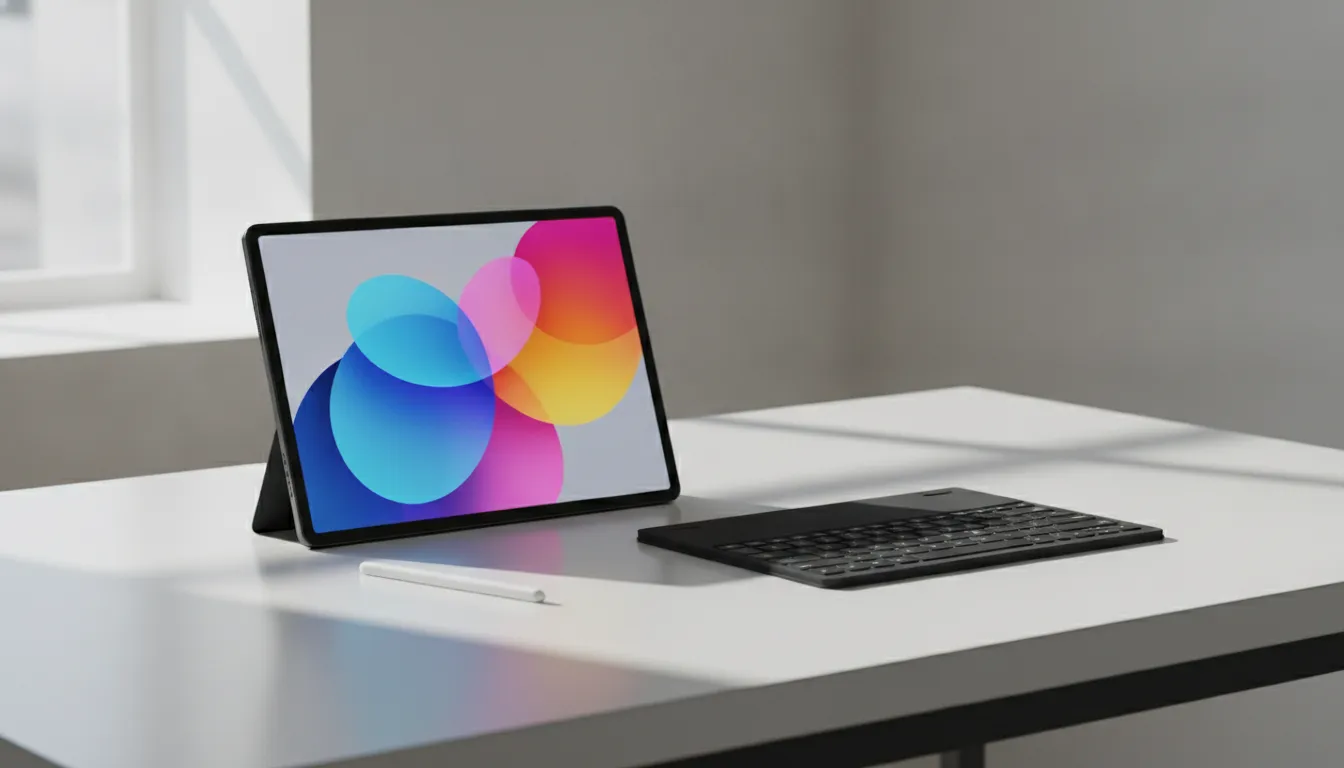
The Galaxy Tab S10 FE in 2026 is not perfect — the LCD screen, the processor without flash in more demanding benchmarks, and the missing charger in the box are irritating. But it’s an honest product, well-built, with stylus included and the best long-term support promise in the Android segment.
Overall Rating: 8.0/10
Recommended for: University students, professionals who need basic productivity + content consumption, users in the Samsung ecosystem who already have Galaxy phone/watch, and anyone who values long-term software support over raw performance.
Best price range: Between R$2,199 and R$2,399 — below that is a steal, above that it starts losing to more modern competitors or the standard Tab S10 on sale.