


Does Steam Deck OLED Still Make Sense in 2026?
The Steam Deck OLED hit the market in November 2023 as a substantial upgrade to Valve’s original handheld. With a 7.4-inch OLED display, larger battery, and improved connectivity, it solidified the company’s proposition: run your Steam library anywhere without sacrificing access to thousands of games. Two years later, the question that lands in our inbox every week is the same: is it still worth importing one in 2026?
The short answer is yes, with very specific caveats. The Steam Deck OLED remains the most complete gaming handheld in its category in terms of software and ecosystem, but the landscape has shifted. The Nintendo Switch 2 arrived with more modern hardware, competitors like the Asus ROG Ally X have gained traction, and import costs in Brazil remain a real obstacle. If you’re weighing the decision, this article lays out everything you need to know.
Steam Deck OLED Specifications
| Specification | Details |
|---|---|
| Processor | Custom AMD APU (Zen 2 + RDNA 2) |
| RAM | 16 GB LPDDR5 |
| Storage | 512 GB or 1 TB (NVMe, expandable via microSD) |
| Display | 7.4-inch OLED, 1280×800, 90 Hz, HDR |
| Battery | 50 Wh |
| Connectivity | Wi-Fi 6E, Bluetooth 5.3, USB-C (DisplayPort, USB 3.2 Gen 2) |
| Operating System | SteamOS 3.x (Linux) |
| Weight | Approximately 640 g |
| Estimated Battery Life | 3 to 12 hours, depending on the game |
| US Launch Price | $549 (512 GB) / $649 (1 TB) |
Prices and availability subject to change. Always check Valve’s official website for updated pricing.
The OLED Display Truly Changes the Experience
This is the point that most divides those who’ve owned the original LCD model from those considering a purchase now. OLED displays work differently from LCD: each pixel generates its own light, meaning black pixels simply turn off, creating virtually infinite contrast. The practical result is that dark scenes in games like Dark Souls or Elden Ring become dramatically more impactful than on any equivalent LCD screen.
Valve also slightly increased the panel size from 7 to 7.4 inches, and the refresh rate jumped from 60 Hz to 90 Hz. This reduces the “stuttering” feeling some players experienced with the earlier model. The resolution remains 1280×800 pixels, which may seem low on paper, but works well in practice for a screen this size at typical handheld viewing distances.
Peak brightness, according to Valve, reaches 1000 nits in HDR content. For reference, that’s a competitive number even compared to premium tablets. Anyone gaming outdoors in bright sunlight will notice a difference from the LCD model, which maxed out at 400 nits.
Performance: Where the Hardware Shows Its Age
Here’s the most honest point in this article. The AMD APU with Zen 2 and RDNA 2 architecture was designed to operate within a very tight power envelope of around 15W. This means games released in the last two years, especially AAA titles with demanding graphics, require manual configuration tweaks to run acceptably.
The good news is that SteamOS has native tools for this. You can cap frame rates, adjust TDP (Thermal Design Power, the chip’s power ceiling), and most games verified in Valve’s database have recommended settings already documented by the community. For previous-generation titles (2018 to 2022), performance is generally solid. For recent 2025 and 2026 releases, especially those without native Linux versions, the experience can vary significantly.
The Proton compatibility layer, which translates Windows games to run on Steam Deck’s Linux, has evolved considerably. But it’s not foolproof. Some titles with aggressive anti-cheat protection simply won’t run. Before importing, the recommendation is to check the ProtonDB website (just search the title) to verify status for each game on your wishlist.
SteamOS and Ecosystem: The Biggest Competitive Advantage
No competitor has replicated this yet. SteamOS was built specifically for this device category, and integration with the Steam store is nearly flawless. You link your account, your entire library appears, and the system suggests appropriate settings for each game. There’s no mandatory subscription to play online, unlike Xbox Game Pass or Nintendo Switch Online.
Desktop mode lets you use the Steam Deck as a full Linux PC. Connected to an external monitor via USB-C (with adapter or dock), it functions as a capable computer for basic tasks like browsing, light productivity apps, and text editing. It’s not a notebook replacement, but the flexibility exists.
If you’re evaluating Windows alternatives for broader game access, see our comparison between Nintendo Switch 2 vs Steam Deck OLED which details ecosystem differences between the two platforms.
Battery: Improved, But Still Game-Dependent
Valve increased the OLED battery from 40 Wh to 50 Wh. The gain is real, but how much it translates to usage time depends entirely on which title you’re playing. Lightweight 2D games like Hades or Stardew Valley can easily exceed 6 hours of continuous use. Demanding titles like Cyberpunk 2077 may drain the battery in under 2 hours with higher settings.
Valve cites a range of 3 to 12 hours, which is technically correct but minimally useful for planning a long flight. Realistic expectation for moderate games is 4 to 6 hours, sufficient for a domestic flight but not a transcontinental journey without a charger. Rapid USB-C Power Delivery charging works well, and the included 45W charger offers reasonably fast recharge.
Importing to Brazil: What You Need to Know
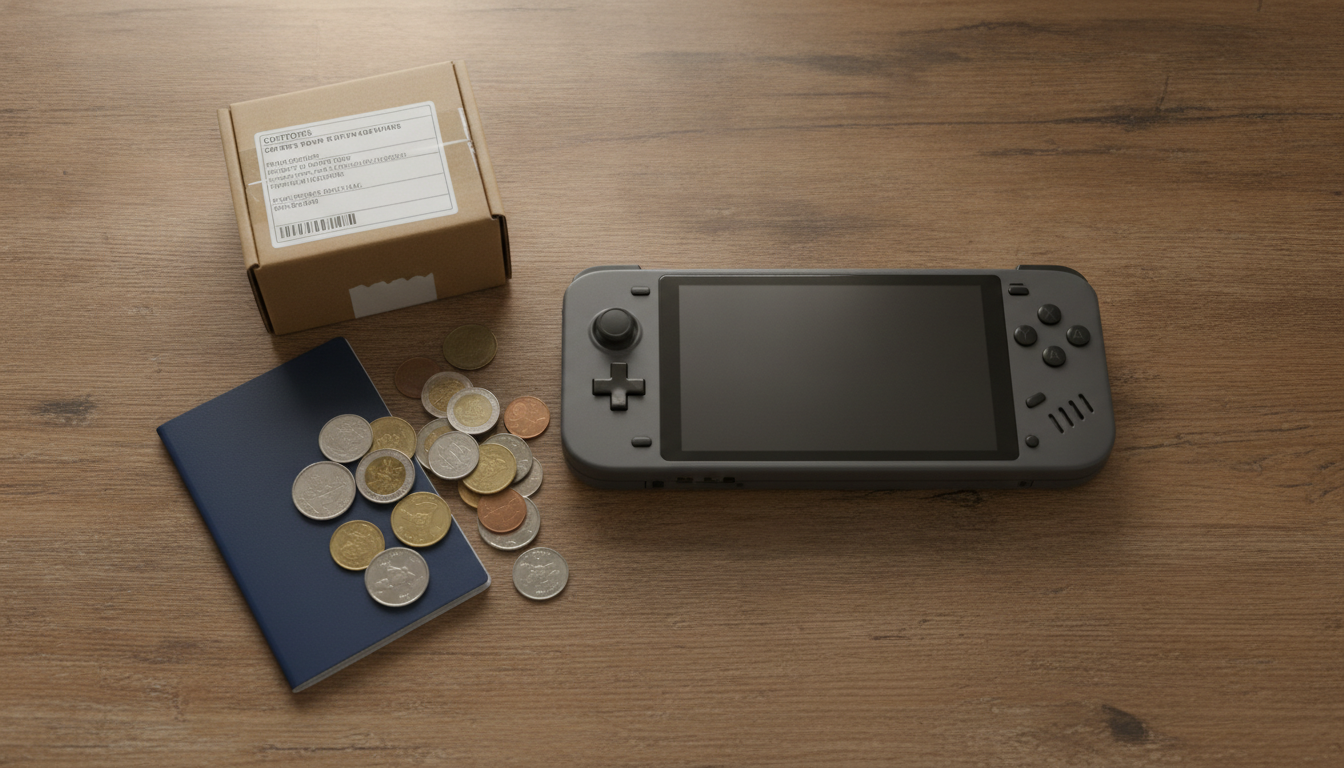
The Steam Deck OLED is not sold officially in Brazil. Valve has no Anatel certification for the product, meaning you have no Brazilian legal warranty, no local tech support, and entry to the country must follow Brazilian Federal Revenue rules for personal imports.
For US purchases, prices range from $549 to $649. Converting with current exchange rates and adding import taxes (which can reach 60% of the total value including shipping, depending on the method), you can easily reach R$ 5,000 to R$ 7,000 or more, depending on current exchange rates. These values fluctuate, so always check current rates and exemption limits before finalizing any purchase.
Purchases through parallel importers exist but eliminate any formal warranty and present risk of product without adequate support. If something breaks, official repair doesn’t exist in Brazil. Please consider this before deciding.
If your budget is in that range and you want something with local warranty and support, it’s worth considering which notebook under R$ 4,000 makes more sense for your profile, depending on what you prioritize between mobility and versatility.
Pros and Cons
Pros:
- Excellent OLED display with HDR and 90 Hz
- Steam ecosystem with thousands of games, no additional subscription required
- SteamOS optimized specifically for the device
- Solid build and well-resolved ergonomics for a gaming handheld
- Versatility of Desktop mode as a Linux PC
- Active community with extensive compatibility documentation
Cons:
- Hardware two years old compared to newer competitors
- No Anatel certification and no official warranty in Brazil
- Import costs can make final pricing uncompetitive
- Some recent games with anti-cheat don’t work on SteamOS
- 640 g weight can be tiring in long portable sessions
- 1280×800 resolution is sufficient but unremarkable on paper
Competitors and Available Alternatives
| Device | System | Display | Chip | Approximate Price (Import/Brazilian Market) |
|---|---|---|---|---|
| Steam Deck OLED | SteamOS (Linux) | OLED 7.4″, 90 Hz | AMD Zen 2 + RDNA 2 | R$ 5,000 to R$ 7,000 (imported) |
| Asus ROG Ally X | Windows 11 | IPS 7″, 120 Hz | AMD Ryzen Z1 Extreme | R$ 6,000 to R$ 8,000 (imported) |
| Nintendo Switch 2 | Proprietary System | LCD 7.9″ | NVIDIA Tegra T239 | Verify official Brazil availability |
| Lenovo Legion Go | Windows 11 | IPS 8.8″, 144 Hz | AMD Ryzen Z1 Extreme | R$ 7,000 to R$ 9,000 (imported) |
Approximate prices based on historical values and estimated exchange rates. Verify current pricing before purchasing.
The ROG Ally X and Legion Go offer more recent hardware and Windows, solving game compatibility issues. The tradeoff is higher price, typically smaller battery, and absence of software polish as refined as SteamOS. The Switch 2 is a different competitor: it focuses on Nintendo exclusives and has official presence in Brazil, which completely changes the warranty and support equation.
Frequently Asked Questions About Importing Steam Deck OLED
Do I have to pay taxes to bring Steam Deck from the US?
Yes. Imports exceeding Brazilian Federal Revenue exemption limits are subject to taxation, which may include import duties and ICMS, varying by state and purchase method. Final cost can significantly increase the product price. Check current rules on the Federal Revenue website before buying.
Does Steam Deck OLED work with games in Portuguese?
Depends on the game. Steam Deck runs the Steam catalog, and many titles have Brazilian Portuguese localization. The SteamOS operating system itself supports the language. Check each game’s Steam Store page for Portuguese support before purchasing.
Can I use Steam Deck OLED as a TV console?
Yes, with limitations. Via USB-C and a compatible adapter or dock with DisplayPort, you can connect to a monitor or TV and use a Bluetooth controller. It works, but resolution and performance remain the same as handheld mode. It’s not a substitute for a dedicated living room console.
Does the OLED model’s Wi-Fi 6E make a practical difference?
Wi-Fi 6E (operating in the 6 GHz band, plus standard 2.4 GHz and 5 GHz) offers lower interference and greater bandwidth in congested environments. For everyday game downloads and streaming, the difference is only noticeable if you have a Wi-Fi 6E-compatible router. With a Wi-Fi 5 or standard Wi-Fi 6 router, practical gain is minimal.
Is It Worth Importing in 2026?
The Steam Deck OLED remains an excellent product within its intended scope. The OLED display is genuinely good, SteamOS is still the most polished system for gaming handhelds, and the Steam library has depth no competitor can match. The problem isn’t the product itself.
The problem is the Brazilian context. Without official warranty, with elevated import costs, and with newer competitors vying for the same space, Steam Deck OLED has lost some of the value-for-money advantage it had at launch. If the hardware is already showing age against new titles and final Brazilian pricing exceeds R$ 5,000, the decision requires more careful consideration than it did in 2023 or 2024.
Recommended for: gamers with large Steam libraries who want real mobility, don’t mind Linux, and accept the risk of importing without local warranty. It also makes sense for those already familiar with the ecosystem who want entry at a lower price than Windows-based competitors.
Price range: R$ 5,000 to R$ 7,000 (imported, subject to current exchange rates and taxation on purchase date).