

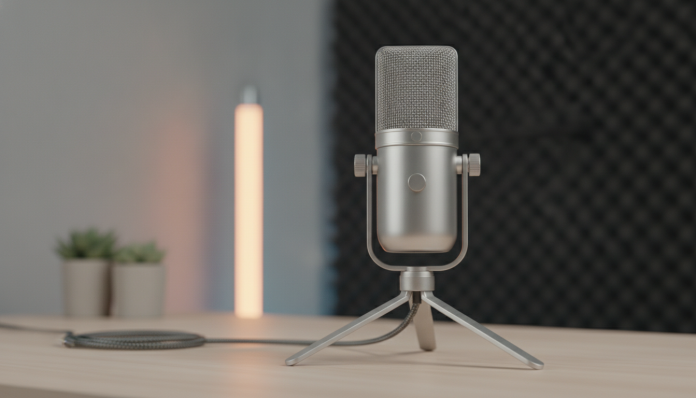

Why choose a USB microphone to start podcasting in 2026
Starting a podcast has never been more accessible than today, but the amount of equipment options still manages to freeze many people before even recording the first episode. The most common question is about the microphone: USB or XLR? The short answer for anyone starting now is USB microphone, and there are good reasons for this.
A USB microphone functions as an audio interface and the microphone itself within the same body. You plug the cable into your computer, the operating system recognizes the device automatically and you can already record. You don’t need a mixing console, an external pre-amplifier or any intermediate equipment. For those testing the format, learning to edit and still unsure if they’ll take the project seriously for a long time, spending R$ 300 to R$ 900 on a USB microphone makes much more sense than assembling a chain of equipment that can exceed R$ 2,000.
This guide presents the main models available in Brazil in 2026, explains what each specification means in practice and helps you make the right decision for your profile and budget.
What to look for in a technical sheet before buying
Manufacturers put numbers on boxes that seem important, but few buyers know what they mean. Knowing the main terms prevents you from paying for something you won’t use or ignoring a detail that will bother you day to day.
Polar pattern is the way the microphone “listens” to the environment around it. The most common in podcast microphones is cardioid: it captures well what’s in front and rejects much of the sound coming from the sides and behind. Think of it as a sound flashlight: it illuminates what you point at. Some models come with additional patterns such as omnidirectional (captures everything around, useful for round tables) and figure-8 (captures front and back, good for in-person interviews with two participants).
Sample rate and bit depth determine the quality of digital capture. The standard of 48 kHz and 24 bits is more than enough for podcast and interviews. Values like 96 kHz or 192 kHz are relevant for music recording and professional production; for voice, the difference is imperceptible to the end listener, and files become larger without practical reason.
Frequency response indicates the range of sounds the microphone can capture, usually expressed as “20 Hz to 20 kHz”. What matters more than the extremes is the behavior in the human voice range, between 80 Hz and 8 kHz. Reputable manufacturers publish frequency response graphs, and it’s worth comparing them before deciding.
Latency is the delay between you speaking and hearing your own voice through the headphone connected to the microphone. USB microphones with zero-latency monitoring use an internal analog circuit to send the signal directly to the headphone, without going through digital conversion. This eliminates the artificial echo that impairs performance for those recording with headphones.
Main models with confirmed sales in Brazil
The Brazilian market received in 2025 and 2026 a relevant update in the catalog of USB microphones aimed at content creators. The prices below are estimates based on values practiced by major national retailers in early 2026 and may vary according to exchange rates, promotions and stock.
| Model | Polar pattern | Sample rate | Zero-latency monitoring | Price range (BR) | Launch price (USA) |
|---|---|---|---|---|---|
| Blue Yeti (Logitech) | Cardioid, omnidirectional, bidirectional, stereo | 48 kHz / 24 bits | Yes | R$ 700 to R$ 900 | US$ 129 |
| Blue Snowball iCE | Cardioid | 44.1 kHz / 16 bits | No | R$ 280 to R$ 380 | US$ 49 |
| HyperX SoloCast | Cardioid | 48 kHz / 24 bits | No | R$ 280 to R$ 420 | US$ 59 |
| HyperX QuadCast S | Cardioid, omnidirectional, bidirectional, stereo | 48 kHz / 24 bits | Yes | R$ 650 to R$ 850 | US$ 159 |
| Razer Seiren V3 Chroma | Cardioid | 48 kHz / 24 bits | Yes | R$ 600 to R$ 800 | US$ 99 |
| Elgato Wave:3 | Cardioid | 96 kHz / 24 bits | Yes | R$ 700 to R$ 950 | US$ 149 |
Blue Yeti: the classic that still makes sense
The Blue Yeti remains the most cited USB microphone in tutorials and forums, and for good reason. Logitech, which acquired Blue Microphones, maintains solid specifications: four selectable polar patterns via physical button, gain control (capture sensitivity) and headphone volume on the body itself, and zero-latency monitoring. According to the manufacturer, the capsule has frequency response optimized for voice between 80 Hz and 15 kHz.
For those recording solo, cardioid mode solves everything. If you want to do in-person interviews eventually, bidirectional mode saves you from buying a second microphone. The size is considerable, which can be a problem on small desks.
HyperX SoloCast: the most balanced entry point
The HyperX SoloCast is the most common recommendation for those who want to spend less without sacrificing reasonable quality. According to HyperX’s technical sheet, the 16mm cardioid capsule captures at 48 kHz and 24 bits, and the microphone features a tactile mute button with LED status indicator. It doesn’t have zero-latency monitoring, which means you’ll hear your voice with a slight delay if you connect headphones to your computer during recording.
For those starting out and still learning the fundamentals of audio editing, this limitation is tolerable. The integrated articulated support already comes with angle adjustment, which reduces the need to buy an articulated arm immediately.
Elgato Wave:3: the most recommended for those using creation software
The Elgato Wave:3‘s differentiator isn’t just in the hardware. The manufacturer offers Wave Link software, which functions as a virtual mixer to blend different audio sources before sending the signal to streaming platforms. According to Elgato, Clipguard technology uses a second capsule to prevent distortion when volume suddenly rises, something that happens a lot in podcasts with laughter or reactions. The 96 kHz sample rate is above what’s needed for voice, but it doesn’t hurt anything.
Brazilian context: Anatel, warranty and importation
Buying USB microphone in Brazil has some particularities you need to know. Products sold by official distributors in major national retailers come with Anatel homologation, which guarantees that the product has been certified for use in the country and that the legal warranty of 90 days (durable goods) applies. Manufacturers like Logitech, HyperX and Razer have distributors and technical support in Brazil.
Importing directly from the USA can work out cheaper on the gross bill, but the risk of paying tariffs at customs is real. Purchases above US$ 50 on international platforms can have taxation of up to 20% under the Remessa Conforme program, plus shipping. If the product arrives defective, you’ll bear the cost of international shipping or go without warranty. For microphones in this price range, the difference rarely justifies the risk.
Another thing to check: does the microphone come with USB-C or USB-A cable? Some models recently launched in the USA already use USB-C on the microphone, which is more convenient with modern notebooks. Confirm what comes in the box of the model sold in Brazil, as specifications may vary by region.
Accessories that make a real difference
Buying just the microphone sometimes works, but some accessories greatly change the final result of recordings.
- Articulated arm: keeps the microphone in ideal position without taking up fixed desk space. Look for models compatible with 5/8″ or 3/8″ threads (universal standard); most USB microphones use one of these.
- Pop filter: reduces the explosive sounds of the letters “p” and “b”, which cause unpleasant peaks in the recording. A basic model of foam or double mesh solves the problem for R$ 30 to R$ 80.
- Acoustic foam: if you record in a room with smooth walls, reverberation will appear in the recording. Some foam panels behind the microphone already help a lot, and the cost is low.
- Replacement USB cable: some microphones come with a short cable. A 2-meter cable solves situations where the computer is far away.
If you’re setting up a more complete content creation setup at the same time and also think about games or streaming, it may be interesting to compare the performance of different product categories; for example, the choice of a GPU like RTX 5060 Ti vs RTX 4070 in 2026 follows similar cost-benefit logic by use profile.
Which USB microphone to choose by profile
If you’re testing the format and want to spend the minimum possible: the HyperX SoloCast or Blue Snowball iCE are the most honest entries. Both deliver enough quality to publish on Spotify and YouTube without embarrassment. The difference between them is in finishing and software: the SoloCast has the mute button with LED, which is more practical day to day.
If you already know you’ll take the project seriously and record solo: the Blue Yeti or Elgato Wave:3 make sense. Yeti has the history and larger tutorial ecosystem; Wave:3 has the more modern software for those using multiple audio sources at the same time.
If you do in-person interviews with a second guest: the Blue Yeti in bidirectional mode or the HyperX QuadCast S in figure-8 mode work well for two participants in front of the same microphone. It’s not the ideal solution, but it’s functional for occasional episodes.
If you already have a gaming PC with a dedicated sound card and want integration: the Elgato Wave:3 has the smoothest integration with streaming software like OBS, which is widely used in Brazil.
Frequently asked questions about USB microphone for podcast
Does USB microphone work on Mac and Linux, not just Windows?
Yes, most USB microphones on the market are plug-and-play on all three operating systems because they use the standard USB audio protocol without needing specific drivers. Additional software, such as Elgato’s Wave Link or Logitech’s Blue Sherpa, may only have versions for Windows and macOS. Check the manufacturer’s website to see if the software you want to use supports your system.
Do I need an articulated arm required?
No, but it helps a lot. USB microphones already come with a desk stand, which solves things to get started. The problem with desk stand is that it transmits vibrations from the desk to the microphone, which can appear as a low noise in the recording. If you type during recording or lightly tap the desk, the articulated arm with shock isolation (shock mount) eliminates this problem.
Can I use the USB microphone in a remote interview via Google Meet or Zoom?
You can, and it works well. Just select the USB microphone as the input device in the call application settings. The quality of your voice will be visibly better than with the notebook’s built-in microphone, which is also useful in work meetings.
Is it worth buying a generic brand USB microphone to save money?
Unknown brands may deliver functional microphones at very low prices, but quality consistency varies widely between units, and post-sale support is usually non-existent. For podcasting, where audio is the main product, saving on the microphone in exchange for unpredictable quality tends to cost more in the long run when you need re-recordings or lose episodes due to equipment problems.
The next step after choosing the microphone
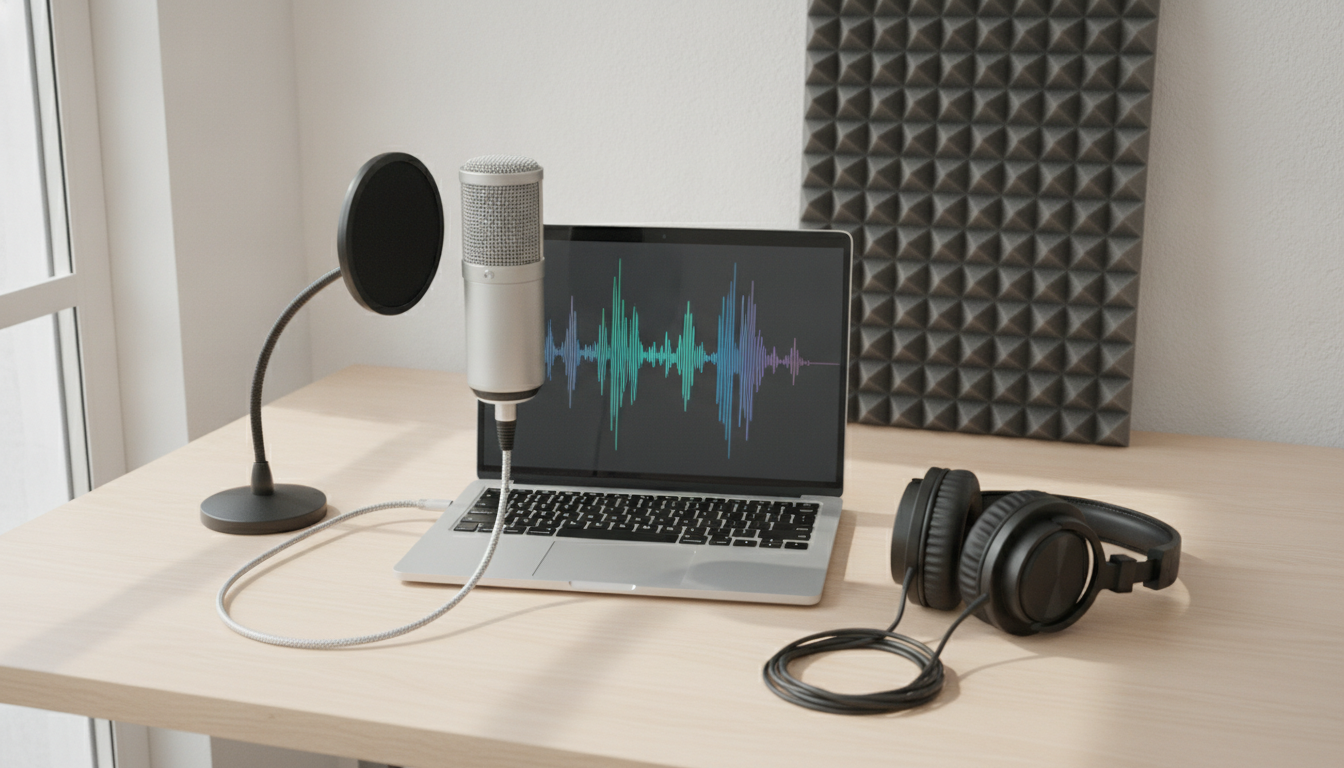
The right model choice solves only half the problem. The recording environment influences as much as the hardware: recording in a room with many wall reflections will sound worse than recording in a smaller room with furniture and curtains, even with a more expensive microphone.
After purchasing, dedicate a testing session to adjust the distance from mouth to microphone (between 15 and 30 centimeters is the most common starting point for voice), the gain level (avoid the clipping LED coming on) and the monitoring volume. Recording, listening critically and adjusting one parameter at a time is the fastest way to learn what each setting does in practice.
If you’re setting up your entire content creation setup at the same time and want to understand how artificial intelligence technology can help in production, it’s worth following what’s happening with tools like Claude Computer Use, which shows how AI is controlling PCs in 2026 and opening new possibilities for automating parts of content production.
The USB microphone is the right start. Not the definitive equipment for two years from now, when your podcast will have grown and you want to invest in an XLR interface and a dedicated capsule. But the right start, which lets you publish episodes today without credit card debt or weeks of research.