

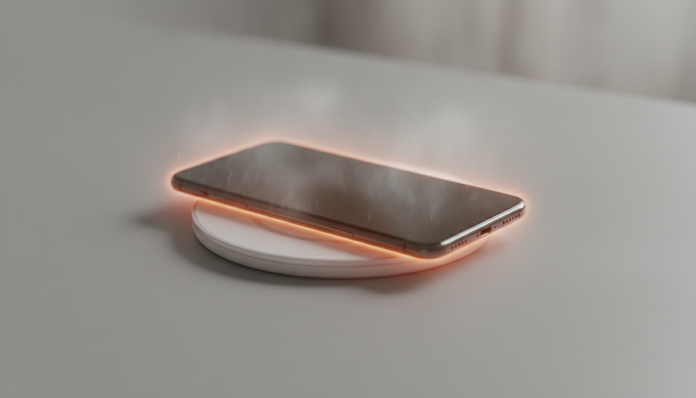

Phone Overheating While Charging: Why It Happens and What to Do
Your phone got hot while charging and you got worried. It makes sense to be concerned, but in most cases the problem has a simple solution, and understanding the cause is the first step to solving it for good.
Heat during charging is, to a certain extent, normal. Lithium-ion batteries (the type used in virtually all modern smartphones) generate heat as a byproduct of the chemical reaction that occurs when they receive electrical charge. The problem starts when that heat goes from “warm” to “too hot to hold” or appears along with symptoms like freezing, rapid discharge, and battery swelling.
This guide covers the most common causes, what you can check yourself, and when it’s time to take the device to a service center.
What Causes Overheating During Charging
Before testing solutions, it’s worth understanding where the heat comes from, because each cause requires a different response.
Incompatible or low-quality chargers are the number one cause. When the charger doesn’t properly communicate with your phone’s fast charging protocol, energy is wasted in the form of heat. A generic uncertified charger can deliver unstable voltage, forcing your device’s charge controller to work harder to compensate, which heats both the phone and the charger itself.
Intensive use during charging is another classic source. The processor and GPU (graphics processing unit, responsible for graphics) already generate heat when you play games or watch videos in high resolution. Adding this to the heat of the battery receiving charge is like turning on the stove and oven at the same time: the kitchen temperature rises faster than you’d expect.
Battery wear also plays a role. Over time, lithium-ion cells lose efficiency and start generating more heat to store the same amount of energy. If your phone has more than two years of intensive use, the battery may be compromised.
Hot environment and lack of ventilation amplify any of the above problems. Charging the device under a pillow, inside a thick leather case, or in direct sunlight prevents natural heat dissipation.
How to Check Battery Health Before Taking Action
Before changing chargers or seeking service, check your battery’s condition. This saves money and avoids misdiagnosis.
On iPhone: go to Settings > Battery > Health and Charging. According to Apple, a healthy battery maintains at least 80% of its original capacity. Below that, replacement is already recommended by the manufacturer.
On Android: the path varies by manufacturer. On Samsung devices, you can access battery information by typing *#0228# in the dialer. On Xiaomi, there’s a diagnostics option within the security app. Motorola and other manufacturers offer their own diagnostic apps or integrate this information in battery settings. If you can’t find it on your model, search your device name plus “battery health” in settings or the manufacturer’s app store.
Visual warning sign: if the back cover or screen shows any bulging, stop using the device immediately and seek service. A swollen battery is a real fire hazard.
Step-by-Step Guide to Fix Overheating
Follow the order below. Often the problem goes away in the first few steps without spending anything.
- Remove the phone case during charging. Thick cases, especially synthetic leather or dense silicone, act as thermal insulation and trap heat that should dissipate naturally.
- Place the device on a hard, flat surface. A desk, counter, or charging stand lets heat escape on both sides. Pillows and sofas block ventilation.
- Avoid using your phone while it charges, especially for games and videos. If you need to use it, prefer light tasks like text messaging.
- Change the charger and cable. Always use the original charger or a certified model with your device’s fast charging protocol (USB Power Delivery for recent iPhones and many mid-to-flagship Android phones; Qualcomm Quick Charge for devices with Snapdragon chips; proprietary technologies like SuperVOOC from Oppo/realme and SuperDart from the same line). We’ll discuss this more in the next section.
- Close apps running in the background. On Android, access the task manager and close unnecessary apps. On iPhone, this has less impact by system design, but closing heavy apps before plugging in the charger can help.
- Check if there’s a pending software update. Manufacturers frequently release patches that improve thermal management. Go to Settings > Software Update (or equivalent on your system) and install any pending version.
- Reduce screen brightness and enable airplane mode if you don’t need connectivity while charging. Fewer active components means less heat generated by the device while the battery receives charge.
- If overheating persists after all the steps above, back up your data and take the device to an authorized service center.
Chargers: What Really Makes a Difference
The Brazilian market has many charger options, but quality and compatibility vary widely. Here’s what to check before buying.
Certification and protocol: the charger needs to support the same protocol as your phone. A 45W USB-PD charger connected to a phone that only supports 18W will charge normally, but the phone will limit charging to its maximum. The real problem is the opposite: cheap chargers that claim power levels they can’t deliver consistently.
Anatel homologation: products officially sold in Brazil must have Anatel homologation (Brazilian Telecommunications Agency). You can check the homologation number on the Anatel website by manufacturer name or product model. Chargers without homologation may present electrical hazards beyond overheating.
Brands with official presence in Brazil: Anker, Baseus, and Belkin have charger lines sold by authorized distributors in the country, with local warranty. Prices vary widely by model and store, but 65W to 100W chargers from these brands are usually found in the R$ 150 to R$ 350 range in 2026. Always check that the product sold has an invoice and warranty from the importer or distributor.
Low-quality USB-C cables are as problematic as cheap chargers. A cable that doesn’t support the necessary current heats up in transit and can transfer power irregularly. Prefer cables with USB-C 2.1 specification or higher for fast charging above 60W.
If you want to understand how to choose peripherals and components that deliver what they promise, the logic is similar to choosing graphics cards: specifications on paper aren’t enough, compatibility matters. A good example of this is in this comparison between RTX 5060 Ti and RTX 4070 for those buying a graphics card in 2026, where compatibility with your existing system is just as relevant as raw power.
Common Problems and How to Solve Them
Phone Only Overheats During Fast Charging
Fast charging generates more heat by design, because higher electrical current increases the battery’s internal resistance. This is normal at moderate levels. If the device gets too hot to hold, try using a standard charger (5W or 10W) for a few cycles to see if the behavior changes. If excessive heat appears even with slow charging, the problem is with the battery or control circuit, not the charger.
The Cable Gets Hot in the Middle
A clear sign of inadequate cable for charger power. Generic USB-C cables are often specified only for data transfer and don’t support high charging currents. Replace it with a certified cable with your charger’s maximum power printed on the packaging.
Phone Drains Even When Plugged In
This happens when the device’s consumption in use is greater than the charging rate. It frequently happens when playing heavy games with a low-power charger. Use the original charger or one with power equivalent to what the manufacturer recommends.
High Temperature Appeared After a Fall
Physical impacts can damage the battery internally without leaving visible marks on the casing. If overheating started after a fall, take it to service for inspection before continuing normal use and charging.
Frequently Asked Questions About Phone Overheating While Charging
Is It Normal for a Phone to Get Warm While Charging?
Yes, some heat is expected. The electrochemical reaction of charging lithium-ion batteries releases thermal energy as a byproduct. The warning sign is when the device gets warm enough to be uncomfortable to hold or when heat appears along with other symptoms like freezing or slowness.
Can I Use My Phone Normally While It Charges?
For light tasks, yes. For games, high-resolution streaming, or any app that demands a lot from the processor, it’s best to avoid it. The combination of charging and intensive use raises temperature significantly and can degrade the battery faster over time.
Does Charging the Phone Overnight (All Night) Damage the Battery?
Modern devices have intelligent charging control that limits the battery to 80% or 85% and only completes to 100% close to the time your system learns you wake up, reducing total charging time. iPhones have “Optimized Battery Charging” and many Android phones have equivalent features. Still, keeping the device plugged in for unnecessary hours in hot environments speeds up cell degradation.
Does a Swollen Battery Have a Fix or Does It Need Replacement?
A swollen battery has no fix: it needs to be replaced. Don’t use the device in this state, as the risk of internal cell perforation and fire is real. Seek authorized service and demand that the replacement battery be original or from a supplier certified by the manufacturer.
What to Do Now
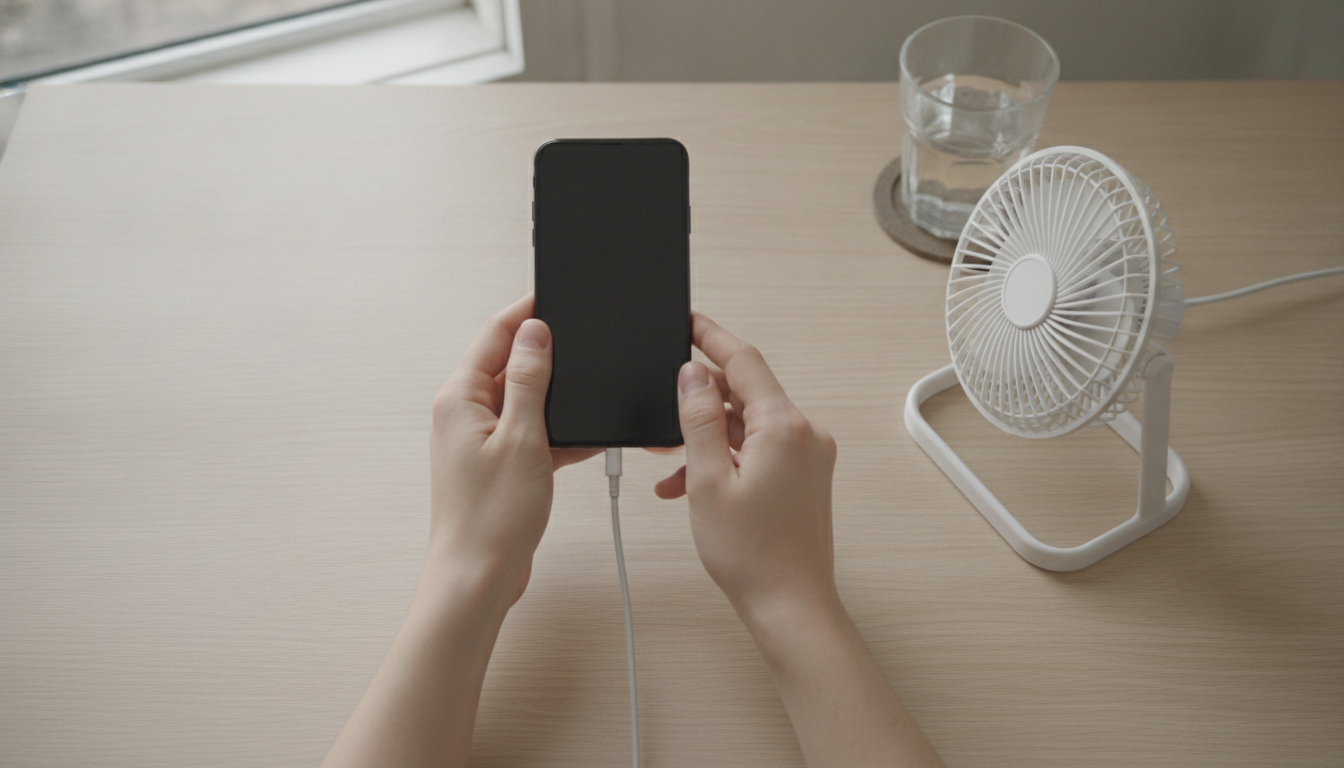
If the overheating is mild and only appears in the first minutes of fast charging, relax: it’s expected behavior. If it’s strong, persistent, or comes with other issues, follow this guide’s step-by-step starting with changing the charger and removing the thermal insulation from your case.
A battery older than two years with health below 80% already justifies preventive replacement, even without excessive heat, because compromised efficiency will get worse over time and may start generating additional heat. On devices with active warranty in Brazil, check with the authorized service center if replacement is covered before paying out of pocket.
Correct diagnosis saves money and prevents risks. When in doubt, a trusted technician will solve in minutes what trial-and-error attempts may complicate.