

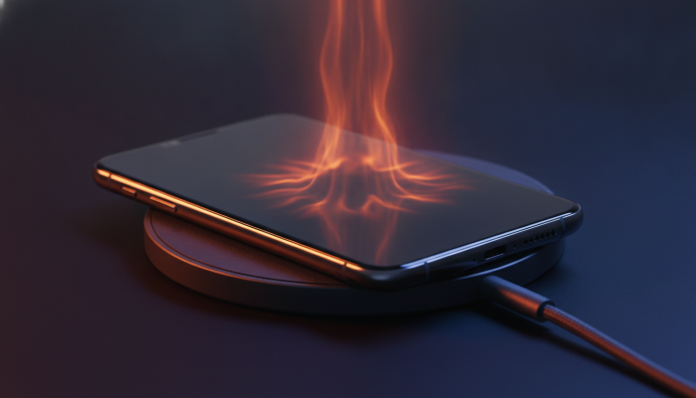

Phone Overheating While Charging: Why It Happens and How to Fix It
Feeling your phone get warm in your hand while charging is one of the most common complaints among smartphone users. In most cases, it’s expected and controlled by the device’s own system. In others, it may signal that something is wrong with the cable, charger, battery, or even the device’s behavior during charging.
This guide will help you identify the cause and apply the right solution, whether you’re an Android or iPhone user. You don’t need any special apps to get started, but some steps will require access to your system settings.
Why Your Phone Gets Hot While Charging (And When It’s Normal)
Charging a battery is an electrochemical process that generates heat as a byproduct. This isn’t a defect; it’s physics. During charging, electrical energy is converted and stored in battery cells, and some of that energy dissipates as heat. The faster the charge, the more heat generated.
Fast charging technologies, such as 65W, 120W, or even 240W lines found in phones from brands like Xiaomi, OPPO, and OnePlus, deliver high current in a short time. The battery management system (BMS) tries to balance speed and temperature, but moderate heating is unavoidable. Qualcomm, maker of Quick Charge technology, and USB-IF, the entity that standardizes USB protocols, recognize that surface temperatures of up to about 40 to 45 degrees Celsius on the device are acceptable during charging.
The problem starts when your phone gets so hot it’s uncomfortable to hold, when the system automatically slows charging to protect the battery, or when the device shows other symptoms along with excessive heat, such as freezing, spontaneous restarts, or noticeable bulging on the back cover.
Step-by-Step Guide to Identify and Solve the Problem
1. Remove the Case While Charging
Protective cases, especially silicone and synthetic leather ones, act as thermal insulators. They trap the heat that the device naturally releases, causing the temperature to rise more than necessary. Removing the case during charging is the first test and often solves the problem on its own.
2. Avoid Using Your Phone While It Charges
Using your phone while it charges is the most common combination for excessive heating. The processor works to run apps, the screen stays on, and the battery supplies power while trying to receive charge simultaneously. This behavior overloads the device’s thermal management. If you need to use your phone, enable airplane mode to reduce processor load or simplify open tasks.
3. Check the Cable and Charger
A damaged or low-quality USB cable can cause high electrical resistance, which generates heat at the connection point and transfers instability to the charging circuit. Always use original cables and chargers or those certified by the manufacturer. For iPhones, this means products with MFi certification (Made for iPhone). For Android, the ideal is compatibility with USB Power Delivery protocol or the manufacturer’s proprietary standard (such as OPPO’s VOOC, realme’s SuperDart, or Xiaomi’s HyperCharge).
Counterfeit or unknown chargers are especially risky: besides causing abnormal heating, they can permanently damage the battery and pose electrical safety risks. If you want to buy a well-balanced phone without spending much, check out our selection of the best phones up to 2,000 reais in May 2026, where we also evaluate charger inclusion in the box.
4. Charge on Flat, Ventilated Surfaces
Beds, sofas, and pillows block heat dissipation from the back of the device. Prefer charging your phone on a rigid, flat surface like a table, which allows heat exchange with the environment.
5. Close Background Apps Before Connecting the Charger
Background apps consume processing power and network communication even with the screen off. Before plugging in, close unused apps and check if any app is using abnormal CPU levels in your system’s battery settings.
6. Update Your Operating System
Manufacturers frequently release updates that fix bugs in battery and temperature management. In 2025, for example, Samsung released patches for some Galaxy line models that showed higher-than-expected heating under certain charging conditions. Check if an update is available in Settings > System > Software Update (the path may vary by manufacturer and Android version).
7. Calibrate Smart Charging Settings
Many manufacturers offer smart charging modes that limit charging to 80% or adjust speed based on user behavior. On iPhone, the “Optimized Battery Charging” feature has been available since iOS 13. Samsung has a “Battery Protection” option in settings. Xiaomi offers a battery saver mode that limits maximum charge. These features reduce the time your device spends at full charge, decreasing thermal stress on the battery.
When the Problem Is the Battery or Hardware
If you’ve applied all the steps above and your phone continues overheating excessively, the cause may be more serious.
Degraded or Swollen Battery is one of the most common causes in devices that are more than two to three years old. A battery that has lost significant capacity (below 80% of original capacity, generally) works harder to stay charged, generating more heat. If your phone’s back cover shows any bulging, stop using the device immediately and take it to a service center. Swollen batteries pose a real risk of electrolyte leakage and, in extreme cases, fire.
The charging management chip (charging IC) may have been damaged by use of incompatible chargers or electrical surges. This type of problem requires diagnosis and repair at an authorized service center.
For devices within warranty (12 months mandatory by Brazilian law, which may be extended by the manufacturer), using it is the most direct path. Brands with authorized technical support in Brazil include Samsung, Apple, Motorola, Xiaomi, and LG (still active for after-sales).
Cautions About Wireless Chargers
Wireless charging (electromagnetic induction) is inherently less efficient than wired charging. Some energy is lost in the transfer and converts to heat in both the phone and the charging base. It’s expected that devices heat up more with this method.
To reduce the issue, use bases certified by the Qi 2 standard, launched by the Wireless Power Consortium and more widely adopted from 2024 onwards. Qi 2 includes magnetic alignment similar to Apple’s MagSafe and improves transfer efficiency. Generic uncertified bases can force your phone to dissipate more heat than necessary.
Common Problems and How to Solve Them
- Phone stops charging on its own because of heat: your system’s thermal protection activated. Let the device cool in a ventilated area, without the case, before resuming charging.
- Phone overheats only with wall charger, not with PC: wall chargers deliver more current. Check that the charger is original and compatible with the protocol supported by your device.
- Heating concentrated on the top of the phone: this is where the processor and communication chips are located in many models. It may indicate that an app is consuming excessive CPU during charging.
- Phone overheats even while charging slowly (5W): a more serious sign; may indicate a battery or internal circuit problem. Seek technical support.
Frequently Asked Questions About Phone Overheating While Charging
Is It Dangerous to Charge Your Phone Overnight?
Modern devices interrupt or reduce current when the battery reaches 100%, so the risk of overcharging is low in original and well-maintained devices. Risk increases with degraded batteries, non-certified chargers, or devices with charging IC defects. The ideal is to use optimized charging mode when available.
Does Phone Overheating Damage the Battery?
Yes, heat is one of the main factors in lithium battery degradation. Continuously elevated temperatures accelerate internal chemical reactions and reduce the battery’s maximum capacity over time. Keeping your device in cool environments during charging extends battery life.
Can I Use Any 65W Charger on My Phone?
Not necessarily. Fast chargers use communication protocols between the device and adapter to negotiate appropriate voltage and current. A 65W charger incompatible with your phone’s protocol may charge at lower speed or, in extreme cases, cause instability and overheating. Confirm compatibility with your device’s technical specifications.
Phone Out of Warranty: Is It Worth Replacing the Battery?
It depends on the overall condition of the device. For phones up to four years old with hardware still relevant to your needs, battery replacement at a trusted service center is usually cheaper than buying a new device. Check the cost of the part and labor before deciding; at authorized service centers, part quality is more guaranteed.
What to Do Now
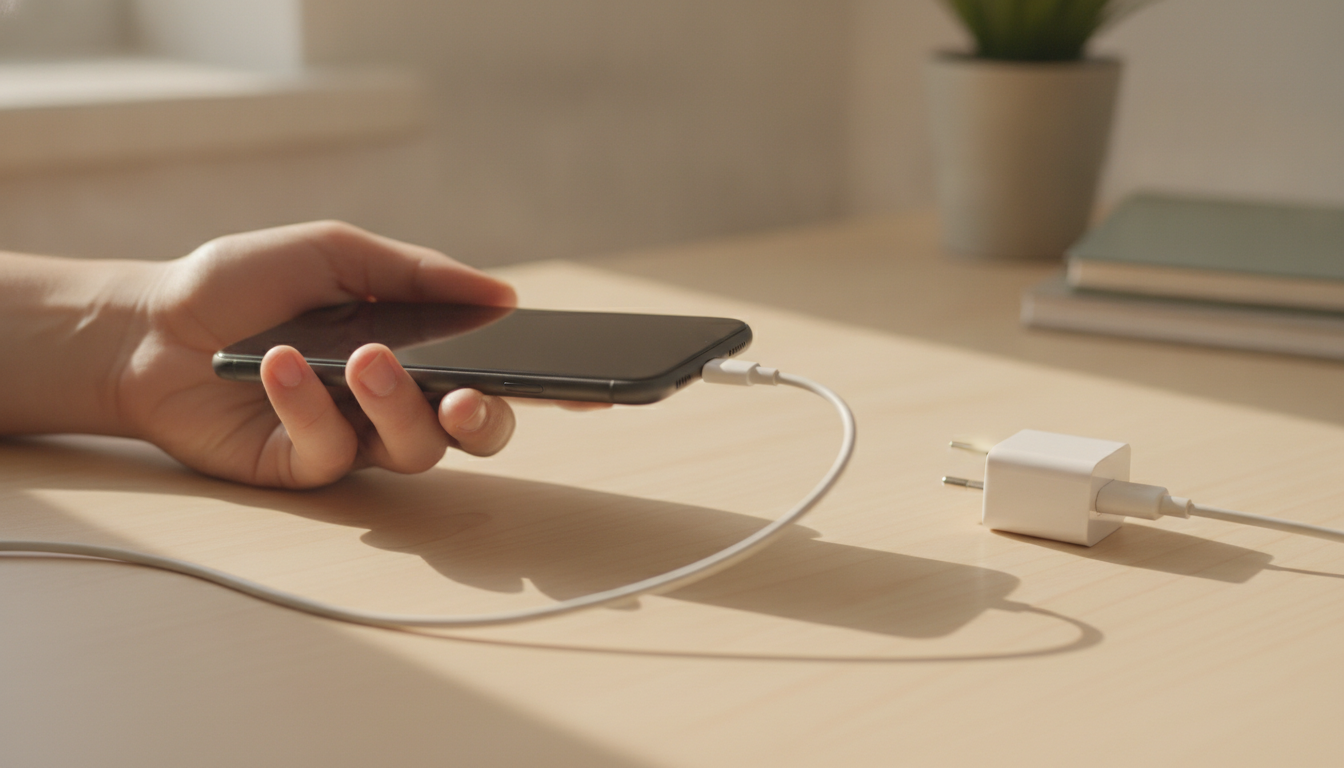
In most cases, overheating during charging has a simple solution: remove the case, use the original charger, and avoid heavy use while your phone is plugged in. If the problem persists after all these steps, it’s time to take your device to a service center and not delay, because defective batteries can progress to more serious situations.
If overheating has made you reconsider buying a new device with better thermal management and a more efficient battery, the list of the best phones up to 2,000 reais in May 2026 brings options evaluated with this criterion in mind, all with ANATEL homologation and available in the Brazilian market.