


The best drawing tablet with stylus up to R$ 2,500
Finding a good drawing tablet within a specific budget in Brazil is a more complicated task than it seems. You need to balance screen quality, stylus latency (the time it takes to register the stroke after you move it), pressure sensitivity levels, and of course the final price with taxes and national warranty. Up to R$ 2,500, the 2026 market offers real and competent options, as long as you know where to look.
The short answer is: the Samsung Galaxy Tab S9 FE remains the most balanced choice in this range for most artists and illustrators who want a complete setup with S Pen included. But, depending on your workflow, the Xiaomi Pad 7 or even an entry-level iPad (imported) may make more sense. This comparison will help you decide based on practical criteria, not isolated specifications.
Comparison table: drawing tablets up to R$ 2,500
| Model | Screen | Resolution | Stylus | Pressure Levels | RAM / Storage | Approximate Price in Brazil |
|---|---|---|---|---|---|---|
| Samsung Galaxy Tab S9 FE | 10.9″ LCD | 2304 x 1440 | S Pen (included) | 4,096 | 6 GB / 128 GB | R$ 1,900 to R$ 2,200 |
| Xiaomi Pad 7 | 11.2″ LCD | 3200 x 2136 | Focus Pen (sold separately) | 8,192 | 8 GB / 256 GB | R$ 1,800 to R$ 2,100 |
| Apple iPad (10th generation, 2022) | 10.9″ LCD | 2360 x 1640 | Apple Pencil 1st gen (separate) | 4,096 | 4 GB / 64 GB | R$ 2,000 to R$ 2,500 (imported) |
| Lenovo Tab P12 | 12.7″ LCD | 3840 x 2400 | Precision Pen 3 (included) | 4,096 | 8 GB / 128 GB | R$ 2,000 to R$ 2,400 |
Prices collected from Brazilian stores in 2026 and subject to variation. The iPad of this generation has no official Apple warranty in Brazil and requires importation.
Stylus and latency: what really matters for those who draw
Before looking at screen or processor, you need to understand two numbers: pressure levels and stylus latency. Think of pressure levels as a watercolorist’s brush sensitivity: the more levels, the more the stroke responds to the force you apply. Today, 4,096 levels is already a comfortable standard for professional illustration; 8,192 levels, which the Xiaomi Pad 7 offers with the Focus Pen, delivers greater granularity in thickness transitions.
Latency is the delay between the physical gesture of the stylus and the stroke that appears on the screen. The smaller it is, the more natural the drawing feels. Samsung states that the S Pen on the Tab S9 FE operates with 2.8 ms latency in AirActions mode, while Xiaomi cites 3 ms latency for the Focus Pen. These values are official statements from manufacturers and should be verified in the updated technical specifications of each product. In practice, any value below 10 ms is usually imperceptible to most users.
The big differentiator of the Tab S9 FE is that the S Pen is already in the box, at no additional cost. In the case of the Xiaomi Pad 7, the Focus Pen is sold separately for around R$ 350, which can significantly change the final account.
Screen quality for illustration
Screen is the second decisive factor. For drawing, you want high resolution (pixel density above 250 PPI, pixels per inch), good color reproduction, and absence of excessive glare.
The Lenovo Tab P12 stands out here with 4K resolution on 12.7 inches, delivering approximately 300 PPI density according to the manufacturer’s technical sheet. If you work with detailed illustration or art review, this screen makes a visible difference. The Xiaomi Pad 7 has 3K resolution on 11.2 inches, which also results in a crisp image for the category.
The iPad 10th generation uses the Liquid Retina LCD panel, which Apple calibrates with color accuracy above 99% of the sRGB space according to official data, and that’s relevant if you create content for digital publishing. The Tab S9 FE, despite being the most affordable in the group, uses a panel with extended DCI-P3 coverage, useful for illustrators working with vibrant palettes.
None of the models in this price range use OLED, which would bring infinite contrast and absolute blacks. To get OLED on a Samsung tablet, you’d need the standard Tab S9, which easily exceeds the R$ 2,500 budget in 2026.
Performance and compatibility with drawing apps
The processor directly affects fluidity when working with many layers in Procreate, Clip Studio Paint, or Krita. On Android, the Tab S9 FE uses the Exynos 1380 and the Xiaomi Pad 7 uses the Snapdragon 7s Gen 3, both mid-to-high performance chips that handle projects well with 20 to 30 layers at 1080p resolution, according to official chip specifications. For heavier projects, such as animations with dozens of layers in high resolution, limits begin to appear.
The iPad with A14 Bionic chip remains the most efficient in processing per watt in this range, and the iOS ecosystem has a practical advantage: Procreate (one of the most popular drawing apps in the world) only runs on iPad. If Procreate is your favorite app, iPad is the only way. For those using Clip Studio Paint or Krita, Android works perfectly.
App compatibility is especially important on Android: always check if the version of Clip Studio Paint or your preferred app has declared support for the tablet model you’re considering before buying.
Brazilian context: warranty, Anatel and importation
This point is critical for anyone buying in Brazil. The Samsung Tab S9 FE and Xiaomi Pad 7 have Anatel approval (the certification that ensures the device can be used legally in Brazil and has support on local networks) and are sold by official distributors, with 12-month warranty in the country.
The iPad 10th generation is a different case. Apple discontinued direct sales plans for this generation in Brazil, and finding it in 2026 means resorting to imports via Shein, Shopee, AliExpress, or import resellers. Without Apple Brazil warranty, a repair at an authorized service center can be expensive, and the imported unit may not have complete Anatel approval. Weigh that in your decision.
The Lenovo Tab P12 has official distribution in Brazil by Lenovo Brazil, with national warranty. It’s worth checking stock availability, as the model has been discontinued at some retailers and can be found at advantageous liquidation prices.
If you like to keep up with the technology ecosystem broadly, it’s also worth taking a look at what’s the best smartwatch up to R$ 500 in 2026, which follows the same cost-benefit logic within a defined budget.
Which to choose: recommendation by profile
You want the best bang for your buck without complications
The Samsung Galaxy Tab S9 FE is the choice. Stylus included, national warranty, Anatel approval, decent screen for the price range, and reasonably integrated Samsung Notes software. It’s not the best tablet in the world, but it’s the most complete for the budget.
You want the best screen and don’t mind sourcing the stylus separately
The Xiaomi Pad 7 with the Focus Pen offers the highest resolution and the highest pressure levels on the list. Add up the prices (tablet + stylus) and you can still stay within R$ 2,500 depending on the offer. It’s the best technical option in screen and stylus sensitivity in this range.
You use Procreate and won’t compromise
The iPad 10th generation with Apple Pencil 1st generation is the only way. But go with eyes wide open to the risks of importation and the lack of official warranty in Brazil.
You work on large projects and want a bigger screen
The Lenovo Tab P12 delivers 12.7 inches at 4K, which is a considerably larger screen for those illustrating complex projects. The downside is Android, which on Lenovo doesn’t receive system updates as quickly as Samsung or Xiaomi.
Frequently asked questions about drawing tablets with stylus
Does any stylus work on any tablet?
No. Styluses are developed to work with the specific protocol of each manufacturer. The S Pen only works correctly on compatible Samsung tablets, Apple Pencil only works on iPads, and Xiaomi’s Focus Pen only works on Xiaomi tablets with declared support. Check compatibility before buying stylus and tablet separately.
Do I need a stylus with Bluetooth to draw?
Not necessarily. Bluetooth on the stylus serves extra functions, such as button shortcuts and some gestures. The stroke recording itself uses electromagnetic (EMR) or capacitive technology, which doesn’t depend on Bluetooth. For pure drawing, you won’t miss the Bluetooth.
Does the number of pressure levels make a real difference above 4,096?
For most illustrators, 4,096 levels is more than enough. The difference between 4,096 and 8,192 is most noticeable in very subtle digital watercolor strokes or shading with long transitions. If you’re just starting out or work with more defined illustration styles (lineart, pixel art, clean stroke), you won’t miss the extra levels.
Android tablet or iPad for professional drawing?
Depends on the app. If your workflow revolves around Procreate, iPad is mandatory. For Clip Studio Paint, Krita, Sketchbook, and Adobe Fresco, Android works perfectly and you have more hardware options within smaller budgets. Professionals use both ecosystems; the choice is about workflow, not brand prestige.
What to consider before deciding
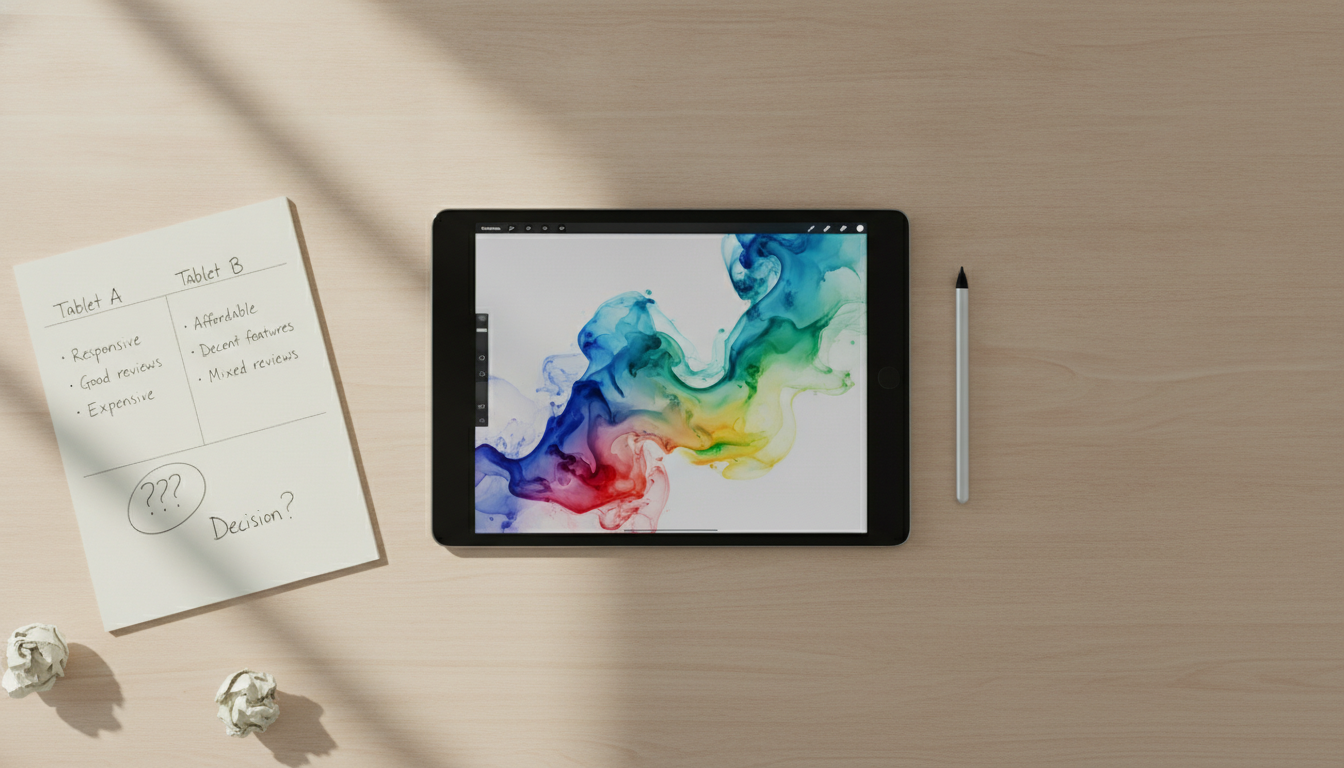
If you’ve made it this far, you already have enough to make an informed choice. The Tab S9 FE works well for most. The Xiaomi Pad 7 is the most daring technical bet. The iPad is for those with a specific reason and who accept the risks of importation. The Lenovo Tab P12 is for those who need a big screen above all else.
A practical tip: before buying, go to the official website of the app you use (Clip Studio Paint, Krita, Procreate) and confirm that the tablet model is on the list of supported devices. Software manufacturers usually keep these lists updated, and this can save considerable headache after purchase.