


Good and cheap laptop for students: what really matters up to R$ 3,000
Finding a good notebook to study without spending much is one of the most common searches in Brazil, and also one of the most frustrating. The range up to R$ 3,000 has many options, but the difference between a smart purchase and an expensive regret lies in the details that most people ignore when comparing technical specifications. In 2026, the market became more competitive: new generation processors reached more accessible prices, and some Asian brands established official presence in the country.
The short answer is: yes, you can have a very capable laptop for academic use within that budget. But the best model depends on your course, how much you need mobility and whether you prefer Windows or prefer to save even more by going for Chrome OS or Linux. In this guide you’ll find the best models available in Brazil in 2026, with practical criteria for each profile.
How to compare the models: criteria that decide the purchase
Before diving into the products, it’s worth being clear about what was considered for each recommendation. The focus is on performance for academic tasks (heavy browsing with many tabs, spreadsheets, presentations, PDF readings, video conferences and, for some courses, light engineering or design software), battery life sufficient for a school day, adequate screen for prolonged reading and official warranty in Brazil. Parallel imported models without Anatel homologation were left out of the main list due to the risk of technical support.
Comparison table: the best laptops for students up to R$ 3,000 in 2026
| Model | Processor | RAM | Storage | Screen | Battery (stated) | Price Range (BR) |
|---|---|---|---|---|---|---|
| Acer Aspire 3 (A315-59) | Intel Core i5-1235U | 8 GB DDR4 | 512 GB SSD NVMe | 15.6″ Full HD IPS | up to 10h (manufacturer) | R$ 2,400 – R$ 2,700 |
| Lenovo IdeaPad 1 Gen 7 | AMD Ryzen 5 5500U | 8 GB DDR4 | 256 GB SSD | 15.6″ Full HD IPS | up to 9h (manufacturer) | R$ 1,900 – R$ 2,300 |
| Dell Inspiron 15 3000 | Intel Core i5-1235U | 8 GB DDR4 | 512 GB SSD NVMe | 15.6″ Full HD WVA | up to 8h (manufacturer) | R$ 2,600 – R$ 2,900 |
| Samsung Galaxy Book4 | Intel Core 3 100U | 8 GB DDR4 | 256 GB SSD | 15.6″ Full HD | up to 8.5h (manufacturer) | R$ 2,200 – R$ 2,500 |
| Positivo Motion C4128D | Intel Core i3-1215U | 8 GB DDR4 | 512 GB SSD | 14″ Full HD IPS | up to 7h (manufacturer) | R$ 1,700 – R$ 2,000 |
Prices are references collected from major Brazilian retailers (Americanas, Magalu, Amazon Brasil, Kabum) and vary according to promotions and region. Always check the current price before buying.
Performance: who can handle real academic daily life
The processor is the heart of the laptop, but what most defines the daily experience is the combination between the chip, the amount of RAM and the type of storage. Eight gigabytes of RAM are the minimum acceptable in 2026; below that, you’ll feel slowness when you have Chrome with several tabs open while running Zoom or Teams. If you’re studying Engineering, Architecture or any field that requires AutoCAD, Revit or Matlab, consider looking for models with 16 GB or plan a memory expansion, something most models on this list allow.
The Acer Aspire 3 with Core i5-1235U is, in this segment, a solid point of balance. The i5-1235U is a 12th generation Intel processor from 2022, but still very efficient for everyday tasks, according to Intel’s official technical sheet. The Lenovo IdeaPad 1 with Ryzen 5 5500U (AMD) delivers comparable general processing performance and often costs less, being interesting if you don’t need support for software that requires specific Intel certification.
The NVMe SSD (a type of solid-state storage much faster than traditional HDDs) makes a huge difference in boot time and app opening. Models that still come with mechanical hard drives should be avoided; if you come across one in this price range, you know you’ll need to replace it. To better understand why this matters so much, check out the article on replacing HDD with SSD on an old PC, which explains the practical impact of the change.
Screen: where you’ll spend hours reading and attending class
For studying, the screen matters more than most people realize. An IPS panel (In-Plane Switching, which delivers more faithful colors and wider viewing angles than cheap TN panels) is the minimum worth seeking. Full HD resolution (1920×1080 pixels) on a 15.6″ screen already delivers sharp enough text for reading.
The Acer Aspire 3 and Lenovo IdeaPad 1 use IPS panels in this configuration, which is a clear positive point. The Dell Inspiron 3000 uses a WVA panel, a variation that falls between IPS and TN in quality; it works fine, but viewing angles are slightly inferior. The Positivo Motion comes with a 14″ screen, which is easier to carry, but may tire more in long reading sessions if you don’t use a larger font.
Maximum brightness is something the manufacturer declares in nits (unit of luminosity); verify that the model you choose has at least 250 nits for use in environments with moderate ambient light. Below that, the screen may appear washed out near windows.
Battery and portability: surviving a school day without outlets
Battery autonomy declared by manufacturers is typically measured under ideal conditions (low brightness, no video conference active), so discount 20% to 30% for a more realistic estimate of intensive use. With this logic, a model that announces “up to 10 hours” probably delivers between 6.5 and 7.5 hours under real conditions with Zoom open and brightness at maximum.
The Acer Aspire 3 and Samsung Galaxy Book4 appear well in this regard according to officially declared specifications. The Positivo Motion, being the lightest and most compact on the list (14″), has smaller battery capacity (check the Wh value on the technical sheet before buying). For those who spend the entire day at college with no charging option, prioritize at least 45 Wh of battery capacity, a metric you’ll find in the manufacturers’ official technical documents.
Weight also counts: 15.6″ notebooks typically weigh between 1.7 kg and 2.0 kg. Add the charger and a backpack, and you’re carrying close to 3 kg. If mobility is a priority, the 14″ Positivo Motion is the best bet on the list.
Warranty, homologation and support in Brazil: what no one remembers before buying
All models on this list are sold officially in Brazil and have Anatel homologation, which means they have passed the regulatory certification process required by the Brazilian government for legal commercialization. In practice, this guarantees you have access to authorized technical assistance in the country and that the one-year legal warranty (Consumer Protection Code) applies without complications.
Lenovo, Acer and Dell have reasonably distributed technical support networks in capitals and major cities. Positivo has the advantage of being a Brazilian brand with consolidated national support, which greatly facilitates the warranty process outside major centers. Samsung has a robust structure, but the Galaxy Book4 in this price range has less technical prominence than competitors in performance per real money spent.
Avoid models imported without Brazilian invoice and without Anatel registration. In case of defect, you’ll be left without legal technical support, and the parallel seller’s warranty has limited legal value.
Which laptop to choose, by student profile
Best overall value for money: Acer Aspire 3 with Core i5-1235U and 512 GB SSD. Balances performance, decent screen and generous storage for the price range.
Best for those who want to spend less: Lenovo IdeaPad 1 with Ryzen 5. Delivers competent performance at a price that frequently stays below R$ 2,300, and the Ryzen 5 5500U still handles demanding daily academic tasks.
Best for mobility: Positivo Motion C4128D 14″. Fits better in backpacks, has good cost-benefit ratio and enjoys nearby Brazilian support.
Best for those who use a lot of cloud and want something more refined: Samsung Galaxy Book4, which has slightly superior finishing and facilitated integration with other Samsung devices, although the Core 3 100U processor is less robust than the i5s and Ryzen 5s on this list for heavier tasks.
For Engineering or Design courses: no model on this list works well with heavy 3D software. Increase your budget to R$ 3,500 to R$ 4,500 and consider models with dedicated GPU (such as the Acer Aspire 5 with Nvidia MX550 or Lenovo IdeaPad Gaming 3), or use the most demanding software in college labs while the laptop handles the rest.
Pros and cons of recommended models
Pros:
- All have SSD, which ensures fast boot and good responsiveness in daily use
- Anatel homologation and official warranty on all listed models
- Current processors sufficient for video conferences, spreadsheets and heavy browsing
- Full HD IPS screens available on major models
- Options in different sizes (14″ and 15.6″) for different usage profiles
Cons:
- 8 GB RAM can be limiting in 2 to 3 years, especially for those using many applications simultaneously
- No model on this list has relevant dedicated GPU for 3D design or gaming
- Cheaper models (Positivo, Lenovo IdeaPad 1) come with 256 GB SSD, which may be little if you store many files locally
- Real battery life usually falls below the value stated by manufacturer under intensive use
- Webcam quality in models in this range is usually basic (720p); check the technical sheet
Frequently asked questions about student laptops up to R$ 3,000
Is 8 GB of RAM enough for college in 2026?
For most courses, yes. Browsing, video conferencing, Office and PDF run fine. If you use simulation software, 3D modeling or video editing, 16 GB is ideal. Verify if the laptop you choose allows RAM expansion before purchasing.
Is it worth buying a Chromebook to study?
It depends a lot on your course. Chromebooks are great for those who work mainly with Google Workspace (Docs, Sheets, Slides), have good internet connection and don’t need specific Windows software. For courses that require programs like AutoCAD, MATLAB or design tools, Windows is necessary.
Is a laptop with an AMD processor worse than Intel for studying?
No. For everyday academic use, Ryzen processors from AMD compete equally with Intel processors of equivalent generation. The relevant difference appears in very specific tasks or in compatibility with software certified for Intel, which is rare in everyday university use.
Should I buy at a physical store or online?
Online usually has better prices and more options to compare. But buying at a physical store allows you to see the keyboard, screen and weight before deciding, which makes a difference in something you’ll use for hours a day. If you buy online, prioritize retailers with a clear return policy and Brazilian invoice.
What to do now before closing the purchase
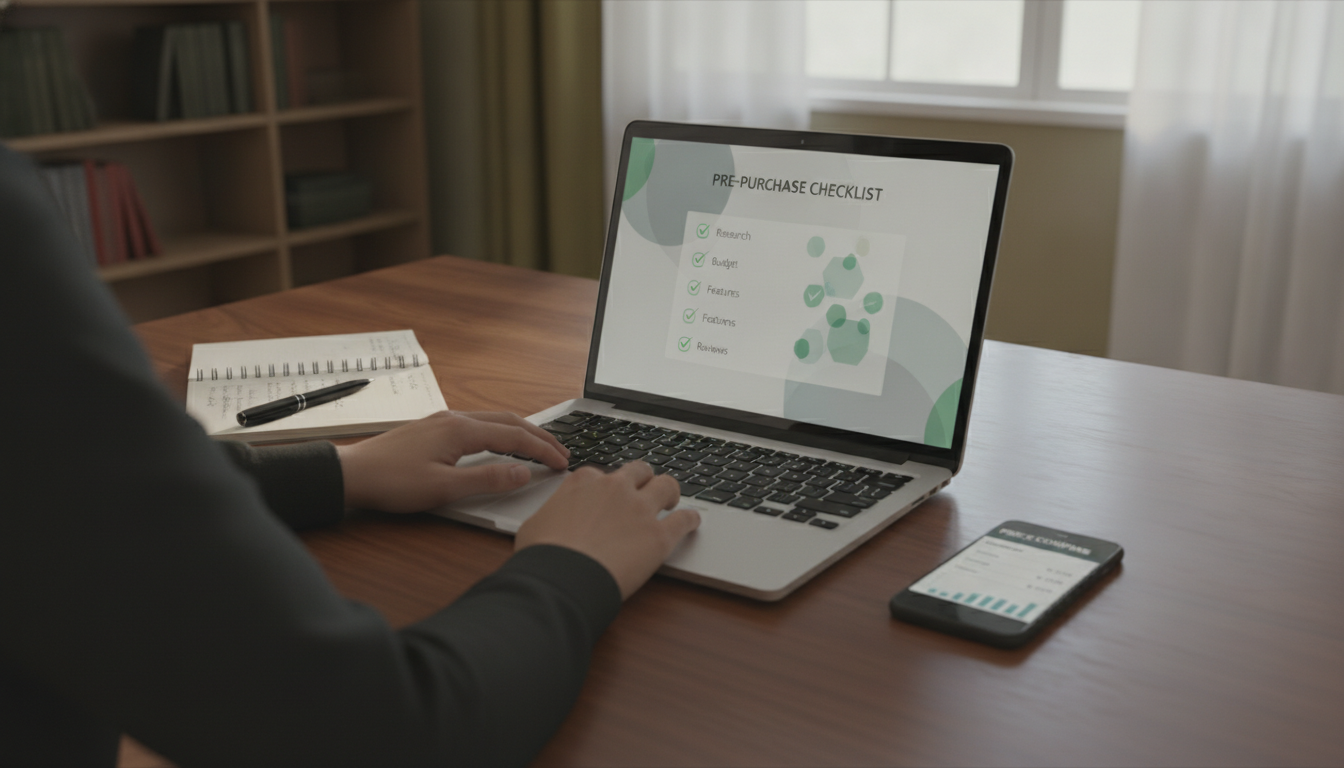
Define your profile before searching for price. Knowing whether you need more portability, battery life or performance already eliminates half the options. Then, check the complete technical sheet of the model on the manufacturer’s official website, compare the price at least three retailers and verify that the product has an Anatel homologation number (usually printed on the box or available on Anatel’s website by model).
If you’re thinking of assembling a more complete study setup at home, with an external monitor and keyboard, the laptop becomes just the CPU of your setup, and then portability matters less. This changes the equation quite a bit. The important thing is not to buy by the cheapest model available without checking what you’re giving up, because saving R$ 300 now can cost daily frustrations for two or three years.