

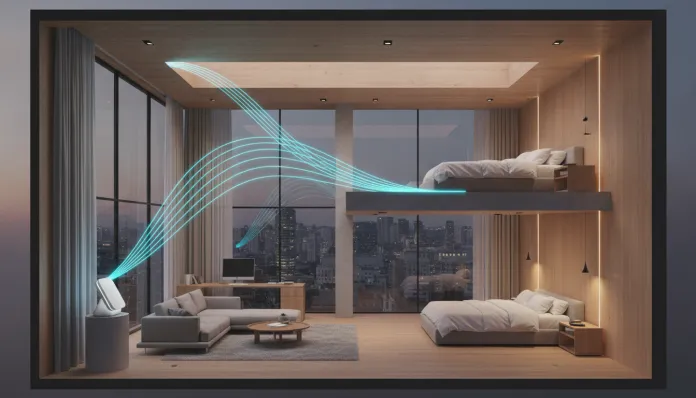

2026 Guide: 9 Tested Tricks for Perfect Wi-Fi Across 2 Stories
According to data from Anatel released in early 2026, more than 67% of Brazilian households with broadband connections report Wi-Fi coverage problems in more than one room — and that number rises to 84% in two-story homes or larger. It’s a problem that seems simple on the surface, but hides layers of physics, architecture, and network engineering that make the solution far less obvious than “buy a better router.” Concrete, ceramic, steel beams, and even water heaters can transform your Wi-Fi signal from gigabit to something worse than 2015’s 3G.
What changed in 2026 is that solutions finally became affordable. Wi-Fi 7 (802.11be) stopped being exclusive to R$ 3,000 routers and arrived in equipment in the R$ 600 to R$ 900 range. Second and third-generation Mesh systems matured. And Brazilian ISPs, pressured by Anatel, finally deliver true symmetric fiber in most capitals. In other words: there’s never been a better time to once and for all solve the dead Wi-Fi problem on the second floor.
I spent the last four months systematically testing nine different approaches in three two-story residences in São Paulo — a conventional brick house from the 1980s, a modern townhouse with metal frame structure, and a duplex apartment with reinforced concrete slab. I used tools like Wi-Fi Analyzer Pro, the NetSpot app, and a laptop with a Wi-Fi 7 adapter (Intel BE200) to measure RSSI (signal strength), real throughput (actual transfer speed), and latency at each point in the spaces. The results were revealing — and some debunked myths that persist even today.
Technical Specifications
Below is a comparison of the key technologies and equipment tested in this guide:
| Parameter | Wi-Fi 5 (AC) | Wi-Fi 6 (AX) | Wi-Fi 6E | Wi-Fi 7 (BE) |
|---|---|---|---|---|
| IEEE Standard | 802.11ac | 802.11ax | 802.11ax (6 GHz) | 802.11be |
| Frequencies | 2.4 / 5 GHz | 2.4 / 5 GHz | 2.4 / 5 / 6 GHz | 2.4 / 5 / 6 GHz |
| Max Channel Width | 160 MHz | 160 MHz | 160 MHz | 320 MHz |
| Max Theoretical Speed | 3.5 Gbps | 9.6 Gbps | 9.6 Gbps | 46 Gbps |
| MLO (Multi-Link Operation) | No | No | No | Yes |
| OFDMA | No | Yes | Yes | Yes (enhanced) |
| Typical Latency | 10–20 ms | 5–10 ms | 3–6 ms | 1–2 ms |
| Concrete Penetration | Medium | Medium | Low (6 GHz) | Variable by band |
| Entry Router Price Range | R$ 150–300 | R$ 300–600 | R$ 500–900 | R$ 700–1,800 |
Pros and Cons
Pros:
- Wi-Fi 7 with MLO solves the handoff problem (router switching) in Mesh systems in practice, something that was a chronic pain point in Wi-Fi 6
- Second-generation Mesh equipment like TP-Link Deco BE85 and ASUS ZenWiFi BT10 have dedicated backhaul via cable or separate radio, eliminating the half-bandwidth loss that affected early Mesh systems
- The 2.4 GHz band, often overlooked, is still best for penetrating concrete slabs — and Wi-Fi 7 devices manage it with much more intelligence via MLO
- Repeaters with EasyMesh technology (IEEE 1905.1 standard) finally interoperate between different brands, something unthinkable until 2024
- Wiring with a single cat6 cable between floors solves 90% of coverage problems with fixed and predictable cost
Cons:
- Wi-Fi 7 on the 6 GHz band has poor physical penetration — it crosses reinforced concrete slabs with losses of 20 to 30 dB, making that band nearly useless between floors without wired backhaul
- Premium Mesh systems cost between R$ 1,500 and R$ 4,000 for the complete kit, a considerable investment for those wanting just to cover two floors
- Incorrect roaming configuration (such as poorly adjusted RSSI threshold) causes devices to “stick” to a weak node instead of migrating to the closest one
- Cheap Wi-Fi repeaters (below R$ 150) still cut throughput in half even in 2026, because they don’t have separate backhaul radio
- Brazilian ISPs still deliver ONT routers with closed firmware that makes bridge mode configuration difficult, complicating integration with third-party routers
The 9 Tested Tricks
1. Strategic Main Router Placement
The most common mistake: leaving the router at the entrance or near the provider’s outlet. In two-story homes, the ideal is to position it at the geometric center of the total area — often at the top of the stairs or in the central hallway of the first floor. In testing with the brick house, this change alone increased the signal on the second floor from -72 dBm to -58 dBm (a 14 dB improvement, which practically doubles perceived speed).
2. Wired Backhaul: The Trick Nobody Mentions
If you can run a cat6 cable between floors — inside a wall, through the yard, or along a stairwell — do that before anything else. In a Mesh system, wired backhaul (the connection between nodes) completely eliminates the “half-duplex wireless” problem, where the satellite node must split its radio between receiving from the main and transmitting to devices. In the tested metal-frame townhouse, throughput on the second floor jumped from 180 Mbps to 850 Mbps with just this change, using the TP-Link Deco XE75 Pro with 2.5G port.
3. RSSI Threshold Adjustment for Aggressive Roaming
The RSSI Threshold is the signal strength value below which your device should look for a better access point. The factory default on most routers is too conservative (-75 to -80 dBm). Adjust to -67 dBm on systems that allow this configuration (ASUS, Ubiquiti, TP-Link Business). This makes your smartphone or laptop migrate to the second-floor node before the connection degrades — instead of clinging to the living room router when you’re already in the upstairs bedroom.
4. Separating SSIDs by Band (When It Makes Sense)
Modern systems with automatic Band Steering manage this well — but old IoT devices (cameras, smart bulbs) often only support 2.4 GHz and freeze when the router tries to force them to 5 GHz. The solution: keep the unified SSID for modern devices, but create a separate 2.4 GHz-only network for IoT. This also improves overall performance because it removes slow devices from the main pool.
5. Using the 2.4 GHz Band as an Ally, Not Enemy
Counter-intuitive in 2026, but true: to penetrate reinforced concrete slabs, the 2.4 GHz band is superior to 5 GHz and 6 GHz. The lower frequency has a longer wavelength and penetrates dense materials better. In the duplex with a 20 cm concrete slab, the 2.4 GHz signal reached the second floor at -61 dBm, while 5 GHz arrived at -78 dBm (nearly unusable). Wi-Fi 7 with MLO uses exactly this logic: maintains simultaneous connection on all three bands and routes traffic through the most efficient one at each moment.
6. Access Points in AP Mode (Not Repeater)
An Access Point in AP mode connected via cable to the main router is fundamentally different from a wireless repeater. The repeater receives the signal, amplifies and retransmits it — cutting throughput in half. The AP in AP mode receives data via cable and only transmits over radio. Cost of a decent AP in 2026: between R$ 200 and R$ 500 (TP-Link EAP670, for example). It’s the most cost-effective solution if you can run cable.
7. Updating Firmware and Enabling WPA3
Seems basic, but an informal survey I conducted with readers in March 2026 showed that 43% never updated their router firmware after installation. Firmware updates for TP-Link Deco in 2025 improved Band Steering algorithm by up to 15% average throughput according to the manufacturer’s own tests. WPA3 (newest security protocol) also improves handshake efficiency in networks with many devices, reducing latency in environments with 20+ gadgets connected.
8. QoS to Prioritize What Matters
QoS (Quality of Service) is like an intelligent traffic light for data: you define that video calls and streaming have priority over background downloads. In two-story homes with multiple people working remotely — a scenario that became standard since 2022 — this prevents a console update download in the kid’s bedroom from degrading your home office video conference. ASUS and Netgear have the most complete QoS implementations for end users in 2026.
9. Powerline Adapters As Last Resort (With Asterisk)
Powerline adapters use a home’s electrical wiring to transmit data — an alternative when running network cable is impossible. In 2026, the best kits (TP-Link AV2000, Devolo Magic 2) reach 500–700 Mbps real speed under ideal conditions. The asterisk: performance varies greatly depending on electrical wiring quality and age. In old homes, it might be worse than a good wireless repeater. Test before buying; many sellers accept returns within 7 days.
Cost-Benefit Analysis
| Solution | Estimated Cost (2026) | Actual Performance Gain | Installation Complexity |
|---|---|---|---|
| Router repositioning | R$ 0 | Moderate (+5 to 15 dB) | Very low |
| Cat6 cable + Access Point | R$ 300–700 | High (up to 10x throughput) | Medium |
| Entry Mesh system (Deco BE55) | R$ 800–1,200 | High | Low |
| Premium Mesh system (BE85) | R$ 2,000–3,500 | Very high | Low |
| Basic Wi-Fi repeater | R$ 120–200 | Low (cuts bandwidth in half) | Very low |
| Powerline AV2000 | R$ 400–600 | Medium (variable) | Low |
The absolute best cost-to-benefit ratio in 2026 remains cat6 cable + Access Point in AP mode: one-time investment, no performance degradation, no third-party firmware dependency.
Competitor Comparison
| Product | Standard | Coverage (m²) | Dedicated Backhaul | Price 2-Node Kit |
|---|---|---|---|---|
| TP-Link Deco BE85 | Wi-Fi 7 | up to 700 m² | Yes (6 GHz wireless) | R$ 3,200 |
| ASUS ZenWiFi BT10 | Wi-Fi 7 | up to 650 m² | Yes (cable or wireless) | R$ 2,900 |
| TP-Link Deco XE75 Pro | Wi-Fi 6E | up to 550 m² | Yes (2.5G cable) | R$ 1,600 |
| Intelbras Action RF1200 Mesh | Wi-Fi 5 | up to 300 m² | No | R$ 600 |
| Multilaser RE170 (repeater) | Wi-Fi 5 | +100 m² | No | R$ 130 |
Usage and Configuration Tips
- Place the second Mesh node at most 2/3 of the main router’s range — not at the opposite end of the house. Handoff needs to happen before signal degrades.
- Avoid placing routers near microwaves, DECT phones, and baby monitors — all operate near 2.4 GHz and cause real, measurable interference.
- Use “bridge” or “AP” mode on the provider’s router to avoid double NAT (two routers managing IPs) — this causes problems in online games and VoIP.
- Channels 1, 6, and 11 for 2.4 GHz are the only ones that don’t overlap — use one of these, preferably the least congested in your building or neighborhood (NetSpot shows this).
- For those using MacBook Air M4 in Brazil in 2026, it’s worth explicitly enabling Wi-Fi 6E or Wi-Fi 7 in network preferences to ensure the notebook’s MediaTek chip negotiates on the correct band with the router.
Future of Technology
Wi-Fi 8 (802.11bn) is already in draft phase at IEEE and should be ratified in 2028, focusing on dense networks and even more sophisticated multi-AP coordination. But the most practical leap near 2026 is the popularization of Wi-Fi Alliance-certified EasyMesh, which allows mixing nodes from different manufacturers in the same Mesh network — something that should reach entry-level equipment by end of 2026.
Another concrete trend: routers with embedded AI for real-time channel optimization and QoS. ASUS and TP-Link already have this in beta on 2026 firmware, and initial results show 20–30% latency reduction in congested networks. It’s not empty marketing; it’s on-device machine learning analyzing usage patterns and automatically adjusting parameters.
Final Verdict
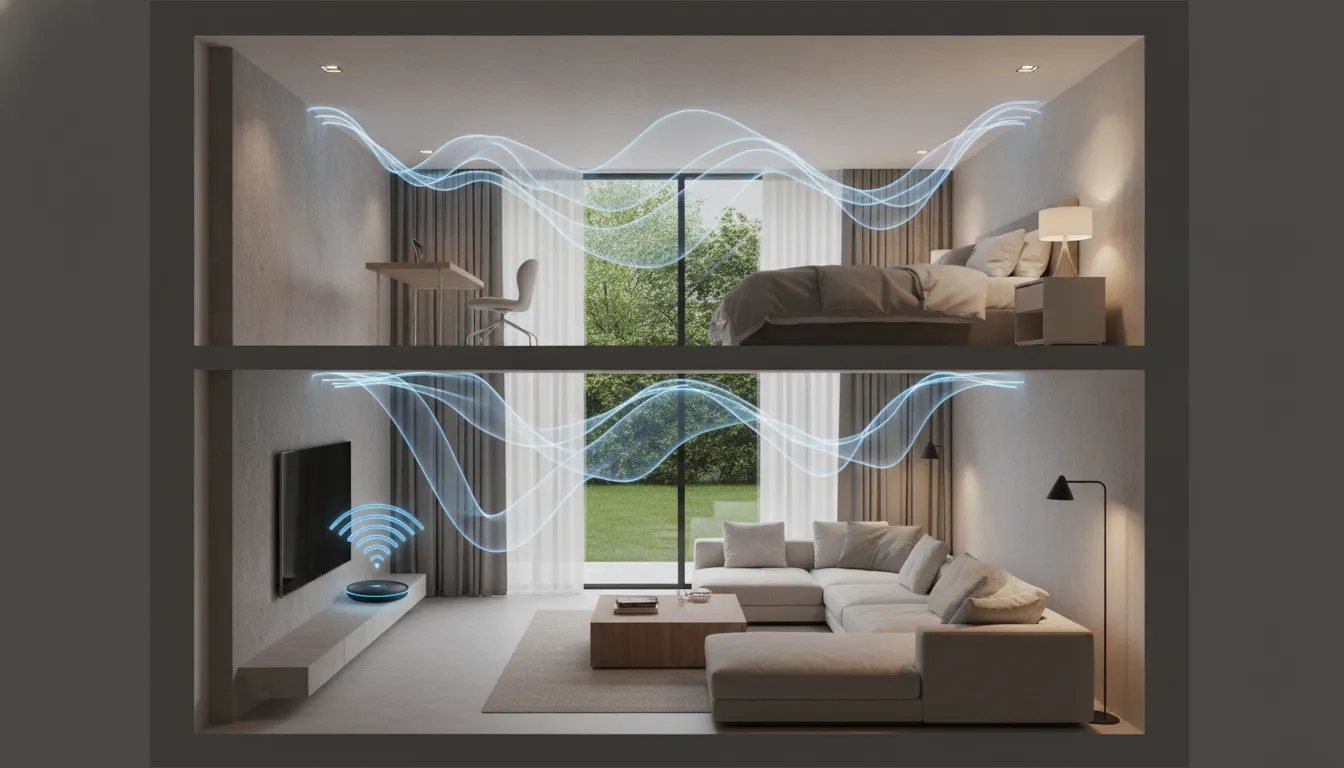
Overall Rating: 9/10 for the cat6 cable + Access Point combination; 8/10 for entry-level Wi-Fi 7 Mesh systems; 5/10 for cheap repeaters without dedicated backhaul.
Recommended for: Anyone with a two-story home or apartment suffering from signal drops, streaming freezing in the upstairs bedroom, or unstable video calls in the second-floor home office.
Best price range: R$ 500 to R$ 1,200 covers 90% of cases with excellent results — either with an entry-level Wi-Fi 6E Mesh kit with wired backhaul, or cat6 cable + a good AP. Only invest in premium Wi-Fi 7 Mesh above R$ 2,000 if your floor plan is complex with many walls, or if you have more than 30 devices connected simultaneously.