



The Acer Nitro V 15 is a gaming notebook that tries to occupy a difficult position: costing less than the more expensive siblings in the Nitro line without sacrificing decent GPU and CPU for gaming. In Brazil in 2026, where the dollar still punishes any import and notebooks arrive heavy with taxes, this promise deserves careful investigation before you pull out your card.
The short answer is: for those who want to enter the PC gaming world without spending on a Predator or ROG, the Nitro V 15 makes sense, as long as you find the right model, at the right price, with Anatel certification. There are some important caveats, and they’re all here.
Acer Nitro V 15 Technical Specifications
| Specification | Details |
|---|---|
| Processor | AMD Ryzen 5 7535HS or Ryzen 7 7745HX (varies by SKU) |
| GPU | NVIDIA GeForce RTX 4060 Laptop (up to 140W with Dynamic Boost) |
| RAM | 16 GB DDR5 4800 MHz (expandable via two SODIMM slots) |
| Storage | NVMe PCIe Gen 4 SSD, 512 GB or 1 TB (second bay empty) |
| Display | 15.6 inch IPS, Full HD (1920×1080), 165 Hz, approximately 45% NTSC sRGB |
| Battery | 57.5 Wh |
| Charger | 180 W proprietary |
| Connectivity | Wi-Fi 6 (802.11ax), Bluetooth 5.1 |
| Ports | 2x USB-A 3.2, 1x USB-C 3.2 Gen 2 (no Thunderbolt), HDMI 2.1, RJ-45, 3.5mm combo |
| Operating System | Windows 11 Home |
| Weight | Approximately 2.5 kg |
| Dimensions | 362.5 x 255 x 24.95 mm |
> Attention: Acer markets the Nitro V 15 in multiple configurations (SKUs), and not all reach Brazil. Before buying, confirm the exact model number and compare it with the official Acer Brazil technical specifications.
Performance: What the RTX 4060 Laptop Delivers in Practice
The RTX 4060 Laptop is a GPU from NVIDIA’s Ada Lovelace generation. In simple terms, it uses a more efficient architecture than previous generations, with support for ray tracing (a realistic lighting technique that simulates how light behaves on surfaces) and DLSS 3 (an AI-powered upscaling system that generates extra frames, increasing perceived FPS without overloading the GPU in the same way).
The critical point here is the TGP (Total Graphics Power), which is the total power delivered to the GPU. The RTX 4060 Laptop can operate between 35 W and 140 W depending on the notebook. According to Acer’s technical specifications, the Nitro V 15 configures this GPU with up to 140 W via Dynamic Boost, which is a respectable value for the price category. This means the GPU here operates near the ceiling of the laptop version, unlike competitors that cap the chip at 80 W or 100 W to save battery or reduce weight.
The Ryzen 7745HX processor, when present, is based on the Zen 4 architecture and offers 8 physical cores, being able to handle heavy workloads well like 1080p video editing and light rendering. The Ryzen 5 7535HS, from the Zen 3+ generation, is more modest but still competent for gaming. Confirm which CPU comes with the model you’re buying, because this changes the value delivered significantly.
Display: 165 Hz is Sufficient, But Color Coverage Disappoints
The 165 Hz panel is one of the biggest attractions of the Nitro V 15. Screen refresh rate measures how many times per second the image is redrawn: the higher, the smoother movement appears, which makes a real difference in competitive games like Valorant and CS2. A 60 Hz screen looks sluggish once you experience 165 Hz for a few days.
The problem is color coverage. According to public information from Acer’s technical specifications, the panel covers approximately 45% of the NTSC color space, which corresponds to around 62-65% sRGB. For games with vibrant scenery and characters, you won’t feel much difference. For photo editing or work requiring color fidelity, this panel won’t work. Acer doesn’t position the Nitro V 15 as a creative notebook, so this isn’t necessarily a flaw, but it’s a limitation you need to know.
Maximum brightness is around 250 nits according to manufacturer information, which is adequate for indoor environments with controlled lighting. In places with direct sunlight or windows behind you, it will be difficult to see the screen.
Battery and Thermals: The Two Most Frustrating Points
With 57.5 Wh capacity, the Nitro V 15’s battery is small for 2026 standards. With gaming usage, battery life drops significantly, which is expected in any gaming notebook, but even in light tasks like browsing and text editing, battery life ranges from 3 to 4 hours according to public reports from users and international reviews. The 180 W charger efficiently recharges quickly, but you’ll want to have an outlet nearby.
The thermals are the most serious point of concern. The Nitro V 15’s cooling design uses four air vents and two coolers, which is adequate, but in prolonged gaming with both CPU and GPU at maximum load (dual fan stress), the temperature of the upper keyboard chassis can rise considerably. This is something several users and publications like Notebookcheck and Laptopmag report as a characteristic of the line. Internal components remain within safe limits according to manufacturer specifications, but surface heat can be uncomfortable in long sessions.
Pros and Cons
Pros:
- RTX 4060 Laptop with high TGP (up to 140 W), good GPU performance
- 165 Hz display that delivers real smoothness in games
- DDR5 RAM and Gen 4 SSD with expansion possibility (two slots and second NVMe bay)
- HDMI 2.1 port, useful for connecting 4K/144 Hz external monitors
- Available with Anatel certification in authorized stores in Brazil
- Official Acer support in Brazil, with 1-year warranty (extendable)
Cons:
- Small battery for 2026 (57.5 Wh)
- Limited screen color coverage, unsuitable for creative work
- Perceptible heat on keyboard surface under maximum load
- USB-C without Thunderbolt, which limits eGPUs and high-speed peripherals
- Multiple configurations with the same name cause confusion when buying
- Weight of 2.5 kg plus heavy charger makes transport uncomfortable
Competitors and Alternatives in Brazil
| Model | GPU | Display | Weight approx. | Price Range in Brazil |
|---|---|---|---|---|
| Acer Nitro V 15 | RTX 4060 Laptop | 15.6″ 165 Hz FHD | 2.5 kg | R$ 4,500 to R$ 5,800 |
| ASUS TUF Gaming A15 | RTX 4060 Laptop | 15.6″ 144 Hz FHD | 2.3 kg | R$ 4,800 to R$ 5,900 |
| Lenovo IdeaPad Gaming 3i | RTX 4060 Laptop | 15.6″ 120 Hz FHD | 2.4 kg | R$ 4,200 to R$ 5,200 |
| Dell G15 | RTX 4060 Laptop | 15.6″ 165 Hz FHD | 2.8 kg | R$ 5,000 to R$ 6,200 |
| Samsung Odyssey G3 | RTX 4060 Laptop | 16″ 165 Hz FHD | 2.2 kg | R$ 5,200 to R$ 6,500 |
> Approximate prices based on market research in Brazilian stores like Kabum, Pichau, and Magazine Luiza. Values vary frequently; always check current prices before buying.
The ASUS TUF Gaming A15 is the most direct competitor: it has equivalent GPU, generally better-recognized thermals publicly, and 144 Hz display (less than 165 Hz, but the practical difference in games is small). The Lenovo IdeaPad Gaming 3i sometimes costs less and may make sense if budget is the main criterion. The Dell G15 is heavier but has a reputation for good build quality and robust technical support in Brazil.
If you use AI tools for work alongside gaming, it might be worth exploring how to enhance your setup beyond hardware. For example, learning to use Gemini 2.5 Pro free in Brazil can complement well with a notebook of this processing capability.
Frequently Asked Questions about the Acer Nitro V 15
Does the Nitro V 15 have Anatel certification?
Yes, models officially sold by authorized Acer resellers in Brazil have Anatel certification for Wi-Fi and Bluetooth. If you import directly or buy from an unauthorized reseller, you may not have this certification and could face warranty issues. Always buy from a store that displays the Anatel certificate in the ad or on the packaging.
Can I upgrade RAM and SSD on the Nitro V 15?
Yes, and this is one of the model’s advantages. According to Acer’s technical specifications, the notebook has two accessible SODIMM slots and an empty second M.2 bay for adding a second SSD. You can start with 16 GB and 512 GB and expand as needed, which extends the equipment’s lifespan without needing to replace the notebook.
Does the Nitro V 15 run games in 4K?
Formally yes, since the RTX 4060 Laptop supports 4K output via HDMI 2.1. But the native panel is Full HD, so gaming in 4K requires an external monitor. With native 4K in demanding games, performance drops significantly; for that, DLSS 3 helps compensate with AI upscaling. At 1080p, which is the native panel resolution, performance is much more comfortable.
Is it worth importing the Nitro V 15 from the USA?
Rarely. The launch price in the USA ranges around US$ 800 to US$ 1,000 depending on configuration, but when importing you pay import taxes (which can reach 60% of declared value), have no valid warranty in Brazil, and may have voltage and local technical support issues. The price difference compared to national stores usually doesn’t justify the risk.
Is It Worth Buying the Acer Nitro V 15 in Brazil?
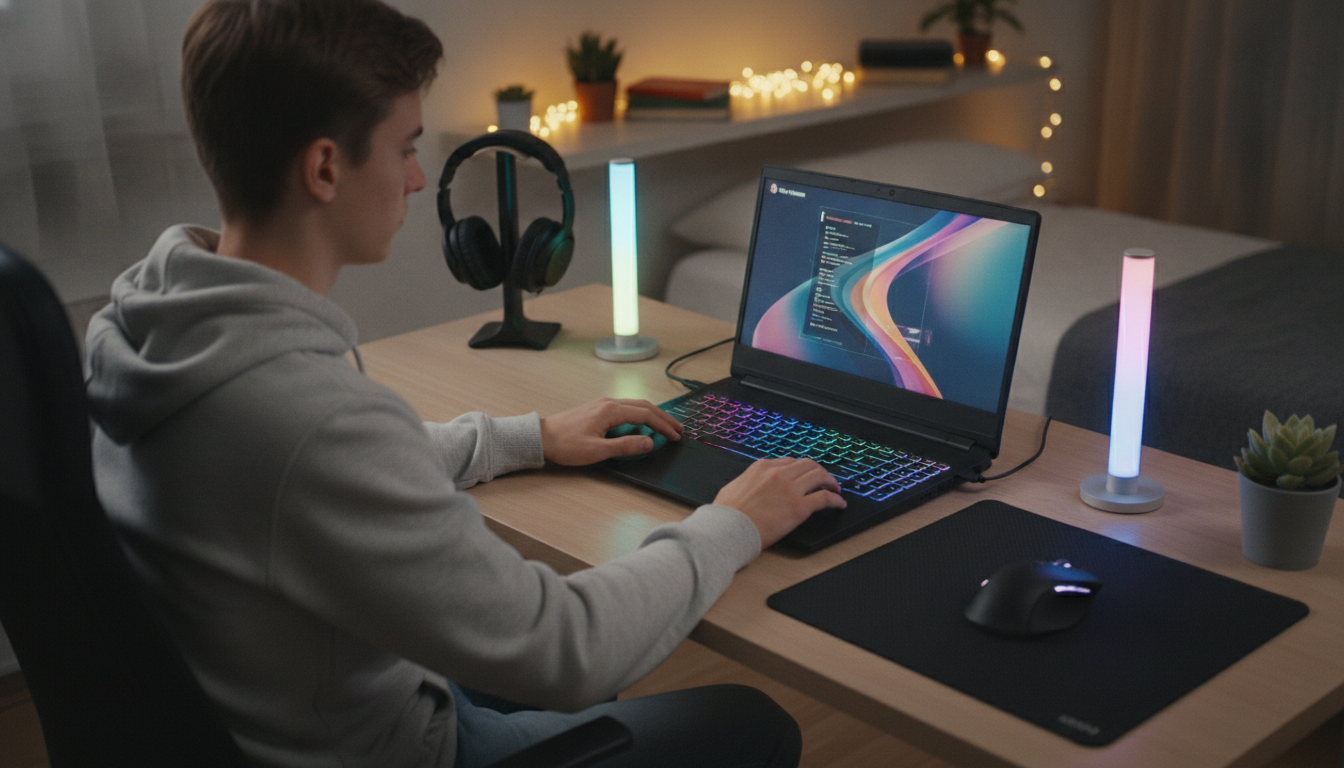
The Nitro V 15 is an honest notebook in what it proposes: RTX 4060 Laptop performance with decent TGP, RAM and SSD expandability, and a smooth display for gaming, all at a price that falls below most competitors with equivalent GPU when you grab a good promotion. It’s not the lightest, doesn’t have the best battery, and the screen doesn’t work for those who work with design or photo editing.
If you’re evaluating notebooks for productivity beyond gaming, like programming with AI tools, it can be helpful to also check evaluations of modern browsers like Comet, Perplexity’s browser, which integrates well with research workflows on machines at this hardware level.
Recommended for: those who want a gaming notebook with RTX 4060 Laptop GPU in the entry range, plan to expand RAM and SSD over time, play mainly at 1080p, and don’t rely on long battery life or screen quality for creative work.
Price range: R$ 4,500 to R$ 5,800 in authorized stores in Brazil, with frequent variations in holiday promotions. In the USA, the historical launch price of equivalent SKUs was between US$ 800 and US$ 1,000.