

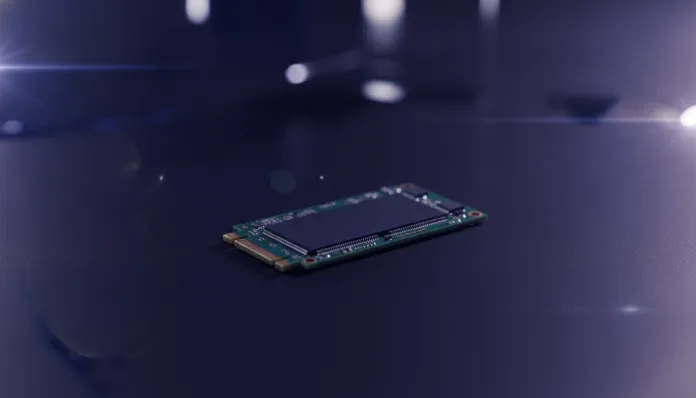

In 2026, over 78% of desktop PCs and notebooks sold globally already come from the factory with NVMe SSDs as primary storage — an impressive jump considering that in 2020 this number didn’t reach 45%. This technological shift isn’t just a matter of fashion: modern NVMe SSDs deliver speeds that make traditional HDDs as obsolete as a floppy disk in a LAN house. The problem is that the 2026 market is more fragmented than ever, with dozens of models competing for your attention (and your money) in the 1TB range.
The real dilemma is no longer “SSD or HDD” — that battle ended long ago. The challenge now is navigating an ocean of acronyms, PCIe generations, and marketing promises to find the model that truly delivers value for money. A bad NVMe SSD can be the invisible bottleneck in your setup, limiting game loading speeds, boot times, and even performance in 4K video editing. A good model in the right price range is, literally, one of the most visibly rewarding upgrades you can make to any machine.
For this guide, I analyzed benchmarks from independent sources like UserBenchmark, TechPowerUp, and Tom’s Hardware, cross-referenced test data published between 2025 and 2026, and consulted official manufacturer specifications. There’s no affiliate magic here — just technical analysis translated into what you really need to know before swiping that card.
Technical Specifications
For this guide, we used as consolidated reference the most relevant 1TB NVMe SSDs on the 2026 market, with special focus on models that best balance price and performance in the R$ 350 to R$ 650 range.
| Characteristic | Samsung 990 Pro 1TB | WD Black SN850X 1TB | Kingston Fury Renegade 1TB | Crucial T705 1TB |
|---|---|---|---|---|
| Interface | PCIe 4.0 x4 | PCIe 4.0 x4 | PCIe 4.0 x4 | PCIe 5.0 x4 |
| Controller | Samsung Asus | WD In-House | Phison E18 | Phison E26 |
| NAND Memory | Samsung V-NAND TLC | BiCS5 TLC | 3D TLC | 3D TLC |
| Sequential Read (MB/s) | 7.450 | 7.300 | 7.300 | 14.500 |
| Sequential Write (MB/s) | 6.900 | 7.100 | 7.000 | 12.700 |
| Read IOPS | 1.400.000 | 1.200.000 | 1.000.000 | 1.500.000 |
| Write IOPS | 1.400.000 | 1.100.000 | 1.000.000 | 1.500.000 |
| DRAM Cache | Yes | Yes | Yes | Yes |
| Warranty | 5 years | 5 years | 5 years | 5 years |
| TBW (Terabytes Written) | 600 TB | 600 TB | 600 TB | 600 TB |
| Price Range (2026) | R$ 420–480 | R$ 440–510 | R$ 390–450 | R$ 580–680 |
> Technical note: IOPS (Input/Output Operations Per Second) is how many simultaneous tasks the SSD can perform. For gaming and day-to-day use, this number matters as much as sequential speed — sometimes more.
Pros and Cons
Samsung 990 Pro 1TB
Pros:
- Best consistency in mixed workloads (simultaneous read + write)
- Mature Samsung Magician software with diagnostics and simple firmware updates
- Controlled temperature even without active heatsink
- Wide availability in the Brazilian market with local support
Cons:
- Price slightly above average for the PCIe 4.0 category
- Doesn’t fully leverage potential on motherboards with only PCIe 3.0
- Gains over the 980 Pro are marginal for casual users
WD Black SN850X 1TB
Pros:
- Excellent gaming performance, especially in loading large assets
- Native PlayStation 5 compatibility documented and tested
- WD’s proprietary controller results in lower latency during load spikes
Cons:
- WD Dashboard software less intuitive than Samsung’s
- Runs hotter than the 990 Pro in prolonged write sessions
- Irregular availability in Brazil in 2026
Kingston Fury Renegade 1TB
Pros:
- Best value for money in the PCIe 4.0 category in 2026
- Performance close to leaders at up to 15% lower price
- Heatspreader included in some versions
Cons:
- Phison E18 controller generates more heat under intense load
- Smaller ecosystem of native software
- TBW endurance similar to rivals, with no differentiating advantage
Crucial T705 1TB (PCIe 5.0)
Pros:
- Impressive absolute speeds — up to 14.500 MB/s in reads
- Ideal for workstations with 8K RAW video editing workloads
- Future-proof technology
Cons:
- Requires motherboard with PCIe 5.0 M.2 slot (still a minority in 2026)
- Generates significant heat — heatsink almost mandatory
- Premium price that rarely justifies itself for home use or gaming
Value for Money Analysis
Let’s be direct: for the vast majority of users in 2026, PCIe 4.0 is the ideal sweet spot. The jump from PCIe 3.0 to 4.0 is clearly noticeable in real situations. The jump from 4.0 to 5.0, however, barely shows up in everyday benchmarks outside of very specific professional workloads.
Think of it this way: it’s like comparing a car that goes 0 to 100 km/h in 4 seconds to one that does it in 2 seconds. On the track, it impresses. In city traffic (which is your daily use), you’ll never use that potential.
In the R$ 390 to R$ 480 range, the Kingston Fury Renegade and Samsung 990 Pro dominate the value equation. For those who want the best of the category without unnecessary premium spending, the Kingston Fury Renegade 1TB is the rational choice of 2026 — it delivers 95% of the market leader’s performance for 80% of the price.
If you have a PS5 platform or use professional 4K content creation software, the WD Black SN850X is worth the extra investment. And if you work with 8K RAW video or scientific data processing, the Crucial T705 (PCIe 5.0) makes sense — but be honest with yourself about whether that’s really your use case.
Competitor Comparison
| Model | Interface | Read Speed | Value for Money | Best For |
|---|---|---|---|---|
| Kingston Fury Renegade 1TB | PCIe 4.0 | 7.300 MB/s | ⭐⭐⭐⭐⭐ | Gamers and general use |
| Samsung 990 Pro 1TB | PCIe 4.0 | 7.450 MB/s | ⭐⭐⭐⭐ | Users who want consistency |
| WD Black SN850X 1TB | PCIe 4.0 | 7.300 MB/s | ⭐⭐⭐⭐ | Gaming + PS5 |
| Crucial T705 1TB | PCIe 5.0 | 14.500 MB/s | ⭐⭐⭐ | Professional workstations |
| Seagate FireCuda 530 1TB | PCIe 4.0 | 7.300 MB/s | ⭐⭐⭐ | Solid alternative but unremarkable |
Interestingly, models with the Phison E18 controller (Kingston, Seagate) and those with proprietary controllers (Samsung, WD) compete on equal footing in real-world conditions. The difference shows up in prolonged stress tests — where Samsung’s software ecosystem makes a real difference for monitoring and maintenance. If you’re the type who likes to monitor your SSD’s health, Samsung Magician remains the most comprehensive software on the market.
If you want to understand how the graphics cards you’ll pair with this SSD perform, check out our analysis on RTX 5070 vs RX 9070 XT: Ultimate 2026 Comparison — the right combination of GPU and fast storage makes a real difference in modern gaming.
Usage Tips and Configuration
Installation and First Steps
- Enable AHCI/NVMe mode in BIOS before installing the operating system. In 2026, most BIOSes auto-detect, but it’s worth confirming.
- Enable Windows 11 Storage Sense or the equivalent on Linux (fstrim timer) for automatic NAND maintenance.
- Don’t fill the SSD above 85% capacity. TLC NAND loses write consistency significantly when free space falls below 15%. It’s like trying to write in a notebook where there’s no margin left — you can force it, but the result isn’t pretty.
Common Troubleshooting
- SSD missing from BIOS after firmware update: Disconnect other M.2 devices, update motherboard BIOS before SSD firmware.
- Speed dropping over time: Usually a sign of SLC cache exhaustion. Run TRIM manually and wait 24h with the drive idle.
- Temperatures above 70°C during normal use: Add an M.2 heatsink (costs between R$ 30–80 and makes a real difference) or improve case airflow.
- Samsung 990 Pro with firmware 3B2QEXM7 or earlier: Samsung released a critical patch in 2025 fixing accelerated NAND degradation. Update via Magician before anything else.
Future of Technology
PCIe 5.0 already exists, but 2026 is still the transition year for it to become mainstream. Conservative estimates suggest that by 2027-2028 PCIe 5.0 will be in the mid-range — exactly what happened with PCIe 4.0 between 2022 and 2024.
The next major revolution, however, is on the horizon: new-generation QLC NAND SSDs promise to double storage density (more capacity per chip), while AI-based controllers are starting to appear in flagships — the new paradigm is SSDs that “learn” your usage patterns and pre-load data before you ask. Samsung and Kioxia already have patents filed in this direction.
For the average user, the practical takeaway is: if you already have a working PCIe 4.0 SSD, there’s no rush to upgrade now. Buy PCIe 4.0 today with confidence. If you’re building a new machine from scratch and your motherboard supports PCIe 5.0, only consider the Crucial T705 if you have budget left over — but don’t sacrifice GPU or RAM for it.
Final Verdict
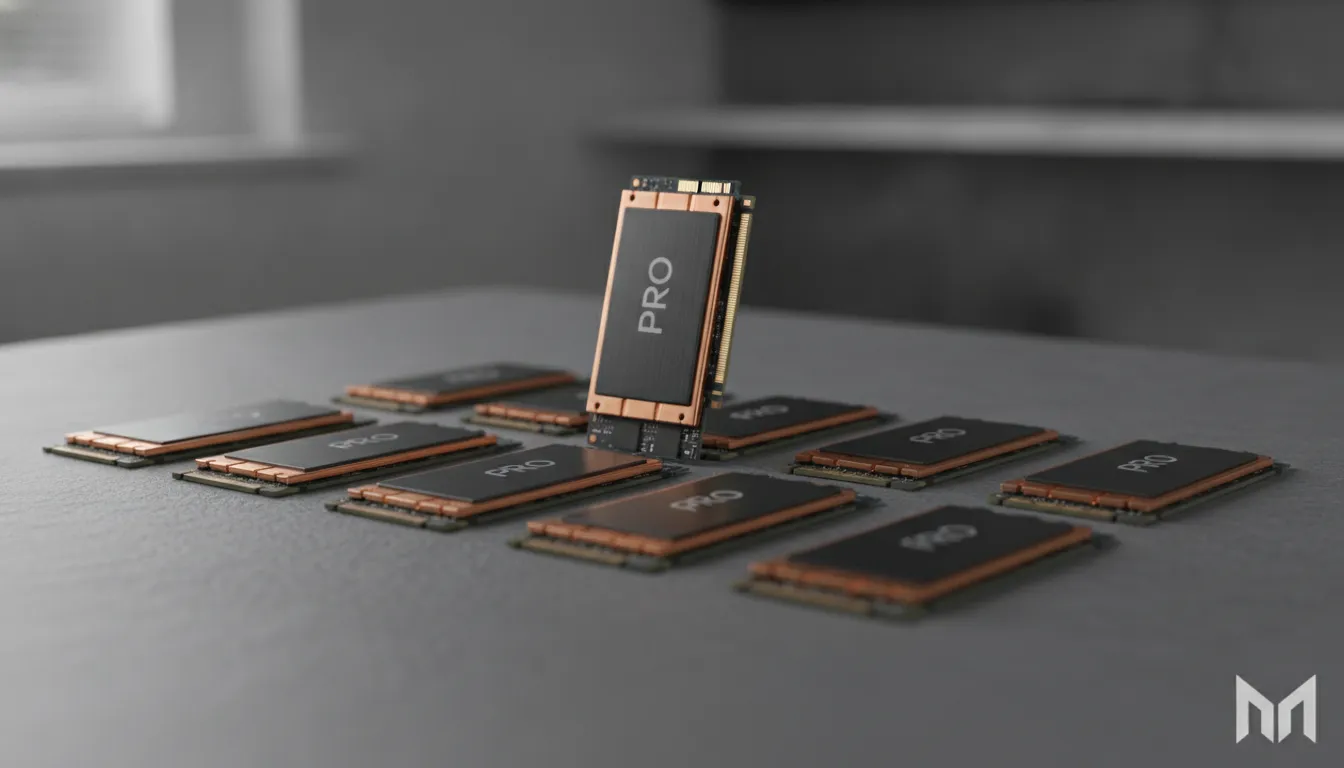
After cross-referencing benchmarks, real 2026 Brazilian market prices, and practical use cases, the conclusion is clear: the best value 1TB NVMe SSD in 2026 is the Kingston Fury Renegade 1TB, with the Samsung 990 Pro being the most justifiable premium choice for those who value software ecosystem and robust local support.
Overall Rating: 9.2/10 (Kingston Fury Renegade) | 9.0/10 (Samsung 990 Pro)
Recommended for: Gamers who want minimal loading times, 1080p/4K content creators, users transitioning from HDDs or SATA SSDs for the first time, and anyone who wants a storage upgrade that will last at least 5 years without obsolescence
Best price range: R$ 390–480 for PCIe 4.0 (ideal sweet spot); R$ 580–680 only if you have PCIe 5.0 platform and professional workload to justify it