

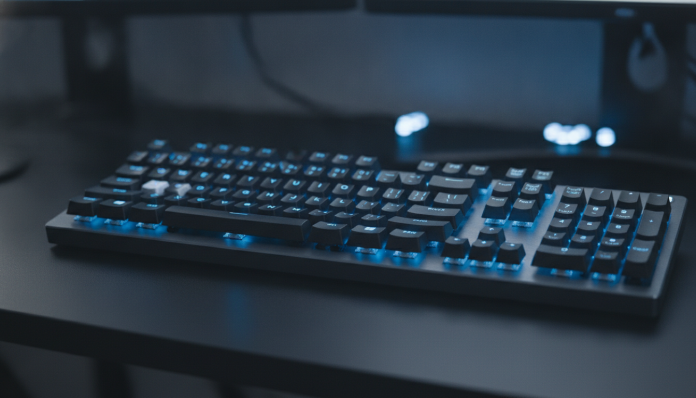

Mechanical keyboards up to R$ 300: what’s really worth buying in 2026
Entering the world of mechanical keyboards without spending a fortune is completely possible, but the R$ 300 range still requires attention. It has well-designed products, imported items with good value for money, and options that seem like bargains but disappoint in practice. The good news is that the market has evolved significantly in recent years, and today it’s possible to find decent switches, reasonable construction, and even functional RGB without going over R$ 300.
The main criterion of this guide is simple: keyboards available in Brazil, whether in national stores or via accessible importation, with verifiable specifications and a price that fits your budget. The idea is not to elect a single “best” absolute, because the best keyboard depends on your use, preferred layout, and the type of switch you want. What we do here is map real options, explain what each one offers, and help you decide with clarity.
Comparison table: the main models available in Brazil
| Model | Layout | Available switches | Backlight | Connection | Approximate price (BR) |
|---|---|---|---|---|---|
| Redragon K552 Kumara | TKL (87 keys) | Outemu Red, Blue, Brown | RGB | USB wired | R$ 150 to R$ 220 |
| Redragon K530 Draconic | 60% (61 keys) | Outemu Red, Blue, Brown | RGB | USB / Bluetooth | R$ 200 to R$ 280 |
| Motospeed CK62 | 60% (61 keys) | Outemu Blue or Red | RGB | USB / Bluetooth | R$ 180 to R$ 260 |
| Havit KB487L | TKL (87 keys) | Kailh Blue or Red | RGB | USB wired | R$ 180 to R$ 260 |
| Keychron K3 (budget version) | 75% (84 keys) | Gateron Red/Blue/Brown | White or RGB | USB / Bluetooth | R$ 270 to R$ 350* |
| Akko 3068B | 65% (68 keys) | Akko CS or Jelly switches | RGB | USB / Bluetooth | R$ 280 to R$ 360* |
*Imported models directly; price may vary according to exchange rate, fees and platform. Confirm availability before purchasing.
What are mechanical switches and why do they matter
The switch is the mechanism under each key. It determines the feeling of typing: the force needed to activate, the sound produced, and whether you feel a “click” or not. Think of it as the type of transmission in a car: the right choice depends on your usage style.
The three most common profiles are linear (no extra resistance or click, smooth and silent actuation), tactile (a “bump” in the middle of the stroke tells you the key was registered, without loud noise), and clicky (that classic audible click, loved by those who type a lot, hated by colleagues around). In the cheaper options, you will mainly find Outemu and Kailh switches, which are solid Chinese manufacturers. They don’t reach the level of an original Cherry MX, but they do their job well in daily use.
An important point: within R$ 300, you’ll hardly find true hot-swap switches, which is the ability to swap switches without soldering. Some Redragon and Akko models already offer this in slightly more expensive versions, so check the technical sheet of the exact model before buying.
Redragon K552 and K530: the most accessible value for money
Redragon has a consolidated presence in Brazil, with products available in major retailers like Kabum, Pichau, and Magazine Luiza. The K552 Kumara is probably the best-selling mechanical keyboard in the up to R$ 200 range in the country. According to the manufacturer, it has a metal structure on top (which is rare in this range), interchangeable Outemu switches in some versions, and minimal resistance to water splashes. For those migrating from a membrane keyboard and wanting to feel the difference without spending much, it does the job.
The K530 Draconic is more interesting if you want a 60% form factor, which saves desk space by removing the numeric block and dedicated function keys. Access to secondary functions happens via combinations with the Fn key. Plus, it offers Bluetooth 5.0 connectivity and a USB-C cable, allowing you to use the keyboard on up to three devices by switching easily. The construction is all plastic, but the finish is acceptable for the price.
The weak point of Redragon in general is the configuration software: it exists, but it’s quite basic and doesn’t have a macOS version with full support. If you use Windows, there’s no problem. But if your environment is Mac or Linux, prepare yourself for limitations.
Havit KB487L and Motospeed CK62: alternatives with Kailh switches
The Havit KB487L stands out because it uses Kailh switches, a Chinese brand with a slightly better reputation than Outemu. Kailh is a supplier for some premium keyboards and has its own interesting switch line. In the KB487L, according to the official technical sheet, you’ll find TKL format with double-injection ABS keycaps (which ensures better durability on letters) and zone-based RGB backlight. Typing is comfortable for extended use, especially in the Red switch version.
The Motospeed CK62 competes directly with the K530 in the 60% wireless segment. Its great advantage is the price frequently below R$ 200 during sales. The disadvantage is the all-plastic construction and the fact that personalization software is even more limited than Redragon’s. For those who just want a compact mechanical keyboard to take to work, it solves the problem. For those who want to customize macros or advanced lighting, it will frustrate.
Keychron and Akko: when it’s worth paying a bit more
If you can stretch your budget to R$ 300 to R$ 360, two names deserve special attention. Keychron became famous for offering keyboards with mid-level finish, real compatibility with macOS and Windows, and Gateron switches (which are a step above Outemu in actuation consistency). The K3 model in the 75% layout is one of the brand’s most popular. It keeps dedicated function keys while saving space, which many people consider the perfect balance.
Akko is a Chinese brand that has gained space quickly by offering keyboards with interesting proprietary switches and PBT keycaps (polybutylene terephthalate, a more durable plastic with pleasant texture) without charging much for it. The 3068B model in the 65% layout receives good reception among enthusiasts. According to the manufacturer, it supports up to five devices via Bluetooth and uses Akko CS switches, which have characteristics similar to premium linear switches. The caveat is that these two models are usually imported without robust national warranty, since neither brand has consolidated official distribution in Brazil in 2026. You buy at your own risk of importation.
If you’re building a more complete setup and thinking about a peripheral to accompany a 1440p 144Hz gaming PC up to R$ 7,000, it’s worth considering investing in a keyboard slightly above the basic range for a better experience.
Importation, Anatel, and warranty: what you need to know before buying
Most keyboards under R$ 300 sold in Brazil do not go through Anatel homologation (the Brazilian telecommunications regulatory agency). This doesn’t mean the product is illegal to use, but it hasn’t gone through the national certification process. In practice, the impact on daily use is small for a wired keyboard. For wireless 2.4 GHz or Bluetooth models, the absence of homologation can technically prevent official sales, although many circulate freely on marketplaces.
As for warranty: Redragon products sold by national resellers usually come with a one-year warranty against manufacturing defects, with email support. Keychron and Akko imported keyboards depend on the policy of the store where you bought them. On marketplaces like AliExpress or Amazon International, the exchange process is more bureaucratic and may involve shipping outside the country. Consider this in your risk calculation.
Another important point is the keyboard layout. Most models sold in Brazil in the entry segment come in ABNT2 layout (Brazilian standard, with cedilla and tilde) or US ANSI layout (without Portuguese special keys). Confirm which version you’re buying, because changing the layout later requires operating system reconfiguration and can be quite annoying.
Which to choose based on your profile
For those buying their first mechanical keyboard: the Redragon K552 is the safest path. You can find it easily, it has reasonable national support, and the investment is low if you discover you prefer another type of switch.
For those who want a compact wireless keyboard: the Redragon K530 Draconic or Motospeed CK62 work well. The K530 has a slight edge in finish and software.
For Mac or Linux users who want real compatibility: the Keychron K3 is worth the extra investment. It was designed with Apple users in mind from the start.
For those who want quality keycaps and differentiated switches: the Akko 3068B is a good entry into the customization universe, as long as you accept the risk of importing without national warranty.
For those who just want to save the most: the Havit KB487L with Kailh Red is an honest option, especially if you find it below R$ 200.
Frequently asked questions about mechanical keyboards up to R$ 300
Red, Blue, or Brown switch: which is best for the office?
For shared work environments, the Red linear switch is most recommended because it’s silent and has smooth actuation. The Blue clicky switch produces a lot of noise and can bother colleagues. The Brown tactile switch is a middle ground, but still generates some noise on the keys.
Is it worth paying more for PBT keycaps in this price range?
Yes, when the price difference is small. PBT keycaps are more durable, don’t accumulate grease as easily, and have a more pleasant texture. ABS keycaps, common in cheaper models, tend to become “shiny” with use. If two models cost the same, prefer the one with PBT.
Is a wireless mechanical keyboard worth it in this price range?
It depends on your priority. Bluetooth latency has improved a lot, but for competitive gaming there can still be variation. For typing and general use, wireless connection works well. Battery life on models in this range usually lasts between 20 and 60 hours with RGB off, according to manufacturers’ technical sheets.
What is ghosting and do keyboards on this list suffer from it?
Ghosting is when you press multiple keys at the same time and the keyboard doesn’t register them all correctly, which is annoying in games. Most modern mechanical keyboards, even cheap ones, have anti-ghosting on at least 6 simultaneous keys, and some have N-Key Rollover (all keys independent). Check this specification in the technical sheet if you game a lot.
How to decide without regret
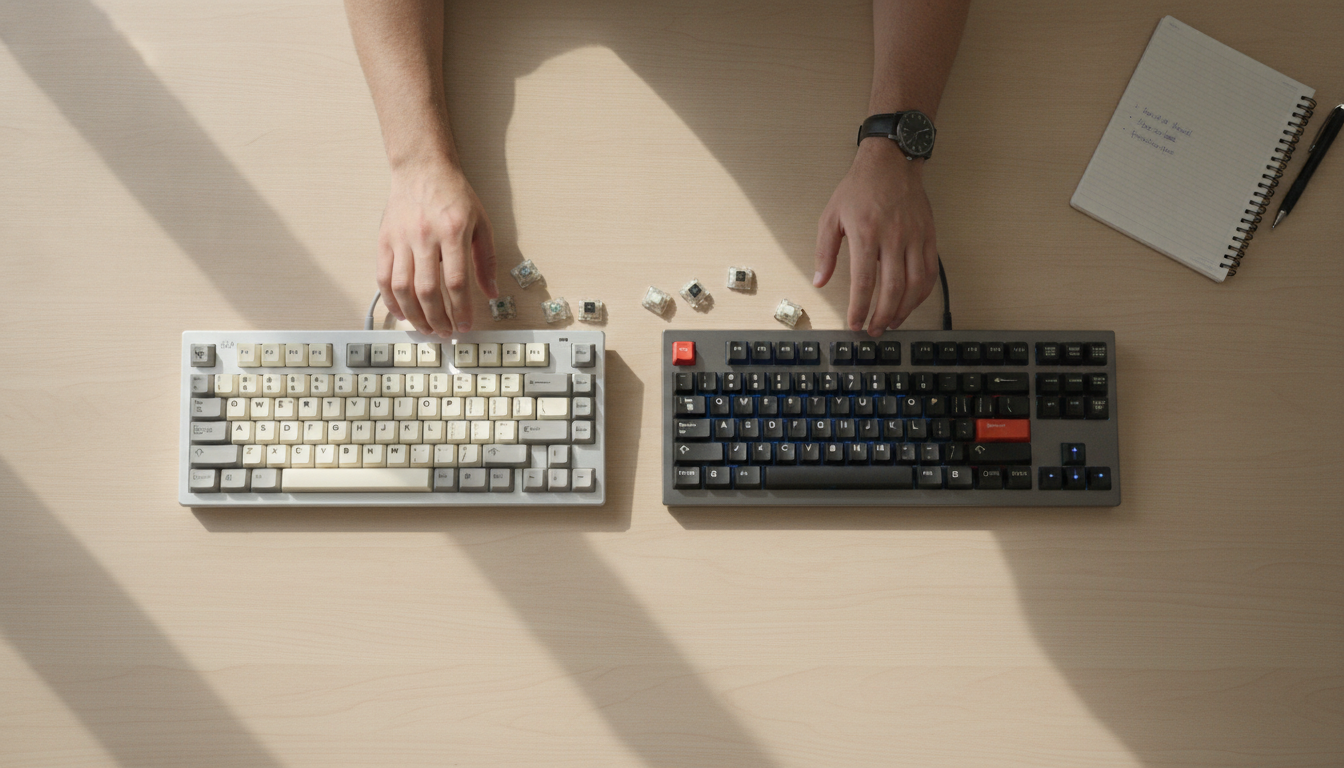
The right choice starts with the main use. If it’s intensive typing, prioritize switch type and layout. If it’s mixed use between work and gaming, a wireless TKL like the K530 works well. And if you’re building a more complete setup, it’s worth viewing the peripheral as part of an ecosystem: a good keyboard pairs well with a decent monitor and graphics card, and the user experience makes a difference in the long run.
The prices cited here are 2026 approximations based on surveys of major Brazilian retailers and may vary according to promotions, exchange rates, and stock availability. Before finalizing your purchase, check the availability of technical support and that the model has the correct layout for your language.