

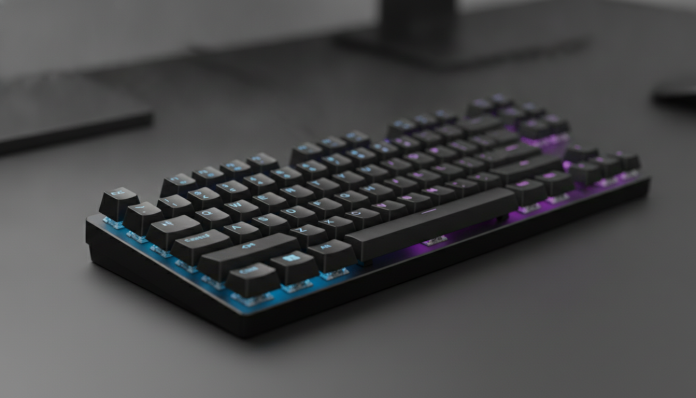

Why mechanical keyboards still make a difference in 2026
Mechanical keyboards aren’t just a gamer’s whim. Anyone who types a lot, whether for work, studying, or gaming, notices the difference in practice: each key has an independent mechanism called a switch that responds to touch with precision and durability. In a common membrane keyboard, the entire base flexes when you press a key, resulting in imprecise feedback and faster wear. In a mechanical keyboard, each switch has its own spring and electrical contact, ensuring consistent response for years.
The problem is that good mechanical keyboards tend to be expensive. The good news is that the market has changed considerably in recent years, and today it’s possible to find decent options below 300 reais in Brazil, both in national stores and through imports. This guide helps you understand what’s worth it in this price range and how to avoid the trap of cheap products that disappoint after three months.
The short answer for those who want a direct recommendation: there are reliable mechanical keyboards below 300 reais in Brazil, but you need to know exactly what to sacrifice and what to demand. Let’s get to what matters.
What determined the choice of models on this list
The main criterion here was not the lowest price, but real value for money. We analyzed technical specifications officially disclosed by manufacturers, availability for sale in national territory, and the type of switch used. Keyboards with switches from completely unknown brands with no public information about lifespan or actuation force were excluded. The minimum accepted warranty was one year, a basic requirement for consumers in Brazil under the Consumer Protection Code.
Another critical point was the layout. Most models in this price range come in ABNT2 layout, which is the Brazilian standard, but some imported models come in US International layout, which doesn’t have the cedilla key in the usual place. Pay attention to this when buying.
Comparative table of main models under 300 reais
| Model | Switch | Layout | Backlight | Connection | Price range (BR) | |
|---|---|---|---|---|---|---|
| Redragon K552 Kumara | Outemu Red or Blue | ABNT2 | Red LED | USB wired | R$ 150 to R$ 200 | |
| HyperX Alloy Origins Core | HyperX Red (linear) | ABNT2 | RGB | USB wired | R$ 250 to R$ 300 | |
| Motospeed CK62 | Outemu Blue or Red | ABNT2 | RGB | USB / Bluetooth | R$ 180 to R$ 250 | |
| Redragon K617 Fizz | Outemu Red | US Int. | RGB | USB wired | R$ 130 to R$ 170 | |
| Ducky One 3 Mini (imported) | Cherry MX / Gateron | US Int. | RGB | USB wired | R$ 500+ (import) |
Estimated prices based on averages from Brazilian marketplaces in 2026; values vary by seller and exchange rate.
Types of switches: what actually changes for you in practice
The switch is the heart of the mechanical keyboard. There are three main categories, and each serves a different profile.
Linear switches (like Red) go down without any intermediate resistance point, smoothly and silently. They’re great for games that require quick and repeated presses, like first-person shooters. They also work well for heavy typists who don’t want the extra resistance fatigue.
Tactile switches (like Brown) have a small “bump” in the middle of the travel, called a tactile point, that lets you know when the press has registered without the key needing to bottom out. It’s an interesting option for those who use the keyboard for both work and gaming, seeking a middle ground.
Clicky switches (like Blue) make an audible click in addition to the tactile bump. The sensation is gratifying for many, but the noise can be annoying in a shared office or during video calls. If you live alone and enjoy feeling each keypress, it might be the right choice. If you work with someone nearby or do online meetings, think twice.
In the up-to-300 reais price range, the most common switches are from Outemu, a Chinese brand that offers versions inspired by Cherry MX switches. The lifespan declared by the manufacturer typically ranges between 50 and 60 million clicks per switch. For comparison: original Cherry MX switches have a declared lifespan of 100 million clicks, but cost double or more when in complete keyboards.
The recommended models, analyzed one by one
Redragon K552 Kumara: the easiest to find in Brazil
The K552 is probably the best-selling mechanical keyboard in Brazil under 200 reais. According to Redragon, the model uses Outemu switches and has a metal base structure, which provides rigidity above what you’d expect for the price. The format is TKL (tenkeyless), meaning no side numeric block, which saves desk space and keeps the mouse closer to the keyboard, valuable for gamers.
The backlight is monochromatic (red), with no color adjustment. It has no configuration software, which can be limiting for those who want to personalize macros. For those who just want a reliable keyboard for typing and gaming without complications, it delivers the essentials.
Good for: mechanical keyboard beginners, students, anyone needing a robust keyboard without spending much. Not for: those wanting full RGB, macro profiles, or wireless connection.
HyperX Alloy Origins Core: the best real value for money on this list
The Alloy Origins Core is the most expensive keyboard on this list, but also the one closest to a premium product. HyperX declares that the HyperX Red switches used in this model have a lifespan of 80 million clicks, above the average of competitors in the same price range. The structure is aluminum, not plastic, and the RGB is zone-based with free customization software available on the manufacturer’s website.
It’s also TKL and comes with a removable USB-C to USB-A cable, a detail that makes cable replacement easier if it wears out. The warranty in Brazil is two years when purchased from authorized distributors, such as Kingston (HyperX’s parent company) which sells here. Always confirm the seller’s CNPJ before closing the purchase.
Good for: those wanting a keyboard that lasts years, with solid construction and reliable switches, and can reach R$ 300. Not for: those wanting Bluetooth connection or a compact 65% or 60% format.
Motospeed CK62: the wireless option on this list
The CK62’s main feature is dual connectivity: USB wired or Bluetooth 3.0. It’s the only model in this price range offering wireless connection, which can be decisive for those using the keyboard on multiple devices or preferring fewer cables on the desk. The format is 60%, the most compact possible, with no dedicated function keys or numeric block.
According to Motospeed, the internal battery capacity varies by version, so verify the technical specs of the specific model you’re buying. Bluetooth latency can be noticeable in competitive games, but for work and casual use it’s not an issue.
Good for: those wanting wireless convenience, using the keyboard with tablet or laptop, and comfortable with 60% layout. Not for: competitive gamers needing minimal latency, or those who’ll miss physical function keys.
Importing versus buying locally: what to consider in Brazil
Buying an imported keyboard might seem tempting when you see models like the Ducky One 3 or Keychron K6 at lower prices in dollars in the US. The Keychron K6, for example, is sold in the US for around US$ 75 to US$ 85 depending on version, but entering Brazil goes through import tax, state fees, and international shipping, which often raises the final price above R$ 500.
Another relevant point: keyboards imported directly without Anatel certification technically cannot be legally used in Brazil with radiofrequency (Bluetooth or wireless). Anatel is Brazil’s telecommunications regulatory body, and devices without its homologation seal are outside the standard and lack applicable Consumer Code guarantees in case of problems. For wired models, the issue is less critical in practice, but the absence of local warranty remains a real risk.
If you’re building a complete setup and want to better understand where your money goes on other components, the guide on RTX 5070 vs RX 9070 XT: which GPU is better value for money can help you balance your budget priorities better.
What to ignore in this price range
Some features appear as selling points in cheap keyboards, but make no real difference in daily use. 6-key anti-ghosting is presented as an advanced feature, but it’s the bare minimum acceptable: any decent keyboard already does this. The term that really matters for gamers is N-Key Rollover (NKRO), which means the keyboard recognizes all simultaneously pressed keys with no limit. Check if the model you’re considering explicitly declares this.
Keycap quality also varies widely in this range. Most use ABS plastic with legends printed via pad printing, which wear over time. PBT keycaps are more resistant and have better tactile feel, but are rare below 300 reais. If this matters to you, check the technical sheet carefully or be prepared to replace keycaps in the future.
Frequently asked questions about cheap mechanical keyboards
Is it worth buying a mechanical keyboard for work, not just gaming?
Yes, especially if you type many hours a day. The tactile response of mechanical switches reduces the tendency to press keys all the way down with each keystroke, which can decrease hand fatigue over long days. For professional use, silent linear or tactile switches are preferable to clicky ones, which can be annoying in shared environments.
Can I buy a mechanical keyboard from a marketplace without an invoice and still have warranty?
Technically not. Without an invoice, you can’t activate the manufacturer’s warranty or apply the Consumer Code effectively. Always buy from sellers who issue invoices and preferably from stores that are official distributors of the brand in Brazil. This is especially important for brands like HyperX, which have authorized technical support in the country.
Are Outemu switches bad compared to Cherry MX?
Not bad, but with real differences. The declared lifespan is shorter and consistency between units can vary more. For casual use and even semi-professional work, Outemu switches are adequate. If you’re very demanding about typing feel or want a keyboard lasting over five years with intense daily use, consider a model with higher-reputation switches like HyperX Red or, if budget allows going a bit higher, Gateron or Kailh.
Is a 60% mechanical keyboard hard to use daily?
It depends on your workflow. Those using lots of spreadsheets or numbers will miss the numpad. Those using software shortcuts like After Effects or Premiere might also miss physical function keys in a base layer. For developers and writers, the 60% usually works well after a few days of adjustment.
Which one to choose based on your profile
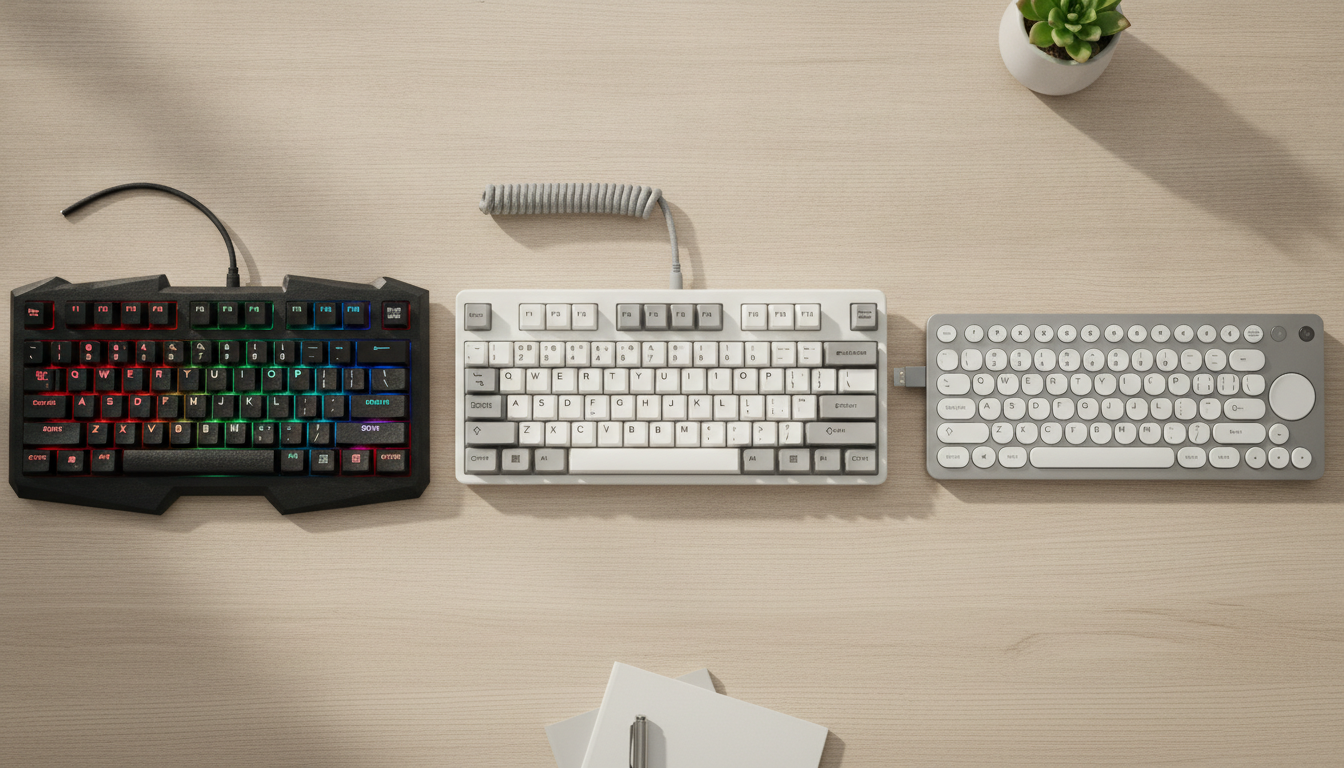
If you want the lowest possible cost with guaranteed quality, the Redragon K552 is the safe starting point. If you can go up to R$ 300 and want a product you probably won’t need to replace soon, the HyperX Alloy Origins Core is the smartest choice on this list, with aluminum construction, higher-reputation switches, and two-year local warranty.
For those needing wireless and accepting compact format, the Motospeed CK62 solves the problem while staying in range. Just remember to check if the model sold in Brazil has Anatel homologation for the Bluetooth module, something you can verify directly on Anatel’s website by searching for the model number.
What doesn’t make sense in this price range is saving too much: keyboards sold for less than R$ 100 with anonymous switches and all-thin-plastic structure usually disappoint after a few months of use. Prefer spending a little more and getting a product you’ll use with satisfaction for years, whether for gaming, work, or both. If your setup also includes a portable console, it’s worth checking the comparison between Nintendo Switch 2 or Steam Deck OLED: which to buy to better decide how to distribute your technology budget.