


Why USB microphones still make sense in 2026
If you’re setting up a podcast and don’t want to dive into audio interfaces, mixers, and XLR cables, USB microphones remain the most practical and honest solution. Plug it into your computer, open your recording software, and it works. No complicated drivers, no external gain control, no technical learning curve that keeps people away from just recording good content.
The 2026 market offers options ranging from just under R$ 300 to R$ 2,500, and the quality difference between the extremes is real. But the most important point isn’t the price: it’s understanding which microphone suits your specific case. An excellent model for interviews with two guests might frustrate someone recording solo in an untreated room, and vice versa.
This guide compares the main models available in Brazil in 2026, explains what technical specifications mean in practice, and ends with clear recommendations by profile. If you want to dive deeper into configuration after purchase, the guide USB Microphone for Beginner Podcast: Complete 2026 Guide covers the technical setup side with more details.
Comparison table of main USB microphones for podcasting
| Model | Polar Pattern | Frequency Response | Connection | Price Range (BR) | USA Price (Launch approx.) |
|---|---|---|---|---|---|
| Blue Yeti X | Multiple (cardioid, bidirectional, omnidirectional, stereo) | 20 Hz – 20 kHz | USB-A / USB-C | R$ 900 – R$ 1,200 | US$ 169 |
| Blue Yeti (standard) | Multiple | 20 Hz – 20 kHz | USB-A | R$ 700 – R$ 950 | US$ 129 |
| HyperX QuadCast S | Multiple | 20 Hz – 20 kHz | USB-C | R$ 800 – R$ 1,100 | US$ 159 |
| Rode PodMic USB | Cardioid | 20 Hz – 20 kHz | USB-C and XLR | R$ 1,100 – R$ 1,500 | US$ 199 |
| Elgato Wave:3 | Cardioid | 70 Hz – 20 kHz | USB-C | R$ 850 – R$ 1,150 | US$ 149 |
| Samson Q2U | Cardioid | 50 Hz – 15 kHz | USB and XLR | R$ 380 – R$ 550 | US$ 59 |
| Audio-Technica ATR2100x-USB | Cardioid | 50 Hz – 15 kHz | USB-C and XLR | R$ 500 – R$ 750 | US$ 79 |
Prices collected from sources like Amazon Brasil, Mercado Livre, and authorized retailers. They vary with exchange rates, shipping, and promotions. Check availability and Anatel certification on the product page before purchasing.
What technical specifications really mean
Polar pattern: how the microphone “hears” the environment
The polar pattern describes the direction from which the microphone picks up sound. Think of it like a flashlight: some illuminate only forward, others illuminate in all directions.
- Cardioid: captures mainly what’s in front and rejects what comes from behind. It’s the ideal pattern for recording solo in an acoustically untreated environment, because the microphone ignores much of the room echo and background noise.
- Bidirectional: captures front and back with equal intensity. Great for in-person interviews with two participants sitting face-to-face, each using one side of the same microphone.
- Omnidirectional: captures from all sides. Useful for meetings and group recordings, but requires a silent, well-treated environment.
- Stereo: two simultaneous channels, useful for music and ambient capture, but rarely necessary for voice podcasting.
Models with multiple polar patterns (like Blue Yeti and HyperX QuadCast S) are versatile, but have a trap: poorly configured omnidirectional mode will capture all the reverberation in your room.
Frequency response: what you hear in the final audio
The frequency response indicates the range of sounds the microphone reproduces. Adult male human voice typically falls between 85 Hz and 255 Hz; female voice between 165 Hz and 255 Hz. Most USB microphones cover 20 Hz to 20 kHz, which is the theoretical limit of human hearing.
The number on the spec sheet means little without the response graph that the manufacturer publishes. A microphone with response emphasized between 2 kHz and 5 kHz will sound more “present” and cutting, which can be positive for voice or tiring depending on the presenter’s timbre. Always consult the official manufacturer’s graph before deciding.
Analysis by category: which works for which situation
For solo recording in acoustically untreated environments
The most common scenario in Brazil: bedroom with smooth walls, no acoustic foam, air conditioning turning on and off. Here, the focused cardioid pattern is your ally.
The Rode PodMic USB stands out in this context. According to Rode’s specifications, the microphone features dynamic design with voice-optimized response, integrated high-pass filter and pad. Dynamic microphones (which work through electromagnetic induction, different from condensers that use electrical power) are naturally less sensitive to the surrounding environment, which helps in untreated room recordings. The PodMic USB’s differentiator is the simultaneous XLR output: if you decide to invest in an audio interface in the future, you don’t need to change the microphone.
The Elgato Wave:3 also works well in this profile. Elgato describes the Clipguard feature as a second capture circuit that automatically engages when the main signal saturates, preventing distortion during louder voice moments. For those who haven’t yet mastered gain control, this feature reduces recording errors.
For interviews and in-person roundtables
Here you have two approaches: one microphone per participant, or a single microphone with omnidirectional or bidirectional pattern in the center of the table.
With limited budget, two Samson Q2U units work well. The pair ranges from R$ 760 to R$ 1,100, each connected via USB to different computers or the same computer with multi-input software. Samson’s specifications cite 50 Hz to 15 kHz response for the ATR2100x-USB, a reasonable standard for voice, and the model also has XLR output, which expands future upgrade possibilities.
For those who prefer a single microphone in the center of the table, the Blue Yeti X in omnidirectional mode covers multiple participants. But remember: this mode captures everything around it, including air conditioning and street traffic. Controlled environment is mandatory.
For beginners with a tight budget
The Samson Q2U is the most honest recommendation in this range. Entry price around R$ 380, adequate capture quality for podcasting, simultaneous USB and XLR outputs. Samson publishes spec sheet with 50 Hz to 15 kHz response and cardioid pattern. It won’t sound the same as a R$ 1,500 setup, but delivers publishable results without embarrassment.
The Audio-Technica ATR2100x-USB is the direct competitor, with slightly higher price and solid track record from the brand in professional audio equipment.
Brazilian context: homologation, importing, and warranty
Buying imported microphones without checking Anatel homologation can create customs headaches and warranty claim issues. Anatel requires equipment with wireless transmission to be homologated; wired USB microphones go through a different process, but always verify the certificate on the product page or Anatel’s website.
Models like Blue Yeti, HyperX QuadCast S, and Rode PodMic have official distribution in Brazil, ensuring invoice, local warranty (usually 12 months), and Portuguese-language support. The Samson Q2U is found in both official and third-party imported versions; prefer authorized stores to not lose warranty.
When buying via direct import from the USA, calculate import tax, IOF on credit card, and shipping. In 2026, purchases over US$ 50 follow standard taxation, which can make imports less advantageous than they seem at first glance. Check current Federal Revenue rules before closing the order.
Frequently asked questions about USB microphones for podcasting
Do USB microphones have lower quality than XLR?
For voice podcasting, the practical difference is smaller than theory suggests. Modern USB microphones convert analog-to-digital signal internally with quality sufficient for professional production. The XLR advantage appears in more demanding setups, where you want full gain control via external interface and high-quality pre-amplifiers. For most podcasters, USB works very well.
Do I need acoustic treatment in the environment before buying a microphone?
The microphone doesn’t solve poor acoustics, but can mitigate the effects. Cardioid pattern rejects part of side and rear echo. Still, blankets hung behind you, bookshelves, and carpets already make a noticeable difference. Invest first in basic acoustics before seeking the most expensive microphone.
Can I use a USB microphone with smartphone or tablet for podcast recording?
Depends on the device and operating system. On modern Android and iOS, most USB microphones work with proper USB-C or Lightning adapter, but support varies by model and recording app. Test before relying on this setup for important recordings.
Is Blue Yeti X worth the price difference compared to standard Blue Yeti?
According to Blue’s published specifications, the Yeti X adds real-time gain control with LED level indicator, slightly larger dynamic range, and more robust physical finish. For those actively monitoring audio levels while recording, the upgrade makes sense. For basic use in cardioid pattern with one-time configuration, standard Yeti delivers equivalent results for less.
Which USB microphone to choose by your profile
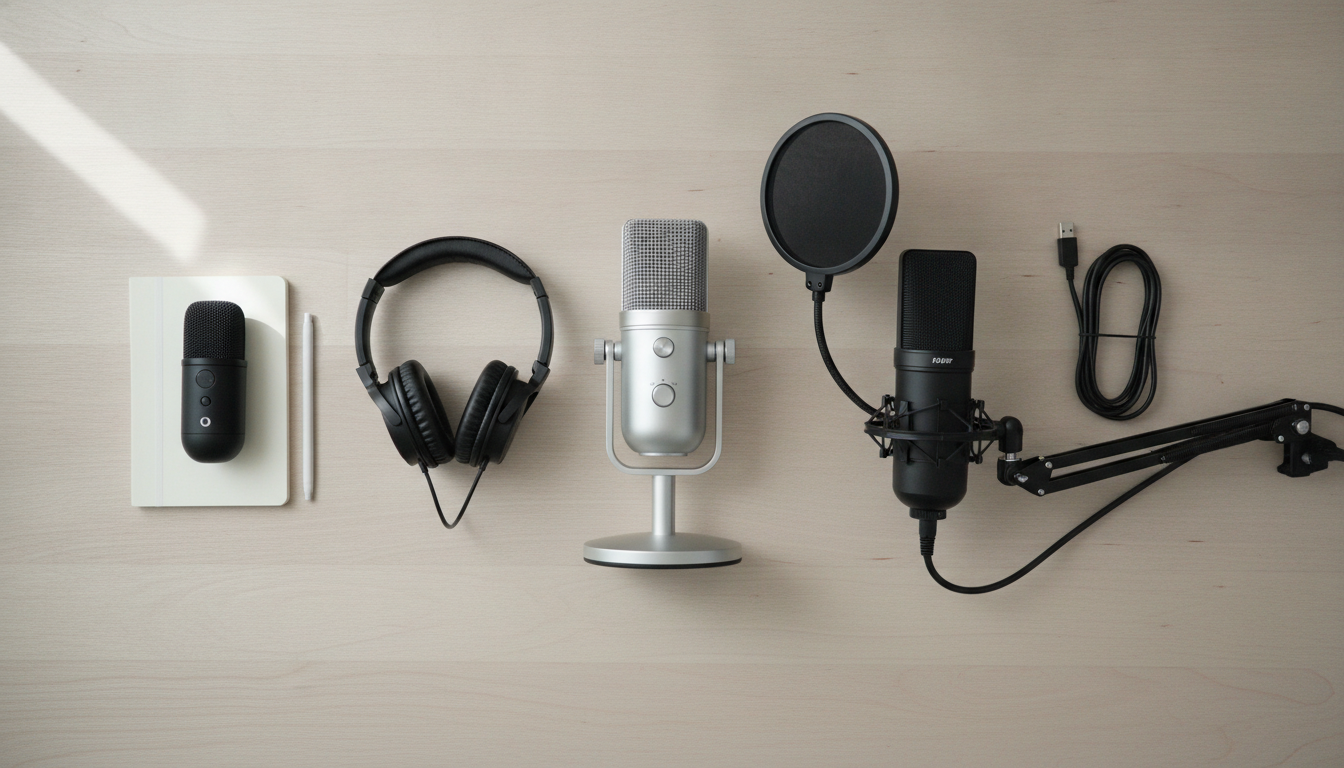
The best USB microphone isn’t the most expensive—it’s the one that fits your environment, number of participants, and real budget.
- Solo beginner, untreated room: Samson Q2U or Audio-Technica ATR2100x-USB. Dynamic cardioid, fair price, XLR output for the future.
- Solo with larger budget, wants production quality: Rode PodMic USB or Elgato Wave:3. Rode for those thinking of migrating to XLR later; Elgato for those wanting Clipguard and streaming software integration.
- In-person interviews with two participants: two Samson Q2U or two ATR2100x-USB. One unit per person is more reliable than a shared microphone.
- Maximum versatility, multiple recording formats: Blue Yeti X or HyperX QuadCast S. Multiple polar patterns, but requires controlled environment to get the best.
If you’re still deciding between recording on computer or tablet, the read about when the tablet replaces the notebook in 2026 is worth it to understand each platform’s limitations before closing your complete setup.
Podcasting starts with consistency, not perfect equipment. A microphone suited to your environment, well-positioned and with calibrated gain, delivers better results than the most expensive model poorly configured in a reverberant room.