

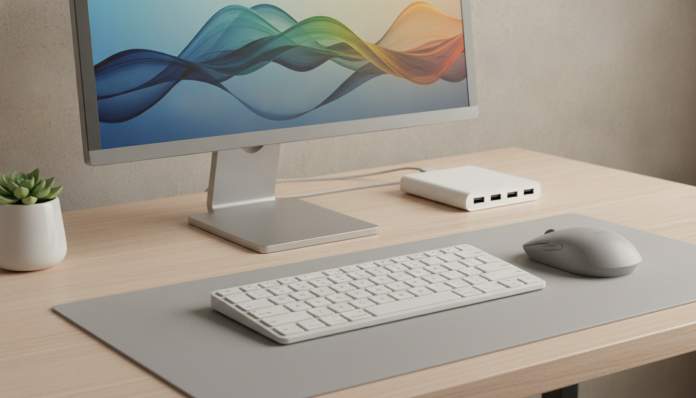

Building a decent home office without spending a lot is possible, and this guide proves it
The home office is no longer a privilege for those with expensive desks and four-digit ergonomic chairs. In 2026, the Brazilian market offers keyboards, mice, webcams, and headsets that deliver the essentials at prices that fit any budget, even with the dollar pushing exchange rates. The question is not to spend as little as possible at any cost, but to know where to economize without sacrificing what really matters for your daily routine.
This guide was put together for those who want to set up or improve a home workstation by spending wisely. We are not talking about disposable products, but about peripherals with good specs-to-price ratio, legally sold in Brazil, with invoices and warranties. Whether you are setting up your first station or updating an old setup, you will find a clear recommendation for each category.
Criteria used to choose each product in this guide
Before getting into categories, it is worth explaining what weighed on the selection. First, actual national availability: the product needs to be found in Brazilian stores like Amazon.com.br, Mercado Livre, Magazine Luiza or similar, not just in parallel imports. Second, Anatel homologation, which is the seal that guarantees that the device has been approved by the National Telecommunications Agency for use in Brazil. Products without this seal may be seized at customs and do not have assured legal warranty. Third, minimum 12-month warranty as per the Consumer Protection Code.
Beyond that, I prioritized brands with official representation in the country, such as Logitech, Multilaser, JBL, HP and some others that maintain local support. Informally imported products can be cheaper, but the risk of being stuck in case of a defect is real.
Keyboards: the balance between comfort and price
Wired keyboards, the safest choice for your wallet
For those who type a lot during the day, a bad keyboard becomes a literal headache. Membrane keyboards, the most common and cheapest type, work with a rubber layer under the keys that registers the keystroke. They do not have the satisfying click of mechanical ones, but they are quiet and durable enough for corporate use.
In this range, the Logitech K120 remains a reference: USB wired keyboard, ABNT2 layout (the Brazilian standard, with cedilla and accents in the right place), splash-resistant and with a declared lifespan of up to 10 million keystrokes according to Logitech. The price range in Brazil revolves around R$ 80 to R$ 120 depending on the store and period. It is simple, works without drivers, and is what most companies buy for employees for a reason: it does not cause problems.
Cheap mechanical keyboards that are worth the investment
If the budget allows going a bit further, keyboards with mechanical switches deliver a much more satisfying typing feel and tend to last longer. The switch is the mechanism under each key; “blue” types make noise and have tactile click, “red” types are silent and faster. For home office in an apartment or shared bedroom, red or brown are usually more considerate.
Brands like Redragon and Motospeed offer mechanical models between R$ 200 and R$ 350 in Brazil, with proprietary or OEM switches. Before buying, check if the model has ABNT2 layout available, as many are sold only in American layout, which requires adaptation or key stickers.
Mice: the peripheral where less is more
A bad mouse tires the wrist and hinders productivity more than it seems. For office use, you do not need 25,000 DPI (DPI is the acronym for dots per inch, that is, how many dots the sensor registers per inch of movement; the higher, the more sensitive). What matters is hand comfort, stable sensor, and buttons that do not fail in a short time.
The Logitech M185 wireless, which uses a nano USB receiver (a small dongle that stays practically invisible in the port), is in the R$ 70 to R$ 100 range and works with a single AA battery for up to 12 months according to the manufacturer. It is light, compact, and works well on common surfaces without needing a specific mousepad. For larger hands, the M705 or similar from the Marathon line offer more body, but the price rises.
If you use a notebook at home with peripherals and are choosing new equipment, it is worth checking the best notebook for students up to 3 thousand reais in 2026, which brings complete recommendations for machines that fit well in this type of setup.
Webcams: the Achilles heel of cheap home office
The webcam is where most people make the most mistakes when trying to save money. Cheap notebook cameras deliver grainy image in any light that is not perfect, and in corporate video calls this shows. But you also do not need to spend R$ 800 on a streaming camera to look professional.
What to look for before buying
- Resolution: 1080p (Full HD) is the minimum reasonable for 2026. 720p cameras still appear a lot in the Brazilian market at low price, but the difference in quality is noticeable.
- Field of view (FOV): For home office, between 65 and 78 degrees works well. Above that, the image distorts the edges.
- Autofocus: Fixed focus cameras are cheaper, but any forward or backward movement leaves the image out of focus.
- Built-in microphone: Useful as a backup, but does not replace a decent headset for long calls.
The Logitech C505 delivers 720p at affordable price (range from R$ 200 to R$ 280), while the C920 on sale can be found around R$ 400 to R$ 500 with 1080p and autofocus. Multilaser and Intelbras also have national models approved in the R$ 150 to R$ 250 range; check the specifications of each model before closing the purchase, as the lineup changes frequently.
Headsets: audio that does not bother those around you
For voice calls and videoconference, the main criterion is not audio quality for music, but rather microphone pickup and noise isolation. A headset with noise-canceling microphone (which filters ambient sounds before transmitting your voice) makes a real difference on days of construction in the neighboring building or children at home.
The JBL Quantum 100 is a wired headset in the R$ 150 to R$ 200 range, with removable microphone and P2 connector (the standard 3.5 mm headphone plug). JBL has official presence in Brazil, which facilitates warranty. For those who prefer wireless, Bluetooth headsets with microphone in the R$ 200 to R$ 350 range already deliver sufficient quality for calls, but check the declared latency, as values above 150ms can cause echo in videoconferences.
Gaming headsets are a valid alternative in this price range, as they usually have a dedicated microphone and good construction. The prejudice about the look (colorful LEDs) is the only real problem; disable RGB in the settings if it bothers you.
Lighting and supports: the detail that changes perception
A ring light (LED ring that illuminates the face evenly) costs between R$ 80 and R$ 150 and completely changes the visual quality of a video call, especially for those with a window in the background or who work at night. 10-inch models with tripod are sufficient for desktop use.
Monitor stands and articulated arms are another item that many people overlook and then regret. Simple desk supports cost from R$ 80 and free up desk space, while improving ergonomics. Articulated arms from brands like Multilaser or similar range from R$ 150 to R$ 300 and allow height and angle adjustment, which reduces neck tension throughout the day.
Comparative table: overview of recommended peripherals
| Category | Reference Product | Price Range in Brazil | Strength | Limitation |
|---|---|---|---|---|
| Wired keyboard | Logitech K120 | R$ 80 to R$ 120 | Simple, ABNT2, reliable | Membrane, no backlighting |
| Mechanical keyboard | Redragon K552 (or similar) | R$ 200 to R$ 350 | Mechanical switches, durable | American layout in many models |
| Wireless mouse | Logitech M185 | R$ 70 to R$ 100 | Long battery, compact | Small for large hands |
| 720p webcam | Logitech C505 | R$ 200 to R$ 280 | Good for basic calls | No autofocus |
| 1080p webcam | Logitech C920 | R$ 400 to R$ 500 | Autofocus, real quality | Price rises with high dollar |
| Wired headset | JBL Quantum 100 | R$ 150 to R$ 200 | Dedicated microphone, brand with support | Fixed cable, less mobility |
| Ring light | Various (10″) | R$ 80 to R$ 150 | Changes image in calls | Takes up desk space |
Prices consulted from public sources and are subject to variation according to exchange rates, promotions, and stock availability.
What to buy first when the budget is tight
If you cannot buy everything at once, there is a rational order of priority. A bad microphone bothers other people, so the headset should be the first item to upgrade. Next is the mouse, because it stays in your hand all day. The keyboard comes after, and the webcam, if you do not do many video calls, can wait.
For setups that depend heavily on visual production or frequent client meetings, the webcam and ring light move up the list. Those who edit a lot of content at home and are evaluating the notebook along with peripherals can take advantage and see if integrated graphics can handle video editing before investing in external equipment.
Watch out for imports: what changes when you buy from abroad
With the tax exemption limit for international purchases, many people try to bring peripherals from the US or stores like AliExpress. The risk is twofold: without Anatel homologation, the product can be held at customs or function irregularly on Brazilian wireless networks. Furthermore, the manufacturer warranty outside Brazil does not obligate the national supplier to serve the consumer.
Buying from official resellers in Brazil costs more, but includes invoices, warranty assured by the Consumer Protection Code, and support in Portuguese. For cheap peripherals, the price difference rarely justifies the risk of direct import.
Frequently asked questions about cheap peripherals for home office
Is it worth buying a cheap mechanical keyboard or is membrane better?
It depends on usage. If you type many hours a day, a mechanical keyboard delivers more comfort and tends to last longer. For moderate use or those who do not care about typing feel, the membrane keyboard works fine without spending more. What should be avoided are very cheap membrane keyboards from unknown brands, which tend to show key failures in less than a year.
Can a notebook webcam be replaced with a cell phone camera?
Yes, there are apps like DroidCam and EpocCam that turn your phone into a webcam via USB or Wi-Fi. The quality is usually superior to the native notebook camera, especially on newer devices. It is a free or low-cost solution, but depends on keeping the phone positioned and charging during calls.
Wired or Bluetooth headset: which is better for home office?
For long calls and full days of work, wired headsets eliminate battery and latency concerns. Bluetooth is more convenient for those who move around, but requires attention to charging. On lower quality connections, Bluetooth audio can exhibit cuts or noticeable delay in videoconferences.
Do I need a specific mousepad for current optical mice?
Most modern optical mice work well on smooth surfaces like wood and plastic. Fabric mousepads still improve precision and wrist comfort, and the simplest ones cost less than R$ 30. If you use the mouse on a glass table, the mousepad becomes optional and turns necessary, as transparent surfaces confuse the optical sensor.
Build your setup in stages and with a cool head
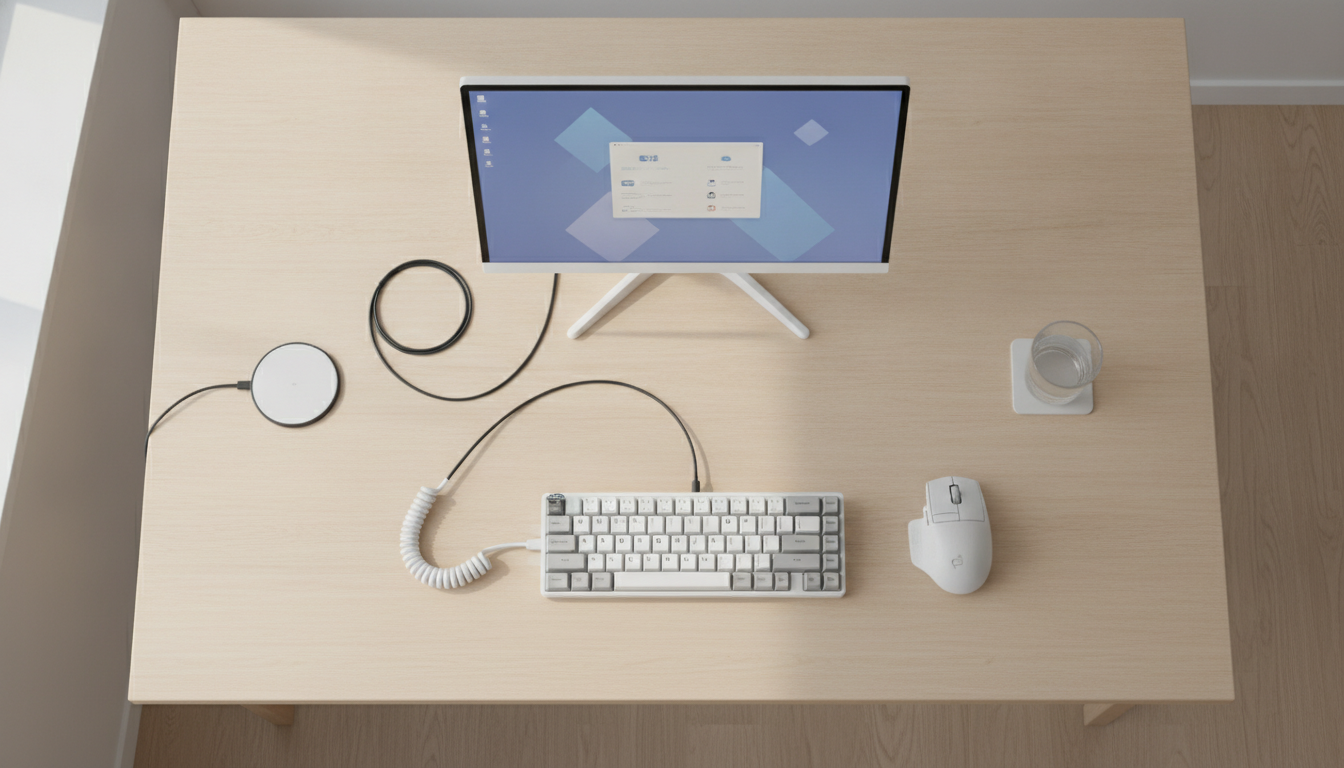
No single peripheral transforms the home office on its own. What transforms it is the whole working well: comfortable keyboard, mouse that does not tire, camera that does not embarrass, and audio that does not bother whoever is on the other side. All of this is possible by spending between R$ 400 and R$ 800 in total if you prioritize purchases well.
The final tip is simple: buy from stores with a clear return policy, demand an invoice, and check the Anatel seal on any wireless product. Cheap peripheral with warranty is much better than even cheaper peripheral with no protection at all. The home office is your work environment, and it deserves attention proportional to the time you spend in it.