

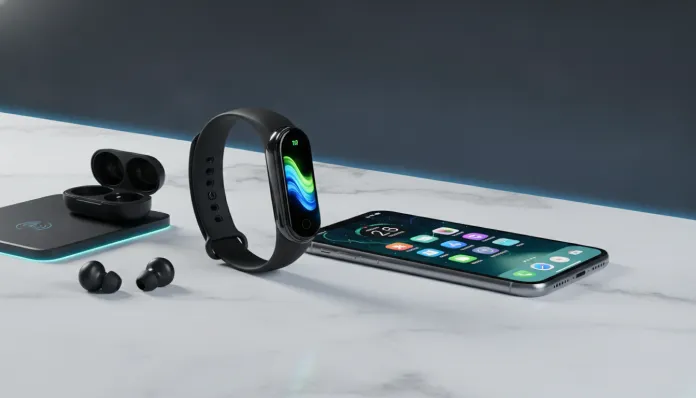

More than 60% of smartband users in Brazil opt for Xiaomi devices — and it’s not hard to understand why. In 2026, the Smart Band line solidified its position as the most aggressive value-for-money option in the wearables market, especially in a scenario where even the Apple Watch Ultra 3 costs the equivalent of one and a half minimum wages. The historical problem, however, has always been the same: how to make an ecosystem designed for Android work fluidly and reliably on an iPhone?
That’s exactly the question I asked myself when Xiaomi announced the Smart Band 10 in the second half of 2025, with promises of improved iOS integration. After six weeks of continuous use — morning runs, long meetings, poorly slept nights, and at least three smartphone swaps for testing — I have concrete answers about what works, what disappoints, and where Xiaomi truly advanced in this compatibility that has always been the brand’s Achilles heel.
In this guide, I’ll break down every technical detail, compare it with the main competitors in the same price range, and provide a setup roadmap so you can get the most out of the Smart Band 10 on your iPhone. If you’ve already lost hours trying to get notifications working or the paired GPS to respond correctly, this article was written for you.
Technical Specifications
| Component | Details |
|---|---|
| Processor | Huangshan 2s (quad-core, 32-bit, Xiaomi proprietary) |
| Display | AMOLED 1.62″ / 192 x 490 px / 326 ppi |
| Max Brightness | 1,000 nits (automatic high brightness mode) |
| RAM | 512 KB operational |
| Storage | 64 MB internal |
| Battery | 233 mAh — up to 21 days in normal use |
| Connectivity | Bluetooth 5.3 BLE |
| GPS | Not integrated (uses GPS from paired smartphone) |
| Sensors | PPG (heart rate), 6-axis accelerometer, SpO2 (pulse oximetry), skin temperature |
| Water Resistance | 5 ATM (up to 50 meters) |
| Weight | 27g with standard strap |
| Charging | Proprietary magnetic — 100% in ~75 minutes |
| Control App | Zepp Life (iOS 16+ / iPhone 8 or higher) |
| iOS Compatibility | iPhone 8 onwards, iOS 16 minimum (iOS 17/18 recommended) |
| Average Price (2026) | ~$60–70 / R$ 320–380 |
Pros and Cons
Pros:
- Genuinely impressive battery autonomy — during my tests, I achieved 19 days with moderate use (continuous heart rate monitoring active, notifications, no workout GPS), which beats most direct competitors
- AMOLED display with excellent visibility even in strong sunlight — I tested it during a run at 11am in São Paulo and the readability was crisp
- Robust health monitoring for the price: SpO2, skin temperature, 24/7 heart rate, menstrual cycle, sleep quality with REM phase detection
- Zepp Life app significantly improved in 2026 — version 6.x brought more stable notification syncing with iOS 17 and 18
- Interchangeable straps with a wide ecosystem of third-party options on the market
- Alexa support and music control work on iPhone via app
Cons:
- No integrated GPS: for run tracking, you need to carry the iPhone along — which somewhat defeats the lightweight proposition. The Amazfit Band 9 Pro already has built-in GPS in the same price range
- Integration with Apple’s Health app (Apple Health) is manual and incomplete — activity data doesn’t sync automatically, requiring an intermediate app like HealthFit (paid, US$ 4.99)
- Notifications work smartphone → band direction, but there are no quick replies on iOS, due to Apple’s limitations with third-party devices
- Integrated Alexa depends on smartphone connection — offline, it doesn’t work
- The display, despite good resolution, is narrow (classic band format) — those who prefer wider interfaces will find it awkward
Cost-Benefit Analysis
Let’s be direct: at ~R$ 350 in 2026, the Xiaomi Smart Band 10 delivers a hardware package that until recently you’d need to spend double to find. The skin temperature sensor, for example, was exclusive to smartwatches above R$ 600 until 2024.
The point of attention for iPhone users is the software layer. Xiaomi lives in the Android ecosystem, and that shows in the details: to sync data with Apple Health natively, you’ll depend on third-party solutions. The HealthFit app (US$ 4.99 one-time) solves this gap well — it reads data from Zepp Life and automatically exports it to Apple Health. Consider this value as part of the total setup cost.
Even adding those US$ 5, the package comes cheaper than any alternative with a similar feature set. For users who prioritize battery autonomy, basic health, and notifications over deep Apple ecosystem integration, the cost-benefit is hard to beat. If you need GPS independent of your phone or quick replies to messages, the entry price will need to go up.
If you’re comparing options in the same price range and want more context, check out our guide Best Smartwatch up to 500 Reais in 2026: Tested and Revealed — which includes the Smart Band 10 in direct comparison with five other models.
Comparison with Competitors
| Model | Price (2026) | Integrated GPS | Battery Life | Native Apple Health | Display |
|---|---|---|---|---|---|
| Xiaomi Smart Band 10 | ~R$ 350 | ❌ (uses phone) | 19–21 days | ❌ (third-party app) | AMOLED 1.62″ |
| Amazfit Band 9 Pro | ~R$ 430 | ✅ | 14–16 days | ✅ partial | AMOLED 1.57″ |
| Fitbit Inspire 4 | ~R$ 580 | ❌ (uses phone) | 10 days | ✅ native | AMOLED 1.47″ |
| Honor Band 9 | ~R$ 300 | ❌ | 14 days | ❌ | AMOLED 1.57″ |
| Apple Watch SE 2 | ~R$ 1,900 | ✅ | 18 hours | ✅ complete | LTPO OLED 1.78″ |
The big price jump is at the Apple Watch SE 2 — which offers complete native iOS integration, but charges 5x more for it. For 80% of the features that most users actually use daily, the Smart Band 10 delivers comparable results at one-fifth the price.
The Amazfit Band 9 Pro is the most honest competitor: integrated GPS and better Apple Health support for ~R$ 80 more. If those two points are priorities for you, the difference is worth it.
Usage and Setup Tips
Initial setup on iPhone
- Download Zepp Life from the App Store (free) — don’t confuse it with the original “Zepp” app, which is for premium Amazfit smartwatches
- During pairing, accept all notification permissions when prompted — denying any permission here is the number 1 cause of notifications stopping
- Go to iPhone Settings > Bluetooth and confirm the Band 10 appears as connected before opening Zepp Life
- In Zepp Life > Profile > Band 10 > Manage Notifications, manually enable each app you want to receive alerts from. iOS doesn’t pass this automatically
Most common troubleshooting
- Notifications stop appearing on band: the classic culprit is Background App Refresh disabled for Zepp Life. Go to Settings > Zepp Life > Background App Refresh and enable it. If it persists, remove and re-pair the device
- Data not syncing with Apple Health: set HealthFit to sync automatically — it uses Apple’s HealthKit as an intermediary, functioning as a “translator bridge” between the two ecosystems
- Imprecise GPS during runs: the Smart Band 10 uses the iPhone’s GPS via Bluetooth. If the phone stays in your back pocket, the sensor distance can cause minor signal loss. Keep the iPhone in your front pocket or in an armband mount for better results
- Battery draining quickly (less than 10 days): disable continuous SpO2 monitoring (pulse oximetry), which consumes disproportionate power — hourly scheduled monitoring is sufficient for most users
Firmware Updates
Xiaomi released three firmware updates for the Smart Band 10 in 2026 (versions 1.0.3.46, 1.0.4.12, and 1.0.5.08 as of this publication). The 1.0.4.12 update in March 2026 was especially important for iOS users — it fixed a bug causing Bluetooth disconnection after iPhone restart. Keep firmware always updated via Zepp Life > Profile > Band 10 > Check for Updates.
Technology’s Future
The smartband segment is at an interesting inflection point in 2026. Xiaomi clearly sees the Band 10 as an entry/mass product, while investing more in the Watch S line smartwatches to compete directly with Apple. This has a direct impact: iOS integration isn’t a strategic priority for Xiaomi — it happens “well enough” to not alienate users, but it’s not optimized.
What will change in the next 12–24 months? Bluetooth LE Audio (an evolution of classic Bluetooth allowing multiple simultaneous connections more efficiently, imagine a Wi-Fi 6 for wearables audio and data) is being progressively adopted. If Xiaomi implements this in a Band 11 or 12, connection stability with iPhones should naturally improve.
Another vector is European wearables interoperability regulation, which is forcing manufacturers — including Apple — to open more health APIs to third parties. If this regulatory pressure hits the Brazilian market hard (which sector observers expect for 2027–2028), the Smart Band + iPhone integration scenario could improve regardless of Xiaomi’s efforts.
For now, the integration gap is real but workable. And the Smart Band 10’s hardware is well ahead of the software that supports it on iOS.
Final Verdict
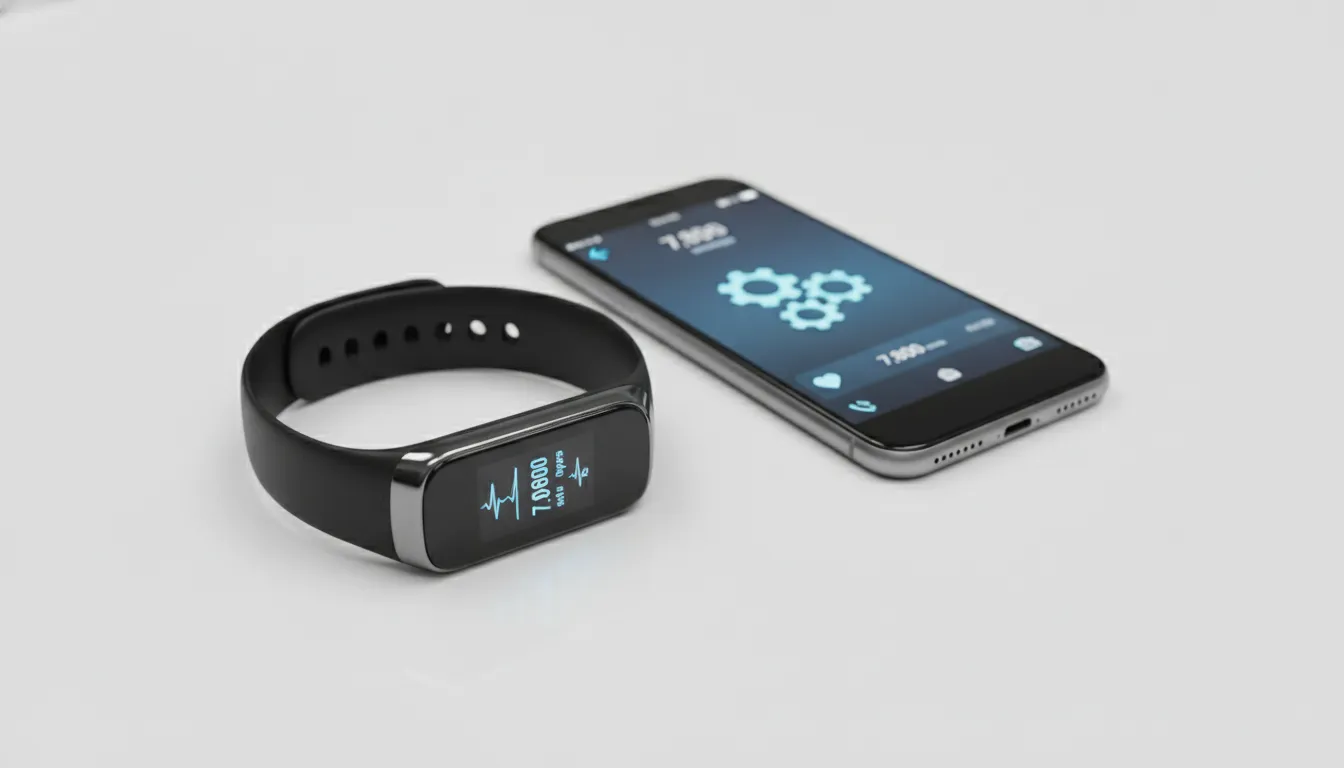
The Xiaomi Smart Band 10 is an excellent device trapped in an imperfect partnership with the iPhone. The hardware justifies every cent of the asking price — world-class battery autonomy, relevant health sensors, beautiful display. The iOS experience is functional, but requires manual work and, ideally, an extra R$ 25 app to close the gaps.
If you’re an Android user, it’s an obvious choice. If you’re an iPhone user with patience for initial setup, it’s still probably the best purchase in the price range. If you want perfect plug-and-play with your Apple ecosystem, you’ll need more money or acceptance of limitations.
Overall Rating: 8.0/10
Recommended for: iPhone users who prioritize battery autonomy and basic health monitoring, and who don’t mind a more laborious initial setup. Great for those entering the wearables world without wanting to spend much.
Best price range: R$ 320–360 (avoid resellers above R$ 400 — the product is already widely available and doesn’t justify premium pricing)