

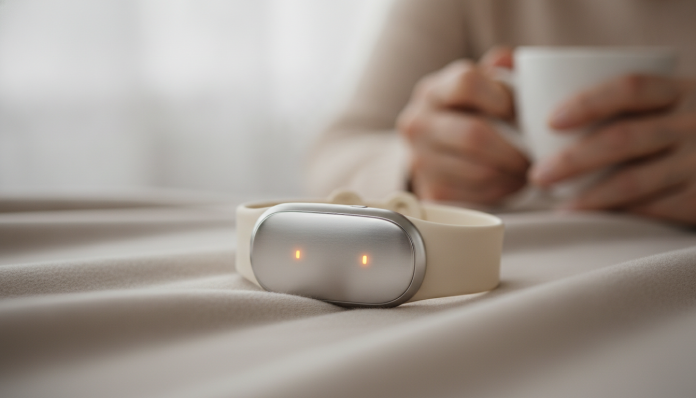

Fall Detection Wristband for Seniors: Is It Worth It?
Have you ever worried about what happens if an elderly family member falls at home and can’t call for help? This situation is more common than you might think, and wearable technology has advanced precisely to fill this gap. Wristbands and watches with automatic fall detection use accelerometers and gyroscopes (sensors that measure body movement and orientation) to identify when a person has suffered a sudden fall and then send an alert to caregivers or emergency services. The Brazilian market already has national and imported options competing in this space.
The short answer to “is it worth it?” is: it depends on the user’s profile and the support structure behind the device. For an elderly person who lives alone or spends long periods without supervision, a fall detection wristband can be decisive. For someone who already has constant monitoring or very limited mobility (bedridden, for example), the cost-benefit ratio drops significantly. In the following sections you’ll understand how the technology actually works, what separates a reliable product from empty marketing, and what options exist in Brazil today.
General Technical Specifications: What to Look for in Any Model
Since the market has several manufacturers with different specifications, the table below lists the technical criteria you should check before buying any fall detection wristband. Use this as a checklist when comparing product datasheets.
| Specification | What It Is | What to Look For |
|---|---|---|
| Fall Detection Sensor | Accelerometer + Gyroscope | Presence of both sensors |
| Connectivity | How the alert is sent | 4G/LTE own, Wi-Fi or Bluetooth with app |
| SIM Card | Carrier and compatibility | Nano SIM or eSIM; check Brazilian bands |
| Battery Life | Duration between charges | Minimum 24 hours of continuous use |
| Water Resistance | Protection against liquids | IP67 or higher |
| Manual SOS Button | Emergency activation by user | Mandatory |
| Integrated GPS | Real-time location | Desirable; check accuracy indoors |
| Anatel Approval | Legal status in Brazil | Verify approval number |
| Monitoring Center | 24-hour response service | Check if it requires monthly subscription |
How Fall Detection Really Works
The accelerometer sensor measures abrupt variations in body movement velocity. Think of it this way: when you walk normally, the sensor readings follow a regular pattern. When someone falls, there’s a sudden acceleration followed by impact and then prolonged immobility. The device combines these three phases to classify the event as a fall.
The problem is that the algorithm needs to be well calibrated. Everyday activities like sitting down quickly in a chair, lying down in a hurry, or exercising can generate false positives (alarms without an actual fall). On the other hand, overly conservative calibration can generate false negatives (real falls that the sensor ignores). More reliable manufacturers publish accuracy rate data; if you don’t find this information in the datasheet or on the official website, treat it as a red flag.
Another critical point is what happens after detection. Some models only emit an alarm sound on the device itself. The most complete ones automatically call an emergency number, send SMS with GPS location to caregivers, and activate a professional monitoring center. These three response layers make all the difference in a real scenario.
Connectivity: The Most Overlooked and Most Important Part
It’s no use if the device detects the fall but the alert doesn’t reach anyone. The communication chain is the point that most differentiates cheap products from truly effective solutions.
Models that depend on Bluetooth with nearby smartphone are the most vulnerable: if the elderly person is in another room without their cell phone, the alert doesn’t go out. Devices with their own 4G/LTE chip function independently, but require an active data plan, which adds monthly costs. Check if the device is compatible with frequency bands used by Brazilian carriers (Claro, Vivo, and TIM use specific LTE bands; confirm in the product datasheet and with the carrier).
Integrated GPS is desirable, especially if the elderly person leaves home. Location technology in indoor environments is still limited in wearables, and most use A-GPS (which combines satellite signal with Wi-Fi and cell tower data to improve accuracy). In apartments, location can have an error margin of several meters, which is still sufficient to dispatch help to the correct address.
False Positives, Battery Life, and Daily Use
One of the biggest practical challenges is convincing the elderly person to use the device every day. Large and uncomfortable wristbands or those that trigger alarms constantly end up being left in a drawer. This is a documented problem in the digital health sector: long-term adherence drops when the device disrupts routine.
Prefer models with battery life of at least 24 hours and ideally two or three days. Devices that need daily charging create windows of vulnerability, precisely when they’re off the wrist. Water resistance (IP67 rating or higher, which supports shallow immersion) allows use in the shower, one of the highest-risk times for elderly falls.
As for false positives, some brands allow configuring a confirmation window, usually 20 to 60 seconds, during which the device emits an alert and waits for the user to cancel before activating emergency contacts. This mechanism reduces unwanted alarms without compromising effectiveness in real falls where the person is unconscious or incapacitated.
Situation in Brazil: Approval, Importing, and National Alternatives
Brazil has some companies specializing in elderly monitoring that sell both hardware and monitoring center services. Brands like Multitel, Safe365, and Positivo (with a health-focused line) have or have had products in this segment available on the national market. Before making any purchase, confirm that the device has an Anatel (National Telecommunications Agency) approval number, which ensures the device can operate legally in Brazil and is compatible with local telecommunications infrastructure.
Importing a device from the USA may seem tempting for price or features, but it carries serious risks: LTE bands incompatible with Brazilian carriers, no local warranty, no technical support in Portuguese, and often the integrated monitoring center only works in the country of origin. If the device depends on a subscription service to work (like US-based Life Alert plans or similar), it will likely be useless in Brazil.
Speaking of price: basic Bluetooth devices with SOS button start at around R$ 200 to R$ 400 on the national market. Wristbands and watches with 4G, GPS, and automatic fall detection are usually in the range of R$ 600 to R$ 1,500. Beyond that, professional monitoring plans (24-hour center) typically cost between R$ 80 and R$ 250 per month depending on the contract. In the US, models like Apple Watch Series with fall detection have launch prices starting at US$ 399, but emergency alert functionality relies on American emergency services to work fully.
Pros and Cons
Pros:
- Can activate emergency help automatically without the elderly person needing to act
- Reduces time between fall and care, a critical factor in fractures and strokes
- Reassures caregivers and family members who aren’t present 24/7
- Models with GPS allow locating the elderly person outside the home
- Manual SOS button works for any emergency, not just falls
Cons:
- False positives can discourage continuous use
- 4G models require data plans and monitoring subscription, increasing monthly costs
- Adherence depends on elderly acceptance; discomfort or stigma can lead to abandonment
- Imported devices without Anatel approval may be incompatible with Brazilian networks
- Detection in slow falls (like sliding to the ground) may be less reliable
Competitors and Alternatives in Brazil
| Product / Solution | Type | Connectivity | Estimated Price | Note |
|---|---|---|---|---|
| National Wristbands (e.g.: Multitel) | Dedicated Wristband | 4G + GPS | R$ 700 to R$ 1,200 + monthly fee | Monitoring center included in plan |
| Apple Watch Series 10 | Smartwatch | 4G LTE (eSIM) | Starting at R$ 4,000 | Advanced fall detection; requires iPhone for setup |
| Samsung Galaxy Watch 7 | Smartwatch | 4G LTE (eSIM) | Starting at R$ 2,500 | Fall detection available; requires Android smartphone |
| Basic Bluetooth Devices | Simple Wristband | Bluetooth | R$ 200 to R$ 400 | No 4G; depends on nearby smartphone |
| Monitoring Apps (e.g.: Life360) | Smartphone Software | Wi-Fi/4G via mobile | Free to R$ 50/month | Does not detect falls automatically; depends on elderly carrying phone |
If you’re researching technology for different user profiles, understanding cost-benefit by budget range is a useful exercise. Just as we explained in the article about PS5 Pro or PC gamer: which has better cost-benefit, the right choice depends on identifying exactly what problem you’re trying to solve before looking at the price.
Frequently Asked Questions About Fall Detection Wristbands
Does fall detection work if the elderly person is sleeping?
It depends on the model. Most algorithms are designed to identify the specific pattern of a fall (sudden acceleration followed by impact), not slow movements during sleep. Rolling out of bed, for example, may or may not be detected depending on speed and the device’s sensitivity settings. Consult the manufacturer’s documentation to understand what types of falls the model covers.
Do you need Wi-Fi at home for it to work?
Not necessarily. Devices with their own 4G chip function independently of Wi-Fi networks, using cell coverage available in the region. Bluetooth-only models need a smartphone nearby connected to the internet. If 4G coverage in your area is weak, it’s worth testing before signing a contract.
Does the elderly person need to know how to use a smartphone to operate the wristband?
For dedicated models (4G wristbands), the elderly person usually doesn’t need to interact with the smartphone; management is done by the caregiver or family member in a separate app. The wristband itself works autonomously. Smartwatches like Apple Watch or Galaxy Watch, on the other hand, require initial setup and pairing with a phone.
Do health insurance or health plans cover these devices?
In Brazil, reimbursement of monitoring devices by health plans is not a consolidated practice nor required by ANS (National Health Supplementary Agency) until 2026. Some premium plans offer additional benefits that may include discounts on digital health products, but you should check directly with your plan to verify this possibility.
Is It Worth Buying a Fall Detection Wristband?
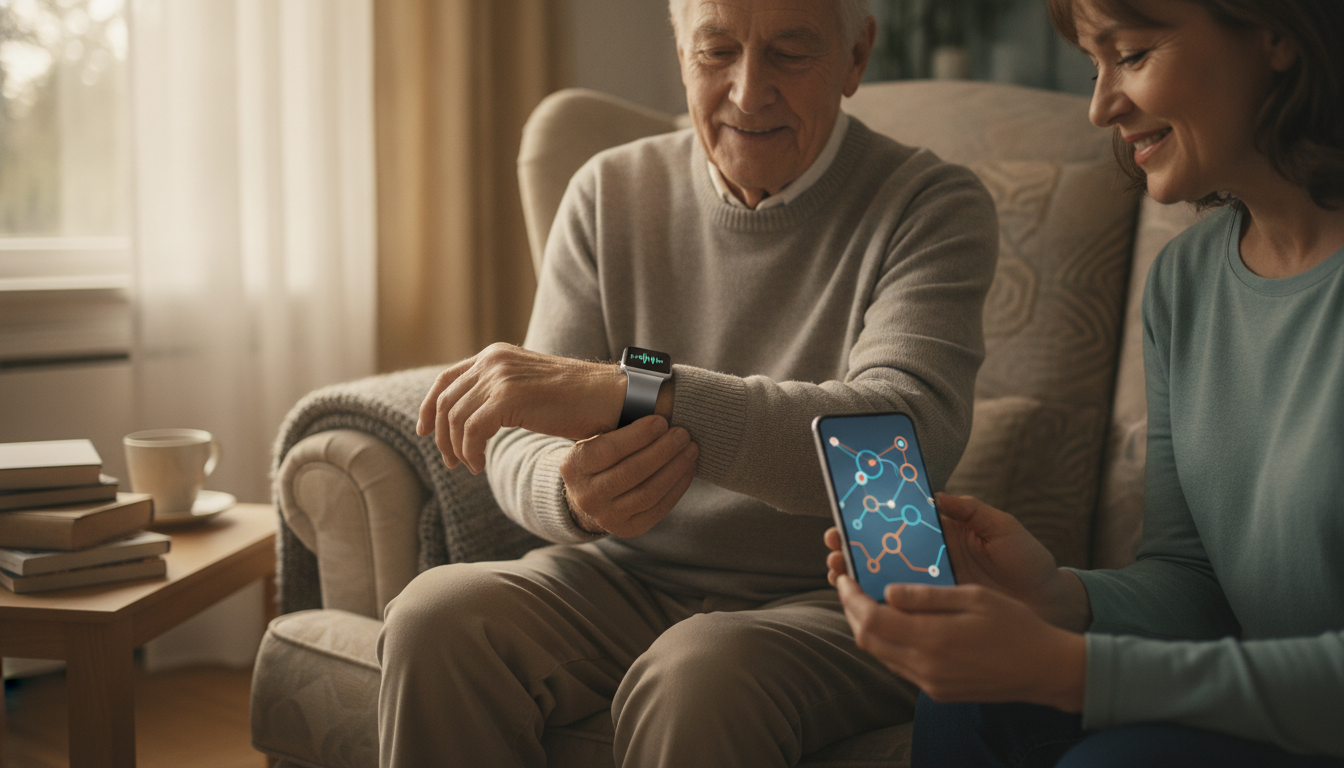
For most families with an elderly person who lives alone, has a history of falls, or has reduced mobility, the answer is yes, as long as you choose a device with its own 4G chip, GPS, and an active monitoring center, not just a Bluetooth gadget that depends on a nearby phone. The initial investment and monthly plan costs are justified when you weigh the response time in a real emergency.
For elderly people with constant supervision by in-person caregivers or living in institutions with health staff, the marginal benefit drops and the money can be better invested in other environmental adaptations, such as grab bars in the bathroom and non-slip flooring.
Recommended for: elderly people who live alone or spend periods without supervision, family members who want remote monitoring with automatic emergency activation, and caregivers who need an extra layer of safety without constant in-person supervision.
Price range: R$ 600 to R$ 1,500 for hardware, plus R$ 80 to R$ 250 monthly for professional monitoring center plans. Smartwatches with fall detection (Apple Watch, Samsung Galaxy Watch) start at R$ 2,500 and don’t include a dedicated center, but offer more general features.