



Introduction
With our lives increasingly connected to the internet, from email accounts to shopping apps and social networks, knowing how to identify if you’ve been hacked has become an essential digital security issue. Hackers and cybercriminals use increasingly sophisticated techniques to invade devices and accounts, stealing personal and financial data and compromising your privacy and reputation. Fortunately, there are signs and behaviors that can alert you to a possible invasion, and knowing how to recognize them can make all the difference in acting quickly and preventing major losses. In this comprehensive guide, we’ve gathered the main signs of hacking, how to check if your devices or accounts have been compromised, and an effective action plan to recover your security. CIDESP
What it means to be hacked
Being hacked means that someone has gained unauthorized access to your devices or digital accounts, either through security flaws, password theft, phishing attacks, or exploitation of software vulnerabilities. This access can allow the attacker to read your messages, change passwords, send content in your name, or even steal financial information. Saber Tecnologias
General signs of hacking
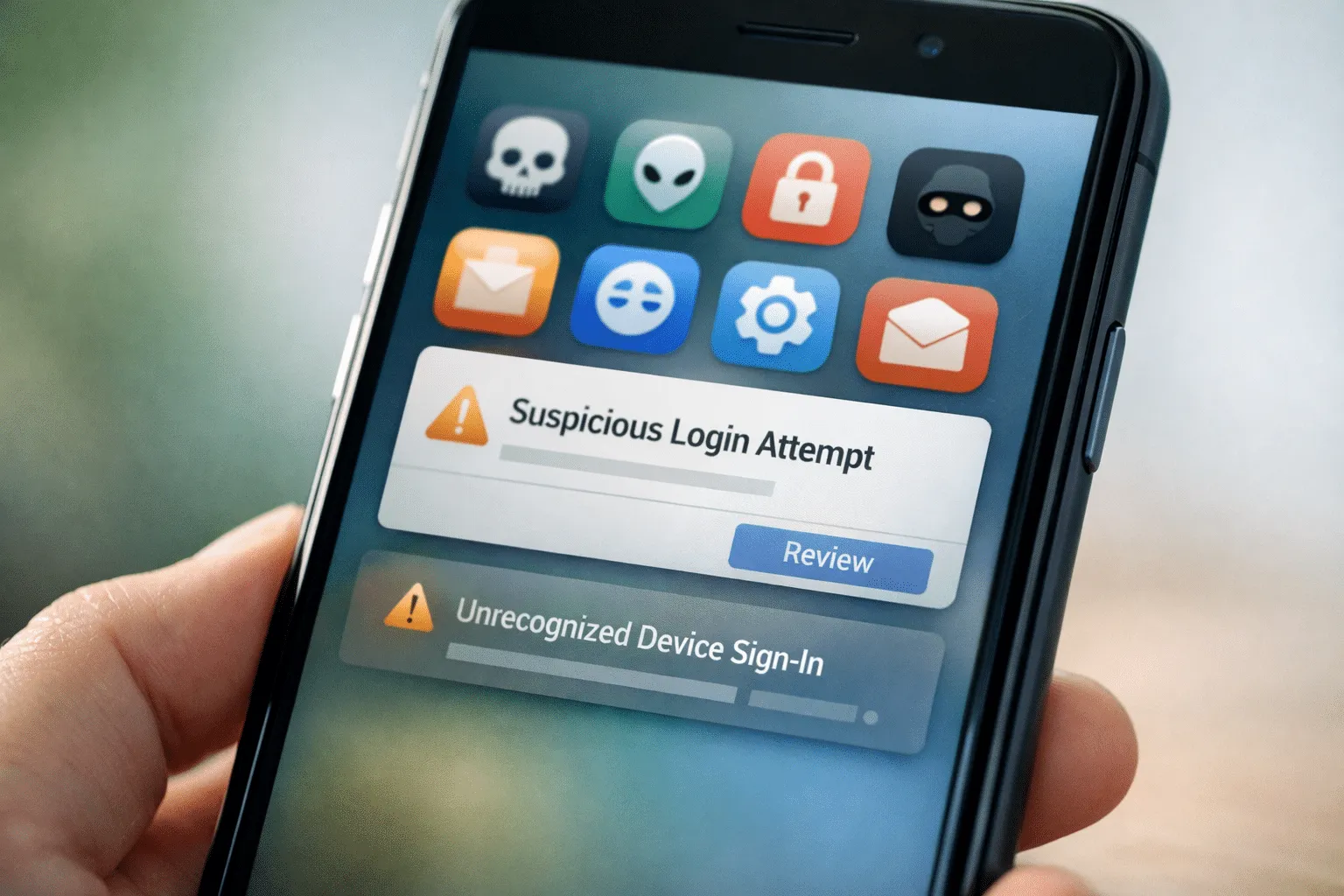
First of all, it’s important to know that not all signs are obvious – some attacks can be silent and difficult to detect at first glance. However, certain irregular behaviors on your accounts and devices strongly indicate a possible invasion. Revista Ana Maria
1. Unusual activity in your online accounts
One of the first signs that your email or social media profile has been hacked is the presence of activities you don’t recognize, such as posts you didn’t make, messages sent without your consent, or login notifications from strange locations. staysafeonline.org
-
As examples:
-
Friends receive messages from you that you never sent.
-
Your account posts content that you didn’t write.
-
You receive login alerts on devices you didn’t use.
-
Additionally, if your personal information – such as your email address or phone number – is changed by third parties without authorization, this is a clear sign of unauthorized access. staysafeonline.org
Signs that your cell phone has been hacked
Cell phones are frequent targets of hackers because of the huge amount of personal data they contain. Identifying signs of invasion on your mobile device is essential. McAfee
1. Battery running out very quickly
If your battery, which used to last a full day, now needs to be recharged much sooner than expected and without heavy use, this may indicate that malware is running in the background, consuming resources. McAfee
2. Overheating without apparent reason
Devices that heat up even when not in use may be running background processes, possibly malicious ones.
3. Unknown apps
Finding apps you didn’t install can be a sign that someone gained access to your phone and installed software without your knowledge. Dry Telecom
4. Intrusive pop-ups and ads
Ad windows or messages appearing outside the browser may indicate the presence of adware (malicious software that displays unwanted advertising).
5. High data consumption
A sudden increase in data usage may mean that malicious software is transmitting personal information to external servers.
6. Messages or calls you didn’t send
If contacts report receiving messages, calls, or SMS that you didn’t send, this may indicate that your account or number has been compromised. Guru99
Signs of hacking on computers
Computers can also be invaded, both by malware and by attacks targeting accounts and networks.
-
Very slow performance or constant freezing: malicious apps may be consuming system resources. Portal N10
-
Programs installed that you don’t recognize: unique indicators of malicious software.
-
Suspicious pop-ups even without a browser open: may be adware or other active malware.
-
Browser redirection: websites opening automatically or the browser going to strange pages.
-
Abnormal network usage: continuous traffic with no explanation may mean data is being sent to attackers.
Signs of compromised online accounts
In addition to observing your device, your online accounts may show signs of hacking:
-
Receiving password reset emails you didn’t request.
-
Unable to log in even with the correct password — this may indicate that the attacker changed your password to lock you out.
-
Alerts for login attempts or authentication codes you didn’t request are a strong indication that someone is trying to access it.
-
Personal information altered, such as changes to recovery email or phone number.
Silent hacking and invasions without obvious signs
Not every attack leaves obvious signs. Some invasions may remain hidden for weeks, collecting information without you noticing. Slight slowdowns, small unexplained errors, or sporadic access may be subtle signs of a bigger problem. Revista Ana Maria
What to do if you’ve been hacked
If you’ve identified signs of hacking on your device or accounts, acting quickly is crucial to limit damage and regain control. staysafeonline.org
1. Change your passwords immediately
Start with your most important account (email, banks, social networks). Use strong and unique passwords for each service, and consider using a password manager to help you. See also: how to create secure passwords.
2. Enable two-factor authentication (2FA)
This feature adds an extra layer of protection through a temporary code sent to your cell phone or authenticator app. See also: two-factor authentication.
3. Check connected devices
Review devices connected to your accounts and remove access you don’t recognize.
4. Scan with antivirus and security tools
Use a trusted antivirus to do a full scan and remove possible malware. See also: best antivirus.
5. Update systems and apps
Keeping your systems up to date fixes vulnerabilities and makes future attacks more difficult.
How to protect yourself from hacking
Protecting your data and devices requires continuous security habits:
-
Use strong and different passwords on each account.
-
Enable two-factor authentication whenever possible.
-
Be suspicious of suspicious emails or links – many attacks start with phishing.
-
Avoid using public Wi-Fi without protection (use VPN).
-
Make regular backups of your important data.
Conclusion
Knowing how to identify if you’ve been hacked is an increasingly essential skill in the digital world. Signs such as unusual account activity, device slowdown, unknown apps, or strange login notifications can alert you to an invasion. Acting quickly – changing passwords, enabling 2FA, scanning devices, and removing unrecognized access – can prevent major losses and restore your security. Prevention is even better: keep your devices up to date, use safe practices, and trusted tools to protect your data every day.