


Introduction
Nowadays, practically everything we do goes through our phone, which is why knowing how to protect your phone from viruses is a real and urgent necessity, especially because digital threats are becoming increasingly sophisticated. Although many people believe that only computers suffer from viruses and malware, the fact is that phones are also vulnerable and therefore deserve extra attention.
First of all, it’s worth noting that viruses on phones can emerge in several ways, whether through malicious apps, suspicious links, insecure Wi-Fi networks, or even through dubious files downloaded from the web. Furthermore, the increase in cyber attack attempts means you cannot simply “ignore” your device’s security and hope nothing happens.
Therefore, in this article you will find clear and practical guidance to protect your phone from viruses, as well as understand how each of these measures works and why it is important. Thus, even if you are not a technology expert, you will be able to apply these steps in your daily life to keep your smartphone safer and more reliable.
What are viruses and malware on phones?
Viruses and malware are malicious software designed to invade, compromise, or damage the functioning of electronic devices, and this includes smartphones. Contrary to what many people think, phones can also be targets of this type of threat, which is why it is essential to understand the main risks before knowing how to protect your phone from viruses. pandasecurity.com
In general, malware can be disguised as apparently legitimate applications, can be downloaded through false links, or even through insecure public Wi-Fi networks. Although each threat has its own characteristics, the goal of these software programs is usually to steal data, control device functions, or in some cases, prevent normal use of the device until you pay a ransom.
How to protect your phone from viruses: essential practices
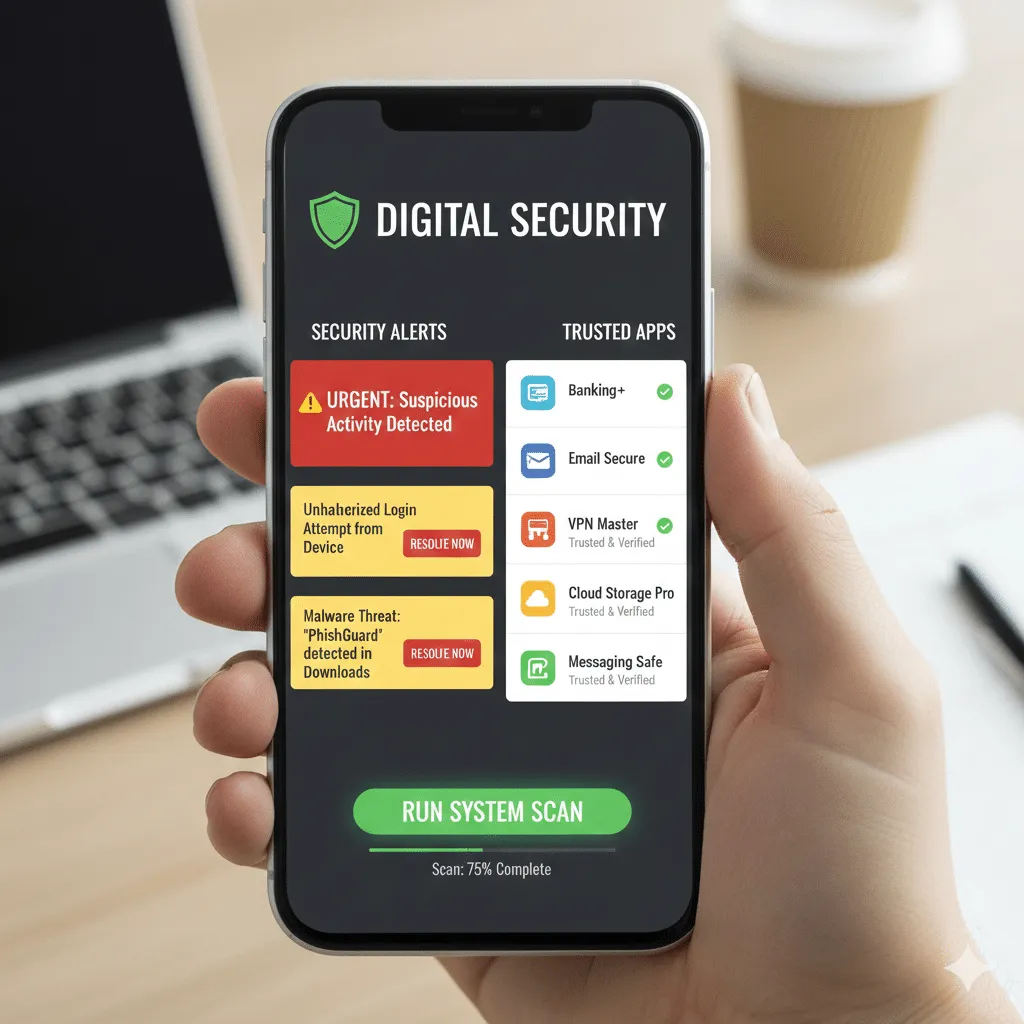
Below, check out the best strategies to protect your phone against viruses and malware, with step-by-step explanations and guidance on when and how to apply each tip.
1. Always keep your operating system updated
One of the simplest and most effective ways to protect your phone is to ensure that the operating system is always updated, because new vulnerabilities are fixed as soon as they are identified, and this helps prevent hackers from exploiting old flaws.
When your phone’s operating system remains outdated, it becomes more susceptible to attacks that exploit these old and known gaps. Therefore, whenever a new update is available, download and install it as soon as possible.
2. Install apps only from official stores
A fundamental practical rule to protect your phone from viruses is download apps only from official stores that is, Google Play Store on Android and App Store on iPhone because they perform security checks before making apps available for download, which greatly reduces the chance of installing something malicious. Android
In contrast, downloading APK files or apps from third-party stores increases the risk of installing a disguised app that contains malware. Therefore, always prioritize official stores and avoid unknown sources.
3. Use strong passwords and extra authentication
Although it seems simple, using strong passwords even when combined with methods like fingerprint or facial recognition is an essential protection measure, because it makes unauthorized access to your device and data difficult if your phone is lost or stolen. Bitdefender
Additionally, whenever possible, enable two-factor authentication (2FA) on your most important accounts, such as email, social networks, and banking services, to add an extra layer of security.
4. Enable screen lock and location options
Configuring automatic screen lock with PIN, pattern, or biometrics is an important step to protect both your data and direct access to your device. This prevents anyone from simply picking up your phone and accessing your personal information without permission.
Additionally, use remote location features available on iPhone and Android, which allow you to erase or lock your phone remotely if it is lost or stolen.
5. Check permissions for installed apps
Another important aspect is to monitor and manage the permissions that each app requests, because often some apps require access to resources that are not really necessary for their primary function (such as camera access when that doesn’t make sense for the app).
Periodically review permissions in your phone’s settings screen to ensure that apps do not have access to more than they need.
6. Avoid unprotected public Wi-Fi networks
Although it seems convenient, connecting to public Wi-Fi networks can pose a security risk to your smartphone, because these connections can be used by third parties to intercept data or force the installation of malicious programs. Keepnet Labs
When you need to use public Wi-Fi, consider using a trusted VPN, which encrypts your data traffic, making it harder for attackers to capture sensitive information.
7. Beware of suspicious links in messages
A common way to try to install viruses on phones is through messages with fake links that appear legitimate but actually direct to malicious websites. This technique is known as phishing and can appear via SMS, WhatsApp, email, and social media.
Therefore, always being suspicious and avoiding clicking on strange links, especially if they come from unknown senders, is an effective way to protect your phone.
8. Don’t root or jailbreak your device
Although techniques like rooting Android and jailbreaking iPhone may seem tempting to get more control over your device, they also remove built-in security safeguards from the system, which makes your phone more vulnerable to vulnerabilities and attacks. Wikipedia
For this reason, avoid performing these processes if your goal is to keep your device safe. This reduces the chance of exposure to unwanted threats.
9. Use a trusted security app
On Android, there are several security app options that help scan your device for threats, prevent installation of malicious apps, and block suspicious behavior. Already on iPhone, although the platform is more restricted in terms of installing additional security apps, there are still solutions that help identify strange or risky behaviors.
Some popular options include antivirus and protection tools that complement the system’s native measures.
10. Avoid connecting your phone to public USB chargers
Although uncommon, there is a type of attack called juice jacking, in which hackers may try to install malware or access data through USB cables connected to public charging stations. Even though the risk is relatively low compared to other threats, it is still recommended to use your own cable and power source when traveling or charging in public places.
Checking for signs of problems
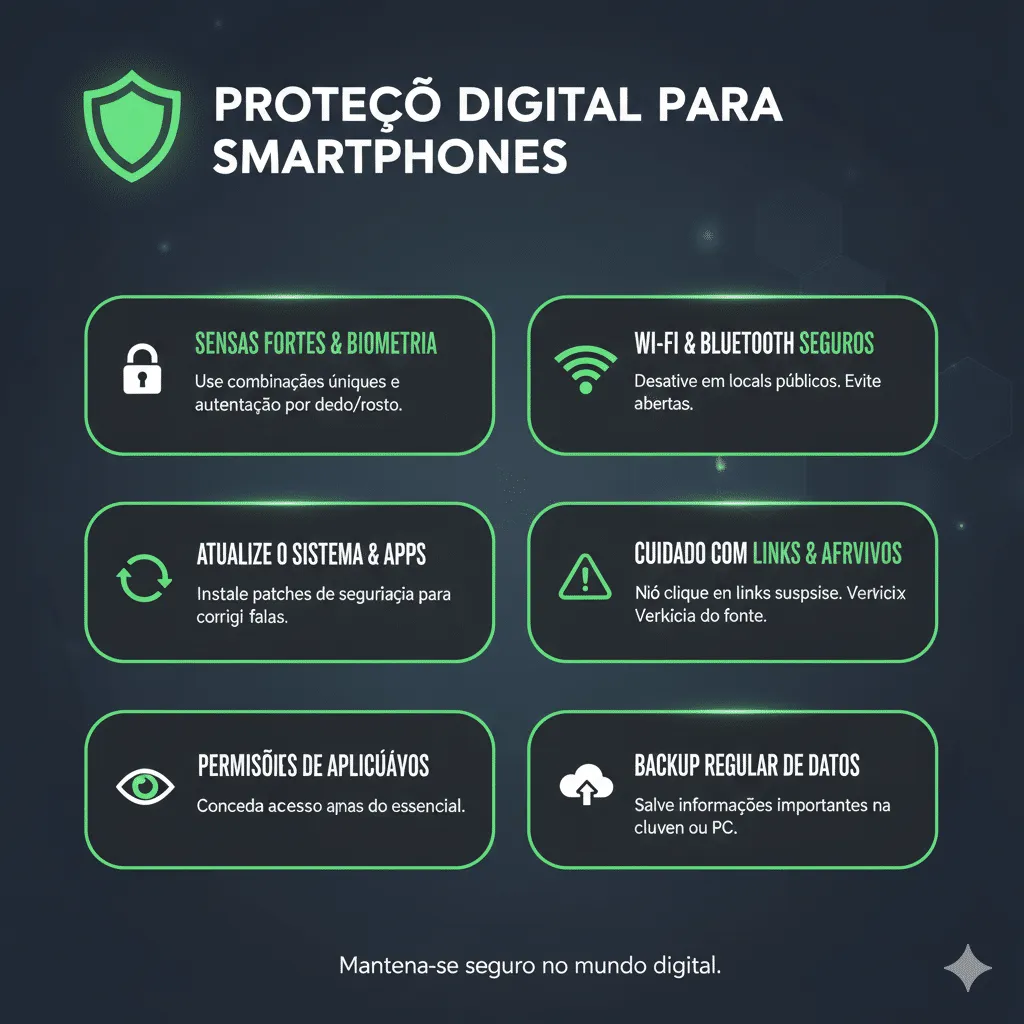
Even with all the measures above, it is useful to know when something seems wrong with your phone, because this may indicate that some threat is present or trying to install itself. Some signs to watch for are:
-
Device extremely slow for no apparent reason
-
Unknown apps installed without your action
-
Suspicious notifications or strange pop-ups
-
Abnormal data or battery consumption
If you notice these signs, it’s a good idea to review your apps, run a security tool scan, and consider more advanced measures, such as factory reset, if necessary.
Conclusion
Knowing how to protect your phone from viruses is an essential skill in today’s connected world, because security crises can happen to anyone and at any time. Fortunately, by following simple practices such as keeping your system updated, installing apps only from official stores, checking permissions, using strong passwords, and avoiding insecure public connections you can greatly reduce the risks your smartphone faces every day.
Following these guidelines is not an absolute guarantee that you will never encounter problems, but it certainly puts your device at a much higher level of protection than simply ignoring digital security.
Frequently asked questions
Can phones get viruses?
Yes, phones can be infected with malware and digital threats, especially if you install apps from dubious sources or click on suspicious links.
Is antivirus necessary on every phone?
For Android, a trusted antivirus can be useful as an extra layer of protection; on iPhone, the need is less, but good practices are still essential.
Does system update protect against viruses?
Yes, because updates usually fix vulnerabilities that could be exploited by viruses and hackers.