


Why the signal drops exactly on the upper floor
If you live in a two-story house, you know the frustration well: Wi-Fi works perfectly in the living room, but upstairs in the bedroom streaming lags, video calls stutter, and your phone keeps switching between Wi-Fi and 4G for no apparent reason. It’s not paranoia, it’s physics. Radio signals weaken when passing through walls, concrete slabs, and metal structures, and a slab with steel reinforcement can reduce signal by more than 15 dB, which in practice means losing a good portion of useful power.
The good news is that the problem has solutions, and in 2026 the options available in Brazil are better and more affordable than they were a few years ago. The range goes from cables and dedicated access points, through mesh systems (networks formed by multiple routers that communicate with each other as if they were one), to traditional repeaters that cost less than R$ 200 and solve simpler situations. The right choice depends on the size of your house, building materials, and how much you want to spend.
This guide will help you correctly diagnose the problem before buying anything, and then present solutions in order of cost-benefit ratio. The goal is for you to finish reading knowing exactly what to do, without wasting money on equipment wrong for your situation.
Diagnosis before buying anything
The first step is to understand where the problem really is, because one symptom can have different causes.
Measure the signal before taking action
Install a Wi-Fi analysis app on your phone, such as WiFi Analyzer (available for Android) or Network Analyzer (iOS). These apps show signal strength in dBm (decibels-milliwatt), which is the technical unit for radio signal power. For quick reference:
- From -30 dBm to -60 dBm: excellent signal, ideal for any use
- From -60 dBm to -70 dBm: good for streaming and video calls
- From -70 dBm to -80 dBm: weak signal, unstable connection
- Below -80 dBm: practically unusable connection
Measure on the lower floor near the router, then go upstairs and measure in problem rooms. This will quantify the actual drop and help you choose a proportional solution.
Identify obstacles in your house
Concrete slabs with metal reinforcement are the worst enemies of Wi-Fi in Brazilian homes. Masonry walls also attenuate a lot. If your house has ribbed slabs or was built in the 1990s and 2000s with lots of iron, the challenge is greater. Houses with wooden structure or drywall have much less signal loss between floors.
Another important factor is the current position of your router. If it’s under the TV, inside a closed rack, or against a corner wall, you’re already starting at a disadvantage. Routers work best positioned in the center of the floor, elevated, with antennas vertical.
Solution 1: Reposition and optimize your current router
Before any purchase, try to improve what you already have. In many cases, moving the router and adjusting settings solves much of the problem.
- Position the router at the geometric center of the house, not in the TV room where the operator’s cable arrived. If necessary, use a network cable to extend the signal to a more central point.
- Elevate the equipment. On a high shelf or in the ceiling of an entryway is better than on a low piece of furniture, because the signal propagates better downward than upward.
- Change the Wi-Fi channel in your router settings. In cities like São Paulo and Rio de Janeiro, interference from neighboring networks is huge in the 2.4 GHz band. Use the analysis app to see which channels are congested and choose the least occupied one (usually 1, 6, or 11).
- Enable the 5 GHz band if your router supports it. It has more speed and less interference, but shorter range. For the upper floor, it’s useful if the distance is small.
- Update your router’s firmware. Manufacturers like TP-Link, Intelbras, and Asus release updates that improve performance and stability.
If after these changes the signal on the upper floor is still below -70 dBm, you need an additional solution.
Solution 2: Wi-Fi Repeater (the cheapest, with caveats)
A Wi-Fi repeater (also called an extender or range extender) captures the router’s signal and retransmits it. It’s the cheapest solution: models like the TP-Link RE305 or Intelbras IWE 3001 are found in Brazil starting from R$ 150 to R$ 250, depending on the retailer and date of purchase.
The repeater works well when the signal drop between floors is moderate, meaning when you still receive at least -65 dBm in the middle of the stairs or hallway connecting the two floors. This is because the repeater needs a decent signal to repeat: if the signal it receives is already weak, what it retransmits is worse.
The main limitation of the traditional repeater is that it creates a separate network or, depending on the model, works on the same network but with less bandwidth, because it uses half its resources to communicate with the router and the other half to serve its devices. For regular browsing and standard quality streaming, it works. For online games, 4K video calls, or working with large files, limitations appear.
All models sold legally in Brazil need Anatel approval, indicated by a number on the back of the device. Buying imported equipment without this approval technically violates national regulations and can result in equipment with inappropriate power settings for the national standard.
Solution 3: Mesh System (best cost-benefit for most)
Today, mesh systems are the most recommended solution for two-story homes with typical Brazilian construction. Instead of a router and repeater operating independently, mesh nodes form an intelligent network where all access points communicate and the user’s device is automatically transferred to the nearest node without connection loss. It’s as if Wi-Fi follows you around the house.
Systems like TP-Link Deco and Intelbras Action RF 1200 Mesh have consolidated presence in Brazilian retail and have Anatel approval. TP-Link, for example, offers kits with two or three nodes. According to public information from the manufacturer, models in the Deco XE75 line support the Wi-Fi 6E standard (which includes the 6 GHz band, in addition to 2.4 GHz and 5 GHz), which expands network capacity in environments with many devices. To check which model is available with active approval, consult the Anatel website and the brand’s official channel in Brazil.
In terms of price, two-node mesh kits with Wi-Fi 6 cost, on average, between R$ 700 and R$ 1,500 in Brazil in 2026, depending on the model and retailer. More premium kits with Wi-Fi 6E and greater declared coverage can exceed R$ 2,000. Always check the technical sheet to know the coverage declared by the manufacturer, which is usually measured in open environments, so reduce that estimate by at least 30% for houses with concrete slabs.
Solution 4: Network cable and dedicated access point (the most efficient)
For those renovating or who have access to run cables, the best possible technical solution is to install a Cat6 network cable between floors and connect an access point on the upper floor. The cable eliminates any signal loss in communication between floors: the link runs at gigabit speeds, and the access point on the second floor transmits Wi-Fi at full strength.
Access points like the Intelbras AP 360 or equivalent TP-Link models in the EAP line (Omada line) are found on the national market for values starting from R$ 300 to R$ 600. Cable installation can be done by a network technician, with costs varying according to distance and complexity of the run, but the investment pays for itself in performance and long-term stability.
This solution is especially recommended for those working from home, streaming in high resolution, or with many simultaneous devices. For those who rent or can’t do construction, wireless solutions are the way to go.
Solution 5: Powerline (when none of the above are viable)
The Powerline adapter uses the house’s electrical wiring to transmit network data. You connect one adapter in an outlet near the router via network cable, and the other upstairs, where it can transmit Wi-Fi or serve as a network port. The technology has the HomePlug AV2 standard, and according to manufacturers’ technical sheets, delivery speeds vary greatly depending on the quality and age of the electrical installation.
It’s a valid option for those who can’t run cables and have an electrical installation in good condition. But beware: in older homes with deteriorated wiring or different electrical circuits, performance can be quite inferior to what’s declared. Testing before investing, if possible, is the safest path.
Frequently asked questions about Wi-Fi in two-story homes
Are repeaters and mesh the same thing?
No. The repeater captures and retransmits the signal independently, usually creating a separate access point or reducing available bandwidth. The mesh system is designed so all nodes work together, with centralized management and automatic device handoff between nodes. For larger homes or intensive use, mesh offers a much superior experience.
Is Wi-Fi 6 worth it for a regular home?
Wi-Fi 6 (802.11ax standard) brings real gains in environments with many simultaneous devices, thanks to OFDMA technology, which allows serving multiple devices at the same time on the same channel. If you have more than ten devices connected, as is common in 2026 with TVs, cameras, assistants, and phones, Wi-Fi 6 makes a difference. If you have five devices or fewer, a well-positioned Wi-Fi 5 router still works.
What’s the difference between 2.4 GHz and 5 GHz for two-story homes?
The 2.4 GHz frequency has greater range and penetrates obstacles like walls and slabs better, but is more subject to interference and has less bandwidth. 5 GHz delivers more speed and less interference, but attenuates faster when passing through obstacles. In two-story homes with concrete slabs, 2.4 GHz usually reaches the upper floor more consistently, but the speed will be lower.
Do I need faster internet or better Wi-Fi?
These are different problems. If your internet works fine on your phone via mobile data but lags at home, the problem is in the Wi-Fi network or router, not your plan. Do a speed test connected by cable directly to the router: if the result is close to what you contracted, the bottleneck is in Wi-Fi. It only makes sense to upgrade your plan after ensuring your internal network can distribute that speed.
What to do now
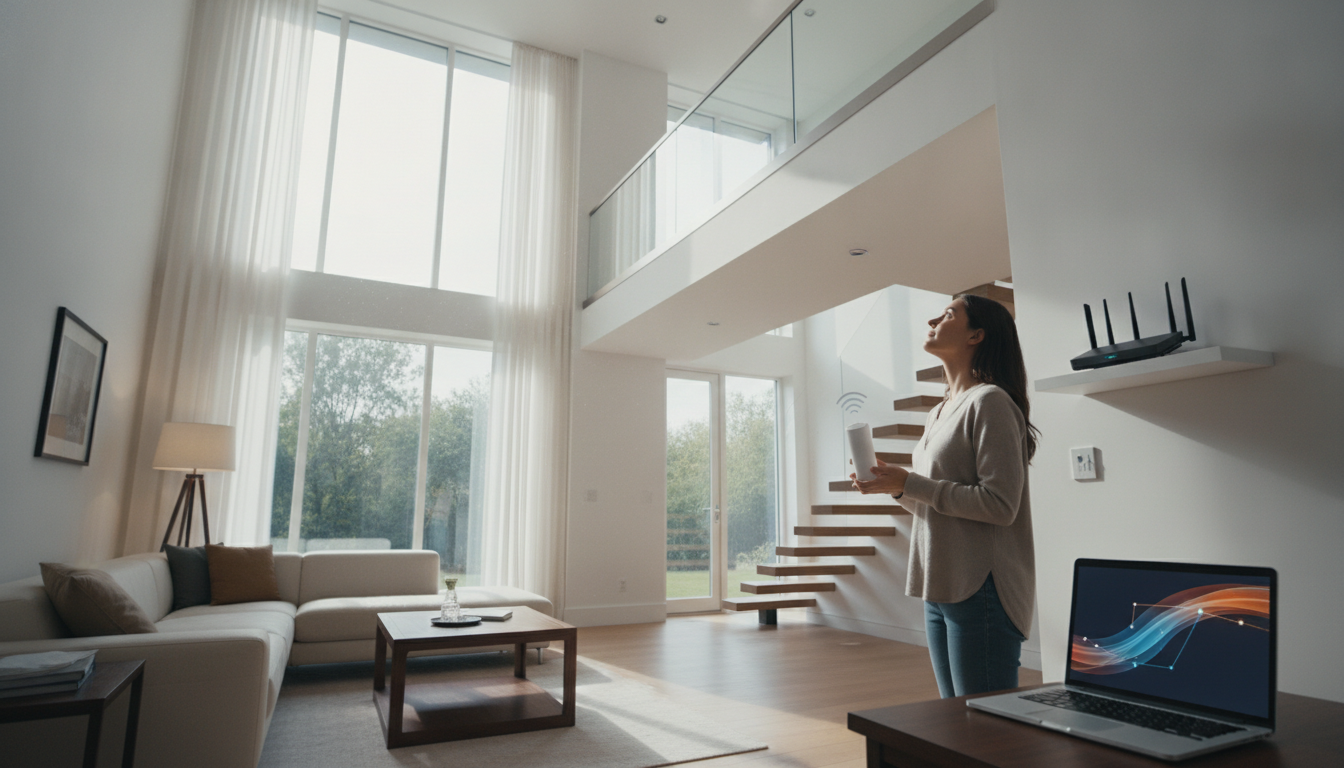
The smartest path is to act in stages. Start with diagnosis using a signal analysis app, reposition the router if necessary, and see how much that resolves. If the problem persists, evaluate solutions in cost order: repeater for simple cases, mesh for most homes, cable with access point for maximum performance.
If you’re setting up or renovating a home office on the upper floor, investing in cabling and a dedicated access point will save you years of headaches. For common home use, a good Wi-Fi 6 mesh kit approved by Anatel is usually the balance point between cost, simple installation, and satisfactory results. In fact, if you’re thinking about renovating your home tech setup overall, it might also be a good time to check the best smartphone options available in the Brazilian market in 2026, since newer devices better take advantage of Wi-Fi 6 and 6E features.
Home network technology has evolved greatly in recent years, and in 2026 there’s no excuse to deal with poor signal on the second floor. With correct diagnosis and a solution proportional to the problem, Wi-Fi that once stopped on the stairs can cover every room in the house with stability.