



Poor WiFi on the second floor: the problem has a solution without mesh
If you live in a two-story house, you know the frustration well: excellent signal in the living room, but the notebook upstairs barely loads a page. The problem isn’t necessarily the quality of your router, but rather the physics. Concrete walls, steel floor joists, and vertical distance are silent enemies of WiFi signals, and no home router, no matter how good, can cover this type of environment with quality from a single point.
The most famous solution for this is the mesh system (a network formed by multiple nodes that communicate with each other as if they were a single router). But good mesh isn’t cheap in Brazil: entry-level systems cost from R$ 800 and the most robust ones exceed R$ 3,000. If you don’t want to spend that now, or already have a decent router and want to take advantage of it, there are real alternatives that work. This tutorial shows the main ones, when each one makes sense, and how to put them into practice.
What you need before you start
Before buying anything or changing any configuration, it’s worth understanding what’s causing the specific problem in your house. The most common causes in two-story homes are different and require different solutions.
You will need:
- Access to your current router’s panel (usually at address 192.168.0.1 or 192.168.1.1 in the browser)
- The model and specifications of your current router
- A WiFi analysis app on your phone, such as WiFi Analyzer (available for Android) or Network Analyzer (iOS), to map signal strength in each room
- A tape measure or sense of distance to calculate where the center of the house is
Do a quick mapping: walk through the rooms with the app open and note the signal intensity (in dBm, a signal power scale, where -50 dBm is excellent and below -75 dBm the signal starts to fail). This will tell you if the problem is range, interference, or configuration.
Step 1: Reposition your main router
It seems obvious, but it’s the most ignored step. Most people place the router near the entry point of the ISP’s cable, which usually sits in a corner of the ground floor. This point is terrible for vertical coverage.
- Identify the most central point in the house, considering both floors. Ideally, something close to the stairs or in the center of the floor plan.
- Check if it’s possible to bring the ISP cable to this point with a network cable extension (Ethernet cable) or even a phone cable, depending on the connection type.
- Place the router in the highest possible position within the ground floor, preferably on raised furniture or a wall, with antennas positioned vertically.
- Redo the signal mapping and compare.
In many cases, repositioning alone solves the second-floor problem, especially if the house has an open floor plan. Don’t underestimate this step.
Step 2: Use a WiFi repeater (extender) on the stairs
The WiFi repeater, also called an extender or range extender, is the cheapest device to expand coverage. It captures the signal from the main router and retransmits it with another network name (or the same, depending on configuration).
The critical point here is position. The most common mistake is placing the repeater already on the second floor, where the signal is weak. The repeater needs reasonable signal to amplify; if it’s in a bad zone, it will retransmit poor quality signal.
- Connect the repeater to a point halfway between the two floors, such as at the top of the stairs or in the second-floor hallway that still has visibility to the lower floor.
- Configure it via app or web panel following the manufacturer’s manual. Most current models have configuration via QR code or WPS button (an automatic pairing system between WiFi devices).
- Decide whether to use the same network name (SSID) as the main router or a different name. Using the same name makes life easier for the user, but can cause roaming issues (automatic switching between networks) on some older devices.
In Brazil, you find repeaters from brands like TP-Link, Intelbras, and D-Link with Anatel approval (mandatory for any radio communication equipment sold legally in the country) in the R$ 120 to R$ 400 range, depending on the supported standard. Prefer models with WiFi 6 (802.11ax) support if your router is also WiFi 6, as retransmission will be more efficient. Check the technical sheet to confirm if the model supports the 5 GHz band dedicated to backhaul (communication between the repeater and router), which reduces bandwidth loss in retransmission.
Important limitation: traditional repeaters generally cut bandwidth available to connected devices in half, because they use the same antenna to receive and retransmit. For basic use (HD streaming, video conferencing, browsing), this is rarely a problem. For those who frequently download large files or play online, the loss can be annoying.
Step 3: Cable with Ethernet and use a dedicated access point
This is the most robust solution outside of mesh and, for many cases, the best. An access point is a device that receives signal via Ethernet cable and creates a local WiFi network, without the speed loss of wireless repeaters.
The idea is simple: run a network cable from the router on the ground floor to the second floor and connect an access point to it. The result is a full-quality WiFi network on the second floor, as if you had a second router, but managed by the primary one.
- Check the cable path: through the inner wall, through the attic, along the baseboard, or through the stairwell opening. Use plastic cable trays to organize and protect.
- Use Cat 6 network cable (supports Gigabit without loss up to 55 meters; Cat 5e also works for most home cases, but Cat 6 is cheaper today and eliminates doubts).
- Connect the access point at the end of the cable. Configure it in “access point” mode (not in router mode, to avoid network conflict). Models like the TP-Link EAP225 or Intelbras AP 1350 AC have this mode available and are found in Brazil with local warranty.
- Use the same SSID and password as the main router so devices switch points automatically as you walk around the house.
The cost of a decent access point starts around R$ 250 and Cat 6 cable runs about R$ 1.50 to R$ 2.50 per meter in electrical supply stores. It’s a Saturday afternoon project that delivers better results than many entry-level mesh systems.
Step 4: Consider Powerline or MoCA if you can’t cable
If running Ethernet cable through walls is out of the question (rental home, granite walls, impractical work), there are two technologies that use existing home wiring:
- Powerline (PLC): uses the home’s electrical network as a data cable. You connect one adapter to an outlet near the router with an Ethernet cable, and another adapter to the outlet on the second floor. The pair creates a network with variable speed depending on wiring quality and distance. Brands like TP-Link (AV2 line) and Devolo sell kits in Brazil. Real speed is usually well below the speed listed on the technical sheet; check user reviews before buying for your specific situation.
- MoCA (Multimedia over Coax Alliance): uses coaxial cable (the same as cable TV signal) to transmit data at high speed. It’s faster and more stable than Powerline, but depends on you having coaxial cable installed on the second floor. MoCA adapters are less common in Brazil and are usually imported; check Anatel approval before buying.
For most Brazilian homes, Powerline is the most accessible option when cabling isn’t viable, but manage expectations: it works well for browsing and streaming, but isn’t ideal for heavy use.
Common problems and how to solve them
The repeater is connected, but the second-floor speed is still slow
Most likely the repeater is in a position with insufficient signal from the main router. Move it closer to the router and retest. If speed improves there but not on the second floor, the problem is repeater range, not router range.
Devices don’t automatically switch points as you walk around the house
This is called sticky client: the device clings to the original point even when another is closer. The simplest solution is to enable Band Steering and Fast Roaming (802.11r) in the router and access point settings, if available. Some older routers don’t have these features; in that case, using different network names for each point and switching manually is the way.
The access point is creating a separate network instead of extending the main one
Check if it’s configured in “access point” mode and not “router” mode. In router mode, it creates a different sub-network, which causes exactly this behavior. Consult the manual for your specific model for the step-by-step mode change.
Powerline works, but speed is very low
Powerlines are sensitive to line filters and surge protectors. Connect the adapters directly to wall outlets, never to filters or extensions. Outlets on different electrical circuits (different phases) in the same house also greatly harm speed.
Frequently asked questions about WiFi in two-story homes
Do I need WiFi 6 to improve second-floor coverage?
Not necessarily. WiFi 6 (802.11ax) improves efficiency in environments with many devices connected at the same time, but doesn’t increase range significantly compared to WiFi 5 (802.11ac). For the vertical coverage problem, positioning and the chosen solution (repeater, access point, cabling) have much greater impact than the WiFi standard generation.
Does a more expensive router solve the problem alone?
It depends on house size and construction materials. High-power routers like the ASUS RT-AX or TP-Link Archer Archer lines achieve greater range, but concrete joists with steel greatly attenuate 5 GHz signal regardless of transmitter power. If the floor plan is very compact, a better router might work. In larger homes with traditional Brazilian flooring, probably not.
Is mesh always better than the alternatives in this guide?
In terms of ease of configuration and transparent roaming, yes. But the cost is considerably higher, especially in Brazil, where systems like TP-Link Deco or Eero 6 arrive imported at prices above the US market. If you already have cable infrastructure available, a dedicated access point delivers comparable mesh results for much less money.
Is it worth importing a repeater or access point from the US to save money?
The risk is Anatel approval. Equipment without the Anatel seal cannot be legally used in Brazil on open networks, and in case of inspection (rare for home use, but possible) can be seized. Also, warranty is not valid here. Given that approved repeaters and access points are already accessible in Brazil, the risk rarely outweighs the savings.
Which solution to choose for your case
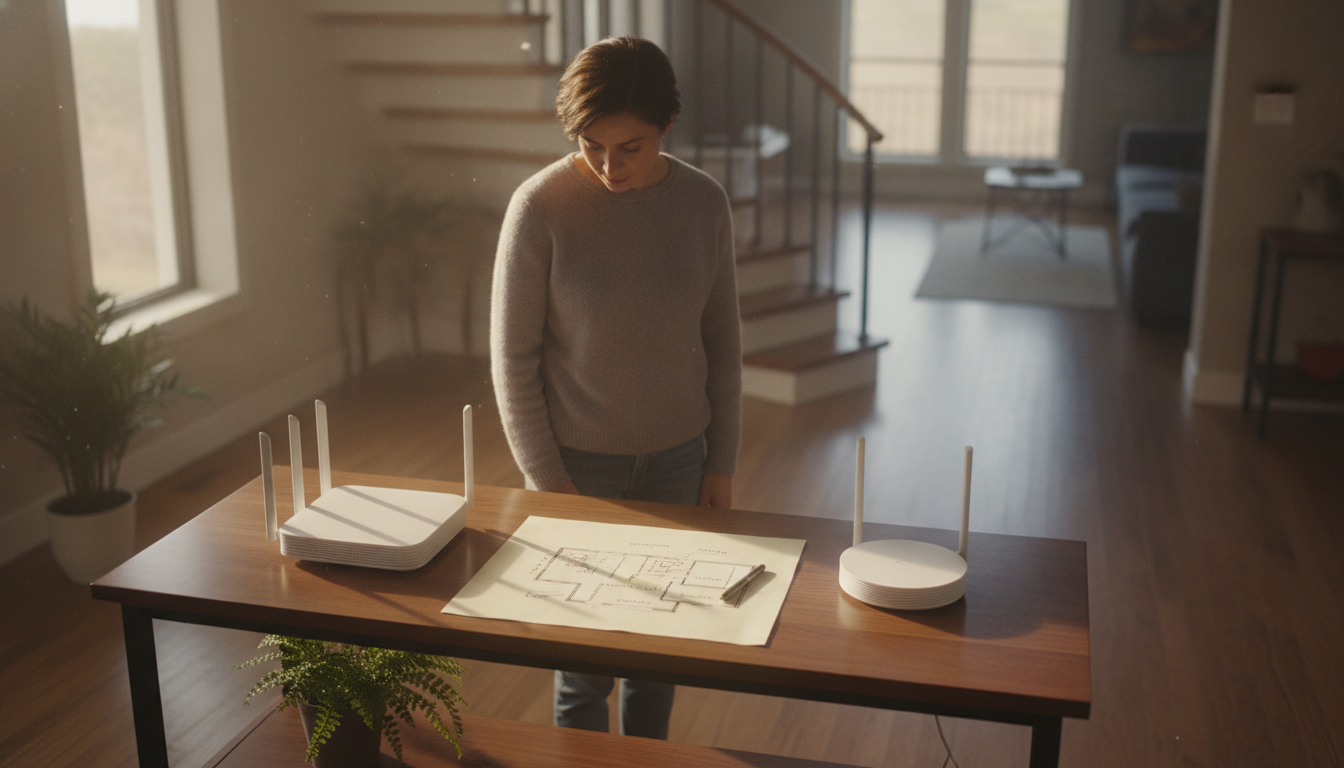
If you’ve made it this far, you have enough to make a decision. For homes with compact floor plans and lighter walls, repositioning the router combined with a well-positioned repeater solves most cases with investment below R$ 300. For larger homes, with concrete joists and more than three bedrooms on the second floor, the access point with Ethernet cable is the smartest choice: more work to install, but professional results and no speed loss.
Powerline is an honest alternative for those who can’t cable, but between it and a basic mesh system, in many cases the mesh will be more stable long-term. In fact, if you’re researching other equipment to set up your home office on the second floor, choosing a good device for productivity also matters; the Best tablet for studying up to R$ 2,000 in 2026 can be a useful complement for those who want to work or study without depending on a fixed PC.
Perfect WiFi on two floors without mesh exists, costs less than it seems, and is within reach of anyone willing to spend a Saturday making the right adjustments.