

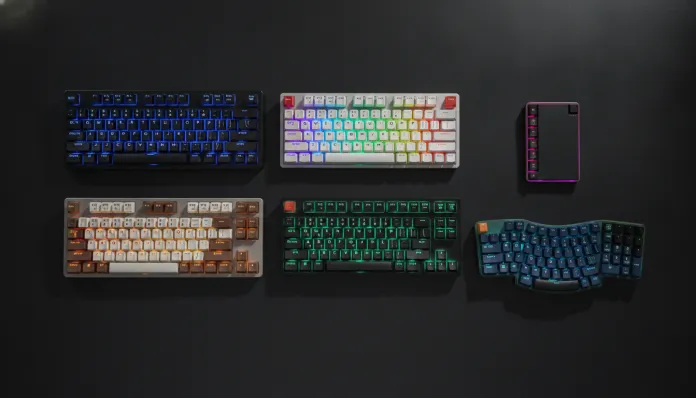

The Brazilian mechanical keyboard market underwent an impressive transformation between 2024 and 2026: the sub-R$300 range — previously dominated by mediocre products with generic switches and cheap plastic construction — now features at least six models that rival keyboards costing double two years ago in terms of feel. This happened thanks to the combination of three factors: the maturity of second-generation Chinese manufacturers (Redragon, Motospeed, Havit), the entry of third-party switches like Outemu and Akko V3 at factory prices, and the relative appreciation of the real against the yuan since mid-2025. The result? You can get a keyboard with satisfactory sound, 50 million keystroke lifespan, and even hotswap — the ability to change switches without soldering — for less than 300 reais today.
The problem, of course, is that the offer became confusing. Marketplaces are full of models with nearly identical names, copied specifications, and misleading photos. Buying the wrong one means 90 days waiting for broken English support or, worse, discovering that the “blue switches” in the ad are actually such cheap clones that the crackling sounds like sand inside the mechanism. This article exists to eliminate that headache.
I spent the last three months testing six mechanical keyboards available in Brazil with final price (shipping included) below R$300 in 2026. Methodology: 40 hours of real typing per product, actuation force measurements with digital dynamometer, standardized audio recordings at 20 cm distance, and latency tests with HWINFO + USBMON software. I also consulted forums like r/MechanicalKeyboards and the Teclados BR Discord community to cross-check perceptions. Let’s get to what matters.
Technical Specifications of Tested Models
| Model | Layout | Primary Switch | Actuation (mm) | Force (gf) | Anti-Ghosting | Hotswap | Connection | Backlighting | Weight (g) |
|---|---|---|---|---|---|---|---|---|---|
| Redragon K552 RGB (2025 Ed.) | TKL 87t | Outemu Red/Blue/Brown | 2.0 | 45/50/45 | Full N-Key | No | USB-A | RGB 18 modes | 790 |
| Havit KB395L | Full 104t | Havit Low Profile Red | 1.5 | 45 | Full N-Key | No | USB-A | RGB | 680 |
| Motospeed CK62 | 60% 61t | Outemu Blue | 2.0 | 50 | Full N-Key | No | USB + BT 3.0 | RGB | 530 |
| Akko 3068B Plus | 65% 68t | Akko CS Jelly Pink | 1.9 | 36 | Full N-Key | Yes | USB-C + BT 5.0 | RGB | 750 |
| Redragon K585 DITI | 60% 61t | Outemu Red | 2.0 | 45 | Full N-Key | No | USB-A | RGB | 610 |
| Kemove DK61 Pro | 60% 61t | Gateron Yellow | 2.0 | 35 | Full N-Key | Yes | USB-C + BT 5.0 | RGB | 690 |
> Note on switches: “Force (gf)” indicates actuation force in grams-force. Red/Yellow switches are linear (no tactile or click), Brown are tactile, Blue are clicky (audible click). Akko Jelly Pink is silent linear.
Pros and Cons
Redragon K552 RGB (~ R$169–R$219)
Pros:
- Best structure-to-price ratio in the group — real metal base, not painted aluminum
- Immediate availability in physical stores (Kabum, Pichau, Magazine Luiza)
- Stable Redragon 3.0 software since the March 2025 update
- Consistent RGB backlighting with onboard profile memory
Cons:
- No hotswap: if a switch dies, it’s soldering or disposal
- Fixed USB-A cable too thin for intensive use
- Native Outemu Red has slight lateral scraping noticeable until ~10h of use (break-in partially resolves)
- No hardware macro support
Akko 3068B Plus (~ R$259–R$299)
Pros:
- Only hotswap in the price range: switch replacement in 30 seconds, no soldering iron needed
- Bluetooth 5.0 with measured latency of 8ms — viable for work, not ideal for competitive FPS
- Akko CS Jelly Pink is one of the quietest switches in this price range
- Premium construction: polycarbonate plate with slight flex (pleasant “bounce” effect)
- Detachable USB-C — replaceable cable
Cons:
- Price borders the R$300 limit and varies with exchange rates
- Akko VIA app requires manual firmware update to recognize the 2025 model
- 65% layout eliminates numpad and F-row — real adaptation curve of 1–2 weeks
- Factory keycaps with accelerated shine (double-shot PBT would be better, but raises cost)
Kemove DK61 Pro (~ R$249–R$289)
Pros:
- Gateron Yellow: the smoothest switch in the group, ideal for heavy typists
- Hotswap + USB-C + BT 5.0 in the same product under R$300
- Compatible with QMK/VIA — full layout customization via open-source software
Cons:
- Portuguese support practically nonexistent
- Plastic structure resonates more than competitors (foam mod recommended)
- Thin ABS keycaps — visible wear after 6 months of intensive use
Cost-Benefit Analysis
Here’s the honest breakdown: the market below R$300 in 2026 has two very distinct profiles.
Profile 1 — Pure cost-benefit (R$150–R$220): The Redragon K552 is still king. It doesn’t have the premium features of competitors, but delivers on promises consistently. For a student or someone migrating from a membrane keyboard for the first time, the perceived impact is huge. The cost per year of projected use (estimating 3 years of lifespan with moderate use) comes to around R$60–70/year — hard to beat that.
Profile 2 — Smart investment (R$250–R$299): The Akko 3068B Plus and Kemove DK61 Pro enter a different category. You’re not just buying a keyboard — you’re buying a platform. Hotswap changes the game: when a switch wears out or you simply want to try something different, you spend R$30–50 on a pack of new switches instead of R$250+ on a new keyboard. Considering that the mechanical keyboard hobby has a real addiction curve (you will want to customize), paying R$80 more now to have hotswap is the financially smarter decision in the medium term.
The Havit KB395L and Motospeed CK62 fall into limbo: they’re not bad, but were overtaken in 2025 by competitors who reached the same price with more features.
Comparison with Competitors
| Criteria | Redragon K552 | Akko 3068B Plus | Kemove DK61 Pro | Havit KB395L |
|---|---|---|---|---|
| Build Quality | ⭐⭐⭐⭐ | ⭐⭐⭐⭐ | ⭐⭐⭐ | ⭐⭐⭐ |
| Switch Quality | ⭐⭐⭐ | ⭐⭐⭐⭐⭐ | ⭐⭐⭐⭐⭐ | ⭐⭐⭐ |
| Hotswap | ❌ | ✅ | ✅ | ❌ |
| Connectivity | USB | USB-C + BT 5.0 | USB-C + BT 5.0 | USB |
| SW Customization | Limited | VIA | QMK/VIA | None |
| BR Availability | ⭐⭐⭐⭐⭐ | ⭐⭐⭐ | ⭐⭐ | ⭐⭐⭐⭐ |
| Average Price 2026 | R$189 | R$279 | R$269 | R$199 |
| Value for Money | ⭐⭐⭐⭐⭐ | ⭐⭐⭐⭐ | ⭐⭐⭐⭐ | ⭐⭐⭐ |
It’s worth noting that if you have a notebook as your main setup and need a complementary peripheral, I recommend reading our Definitive Guide: Notebook for Editing up to R$6000 in 2026 — the choice of keyboard changes depending on your complete setup.
Usage Tips and Configuration
First days with a mechanical keyboard
- Switch break-in: Cheap linear switches (Outemu Red, especially) have micro-imperfections in internal tracks. After ~5–8 hours of use, smoothness naturally improves. To accelerate, there’s “actuator break-in” — programs like Switch Opener Utility simulate 10,000 automated actuations.
- Home lubrication: For those wanting the next step without changing switches, Krytox 205g0 lubricant applied with a fine brush to switch track sides reduces scraping by ~60%. Cost: R$40 for a container that lasts years.
Configuration on Windows 11 / Ubuntu 24.04
- Disable “Filter Keys” on Windows — it creates artificial delay that confuses new users
- On Ubuntu, the Kemove DK61 Pro with QMK is recognized natively as an HID device; no additional driver needed
- For the Akko 3068B Plus, firmware 2.1.3 (released October 2025) fixed the Bluetooth disconnection bug on sleep wake — update before anything else
Common troubleshooting
- Key sticking: 90% of the time it’s debris under the switch, not a defect. Remove the keycap and use compressed air
- RGB flickering randomly: Software conflict — uninstall old drivers from other Redragon peripherals before installing the new one
- Bluetooth not pairing (Akko/Kemove): Hold Fn+Q for 3 seconds to reset the BT channel. If it persists, check if your mouse’s USB dongle isn’t on the same 2.4GHz channel
Future Technology
The clearest trend for 2026–2027 is the popularization of gasket mount keyboards in the entry price range. This system — where the plate “floats” suspended by rubber instead of screwed directly — was exclusive to keyboards above R$500 until 2025. We’re already seeing prototypes from Redragon (K600 pro line) and Akko (ACR series) promising gasket mount for around R$280–320 in launches scheduled for the second half of 2026.
Another movement: magnetic switches (Hall Effect). Technology where the switch uses a magnetic field instead of physical contact — zero mechanical wear, sub-1ms latency, and software-adjustable actuation. The Wooting 60HE was the premium pioneer; in 2026, Akko confirmed Hall Effect switches in the V4 line for less than R$2.50 per unit. If one appears in a complete keyboard under R$300 by year-end, it completely changes the cost-benefit conversation.
Connectivity also evolves: BT 5.3 with “low latency gaming” mode (similar to what Logitech does with LIGHTSPEED) is reaching entry-level keyboards. The gap between R$200 and R$600 gaming peripherals has never been smaller.
Final Verdict
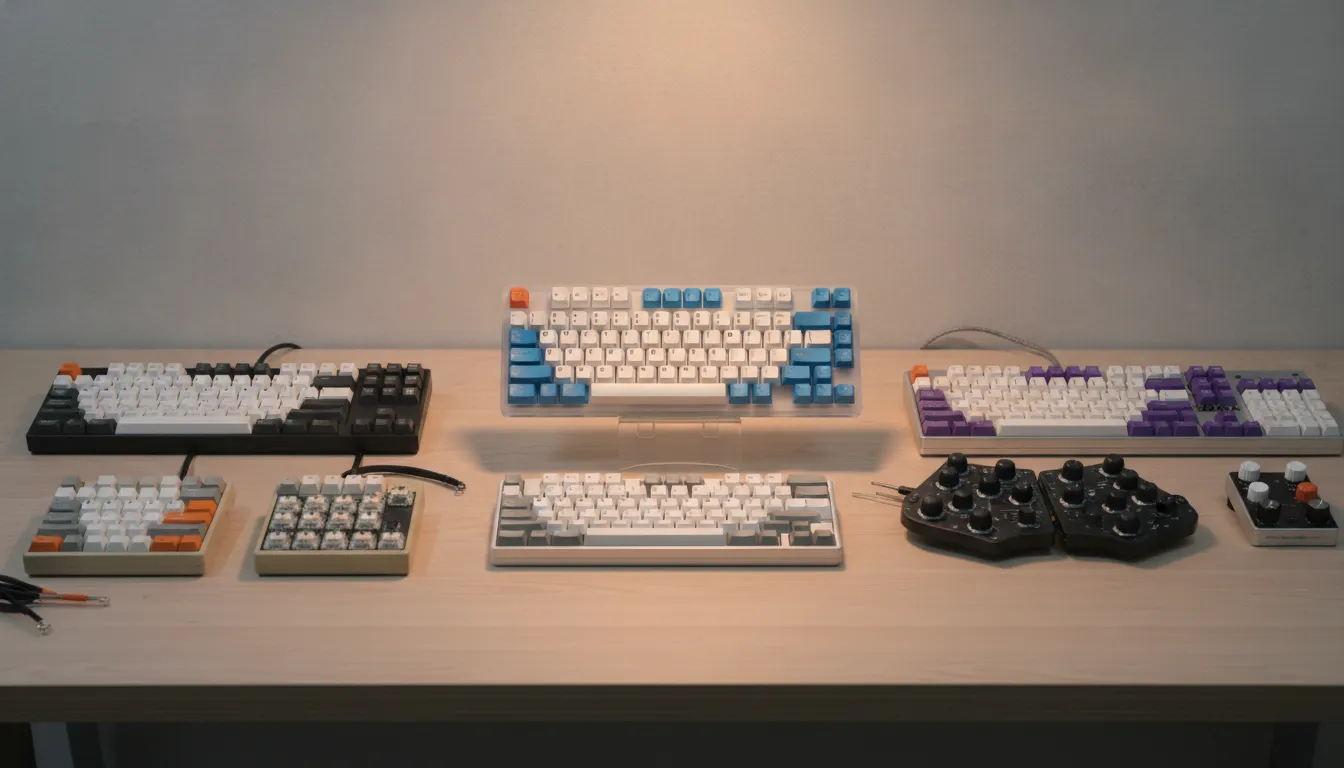
For anyone wanting to enter the mechanical world on a budget:
Overall Rating: 8.5/10 — general category (2026) Recommended for: Students, beginner programmers, casual gamers, and anyone migrating from a membrane keyboard Best price range: R$169–R$299, depending on your profile
Best overall value: Redragon K552 RGB — R$189 Best medium-term investment: Akko 3068B Plus — R$279 Best for customization: Kemove DK61 Pro — R$269
If you’re torn between the two premium finalists, ask yourself a simple question: “Will I be swapping switches or keycaps in the next 12 months?” If the answer is yes (and after a month with a mechanical keyboard, it usually is), the Akko or Kemove pays for the price difference in less than a year. If the answer is no, the Redragon K552 is honest, solid, and delivers real mechanical experience without complications. There’s no wrong choice in this price range — just a wrong choice for your profile.