

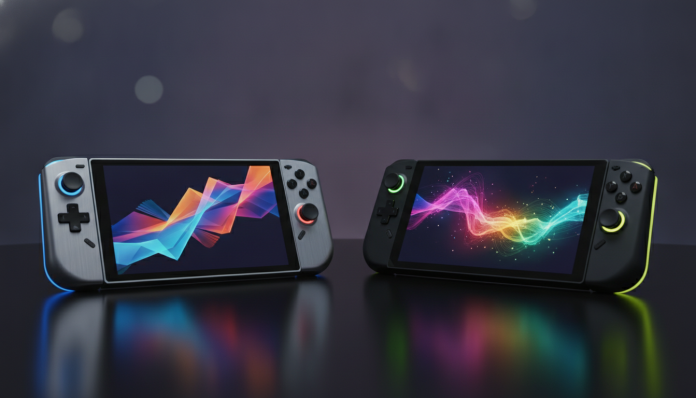

Nintendo Switch 2 or Steam Deck OLED: Two very different portable consoles for different audiences
The Nintendo Switch 2 and Steam Deck OLED compete for the same physical space — your backpack — but serve distinctly different player profiles. The Switch 2, launched in 2025, is Nintendo’s bet to continue dominating the portable market with exclusive games, easy TV mode, and a family-friendly approach. The Steam Deck OLED, released by Valve in 2023 and still highly relevant in 2026, is essentially a compact Linux PC that runs your entire Steam library. Short answer: buy the Switch 2 if you want Nintendo exclusives and convenience; buy the Steam Deck OLED if you already have a Steam library and want total freedom.
Reaching that decision requires looking at the details, though. Price, availability in Brazil, battery life, and screen quality make a real difference in daily use, and neither device is universally superior. The Brazilian context complicates things further: imports, warranty, Anatel homologation, and exchange rates all weigh heavily on the final cost.
Specifications compared
| Feature | Nintendo Switch 2 | Steam Deck OLED |
|---|---|---|
| Processor | Custom Nvidia T239 (ARM Cortex-A78AE) | Custom AMD APU (Zen 2 + RDNA 2) |
| RAM | 12 GB LPDDR5X | 16 GB LPDDR5 |
| Storage | 256 GB UFS | 512 GB or 1 TB NVMe |
| Screen | 7.9 in. LCD, 1080p, 120 Hz | 7.4 in. OLED, 1280×800, 90 Hz |
| Battery | 5140 mAh | 5313 mAh |
| Estimated battery life | 2 to 6.5 hours (according to Nintendo) | 3 to 12 hours (according to Valve) |
| Weight | Approx. 475 g (with Joy-Con 2) | 640 g |
| Connectivity | Wi-Fi 6, Bluetooth 5.3, USB-C, UHS-II | Wi-Fi 6E, Bluetooth 5.0, USB-C 3.2 |
| Operating System | Nintendo Switch OS | SteamOS (Linux) |
| Launch price (USA) | $449 | $549 (512 GB) / $649 (1 TB) |
| Availability in Brazil | Import; no confirmed local version | Import; no confirmed local version |
Prices in Brazilian reals vary greatly depending on exchange rates, seller, and import taxes. In 2026, depending on the dollar and purchase method, expect to pay between R$ 3,500 and R$ 5,500 for the Switch 2 and between R$ 4,500 and R$ 7,000 for the Steam Deck OLED at specialty stores or direct import. Always check updated pricing before deciding.
Screen and visual experience: OLED makes a real difference
The most immediate difference between the two devices is technological and visible to the naked eye. The Steam Deck OLED uses an OLED (Organic Light-Emitting Diode) panel, where each pixel emits its own light. The practical result is true black, extremely high contrast, and vivid colors, especially in low-light environments. Games with dark scenes, like Elden Ring or Hollow Knight, look noticeably better on this screen.
The Switch 2 uses a LCD IPS panel at 7.9 inches with 1080p resolution and 120 Hz refresh rate. The larger size and higher resolution partially offset the technology disadvantage: text is sharper and the field of view is more generous. For Nintendo games, which typically rely on colorful, stylized visuals rather than dark atmospheres, the difference from OLED is less dramatic than it appears on paper.
If you game a lot in varied environments, on long trips, or in a dark room, the Steam Deck’s OLED screen will impress every time. If you connect the console to your TV frequently (and the Switch 2 makes this very easy with the dock), the portable screen discussion loses weight.
Performance and game library: incompatible systems, opposite approaches
The Nintendo Switch 2 runs exclusive Nintendo games and is backwards-compatible with most of the original Switch catalog. This means access to franchises like Mario, Zelda, Metroid, Pokémon, and Mario Kart — series that simply don’t exist on any other platform. According to Nintendo, the T239 hardware delivers significantly superior performance to the original Switch, with support for ray tracing (a lighting technique that simulates physical light behavior) and DLSS (Nvidia technology that uses artificial intelligence to increase image resolution with lower processing cost).
The Steam Deck OLED runs your Steam library, which in 2026 has thousands of titles. Compatibility varies: Valve maintains the “Deck Verified” database, where games are classified as verified, playable, unsupported, or untested. Most major PC releases run well, but games with anti-cheat systems (cheating protection) often have issues on Linux, excluding popular competitive multiplayer titles like Valorant. For singleplayer and co-op, the situation is much more favorable.
In terms of raw performance, the Steam Deck’s AMD chip handles PC games well at medium settings. The Switch 2, meanwhile, is optimized for the games it runs: Nintendo first-party titles are developed specifically for the hardware, so the experience is consistent.
Battery, ergonomics, and daily use
Battery life is critical for portables. The Steam Deck OLED greatly improved energy efficiency over the original model: Valve claims between 3 and 12 hours depending on the game. Less demanding games like Stardew Valley extract maximum battery life; heavy titles like Cyberpunk 2077 last 2 to 3 hours in practice, according to widely documented community reports. The Switch 2, according to Nintendo, offers between 2 and 6.5 hours, with similar variation depending on game intensity.
For ergonomics, the Switch 2 weighs about 475 g with Joy-Con 2 attached, while the Steam Deck OLED reaches 640 g. Those with long gaming sessions will feel the difference. The Steam Deck has a grip more like a traditional console controller, reducing strain during action games. The Switch 2 is more compact and easier to hold in various ways.
The TV mode is another clear advantage of the Switch 2: just connect the dock (included) and it becomes a home console in seconds. The Steam Deck can connect to monitors and TVs via USB-C or third-party docks, but the process is less polished and SteamOS in desktop mode requires Linux familiarity for advanced configurations.
Brazilian context: imports, Anatel, and warranty
Neither device has an official version sold in Brazil with local warranty in 2026. Importing either requires attention to several key points.
Regarding Anatel homologation, imported devices without certification can be seized at customs or have Wi-Fi and Bluetooth legally blocked, as Anatel regulates radiofrequency equipment in the country. Verify that the model you’re buying has an Anatel homologation number available before finalizing the purchase.
Warranty on direct imports remains with the seller or importer. Specialty import stores typically offer their own 12-month warranty, but technical support processes for portable consoles in Brazil are still limited. For the Switch 2, Nintendo Brazil may eventually have a stronger presence if a local launch is confirmed; check the official Nintendo Brazil website for updates.
Import taxes apply to purchases over $50 for individuals, with a 20% levy on declared value plus state ICMS. The final cost can be substantially higher than US retail prices.
Frequently asked questions about Switch 2 and Steam Deck OLED
Is the Switch 2 backwards-compatible with original Switch games?
Yes, according to Nintendo, the Switch 2 is compatible with the vast majority of original Switch titles on cartridges and the digital store. Some games may not work or have different performance; Nintendo maintains a compatibility list on the official website.
Does the Steam Deck OLED run Windows games?
The Steam Deck runs SteamOS, based on Linux. It uses a compatibility layer called Proton to run Windows games from Steam. Most singleplayer games work well, but some titles with anti-cheat protection or that explicitly require Windows aren’t compatible.
Which one is easier to use for someone who’s never owned a portable?
The Switch 2 is more intuitive for beginners. Nintendo’s system is simple, setup is quick, and requires no technical knowledge. The Steam Deck, being a Linux PC, may require manual configuration for some games, which can intimidate those unfamiliar with technology.
Can you play online with both in Brazil?
Yes, both require internet. The Switch 2 requires Nintendo Switch Online subscription for most multiplayer games. The Steam Deck uses your Steam account normally; online multiplayer depends on the specific game and, as mentioned, titles with anti-cheat may not work.
Which one to choose, after all
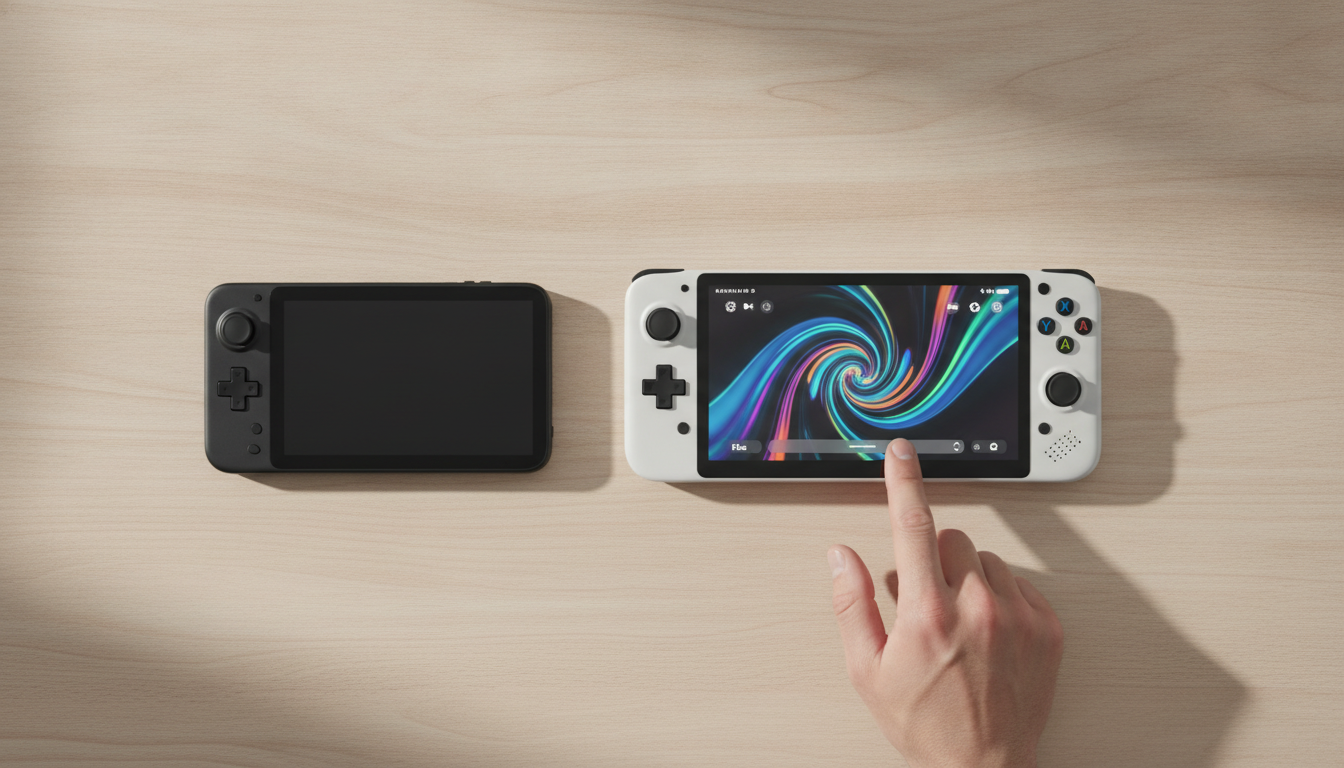
The Switch 2 is the right console for you if Nintendo exclusives are your main reason for buying, if you want a simple device to use, like playing on TV sometimes, or have children at home who will share the device. The experience is more closed, but polished and consistent from start to finish.
The Steam Deck OLED makes more sense if you already have a substantial Steam library, want to play recent PC titles anywhere, don’t mind learning a bit more about the system, and value the OLED screen for long sessions. It doesn’t replace a gaming PC, but it’s the closest portable equivalent on the market.
Before deciding, research current availability in Brazil, today’s exchange rate, and the reseller’s warranty conditions. If doubt persists between platforms, it’s worth using search tools to compare updated reviews; a comparison between Perplexity and ChatGPT for research can help you find more reliable sources quickly.
Recommended for Switch 2: Nintendo fans, families, those who want simplicity and hybrid portable/TV use.
Recommended for Steam Deck OLED: PC gamers who want portability, those with large Steam libraries, users who value flexibility and OLED displays.
Estimated price range in Brazil (2026): Switch 2 between R$ 3,500 and R$ 5,500; Steam Deck OLED between R$ 4,500 and R$ 7,000, depending on exchange rates and purchase channel. Check updated prices before finalizing your purchase.