


Podcasting in Brazil in 2026: why USB microphones still make sense for beginners
The Brazilian podcast market has never been more active. Platforms like Spotify and Amazon Music continue investing in national productions, and more people are realizing that producing reasonably good audio doesn’t require a professional studio. The problem is that when it comes time to buy your first microphone, the sheer number of options can be paralyzing.
The USB microphone solves a specific problem: it has the analog-to-digital converter built in, which means you plug it directly into your computer and start recording without needing a separate audio interface. Think of the interface as a “translator” between the microphone and the computer. USB already brings this translator built into the microphone itself, which greatly simplifies setup for beginners. The downside is that this simplicity has a ceiling: when you want to scale production with multiple microphones or high-quality preamp gain, USB starts to show its limitations.
This guide was designed for those who will record alone or with at most two participants in the same environment, have a limited budget, and don’t want to spend hours configuring drivers and mixers. If that describes you, a good USB microphone will work very well.
What to look for before buying: specifications that really matter
A USB microphone spec sheet seems intimidating, but there are only a few numbers you really need to understand.
Polar pattern: how the microphone “hears” the environment
The polar pattern describes where the microphone picks up sound from. For solo podcasting, cardioid is ideal: it focuses on the front and rejects sound coming from behind and the sides, reducing echo and ambient noise. Omnidirectional picks up everything around it and works well for interviews at a table with multiple participants. Some models also offer stereo and bidirectional patterns, which are useful if you record face-to-face interviews with just one microphone.
Microphones with multiple selectable patterns are convenient but tend to cost more. If you’re recording alone, a fixed cardioid pattern will do the job.
Frequency response and sensitivity
The frequency response indicates the range of sounds the microphone can pick up, usually expressed in Hz. For voice, the ideal is for the microphone to have a flat or slightly boosted response between 80 Hz and 16 kHz. Some microphones have a slight boost in mid frequencies to make the voice more present in the recording, which works well for podcasts but can sound artificial in music.
Sensitivity indicates how well the microphone picks up quieter sounds. Higher values (less negative in dBV/Pa) mean the microphone responds well even to quieter voices, but will also pick up more ambient noise. For a home studio with some background noise, a microphone with moderate sensitivity tends to be more balanced.
Sample rate and bit depth
These two numbers define the maximum quality of digital capture. Most entry-level USB microphones offer 16 bit / 44.1 kHz or 24 bit / 48 kHz. For voice podcasting, 16 bit / 44.1 kHz is more than enough. 24 bit / 48 kHz provides more room for editing adjustments without quality loss, which is a real advantage if you plan to do post-production audio work with equalization and compression.
The best USB microphones for beginners in Brazil in 2026
The national market has some well-established options with local support. Below are the models with the best value for money and real availability in Brazil.
Blue Yeti (current version)
The Blue Yeti is practically the standard of its category. According to the spec sheet from Logitech (which acquired Blue Microphones), the current model offers four selectable polar patterns (cardioid, omnidirectional, bidirectional, and stereo), captures in 24 bit / 48 kHz, and includes gain control and headphone output with real-time monitoring with no perceptible latency.
The downside is the size: the Yeti is large and heavy. If you record on a small desk, you’ll notice it takes up a lot of space. The launch price in the US was $129. In Brazil, the price range is around R$ 700 to R$ 900 depending on the retailer and exchange rate, with versions sold by authorized resellers with invoice and local warranty. Confirm the unit has Anatel homologation certification before buying, as imports done independently may not have it.
Recommended for: those who want flexibility with polar patterns and plan to eventually record face-to-face interviews. Not suitable for: those with small desks or who need something portable.
Razer Seiren V3 Mini
Razer entered the content creator microphone segment strongly. The Seiren V3 Mini, according to the official spec sheet, is a compact cardioid microphone with 24 bit / 96 kHz capture and an internal shock mount system to reduce desk vibration noise. It has gain control on the side and a mute button with LED indicator.
The launch price in the US was $59.99. In Brazil, the price range is between R$ 350 and R$ 500. It’s one of the best value-for-money options for those recording alone with a more compact setup. Razer has a local presence with one-year warranty in Brazil.
Recommended for: those who want above-average quality without spending a lot and need something compact. Not suitable for: those recording multiple participants or who need variable polar patterns.
Samson Q2U
The Samson Q2U has a unique feature at this price point: it’s both XLR and USB. XLR is the professional microphone connector used with audio interfaces. This means you start using it via USB and, when you want to upgrade to an interface, you use the same microphone with the XLR connector without needing to buy another unit.
According to Samson, the Q2U is a dynamic microphone (unlike condensers, dynamics are less sensitive to background noise, making them ideal for recording in acoustically untreated environments). The frequency response ranges from 50 Hz to 15 kHz. The US price ranges around $59 to $79 depending on the kit. In Brazil, it’s found for around R$ 400 to R$ 600 at specialized stores. Check for Anatel homologation on the packaging.
Recommended for: those who want an entry option with real room to grow without changing microphones. Not suitable for: those recording in very quiet environments who want maximum voice detail capture (dynamics are less sensitive than condensers).
Comparison table of the three models
| Model | Type | Polar Pattern | Resolution | Price Range (BR) | XLR too? |
|---|---|---|---|---|---|
| Blue Yeti | Condenser | 4 patterns | 24 bit / 48 kHz | R$ 700 to R$ 900 | No |
| Razer Seiren V3 Mini | Condenser | Cardioid | 24 bit / 96 kHz | R$ 350 to R$ 500 | No |
| Samson Q2U | Dynamic | Cardioid | 16 bit / 44.1 kHz | R$ 400 to R$ 600 | Yes |
Approximate prices in 2026, subject to change based on exchange rates and retailers.
Accessories that make a real difference in audio quality
Buying a good microphone and using it in poor conditions will waste half its potential. Two accessories make a noticeable difference in results.
The pop filter is a screen that sits between your mouth and the microphone. It blocks air bursts on the letters “P” and “B”, which cause that unpleasant popping in the recording. Simple models cost between R$ 30 and R$ 80 and work well. Some microphones come with an integrated shield, but an external pop filter is usually more efficient.
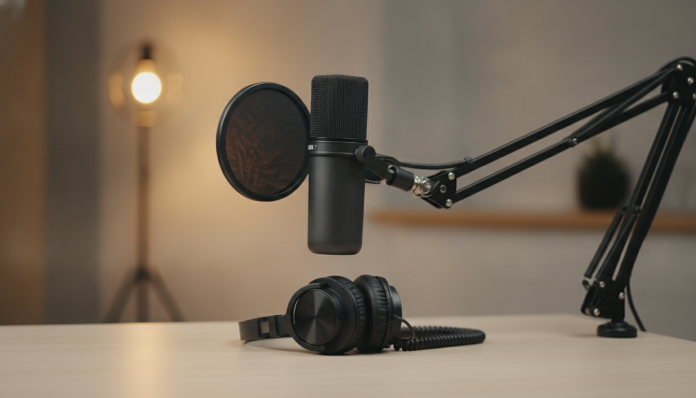
The boom arm (also called a boom arm) positions the microphone at the correct height and distance without taking up desk space. The ideal position for podcasting is the microphone about 15 to 20 cm from your mouth, slightly below lip level, angled upward. This position reduces sibilant capture and makes the voice sound more natural. Quality boom arms cost between R$ 80 and R$ 200.
Free software to start recording today
Hardware sorted, the next step is software. You don’t need to spend anything to have functional audio editing software.
Audacity remains the most used for beginners. It’s free, open source, and runs on Windows, macOS, and Linux. It has all the basic functions: recording, editing by cutting, equalization, compression, and MP3 and WAV export. The learning curve is reasonable, and there are many Portuguese-language tutorials available.
For those who want something more modern, GarageBand on macOS is free and has a much friendlier interface. On Windows, Adobe Audition has a subscription plan, but Audacity works well for most simple podcast cases.
Just as with other peripherals, where software configuration can be as important as hardware, the same applies to audio: it’s worth checking your operating system’s input and output settings before recording your first episode to ensure the system recognized the USB microphone correctly.
Frequently asked questions about USB microphones for podcasting
Do I need an audio interface if I’m using a USB microphone?
No. The USB microphone already has the analog-to-digital converter built in and connects directly to your computer via USB. An audio interface is only necessary if you want to use a microphone with an XLR connector, which is the professional standard. To start out, USB is simpler and cheaper.
Does a USB microphone work on smartphones or tablets for podcast recording?
It depends on the device and the microphone. Many USB microphones work on Android tablets and smartphones with a USB-C to USB-A adapter. On iPad, support has improved significantly with recent iPadOS versions. But the ideal is to check on the manufacturer’s official page whether the specific model has declared compatibility with mobile devices before buying.
Is it worth importing the microphone from the US to pay less?
The risk is real. Products imported independently can be held at customs with import tax charges (which can reach 60% of the product’s value), and they won’t have Anatel homologation certification. Without this certification, technically the product cannot be sold in Brazil. Buying from an authorized reseller with invoice and local warranty is safer, even if the price is higher.
What is the ideal distance between your mouth and the microphone during recording?
For cardioid USB microphones, the recommended distance by most manufacturers is between 15 and 30 cm. Closer increases the proximity effect (deeper, fuller voice, which may be desirable), but also picks up more air bursts. Further away reduces volume and increases ambient noise capture. Start at 20 cm and adjust based on the recording result.
Getting started: minimum kit for your first episode
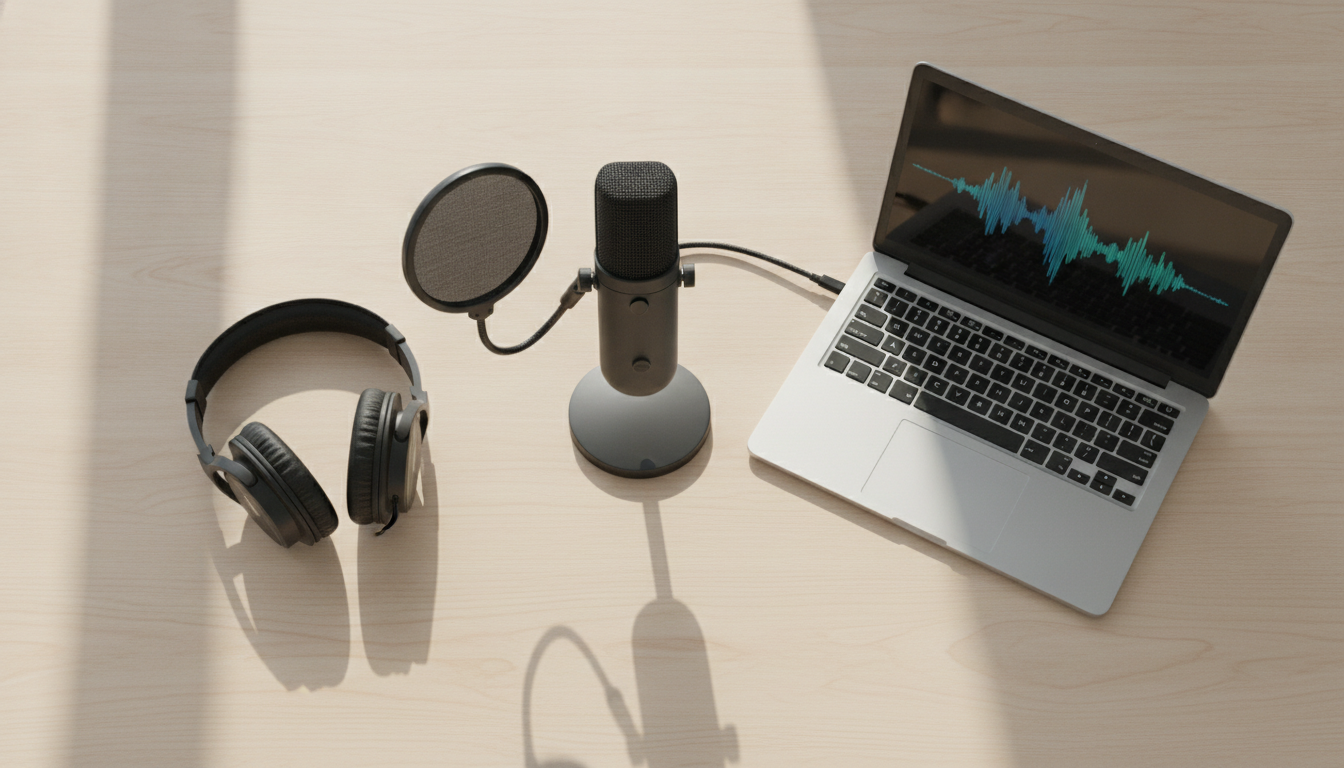
If you want to start from zero with minimal investment and maximum possible quality at the entry level, this is the most direct path:
- Microphone: Razer Seiren V3 Mini or Samson Q2U (if you want growth potential)
- Pop filter: any simple model with flexible arm
- Software: Audacity (free)
- Positioning: basic boom arm or fixed desk stand
Building this kit costs between R$ 450 and R$ 700 in total, and you’ll already have everything needed to record with quality well above any webcam or common headset. The next step, as your podcast grows, is to evaluate minimal acoustic treatment in your recording space, such as foam panels or simply recording in a closet with clothes around, which reduces echo surprisingly.
The secret to quality podcasting isn’t the most expensive equipment. It’s consistency in recording, a minimally treated environment, and a microphone that isn’t the weak link in the chain. With any of the three models in this guide, you’ve already solved that equation.