

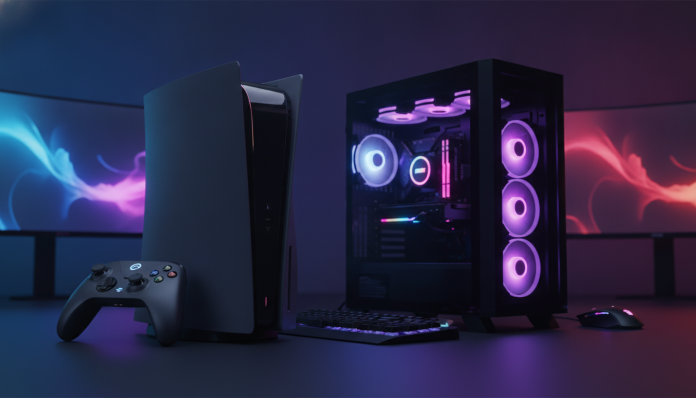

PS5 Pro vs gaming PC: what really gives you more value for your money in 2026
If you have between R$ 5,000 and R$ 10,000 to spend on gaming and are stuck on the classic dilemma between a last-generation console and a gaming PC, you’re not alone. This comparison resurfaces with every hardware cycle, and in 2026, it’s become more interesting than ever since the PS5 Pro arrived in the Brazilian market with a hefty price tag and promises of cutting-edge PC performance.
The short answer: it depends on your usage profile, but it’s not the same for everyone. The PS5 Pro delivers a refined, closed, and optimized experience for those who want to turn on the console and play without complications. Gaming PC requires more investment of time, knowledge, and depending on the configuration, money too, but offers flexibility that no console can match. In this comparison, you’ll understand where each one wins, where it loses, and most importantly, which makes more sense for your budget and routine.
Specifications side by side
| Feature | PS5 Pro | Gaming PC (mid-high reference 2025/2026) |
|---|---|---|
| CPU | Custom AMD Zen 4, 8 cores / 16 threads | Intel Core i5-13600K / AMD Ryzen 7 7700X or better |
| GPU | Custom AMD RDNA 4 (67 TFLOPs according to Sony) | NVIDIA RTX 4070 Super / AMD RX 7800 XT |
| RAM | 16 GB unified GDDR6 | 16 GB DDR5 or 32 GB DDR4 |
| Storage | 2 TB NVMe SSD | 1 TB to 2 TB NVMe SSD (varies by configuration) |
| Ray Tracing | Sony PSSR + hardware-accelerated RT | Native RT with DLSS 3 / FSR 3 |
| Maximum supported resolution | 8K (with PSSR upscaling) | Depends on GPU; 4K native viable with RTX 4070 Ti |
| Optical drive | No reader (optional external) | No reader (standard on modern builds) |
| Launch price (USA) | US$ 699.99 | Varies by configuration |
| Price range in Brazil | From R$ 5,699 (official) | R$ 6,000 to R$ 10,000+ depending on parts |
Prices subject to change. Always check official websites and authorized retailers.
Game performance: where each one delivers more
The PS5 Pro was announced with focus on three pillars: higher GPU clock frequency compared to standard PS5, improved ray tracing support (technique that simulates the real behavior of light in real-time, making reflections and shadows much more realistic) and the proprietary PSSR (PlayStation Spectral Super Resolution) system, which works similarly to NVIDIA’s DLSS: renders the game at lower resolution and uses artificial intelligence to reconstruct an image with 4K or higher quality.
In practice, according to Sony, games optimized for PS5 Pro run at more stable resolution and frame rates than on the previous model. The experience is consistent because Sony controls both the hardware and the development ecosystem. When a studio releases a “PS5 Pro patch”, it was tested specifically for that hardware.
On PC, the scenario is different. An RTX 4070 Super delivers similar or superior performance in many titles, especially with DLSS 3 enabled, which includes frame generation (artificially creates intermediate frames to increase perceived refresh rate). But the result depends on how each game was optimized for PC, and this varies quite a bit from title to title. There are games that run excellently and others that arrive on PC in questionable condition.
Game catalog and exclusives: the factor that many people ignore
This point can define the purchase before you even compare processors. PlayStation has exclusives that, to this day, haven’t arrived on PC or arrived much later: the God of War franchise, Spider-Man, Demon’s Souls, Returnal and other first-party titles that Sony developed in-house.
If half of the games you want to play are PlayStation exclusives, the PS5 Pro already wins the main argument without needing any benchmarks.
On the other hand, PC has access to the largest gaming catalog in the history of video games. Steam, Epic Games Store, GOG, Xbox Game Pass for PC, emulators for old consoles, indie games that never arrive on consoles, mods that completely transform the experience of titles like Skyrim or Cyberpunk 2077. PC also runs productivity software, programming, video editing and everything else that a console simply cannot do.
Real cost in Brazil: far beyond the box price
This is where the biggest trap of the comparison lies. The PS5 Pro cost US$ 699.99 at launch in the USA in November 2024. In Brazil, with taxes and Anatel certification (mandatory certification for electronic devices sold in the country), the official price ended up in the range of R$ 5,699 to R$ 5,999 depending on the retailer, without an additional controller included.
This means that to actually play, you’ll still spend on:
- A second DualSense Edge controller or additional controller (from R$ 500)
- PlayStation Plus subscription (mandatory for online multiplayer): from R$ 34.90/month or R$ 349.90/year on Essential plan
- Games: AAA releases cost between R$ 299 and R$ 349 on Brazilian PSN
- External Blu-ray reader (if you want to use physical media): sold separately for about R$ 350 to R$ 450
On PC, the math is also tricky. A build with Intel Core i5-13600K or Ryzen 7 7700X processor, 16 GB of DDR5, RTX 4070 Super, 1 TB SSD and case with quality power supply costs between R$ 7,000 and R$ 9,000 in new parts purchased in Brazil in 2026, with national warranty. Good quality 1080p or 1440p monitors start from R$ 1,000. Keyboard, mouse and headset add another R$ 300 to R$ 800.
The PC’s advantage appears in the long run: games are frequently cheaper (Steam sales reach 80% discount), no mandatory monthly fee to play online on most titles, and the possibility of upgrading components individually. If in two years the GPU becomes outdated, you only replace it. If a PS5 component fails outside the warranty period (one year in Brazil for Sony products), things get complicated.
For those who build the PC at home and need to connect extra peripherals via adapters, it’s worth checking a USB-C hub with HDMI for notebook if you use a support notebook as a second screen or build remote control.
Import vs domestic product: risks you need to calculate
Many people try to save by importing the PS5 Pro from the USA or buying from parallel resellers. The risk is real: without Anatel certification, the product can be seized by customs, and you may pay import taxes that eliminate any savings. Without a Brazilian invoice, Sony warranty is not valid in Brazil.
For PC, buying individual imported parts is a common practice and generally safer, since processors, memory and SSDs usually have manufacturer warranty regardless of where they were purchased. But even here, verify that the Brazilian reseller offers support in case of defect.
Which to choose: recommendation by profile
Choose PS5 Pro if:
- You want to play PlayStation exclusives without waiting years for a PC version
- You prefer a plug-and-play experience without driver configuration, temperatures and overclocking
- You have a 4K TV and want to take advantage of PSSR and Tempest 3D sound with ease
- You game mainly on the couch, in living room mode
- You have a limited budget of about R$ 6,000 and don’t want to worry about compatibility
Choose gaming PC if:
- You use the computer for work, content creation or study in addition to gaming
- You want access to the largest possible catalog, including old games, mods and emulators
- You prefer monitor to TV and prioritize high refresh rate (144 Hz, 165 Hz or higher)
- You’re willing to learn a bit more about hardware to get the best out of the machine
- You think long-term and want equipment upgradeable piece by piece
Frequently asked questions about PS5 Pro vs gaming PC
Does PS5 Pro run games in native 4K or is it all upscaling?
It depends on the game and available patch. According to Sony, the PS5 Pro uses PSSR to deliver images at 4K equivalent quality, but not always in native resolution. Games with official PS5 Pro patch tend to use upscaling transparently. Check the technical specifications of each title on the PlayStation official website to know the exact rendering mode.
Does gaming PC need antivirus and extra software that increase costs?
Yes, this is a real cost that the console doesn’t have. Windows 11 (needed for most current builds) already includes Windows Defender, which offers basic protection at no additional cost. But software like Microsoft Office or content creation tools have separate costs. The PS5 Pro doesn’t run anything but games and apps from the PlayStation ecosystem.
Is it worth buying PS5 Pro now or wait for PS6?
There is no official launch date announced for PlayStation 6 at this time. The PS5 Pro represents the top of the current generation. If you want to play now without waiting for a product with no confirmed launch forecast, the PS5 Pro is a reasonable choice within the PlayStation ecosystem.
Is it possible to use PS5 Pro with a monitor instead of a TV?
Yes. The PS5 Pro connects via HDMI 2.1, and monitors with this input work normally. You can get up to 120 fps in compatible games with a good monitor. To connect other peripherals to the same monitor, it may be helpful to have a hub with multiple inputs.
The final decision depends on your lifestyle, not just specifications
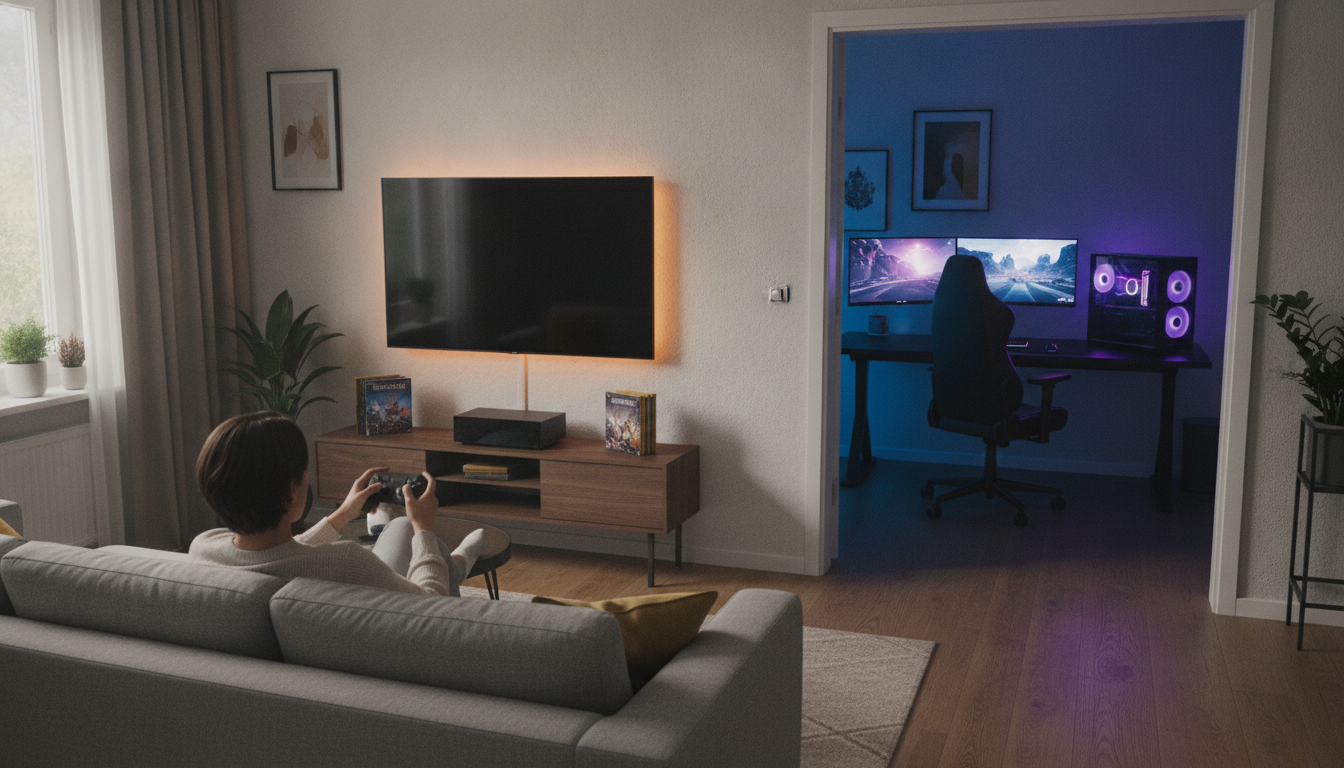
On paper, gaming PC wins on flexibility, longevity and long-term game costs. PS5 Pro wins on convenience, exclusives and performance consistency. Neither is objectively superior in all situations.
If you spend more time at the office and want a machine that serves everything, PC is the way. If PlayStation exclusives are part of the games you’re most interested in and you value simplicity, the PS5 Pro delivers what it promises without hassle. What you shouldn’t do is buy either one based solely on technical specifications without considering the catalog of games you’ll use on a daily basis.