

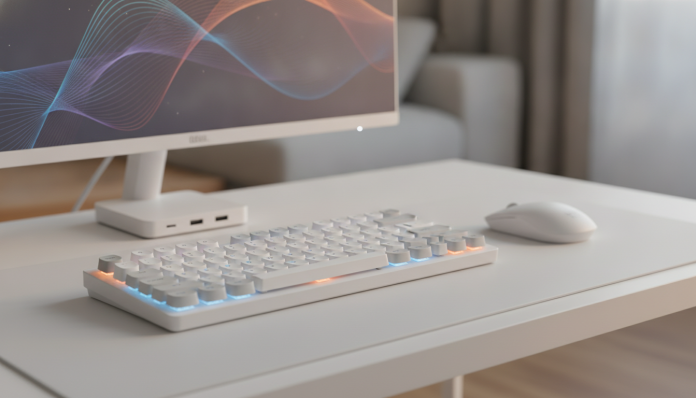

Anyone still using poor peripherals in 2026 is losing productivity for free
Setting up a decent home office doesn’t require spending a fortune. What it requires is knowing where money makes a real difference and where you can save without sacrificing anything that matters. A keyboard with poor tactile response tires your fingers in long meetings. A mouse without precision disrupts those working with editing or complex spreadsheets. A headset with a microphone that picks up everything around transforms each call into suffering for colleagues. These are the points that decide your workday quality.
The good news is that the budget peripheral segment has improved significantly. Manufacturers like Logitech, Redragon, Multilaser and some direct import brands from China have reached a quality level that, until 2022 or 2023, was reserved for mid-range products. In 2026, with the dollar fluctuating and competition heating up, it’s possible to outfit a functional home office spending around R$ 800 to R$ 1,200 total on peripherals. This guide focuses on products with actual availability in Brazil, local warranty and, when relevant, Anatel homologation.
The selection below is not a wish list: it’s what you should consider for each category, with the user profile that each product serves best.
Keyboards: where daily typing decides everything
Membrane versus compact mechanical keyboards
For those who type a lot, the switch type (internal mechanism of each key) matters more than any other detail. Membrane keyboards (those with quieter and shallower keys, like most notebook keyboards) tend to be cheaper and quieter, but tire more during long shifts. Mechanical keyboards use individual switches under each key, which provides much greater tactile feedback and durability, usually specified at 50 million touches per key by manufacturers.
The Redragon K552 is one of the most sold mechanical keyboards in Brazil in this range. According to the manufacturer, it uses switches compatible with the Cherry MX standard in Blue varieties (with audible click) or Red (linear and quieter). The layout is tenkeyless, meaning no side numeric block, which frees up space for the mouse. The price range hovers around R$ 200 to R$ 280 in national retail, depending on variant and store.
For those who prefer something even quieter but want a mechanical keyboard, the Logitech K845 offers linear mechanical switches with good response, full layout and compatibility with Mac and Windows. Logitech has distribution and warranty in Brazil, which simplifies things in case of defect. Price range: about R$ 350 to R$ 420.
For those who don’t serve mechanical keyboard: if you work in a shared environment, make many calls without headphones, or simply prefer shallow keys, a membrane keyboard like the Logitech MK270 (kit with mouse) or the Microsoft Wireless Desktop 850 covers needs well with much less noise.
Mice: ergonomics before high DPI
DPI (dots per inch) measures sensor sensitivity: the higher, the more the cursor moves with less physical displacement. For office work and spreadsheets, any mouse with a 1,600 DPI optical sensor is more than enough. Those using multiple monitors or working with image editing may need fine-tuning, but the number itself isn’t the main purchase criterion.
What matters most is shape and material. A mouse with ergonomic design (designed to naturally support the right side of your hand) reduces wrist tension during long shifts. The Logitech MX Master 3S, for example, is the reference in this regard with adjustable up to 8,000 DPI sensor and variable speed scrolling, but costs around R$ 650 to R$ 750, which already puts it in the mid-range.
For those wanting to spend less, the Logitech M720 Triathlon has multi-device connection (allows switching between three devices with a button), reliable optical sensor and battery that the manufacturer specifies at up to 24 months with normal use. The price range in Brazil is R$ 400 to R$ 480. If the budget is even tighter, the Microsoft Bluetooth Mouse offers compact design and connection without dongle (the USB adapter that many wireless mice require) for about R$ 150 to R$ 200.
For left-handers: the offer of ergonomic mice for left-handers is still limited in Brazil. Ambidextrous mice like the Logitech M650 are the most practical solution in this price range.
Headsets and earphones: the microphone is what your colleagues hear
Nobody ever complained about hearing well. The problem is usually the microphone. In remote meetings, a poor microphone that picks up the fan, the dog or the neighbor is the peripheral that most damages professional image. So for home office, prioritize the microphone before audio driver quality for your ears.
The Jabra Evolve2 30 is a headset with passive microphone cancellation (physical isolation) and design focused on calls, certified for Microsoft Teams and Google Meet according to the manufacturer. The price range in Brazil is R$ 600 to R$ 750, which for a headset with local warranty and corporate focus is reasonable. It’s wired via USB-A or USB-C, which eliminates latency and battery concerns.
For those preferring lower spending, the Logitech H390 is a classic choice: USB headset with passive noise cancellation by closed design, volume adjustment on the stem itself and wide compatibility without needing drivers. The price range is R$ 150 to R$ 200. It doesn’t have active noise cancellation (electronic technology that generates inverse wave to neutralize external sounds), but physical isolation already helps a lot.
If you prefer using earphones without integrated microphone and rely on notebook microphone, check if your model has quality built-in microphone array. For those using a lot of notebook on fixed desk, it may be worth investing in a notebook with long battery and good internal microphone and complete with just a simple headphone.
Webcams: when notebook camera isn’t enough
The built-in camera of most notebooks still delivers mediocre quality. For those appearing in video meetings frequently, an external webcam positioned at eye level already greatly improves the perception of professionalism. Angle makes a difference: camera from bottom up (like notebook on desk) passes unfavorable image.
The Logitech C920s continues to be the reference in this category in Brazil. According to the manufacturer, it films in Full HD (1080p at 30fps), has a 78-degree field of view and built-in dual microphone with noise reduction. The price range in national retail is around R$ 500 to R$ 600. Logitech has warranty and local support.
For those seeking lower spending, the Intelbras CAM-720p is a national alternative with Anatel homologation, which simplifies purchase without concern for compatibility or import. The price range is around R$ 180 to R$ 250. Image quality is inferior to C920s, especially in low light conditions, but for casual calls it does the job.
Lighting and support: the detail that changes perception
A ring light (LED ring positioned around the camera) considerably improves image quality perceived in calls, especially in environments with window behind or irregular lighting. Compact models with monitor clip or desk stand are found in Brazil for R$ 80 to R$ 180.
An adjustable monitor stand is also an investment that many people underestimate. Positioning the screen at the correct height (top of monitor at eye level) reduces cervical tension during long shifts. Articulated desk stands with VESA standard (standardized attachment system that most monitors use) are found from R$ 120 in national retail.
Quick comparison by category and budget
| Category | Budget option (up to R$ 250) | Mid-range option (R$ 250 to R$ 600) |
|---|---|---|
| Keyboard | Redragon K552 (~R$ 220) | Logitech K845 (~R$ 380) |
| Mouse | Microsoft Bluetooth Mouse (~R$ 170) | Logitech M720 Triathlon (~R$ 450) |
| Headset | Logitech H390 (~R$ 180) | Jabra Evolve2 30 (~R$ 680) |
| Webcam | Intelbras CAM-720p (~R$ 220) | Logitech C920s (~R$ 550) |
Approximate prices in Brazilian retail in 2026; check sites like Kabum, Pichau, Amazon Brasil and Magazine Luiza for updated quotes.
Frequently asked questions about home office peripherals
Is it worth importing peripheral from the US to save?
Depends on the product. Items without internal radio (wired mice, USB keyboards) don’t need Anatel homologation and can be imported without legal issue. Products with built-in Bluetooth or Wi-Fi need homologation for legal use in Brazil, even if they work technically. The bigger risk is lack of local warranty: in case of defect, you pay for international shipping.
Does mechanical keyboard work well in video calls?
Yes, as long as you use headphones with microphone. If the microphone is external and positioned far from the keyboard, the click doesn’t reach inconvenient for others. The problem appears when you use notebook microphone or a desk microphone without good directionality.
What’s the practical difference between mouse with USB dongle and Bluetooth mouse?
The USB dongle (small adapter you insert into a USB port) generally offers lower latency and more stable connection than pure Bluetooth. Bluetooth eliminates the need to occupy a USB port and works natively with modern tablets and notebooks. For office work, the latency difference is imperceptible; for general use, Bluetooth is usually more convenient.
Do I need 4K webcam for home office?
No, for the vast majority of cases. The most used videoconference platforms, like Zoom, Google Meet and Microsoft Teams, transmit in Full HD (1080p) or less, depending on available bandwidth. A 4K webcam would deliver the same practical result as a Full HD one in these conditions. The 4K investment makes more sense for those recording local content, like YouTube videos or courses.
The minimum kit that truly transforms home office
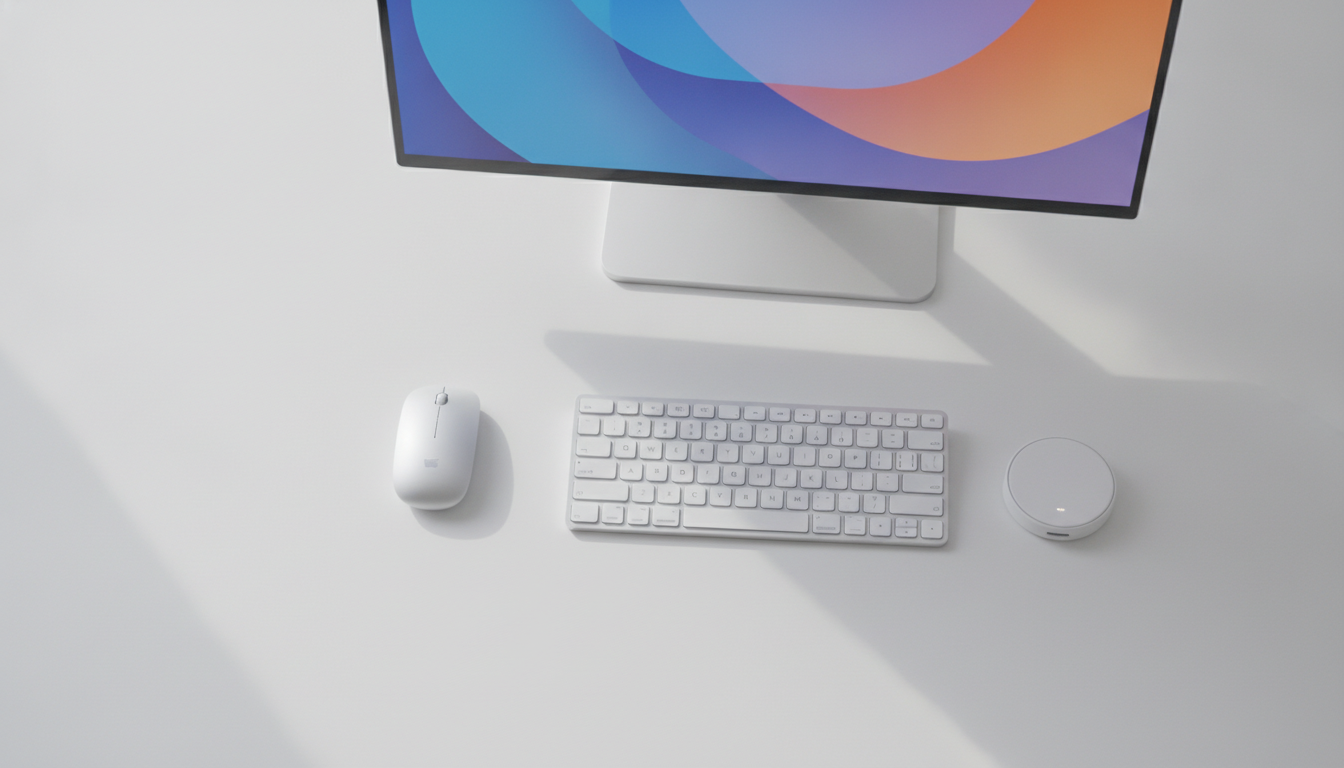
If you have to prioritize, start with a headset with decent microphone and ergonomic mouse. These are the two peripherals that most impact daily life: one in the quality of your calls, the other in wrist health over months. Keyboard and webcam come next, and lighting closes the set without high cost.
Building a functional home office in 2026 is within reach of those who plan their purchase well. The practical tip is to always check the official product datasheet on the manufacturer’s website before closing the order, verify if the product has warranty in Brazil and compare prices in at least three national stores. Price variation between resellers of the same product can reach 30% or more depending on the time.