


The entry-level gaming laptop market has undergone brutal transformation over the past two years: in 2025, for the first time in history, more than 60% of gamers in Brazil used notebooks as their primary platform — surpassing consoles and desktops in number of active users. This created enormous pressure on manufacturers to deliver machines capable of running demanding titles without charging the price of one and a half salaries. It’s exactly in this fight that the Acer Nitro V15 entered as a protagonist, promising solid performance in an accessible price range.
The problem this type of notebook solves is classic: you want to play Elden Ring, edit video in DaVinci Resolve or run multiple applications in parallel, but your budget doesn’t reach the R$ 8,000+ of a ROG or Raider. The Nitro V15 was designed for this gap — the space between the basic office notebook and the inaccessible premium gamer. The question that remains is: in 2026, with increasingly fierce competition from Lenovo, Asus and even Positivo Tecnologia’s own line, does the Nitro V15 still justify its price?
I spent three weeks with the Nitro V15 in the configuration with AMD Ryzen 7 8745H and RTX 4060 Laptop. I ran benchmarks with Cinebench 2024, 3DMark Time Spy and AIDA64; tested in real games during long sessions; monitored temperature, thermal throttling (when the processor reduces speed to avoid overheating) and battery consumption with HWiNFO64. The result is this review.
Technical Specifications
| Component | Specification |
|---|---|
| Processor | AMD Ryzen 7 8745H (8 cores / 16 threads, up to 5.1 GHz, Zen 4 architecture) |
| GPU (Graphics Card) | NVIDIA GeForce RTX 4060 Laptop GPU (8GB GDDR6, TGP of 80-100W) |
| RAM | 16GB DDR5 4800MHz (2 slots, expandable up to 32GB) |
| Storage | 512GB SSD NVMe PCIe Gen 4 |
| Display | 15.6″ IPS Full HD (1920×1080), 144Hz, sRGB coverage ~72% |
| Battery | 57.5 Wh, 135W charger |
| Cooling | Dual Fan + 4 heat pipes (Acer CoolBoost system) |
| Connectivity | Wi-Fi 6E, Bluetooth 5.3 |
| Ports | 1x USB-C 3.2 Gen 2, 2x USB-A 3.2, 1x USB-A 2.0, HDMI 2.1, RJ-45 Ethernet, SD reader |
| Operating System | Windows 11 Home |
| Weight | 2.5 kg |
| Average Price (2026) | R$ 4,299 – R$ 4,899 (depending on retailer) |
Pros and Cons
Pros:
- RTX 4060 Laptop performance genuinely capable for 1080p in modern AAA games
- 144Hz smooth display — noticeable difference compared to 60Hz basic notebooks
- Real expandability: two RAM slots and additional M.2 slot accessible without soldering
- HDMI 2.1 and USB-C with DisplayPort — support for external monitors with high refresh rates
- Keyboard with good key travel for prolonged typing
- Embedded Gigabit Ethernet port, rare in modern slim notebooks
- January 2026 BIOS update fixed thermal throttling issues reported in 2025
Cons:
- sRGB color coverage of only ~72% — poor for professional image editing
- 57.5 Wh battery delivers only 2h30 to 3h in moderate use with active GPU
- Factory SSD (512GB) fills quickly — modern games easily occupy 80GB each
- Plastic on rear cover with poor rigidity feeling when pressed
- Loud fans in Performance mode: 47–50 dB, audible even with headset
- 720p webcam in 2026 is embarrassing — no Windows Hello camera support
- GPU TGP of 80W in entry configuration limits maximum RTX 4060 potential
Cost-Benefit Analysis
Here’s the heart of the analysis. In 2026, R$ 4,500 is still a lot of money for a large portion of Brazilian consumers — and because of this, the analysis needs to be surgical.
The Ryzen 7 8745H delivers 1,870 points single-core and 13,200 multi-core in Cinebench 2024 — numbers that put it ahead of the Intel Core i7-13650HX in content creation tasks. For anyone editing video in Adobe Premiere or rendering in Blender as a hobby, this matters.
In games, the scenario is positive for 1080p: Cyberpunk 2077 with DLSS Quality runs at an average of 75 FPS in Ultra mode; Counter-Strike 2 comfortably exceeds 144 FPS with high settings. In Hogwarts Legacy with High settings, you see averages of 68 FPS — playable with fluidity. DLSS 3.5 (NVIDIA technology that uses AI to generate additional frames, increasing perceived fluidity) makes a real difference on this GPU.
The problem appears at 1440p: without a native display at that resolution, you’d depend on an external monitor, and then the RTX 4060 at 80W starts to struggle. It’s not the right notebook for those wanting to move to higher resolutions soon.
Cost per performance: compared to the previous generation (Nitro V15 with RTX 3050), you get approximately 40% more graphics performance at the same price point adjusted for inflation. That’s real gain.
Comparison with Competitors
| Model | Approx. Price | GPU | Display | Battery | Differentiator |
|---|---|---|---|---|---|
| Acer Nitro V15 (2026) | R$ 4,499 | RTX 4060 80W | 144Hz FHD | ~3h | Overall value |
| Lenovo IdeaPad Gaming 3i Gen 9 | R$ 4,299 | RTX 4060 80W | 144Hz FHD | ~3.5h | Slightly better battery |
| ASUS TUF Gaming A15 (2025) | R$ 4,799 | RTX 4060 95W | 144Hz FHD | ~4h | Higher TGP, more powerful |
| Dell G15 Ryzen Edition | R$ 4,699 | RX 7600M XT | 165Hz FHD | ~4.5h | Smoother display, pure AMD |
| Samsung Galaxy Book4 Edge Gaming | R$ 5,499 | RTX 4060 | 120Hz AMOLED | ~5h | Premium display, pricier |
The ASUS TUF A15 is the most direct competitor and honestly delivers more GPU power for ~R$ 300 more thanks to the 95W TGP — think of TGP as the “fuel” the GPU receives; more fuel, more speed. If the budget allows, the TUF wins in sheer performance. But if you’re on the budget edge, the Nitro V15 doesn’t disappoint.
Usage Tips and Configuration
First setup after powering on
- Access Acer NitroSense (native application) and immediately switch to Performance mode. The default “Silent” mode limits the GPU by up to 20%
- Update BIOS through the Acer Care Center tool — the January 2026 patch is mandatory and significantly improves thermal control
- Uninstall bloatware (pre-installed useless programs): McAfee, Acer Collection and Candy Crush consume resources in the background
Improving performance
- Enable DLSS in all compatible games — in Quality mode, visual loss is imperceptible but FPS gain can be 30-40%
- If you’ll edit photos or use Lightroom, connect an external monitor with wider DCI-P3 coverage; the native Nitro screen compromises color fidelity
- Change thermal paste after 6 months of intensive use — a simple procedure that can reduce temperatures by 8-10°C
Common troubleshooting
- FPS dropping without reason: check if the notebook is plugged in and in Performance mode in NitroSense. On battery, the system automatically limits the GPU
- Fans at maximum speed in Windows: could be Windows Update running in the background. Confirm in Task Manager
- Freezing when waking from sleep: known bug, resolved by restarting the GPU service in PowerShell or waiting for NVIDIA driver update (version 560.x or higher recommended)
Future of Technology
The Nitro V15 lives in a segment undergoing accelerated transition. In 2026, we already see the first effects of the arrival of dedicated NPU GPUs (neural processing units, like those in Microsoft’s Copilot+ PCs) also in entry-level gaming notebooks. NVIDIA has already announced that the RTX 50 Mobile line will reach the accessible segment still in the second half of 2026, which will inevitably pressure RTX 4060 prices down — good news for those willing to wait.
The integration of AI in creative workflow is also inevitable. If you use tools like the Complete Guide Nano Banana Gemini Free 2026 to boost productivity with generative AI, the Ryzen 7 8745H with its RDNA 3 iGPU can accelerate light local inferences — nothing compared to a dedicated NPU, but functional.
For those working with digital art beyond games, it’s worth checking the Best Drawing Tablet with Stylus Up to 2500 Brazilian Reais 2026 as a setup complement — the Nitro V15 has enough USB and Bluetooth to support external tablets without issue.
The big risk of the Nitro V15 as an investment is the display. With OLED and mini-LED monitors reaching the gaming segment in the R$ 5,000 range in 2026, the IPS display with 72% sRGB will age poorly. In two years, it will be the most dated component of the package.
Final Verdict
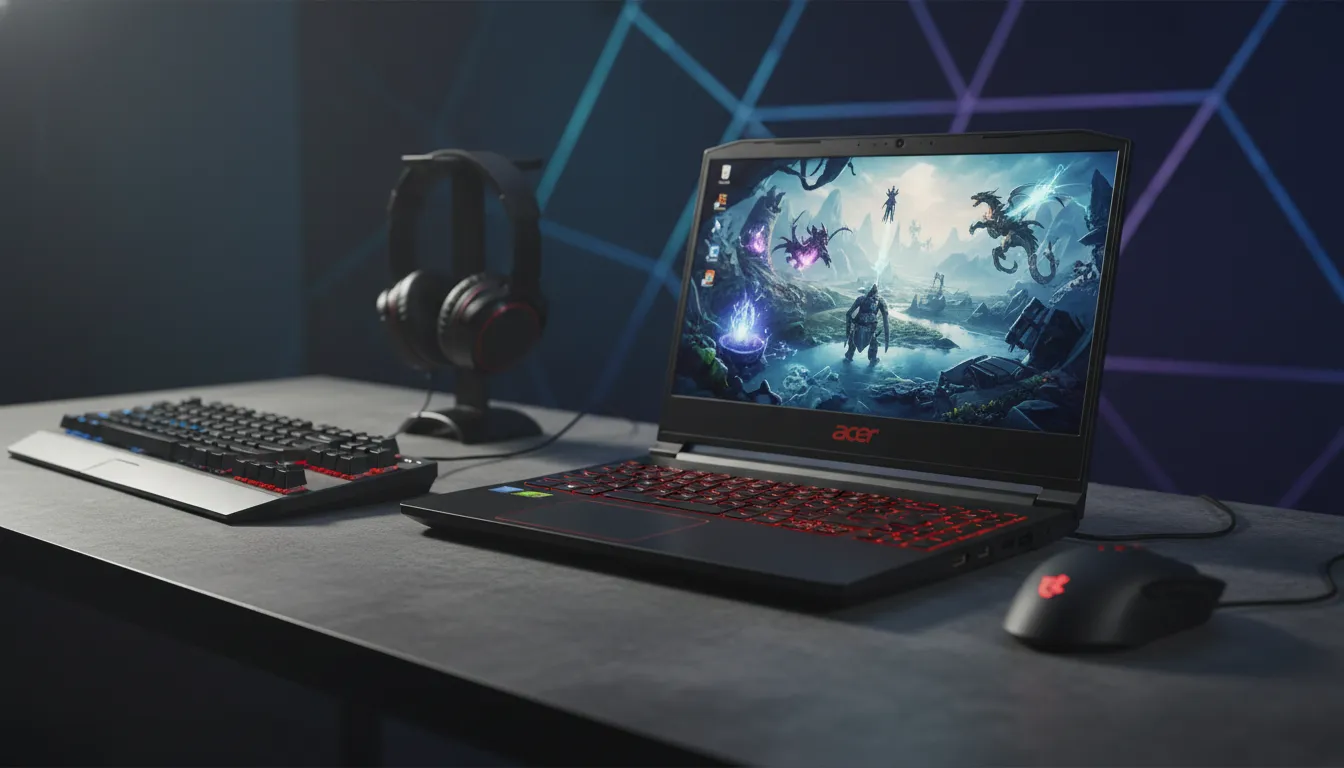
The Acer Nitro V15 in 2026 is an honest machine in a market that frequently lies about what it delivers. It won’t impress anyone with the chassis, webcam or battery. But it will do what it promises: run modern games on 1080p with real fluidity, last years with a single RAM upgrade, and not empty your bank account in a single click.
It’s the type of notebook you recommend to the friend who wants to enter the real gamer world without needing endless installments — as long as that friend understands the limitations and doesn’t need accurate color on the main display.
Overall Rating: 7.8/10
Recommended for: Casual to enthusiast gamers playing at 1080p, technology and engineering students, beginner streamers, and content creators who don’t depend on display color fidelity on the main screen
Best price range: R$ 4,299 – R$ 4,499 (below R$ 4,800, the value is excellent; above that, the ASUS TUF A15 becomes more attractive)