


INTRODUCTION
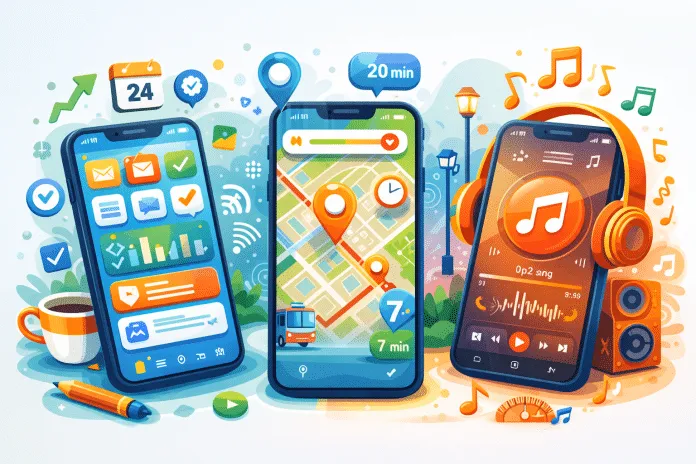
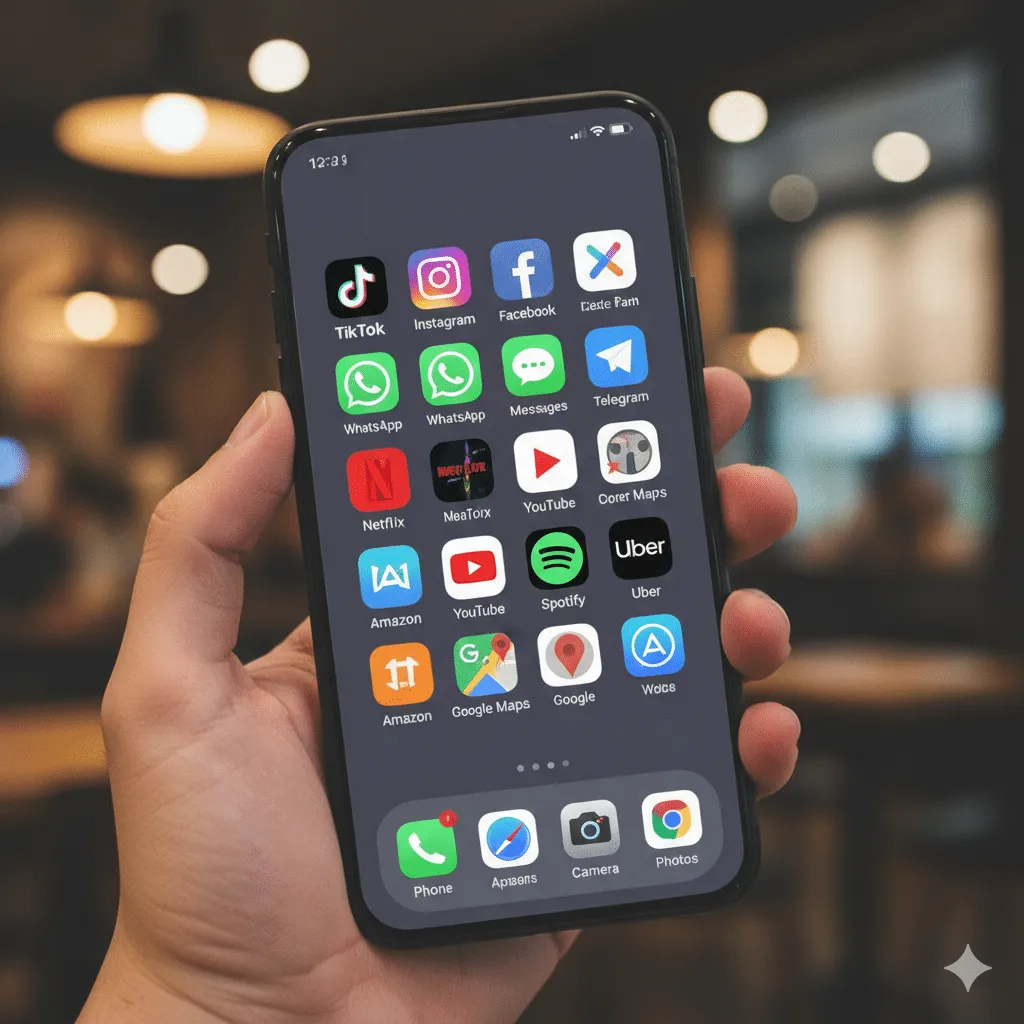
Applications have become an essential part of our daily routine. Whether for work, study, organization or entertainment, choosing the best apps can mean more convenience, time savings and better use of technology.
With so many options available in digital stores, it’s common to feel lost: which applications are really worth installing? Which are safe, updated and useful in daily life? The answer lies in understanding your needs and knowing the right tools.
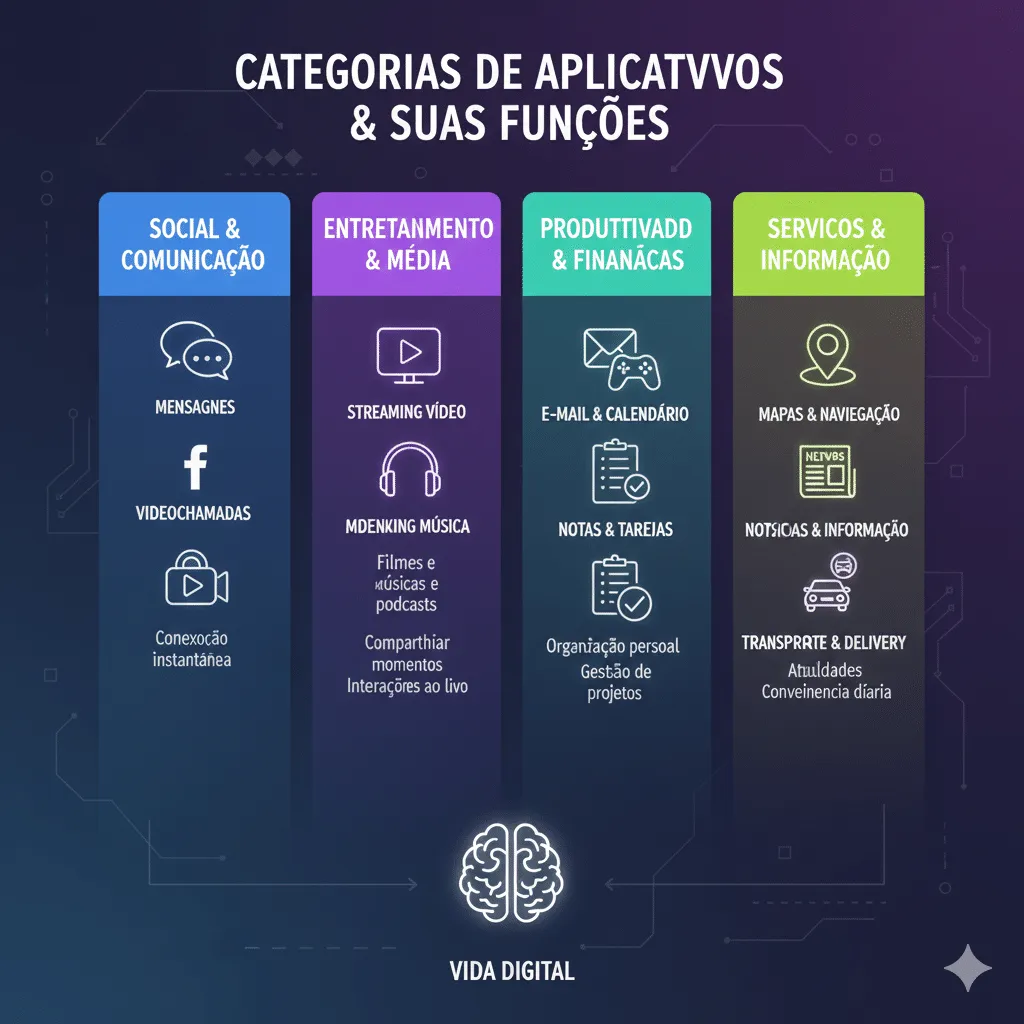
In this article, you’ll discover the best apps today, organized by category, with practical examples and official external links so you can learn about each one safely. The idea is to make your digital life easier with smart and current choices.
If you want to use your phone more efficiently, this guide is for you.
What Do We Consider as “Best Apps”?
For this list, the following criteria were considered:
-
Real utility in daily life
-
Good ratings on official stores
-
Frequent updates
-
Security and reliability
-
Ease of use
All mentioned applications have official versions for Android, iOS or web.
Best Apps for Daily Use
1. Notion – Organization and Productivity
The Notion is one of the most complete apps for personal and professional organization.
Main features:
-
Task lists
-
Notes
-
Project planning
-
Personalized databases
Official website: https://www.notion.so
Ideal for those looking to centralize everything in a single application.
2. Google Drive – Cloud Storage
Essential for those who need to access files from anywhere.
Benefits:
-
Secure storage
-
Integration with Docs, Sheets and Slides
-
Easy sharing
3. WhatsApp – Instant Messaging
One of the most used apps in the world.
Highlights:
-
Messages, calls and video calls
-
End-to-end encryption
-
Personal and professional use
4. Spotify – Music and Podcasts
The reference in audio streaming.
Why it’s worth it:
-
Personalized playlists
-
Exclusive podcasts
-
Offline use (premium version)
5. Duolingo – Learn Languages
One of the best educational apps.
Benefits:
-
Simple interface
-
Gamified learning
-
Multiple languages available
6. Canva – Easy Design for Everyone
Ideal for creating designs without technical knowledge.
Common uses:
-
Social media posts
-
Presentations
-
Visual materials
7. Google Maps – Navigation and Mobility
Much more than a map.
Features:
-
Real-time routes
-
Traffic information
-
Nearby establishments
8. Trello – Task and Project Management
Excellent for teams or individual use.
Highlights:
-
Visual boards
-
Step-by-step organization
-
Integration with other apps
9. Adobe Scan – Document Digitization
Turns your phone into a portable scanner.
Advantages:
-
Text recognition (OCR)
-
PDF export
-
High image quality
Free Apps vs Paid Apps: Is It Worth It?
-
Free apps: great for getting started, but may have ads or limitations
-
Paid apps: offer more features and support
The tip is to test the free version before investing.
Security When Using Applications
According to the Google Safety Center, it’s important to:
-
Download apps only from official stores
-
Keep your system updated
-
Avoid unnecessary permissions
CONCLUSION
The best apps are those that truly ease your routine and bring practical solutions for daily life. Tools like Notion, Google Drive, Canva and Google Maps demonstrate how technology can be simple, accessible and extremely useful when properly chosen.
Assess your needs, test new options and build a digital ecosystem that works in your favor. Your phone can be much more than a distraction – it can be a great ally.
If this article helped you, share it with someone who loves discovering new applications.
Frequently Asked Questions
What are the best productivity apps?
Notion, Trello and Google Drive are among the most used.
Is it safe to download applications?
Yes, as long as they are downloaded from official stores and well-reviewed.
Are paid apps worth it?
It depends on the need. Many offer advanced useful features.
How many apps should I have on my phone?
The ideal is to have only those you really use.