


Cheap 4K HDMI Cable: How to Choose the Right One Without Wasting Money
You’ve probably stood in front of a store shelf, or scrolled through a website, looking at three or four HDMI cables with prices ranging from R$ 15 to R$ 200, wondering if there’s any real difference between them. The short answer is: it depends on what you need, but in most cases a cheap cable works fine — as long as you know what to look for before buying.
HDMI (High-Definition Multimedia Interface) is the standard that carries both image and sound simultaneously through a single cable between your TV, monitor, console, computer, and any other audiovisual device. The problem is that with the advancement to 4K resolutions, high refresh rates like 120 Hz, and richer color formats like HDR and Dolby Vision, not every cable performs well. The Brazilian market is full of products without clear specifications, which makes it easy to make buying mistakes that you’ll only notice when you plug in your equipment.
This guide follows an explanatory model with a buying bias: by the end, you’ll know exactly which HDMI version you need, what to check on the packaging, and which price ranges make sense in Brazil in 2026.
What Changed in the HDMI Standard and Why Version Matters
HDMI has gone through several revisions over the years. The most relevant versions for someone buying a cable today are HDMI 2.0, HDMI 2.1, and the latest HDMI 2.1a, which the official HDMI Forum specification describes as a superset of 2.1 with native support for Source-Based Tone Mapping (SBTM) for HDR.
The practical difference between versions is bandwidth, which works like the width of a highway: the more lanes, the more data can travel at once without congestion. Here’s the summary:
| Version | Maximum Bandwidth | Typical Resolution and Rate |
|---|---|---|
| HDMI 2.0 | 18 Gbps | 4K at 60 Hz, HDR 10 |
| HDMI 2.1 / 2.1a | 48 Gbps | 4K at 120 Hz, 8K at 60 Hz, VRR, eARC |
| HDMI 1.4 | 10.2 Gbps | 4K at 30 Hz (limited) |
For those with a common 4K TV watching streaming and Blu-ray, HDMI 2.0 still delivers everything you need. Those with a PlayStation 5, Xbox Series X, or a modern graphics card who want 4K at 120 Hz will need a cable with 2.1 specification, and it doesn’t help to buy a cheap cable labeled only as “HDMI 4K” without that confirmation.
What “Premium Cable” and “Ultra High Speed” Mean
The HDMI Forum created two certification programs you need to know about: Premium High Speed HDMI and Ultra High Speed HDMI. This isn’t marketing; these are technical seals with defined tests.
Premium High Speed guarantees 18 Gbps, covers 4K at 60 Hz with HDR, and is sufficient for most entry-level and mid-range 4K TVs. Ultra High Speed guarantees the 48 Gbps of HDMI 2.1, necessary for 4K at 120 Hz, 8K, and features like VRR (Variable Refresh Rate, which synchronizes game frame with TV to eliminate stuttering) and eARC (Enhanced Audio Return Channel, for lossless audio on compatible soundbars).
Uncertified cables, even if they print “4K” on the packaging, haven’t undergone independent validation. This doesn’t mean all of them fail, but it means you have no guarantee that the product delivers what it promises. If you want to confirm whether a cable has real certification, the HDMI Forum provides a public list of certified products on the organization’s official website — it’s worth checking before buying.
Length Matters: When the Cable Starts to Fail You
A detail that few people consider is that cable length directly affects signal quality, especially at higher speeds. Passive cables (without internal electronics) Ultra High Speed, according to the HDMI Forum specification itself, are reliable up to about 3 meters at maximum speed of 48 Gbps. Beyond that, the signal can degrade.
For longer distances, there are active cables (with an embedded amplifier chip) and HDMI fiber optic cables, which transmit the signal in light and virtually eliminate loss due to distance. HDMI fiber optic cables of 10 meters with Ultra High Speed certification are found in Brazil starting from R$ 150 to R$ 300, depending on the seller. A passive Ultra High Speed cable of 2 meters from known brands like Belkin, Anker, or Ugreen costs between R$ 80 and R$ 180, while unbranded options fall in the R$ 20 to R$ 50 range — without certification.
If you have a simple installation of less than 2 meters, practically any certified Ultra High Speed cable works. If you’re going to run cable behind a wall or connect equipment in different rooms, the fiber optic cable is the safest choice, even though it costs more.
What to Check Before Buying in Brazil
The Brazilian market has some particularities that deserve attention before you finalize your purchase.
Anatel Homologation: passive signal cables don’t have Anatel homologation requirements by themselves, but the equipment that accompanies them do. If you import a cable from foreign stores, there’s no direct legal risk with the cable itself, but electronic equipment without homologation gets held up at customs. The standalone cable generally passes without issue.
Warranty: products from brands with official representation in Brazil, such as Belkin and Anker, offer 1 to 2 years warranty with local support. Cables from unknown brands sold on Mercado Livre or Shopee generally don’t have accessible technical support if they fail.
Importing: cables from brands like Ugreen, Baseus, and Cable Matters are sold regularly on Brazilian marketplaces by sellers who import from abroad. They work well in practice, but post-sale support depends on the seller. Check the store’s reputation before buying.
Warning Signs on Packaging: be suspicious of any cable that uses terms like “HDMI 3.0” or “HDMI 2.2” — these versions don’t exist as published standards as of 2026. If you see this on the packaging, it’s misleading marketing.
Actually, just as it’s worth understanding the specifications of a product before buying, the same applies to other peripherals. If you’re putting together a complete setup, an article on how to improve image quality on an old Samsung TV can help you get more out of what you already have before investing in new equipment.
Which Cable to Choose for Each Situation
Before deciding, identify your case:
- 4K TV with streaming (Netflix, Disney+) and Blu-ray without console: an HDMI 2.0 Premium High Speed cable up to 2 meters is sufficient. You can find certified options starting from R$ 30 to R$ 60.
- PS5 or Xbox Series X console with 4K at 120 Hz: Ultra High Speed cable (HDMI 2.1) is mandatory. Prioritize brands with confirmed certification. Range of R$ 80 to R$ 180 for cables of 1 to 2 meters.
- Gaming PC with 4K monitor at 144 Hz or higher: same requirement as the case above. Some latest-generation graphics cards already come with an Ultra High Speed cable in the box; check before buying separately.
- Projector or TV in another room, distance above 5 meters: HDMI fiber optic cable with Ultra High Speed certification. Range of R$ 150 to R$ 350 depending on length.
- Corporate use or meeting room with Full HD presentations: any HDMI 2.0 cable works, and you don’t need to spend more than R$ 40.
Frequently Asked Questions About 4K HDMI Cables
Does a More Expensive HDMI Cable Transmit Better Image?
Not necessarily. HDMI signal is digital: either it passes completely, or it doesn’t. A certified cheap cable delivers the same image quality as an expensive cable, as long as both meet the same bandwidth specification for your use. The higher price may mean better shielding against interference, more durable connectors, or simply higher profit margin from the manufacturer.
Can I Use an HDMI 2.0 Cable in an HDMI 2.1 Port?
Yes, but with limitations. The system will operate at the maximum speed of the cable, not the port. You’ll lose features like 4K at 120 Hz and VRR if the cable doesn’t support 48 Gbps bandwidth. To take advantage of everything your equipment offers, the cable must be compatible with the port version.
How Can I Tell If My Cable Is Really Ultra High Speed?
Look for the seal printed on the cable itself (not just on the packaging). Certified Ultra High Speed cables usually have the marking printed along the sheathing. You can also check the list of certified products on the HDMI Forum website by manufacturer and model name.
Is It Worth Buying an HDMI 2.1 Cable for a TV That Only Has a 2.0 Port?
There’s no technical harm in using a 2.1 cable in a 2.0 port; the system will function at the port’s limit. But you’ll pay more for a capability you won’t use. Buy the cable compatible with the most advanced equipment you have or plan to have in the next two or three years.
What to Do Now Before Buying
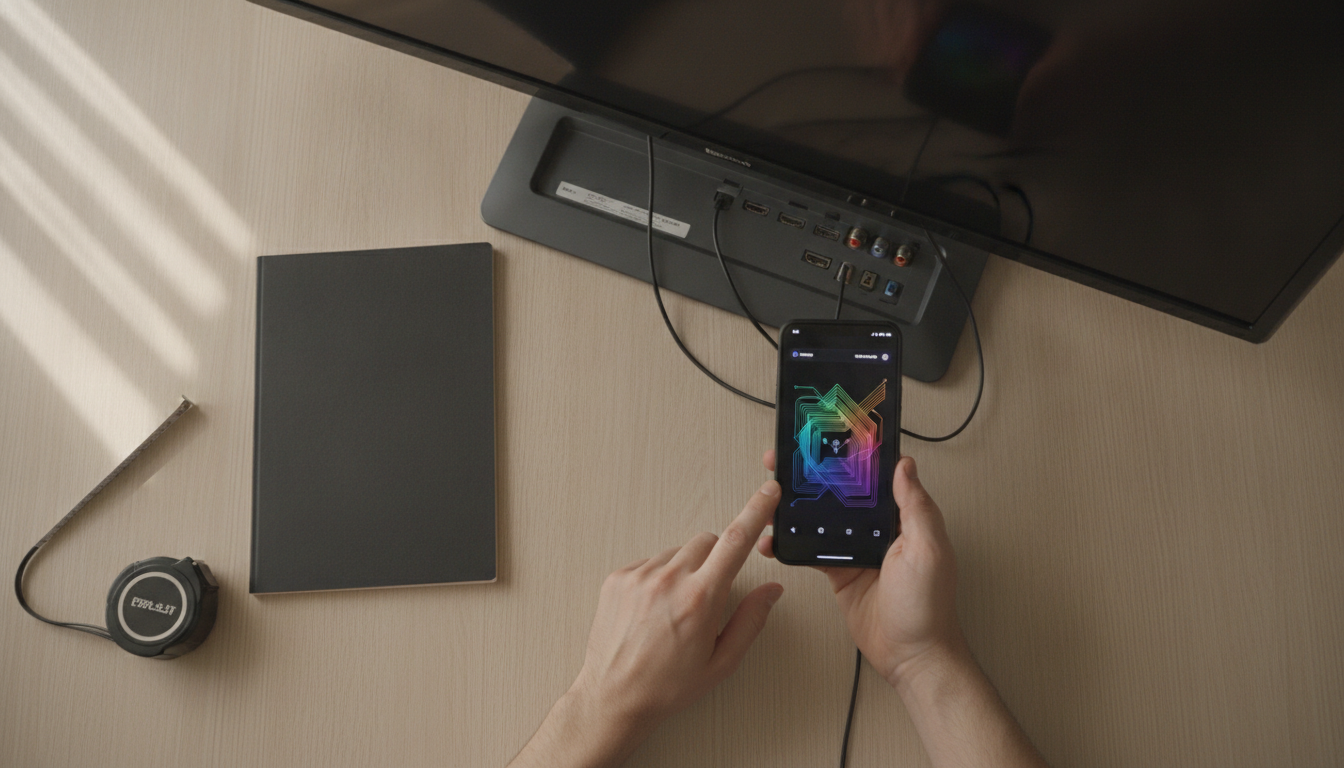
Choosing the right HDMI cable is simpler than it seems when you know what to look for. Identify the HDMI version of your equipment’s ports (this information is in the manual or manufacturer’s technical sheet), determine the length you need, and check if the cable has official certification before finalizing your purchase.
For simpler setups with 4K TV and streaming, there’s no reason to spend more than R$ 60. For those using a console or gaming PC with 4K at 120 Hz, the investment in a certified Ultra High Speed cable between R$ 80 and R$ 180 is necessary and worth every penny — because without the right cable, you simply won’t have access to the features you paid for in your main equipment.