

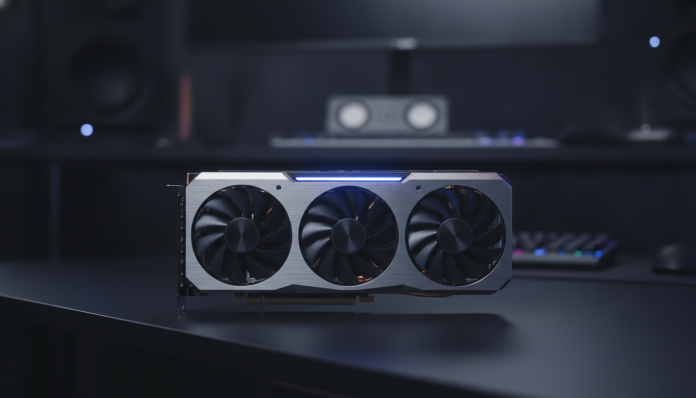

Why the graphics card matters more than you imagine in editing
Anyone who edits video, photos, or motion graphics knows that a computer needs to be balanced, but the graphics card is usually the most poorly dimensioned component in that equation. Many people invest heavily in the processor and forget that software like DaVinci Resolve, Adobe Premiere Pro, and After Effects increasingly rely on the GPU to accelerate export, real-time rendering, and effects like AI-powered noise reduction.
In 2026, this scenario became even clearer. Workflows with 4K and 8K video have become routine even for independent creators, and AI tools embedded in editing software require GPUs with specific features that simply don’t exist on older or entry-level cards. Choosing wrong means freezing on the timeline, exporting at a snail’s pace, or being unable to use features you already paid for in your software subscription.
This guide will help you understand what really matters when buying a graphics card for editing, which models make sense for your budget, and what to check before finalizing your purchase in Brazil.
What the graphics card does during video editing
The GPU (graphics processing unit) isn’t just for gaming. In video editing, it takes on tasks that would be too slow for the main processor (CPU): decoding and encoding formats like H.264, H.265, and AV1 in hardware, rendering effects in real-time on the timeline, and running AI algorithms like DaVinci Resolve’s Magic Mask or After Effects’ Roto Brush.
The key concept here is hardware acceleration. Think of it this way: it’s the difference between calculating a complex math problem in your head or using a calculator. The GPU has thousands of small parallel cores, ideal for processing the millions of pixels in a video frame simultaneously. When software can delegate this work to the GPU, the processor is free for other tasks and everything runs smoother.
Two specific resources deserve attention: tensor cores (present in NVIDIA GPUs from the Turing architecture onward) and ray tracing cores, which in editing are less relevant but indicate the card generation. Tensor cores power NVIDIA’s DLSS and AI features in editing software. AMD has its own AI acceleration structure, called AI cores in the latest series.
The criteria that really decide the choice
VRAM: the memory you cannot neglect
VRAM (dedicated graphics card memory) is the first number you should look at. It stores the frames the GPU is actively processing. For 1080p editing with mirrorless camera RAW, 8 GB of VRAM resolves most cases. For 4K with professional formats like BRAW (Blackmagic RAW) or ProRes, 16 GB is the comfortable minimum. For 8K or workflows with multiple cameras and heavy effects, 24 GB or more make a real difference.
The problem with insufficient VRAM isn’t that the software stops working. It starts using system RAM as an extension, and that’s slow. The practical result is timeline freezes and exports taking twice as long as expected.
Software compatibility: NVIDIA still leads, but AMD and Apple Silicon are growing
NVIDIA maintains a historical advantage in editing because of CUDA, a proprietary parallel computing platform that software like DaVinci Resolve and Premiere Pro deeply exploit. AMD responds with OpenCL and, on newer cards, with ROCm support (an open computing platform), although Windows support is still more limited than CUDA.
For Mac users, the situation has changed significantly. Apple Silicon chips (M-series) have integrated GPU with native AI acceleration, and DaVinci Resolve for macOS has been optimized to take advantage of it. But this guide focuses on Windows PCs, which is the most common scenario in Brazil for professional and semi-professional use.
Hardware-supported codecs
Check the card’s specifications to see if it has hardware encoder and decoder for the codecs you use. NVIDIA calls this feature NVENC (for encoding) and NVDEC (for decoding). This directly affects export speed. A card with H.265 hardware encoder exports a project in a fraction of the time of one that needs to do it via software.
Available models in Brazil in 2026
The national market has official distribution from NVIDIA and AMD, with cards sold by partners like ASUS, Gigabyte, MSI, Galax, and Zotac. It’s important to confirm if the model has national invoice and distributor warranty (12 months is the legal minimum; many offer 36 months). Imported cards arrive cheaper, but you assume the risk of support and potential issues with Anatel, which requires certification for equipment that emits radio frequency. Conventional graphics cards don’t require Anatel certification as they’re not communication devices, but products without national invoices lack legal warranty in Brazil.
Entry range: for content creators and 1080p editing
- NVIDIA GeForce RTX 4060 (8 GB GDDR6): good for 1080p and light 4K editing. Launch price in the US was $299; in Brazil, it ranges from R$ 2,000 to R$ 2,600 depending on the partner and exchange rate.
- AMD Radeon RX 7600 (8 GB GDDR6): competitive alternative in the same range. Works well in DaVinci Resolve with OpenCL, but verify compatibility with the plugins you use before buying.
For those who edit videos for social media, YouTube in basic 4K, or RAW photos, these cards deliver without excess. They’re not ideal for professional colorists or production companies with constant 4K RAW demand.
Mid-range: the sweet spot for most professional editors
- NVIDIA GeForce RTX 4070 Super (12 GB GDDR6X): according to the manufacturer, delivers performance close to the RTX 4080 in many workflows. It’s the pick for editors working with 4K RAW daily. Launch price in the US was $599; in Brazil, expect R$ 4,000 to R$ 5,500.
- NVIDIA GeForce RTX 4070 Ti Super (16 GB GDDR6X): for those needing more VRAM without reaching premium pricing. The extra memory makes a difference in projects with many simultaneous effects.
- AMD Radeon RX 7800 XT (16 GB GDDR6): good option if you work mainly with DaVinci Resolve and want 16 GB of VRAM at a more accessible price than the equivalent NVIDIA competitor.
Premium range: for demanding production companies and colorists
- NVIDIA GeForce RTX 4080 Super (16 GB GDDR6X) and RTX 4090 (24 GB GDDR6X): the RTX 4090 remains the fastest in the consumer segment for editing. According to specifications, it has 24 GB of VRAM and 16,384 CUDA cores. In Brazil, it can be found above R$ 12,000.
- NVIDIA RTX 6000 Ada Generation: professional option (Quadro/RTX Pro line), with drivers and certifications aimed at production software. Much higher price, justified for studios with critical delivery SLA.
If your budget is tight and you’re weighing the cost-benefit between peripherals and a notebook for editing, it’s worth understanding that a desktop with intermediate dedicated GPU tends to outperform laptops in the same price range for heavy rendering tasks.
Quick comparison by profile
| Profile | Recommended Card | VRAM | Range in Brazil |
|---|---|---|---|
| Content creator / 1080p | RTX 4060 or RX 7600 | 8 GB | R$ 2,000 to R$ 2,600 |
| Freelance editor / 4K regular | RTX 4070 Super | 12 GB | R$ 4,000 to R$ 5,500 |
| Professional editor / 4K RAW | RTX 4070 Ti Super or RX 7800 XT | 16 GB | R$ 4,500 to R$ 7,000 |
| Colorist / 4K and demanding 8K | RTX 4080 Super or RTX 4090 | 16-24 GB | R$ 7,000 to R$ 12,000+ |
Approximate prices based on values practiced in the national market in 2026. Vary according to exchange rate, partner, and promotions.
What to check before buying in Brazil
- Confirm if the card has national invoice and warranty from the importer or manufacturer in Brazil (look for the CNPJ of the responsible party on the packaging).
- Check if your power supply supports the card’s consumption. The RTX 4090, for example, recommends 850 W or higher power supplies according to NVIDIA specifications.
- Verify if the case has space for the card, especially the triple-fan models that are common on high-performance cards.
- Test the codecs you use in your software with the chosen GPU before setting up your final workflow. Forums like the DaVinci Resolve Forum and Adobe groups on Reddit have real compatibility reports.
- If possible, prefer to buy from stores with easy replacement policy. Driver incompatibility in specific setups exists and knowing you can exchange the product reduces risk.
Just as you research extensively before choosing a phone with good battery life, choosing a GPU requires comparing specifications with your actual workflow, not just the most popular benchmark of the moment.
Frequently asked questions about graphics cards for editing
Does integrated graphics work for video editing?
It works for simple 1080p cuts, but not for RAW work, 4K, or heavy effects. Integrated GPU shares the computer’s RAM, which limits available VRAM and overloads the computer. For any semi-professional work, a dedicated GPU is essential.
Do I need a Quadro card (RTX Pro) or does GeForce work?
For most editors and medium-sized production companies, RTX line GeForce cards work very well. Professional cards like RTX 6000 Ada have drivers certified for CAD and post-production software in corporate environments, support for memory errors (ECC), and differentiated warranty, but the cost is substantially higher. If you don’t depend on these specific certifications, GeForce is the way to go.
Is more VRAM always better?
For editing, yes, within reason for your workflow. Having 24 GB on a slower card can be worse than having 16 GB on a faster card if your projects don’t exhaust that memory. The balance between processing speed and amount of VRAM is what matters. Identify what the real bottleneck is in your project before prioritizing only VRAM.
AMD or NVIDIA for DaVinci Resolve?
Both work well in DaVinci Resolve. Blackmagic Design, the software manufacturer, optimizes for both architectures. NVIDIA has an advantage in specific AI features that depend on CUDA, like some Resolve FX tools. AMD is competitive on cost per VRAM and can be the more economical choice for those who don’t need these specific AI functions.
The right balance for your workflow
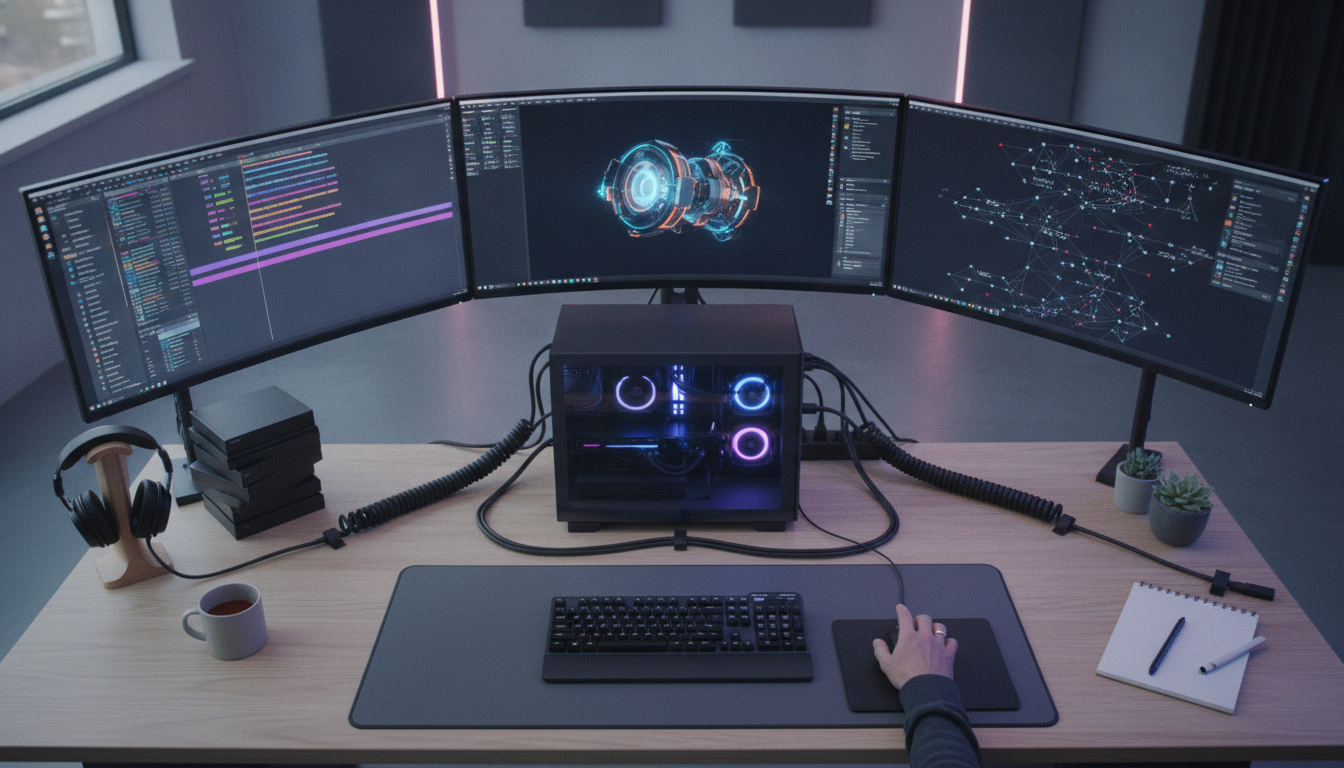
There’s no perfect universal card. There’s the right card for what you do today and what you plan to do over the next two to three years. For editors starting to work with 4K, the RTX 4070 Super is the most balanced entry point in 2026: sufficient VRAM, functional AI acceleration, and a price that fits a serious upgrade budget. Those already working with cinema camera RAW and needing consistent performance for quick deliveries will regret saving money here.
Before buying, map your workflow: which software you use, which codecs your camera records, which resolution you deliver, and whether you use embedded AI tools. With these answers in hand, the choice becomes much clearer and the risk of regret drops significantly.