


Why the Moto G56 heats up during Free Fire
The Moto G56 is a mid-range smartphone from Motorola positioned for those seeking good value for money in Brazil, with sufficient performance for everyday use and popular games like Free Fire. However, many users report that the device heats up during longer gaming sessions, which raises the question: is this normal, a defect, or is there a way to reduce the problem?
The short answer is: it depends on intensity. Some heating is expected on any smartphone during gaming because the processor and GPU (graphics processing unit) work at an accelerated pace. What’s concerning is when the heat interferes with performance or comfort, with the screen automatically reducing refresh rate or the device freezing. Understanding the technical reason helps you make the right decisions.
This article is explanatory in nature, aimed at those who already own the Moto G56 or are considering buying it and want to know if heating is a real problem or just a hardware characteristic.
What happens inside the processor during a match
Free Fire is a game that demands a lot from hardware even though it’s optimized for mid-range phones. During a match, the SoC (System on a Chip, the “brain” of the device that combines processor, GPU, and memory in a single chip) works near maximum capacity to calculate graphics, object physics, game logic, and network connection all at once.
Every electronic circuit generates heat when consuming energy, and that’s basic physics. The more tasks the chip executes, the more electrical current passes through transistors and the more heat is produced. In desktop computers, this energy goes to large coolers. On a smartphone, heat must dissipate through a vapor chamber (when present) and the device’s casing, which has much less space for this.
The Moto G56, according to Motorola’s information, uses the MediaTek Dimensity 7025 processor, manufactured in a 6 nm process (nanometers, a measure of transistor size within the chip: the smaller, the more efficient). This process is competent for the category, but 4 nm or 3 nm chips used in more expensive devices generate less heat for the same workload. It’s like comparing a more modern engine that achieves more power with less fuel.
The role of throttling: protection that feels like freezing
When the chip reaches a temperature considered high by the system, Android activates thermal throttling, which is the automatic reduction of processor speed to prevent overheating. In practical terms, you notice this as a drop in FPS (frames per second), slow menus, or a feeling that the game “froze”.
This behavior is not a defect: it’s a hardware protection mechanism. Without it, very high temperatures could damage components or permanently reduce the device’s lifespan. The problem occurs when throttling is activated frequently or prematurely, compromising the gaming experience.
In the case of the Moto G56, the official spec sheet doesn’t detail the internal thermal dissipation system (whether it has a vapor chamber or just graphite), something the buyer should verify directly on Motorola’s website or in the device manual. Devices with vapor chambers distribute heat over a larger area and take longer to trigger throttling. Without this system, heat concentrates in specific areas of the casing.
External factors that worsen heating
The environment of use has a direct impact on the device’s temperature. Playing with your phone on a hot day, with the device resting on a surface that doesn’t allow air circulation, like a bed or couch, reduces heat dissipation capacity. The same happens when the device is installed with a case, especially thick silicone cases that act as thermal insulation.
Other factors that contribute to heating during Free Fire:
- Charging your phone while playing, because charging also generates heat in the battery management chip
- Screen brightness at maximum, which consumes more energy and heats the panel
- Mobile 4G data connection instead of Wi-Fi, because the radio modem works harder in weak signal
- Many apps open in the background consuming RAM and CPU simultaneously
- Frequent notifications from other apps during matches, which activate the processor at extra moments
Free Fire settings that help reduce heat
The game itself offers graphics settings that directly impact the load on the SoC. Reducing these parameters doesn’t eliminate heating, but can keep it at a comfortable level and prevent throttling during long matches.
Access the settings menu within Free Fire and adjust:
- Graphics quality: change from “Ultra” or “High” to “Medium” or “Low”; the visual difference is small on screens up to 6.7 inches, but the thermal gain is significant
- Frame rate: reduce from “Ultra” (90 fps) to “High” (60 fps) if the device supports it, or “Medium” (30 fps) in more critical cases
- Shadows and effects: disable moving shadows and advanced lighting effects, which require more GPU without contributing much to gameplay
Outside the game, it’s also worth accessing Android settings and enabling Light Power Saving Mode (not extreme, which blocks the game) to limit background processes. Clearing app cache and restarting the device before a long gaming session also help free up RAM and reduce initial temperature.
Is Moto G56 heating normal or a sign of defect
There’s an important difference between operational heating and problematic overheating. The first is expected on any smartphone during gaming and happens on devices of all price ranges. The second may indicate a hardware or software problem.
Signs that heating may be a problem requiring attention:
- The device gets hot even during simple tasks like reading or low-resolution video
- Temperature rises quickly, in less than five minutes of gaming, before any heavy load
- The device displays temperature warnings on screen
- Battery drains much faster than expected
- The phone turns off on its own due to temperature
If one or more of these signs appear frequently, it’s worth taking the device to an authorized Motorola service center. In Brazil, Motorola offers one-year manufacturer warranty with extension possibilities, and the authorized service network is present in major cities. Since the Moto G56 has Anatel certification (make sure the model purchased is national, not imported from parallel channels), the warranty is valid without complications.
Practical tips for more comfortable gaming
If the heating is within expected but still bothersome, some physical measures help:
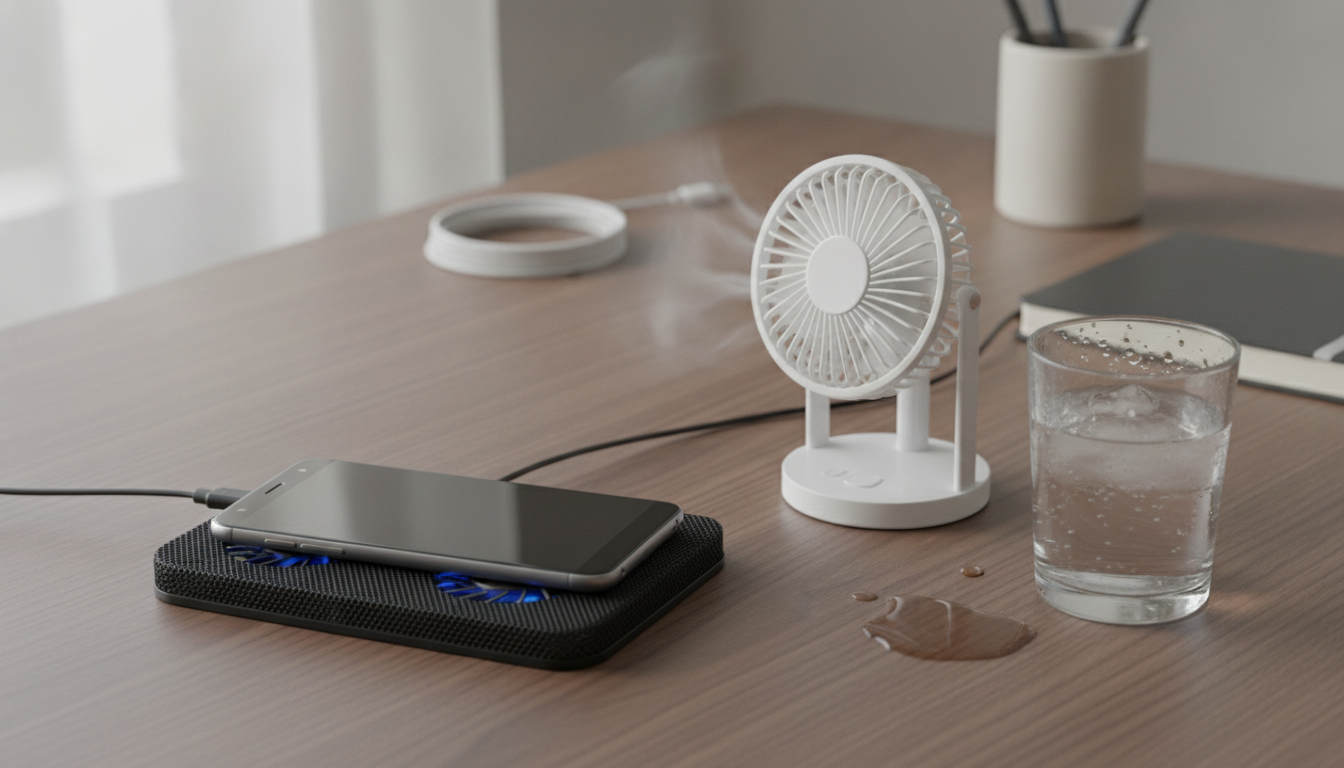
- Remove the case during long gaming sessions to improve heat dissipation through the casing
- Play with the phone resting on a hard, flat surface like a table, leaving the back part with space for air circulation
- Avoid holding the device with both hands covering the central back area, where the chip is usually located
- Keep the environment cool: air conditioning or a fan near the gaming area makes a measurable difference
For those using the Moto G56 as an entertainment hub, mirroring the game to a larger screen can also be an alternative. If you have an LG TV at home, for example, it’s possible to mirror your phone’s screen to LG TV without Chromecast using native Android features, which makes the TV the primary display and leaves the phone in a more ventilated position.
Frequently asked questions about Moto G56 heating in Free Fire
Can Moto G56 heating damage the device?
The Android operating system has protection mechanisms that reduce processor speed before temperature reaches a level dangerous to components. In practice, thermal throttling protects hardware. The risk of damage from normal gaming use is very low, as long as the device doesn’t have a factory defect.
Can updating device software help with heating?
Yes, it’s always recommended to keep Android and apps updated. System updates frequently include power management optimizations and fixes that can reduce unnecessary processor consumption. Check periodically in Settings > System > System Update.
What is the safe temperature limit for a smartphone?
Most manufacturers design chips to operate safely up to about 45 degrees Celsius on the external surface of the device. Above that, the system begins to trigger protections. Temperature monitoring apps, available on Google Play Store, allow you to track this value in real time during gaming.
Is it worth buying an external cooler for the Moto G56?
External phone coolers (accessories with fans that attach to the back of the device) exist on the market and can help keep temperature lower during extended sessions. However, the real benefit depends on how much throttling is affecting your gaming experience. For most users, adjusting Free Fire’s graphics settings resolves the issue at no additional cost.
What to do now
If the Moto G56 heats up during Free Fire, start with the simplest approach: reduce graphics quality and frame rate within the game itself and remove the case during matches. These two measures together usually resolve the issue in most cases without sacrificing gaming experience.
If the problem persists with unusual intensity, or if the defect signs listed above appear, the way forward is an authorized Motorola service center. Buying the Anatel-certified model ensures you’ll have this option without complications. Moderate heating is part of the normal operation of any mid-range device pushed to the limit, and understanding this is the first step to using the device intelligently.