


Does a Tablet Replace a Laptop for Work in 2026? The Honest Answer
The question has appeared in technology forums for years, but in 2026 it carries a different weight. Tablets have become more powerful, operating systems have evolved, and wireless peripherals have reached a level of maturity that was once exclusive to computers. Even so, replacing a notebook with a tablet in daily professional work is still a decision that depends greatly on who you are and what you do.
The short answer: for a real portion of workers, yes, the tablet already replaces the notebook comfortably. For another portion, it works very well as a complement, but not as a sole substitute. And for a smaller group, the tablet remains an inadequate tool for their main workflow. The article below will help you identify which of these categories you fall into.
What Changed in Tablets for Work
Tablets from 2025 and 2026 arrived with chips that, according to manufacturers themselves, rival intermediate laptop processors. The Apple M4, present in the iPad Pro launched in 2024 and still a market reference in 2026, is described by Apple as capable of outperforming most available laptops. Samsung, with its latest Galaxy Tab S tablets, uses optimized versions of the Snapdragon 8 Elite for the line, according to the company’s official specifications. Qualcomm, in turn, positions this platform as suitable for heavy productivity tasks.
What does this mean in practice? It means that editing a long document, attending video calls, creating a presentation, or working with complex spreadsheets is no longer a hardware problem. The bottleneck today is in the software and usage model, not the processor.
Another important advancement was the consolidation of 120 Hz refresh rate screens (the frequency at which the image refreshes per second, making scrolling and writing smoother) and OLED or AMOLED panels in higher-end tablets. Typing on a high-quality screen combined with an attached physical keyboard is already a very different experience from what it was three or four years ago.
When a Tablet Really Replaces a Notebook
There are professional profiles for whom the switch makes complete sense today. The first is the professional with high mobility: external salespeople, consultants who travel frequently, healthcare professionals who use digital records, teachers, and speakers. For this audience, the lighter weight, longer battery life, and practicality of using the tablet as a notepad or presentation screen are concrete advantages.
The second profile is those who work mainly within the ecosystem of web applications and communication. If your day is made up of email, Slack, Google Workspace, Microsoft 365 via browser, video conferences, and task management, a tablet with keyboard solves it. Microsoft 365 for iPad and Android tablets has evolved significantly, and the Google Docs experience on tablets is now quite close to the desktop version.
Content creators who work with writing, light graphic design, and photo editing also find premium tablets a powerful tool. The Apple Pencil (for iPad) and Samsung’s S Pen stylus transform the tablet into a high-level graphics tablet, something a conventional notebook doesn’t offer natively.
When a Tablet Still Doesn’t Replace a Notebook
Be honest with yourself about your workflow before making this switch. There are situations where the tablet will frustrate you.
Those who work with multiple windows open simultaneously intensively feel the difference. iPadOS and Android have improved multitasking, but the window management flexibility in Windows or macOS is still superior for those who need, for example, to compare two documents side by side while consulting a spreadsheet and have a terminal open. It’s not impossible on a tablet, but it’s more cumbersome.
Software developers, engineers who use CAD or simulation software, heavy video editing professionals, and anyone who depends on Windows or macOS-specific programs without equivalent versions for iOS or Android will hit a wall. iPadOS doesn’t run macOS apps, and Android doesn’t run Win32 programs. This is a technical fact that doesn’t change with hardware power.
Code production is also a sensitive point. Solutions exist such as VS Code running via remote server, or using web IDEs, but for complete local development, the notebook still has a clear advantage. Unless you use the tablet as a terminal for a cloud server, which is a valid solution but requires infrastructure and specific knowledge.
Best Tablets for Work Available in Brazil in 2026
The Brazilian market has real options, but imports are still common for those seeking the most advanced models. Be aware of Anatel certification, which is the mandatory certification for telecommunications equipment sold in Brazil. Tablets imported without this seal may have limited connectivity on Brazilian networks or present warranty issues.
Below is an overview of the main models relevant for work:
| Model | System | Technical Highlight | Price Range in Brazil |
|---|---|---|---|
| iPad Pro M4 (13″) | iPadOS 18 | M4 chip, OLED screen, Apple Pencil Pro | Starting from R$ 12,000 |
| Samsung Galaxy Tab S10 Ultra | Android 15 / DeX | Snapdragon 8 Elite, 14.6″ AMOLED screen | Starting from R$ 8,000 |
| Samsung Galaxy Tab S10+ | Android 15 / DeX | Snapdragon 8 Elite, 12.4″ AMOLED screen | Starting from R$ 6,500 |
| iPad Air M2 (13″) | iPadOS 18 | M2 chip, more accessible than Pro | Starting from R$ 7,000 |
| Lenovo Tab P12 Pro | Android | 12.6″ AMOLED screen, focus on productivity | Starting from R$ 4,500 |
The prices above are estimates based on values practiced in the national market and vary according to the seller, memory configuration, and exchange rate. Consult the official Apple, Samsung, and Lenovo stores in Brazil for updated values.
The Samsung DeX deserves special mention: it’s a mode that transforms the tablet into a desktop-like interface when connected to an external monitor, with floating windows and management more familiar to those coming from Windows. For those who already use the Samsung ecosystem and don’t want to migrate to iOS, this feature greatly expands the potential for professional use.
Real Costs: Tablet + Accessories vs. Notebook
A common mistake in the calculation is comparing the price of a bare tablet with that of a complete notebook. To work comfortably on a tablet, you’ll probably need:
- Keyboard with trackpad (such as Magic Keyboard for iPad or Samsung’s Book Cover Keyboard)
- Digital stylus, if your work involves notes or design
- USB-C hub with additional ports, if you need HDMI inputs, USB-A, or card reader
- Possibly a stand or case for use on surfaces
Adding it all up, an iPad Pro 13″ with Magic Keyboard and Apple Pencil Pro can easily exceed R$ 17,000. In that range, you can buy a very capable professional notebook. The tablet’s advantage isn’t necessarily in price, but in portability, versatility of use, and stylus experience.
If your budget is more limited and you’re evaluating intermediate notebooks, it might be worth checking comparisons like Lenovo IdeaPad 1 or Acer Aspire 5: which to buy to understand what’s available in the R$ 3,000 to R$ 4,500 range for notebooks before making your decision.
Connectivity and Brazilian Context
Working with a tablet requires a good internet connection, because many professional applications depend on the cloud. Tablets with 5G chip offer Wi-Fi-independent connectivity, which is useful for those working on the move. Always verify that the imported model supports the frequency bands used by Brazilian operators (especially bands n77 and n78 for 5G), information that appears in the official specification sheet.
For video conferences, the quality of front cameras on premium tablets is already quite satisfactory. If you use the tablet connected to an external monitor and want a better camera for calls, you can consider an external webcam. Check out webcam options for streaming and video calls up to R$ 500 if that’s a priority for your setup.
Tablets sold officially in Brazil by manufacturers come with one year of warranty with authorized technical assistance in the country. Products imported independently or by unofficial importers may have limited or no warranty, and replacement parts can be difficult to obtain. This is a real risk that needs to be factored into your decision.
Frequently Asked Questions About Tablets for Work
Does iPad really run Word and Excel?
Yes, Microsoft 365 has native versions for iPadOS with robust features. For everyday corporate documents and spreadsheets, the experience is very good. Complex macros and some advanced Excel features may still have limitations; Microsoft documents the differences between versions on its own support website.
Is Android tablet a real option for work or just for content consumption?
The latest Galaxy Tab S models with DeX mode are real options for work, especially for office tasks, communication, and design. The Android ecosystem for productivity has evolved, but it’s still more fragmented than iPadOS in terms of apps optimized for large screens.
Do I need a cellular chip in the tablet or is Wi-Fi enough?
It depends on your usage pattern. If you work fixed at home or in the office, Wi-Fi is sufficient. If you work a lot while traveling, in cafés, or at clients’ locations, the cellular chip provides valuable independence. The cost of the model with chip tends to be between R$ 500 and R$ 1,500 higher, depending on the line.
Is it worth importing a tablet from the US to save money?
The price in dollars may seem attractive, but consider: import tax, possible retention by the Federal Revenue, lack of national warranty, risk of incompatibility with Brazilian frequency bands, and the lack of Anatel seal. In many cases, the savings disappear when all these factors are accounted for.
For Whom the Switch Is Worth It, and for Whom It Isn’t
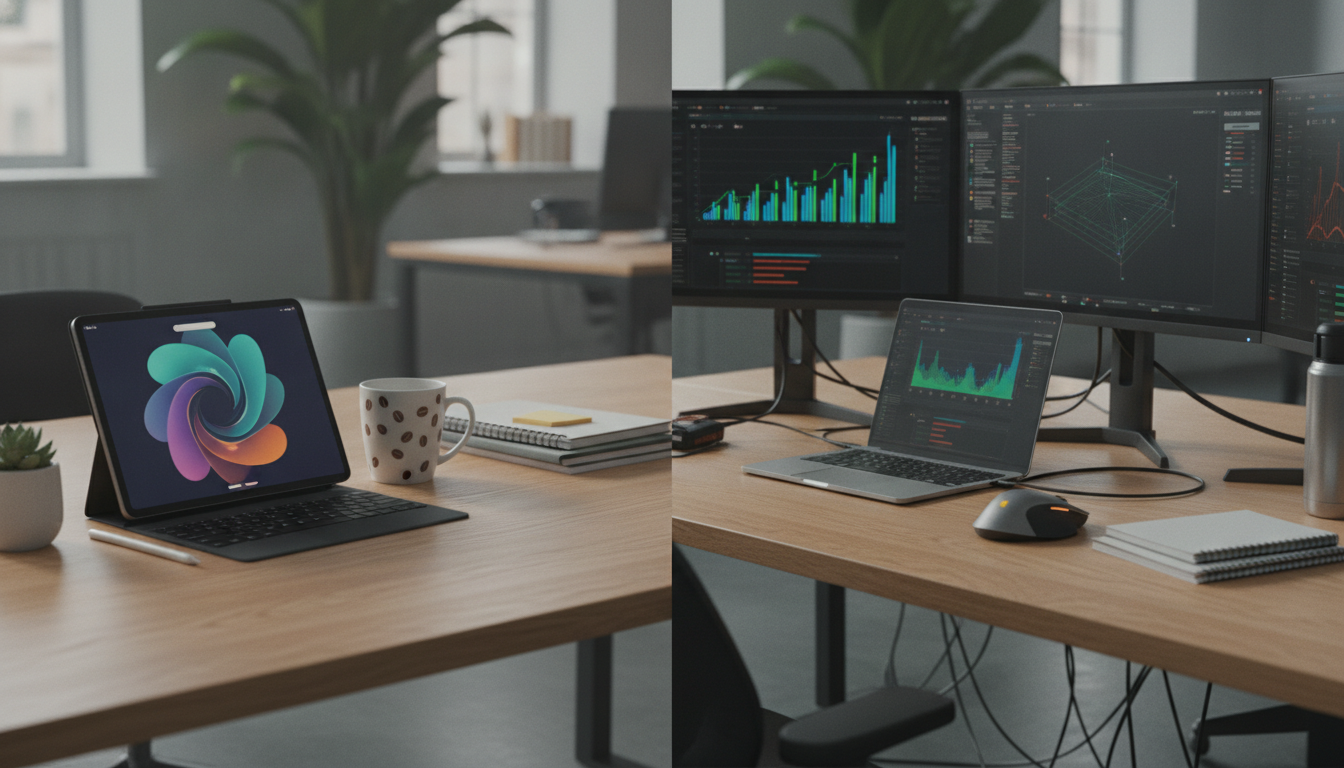
The tablet replaces the notebook for work in 2026 for a specific profile: professionals with high mobility, knowledge workers whose workflow passes through web applications and cloud tools, creators who use digital styluses, and people who value the experience of a single device for work and content consumption.
For developers, engineers who depend on specific desktop software, heavy video editing professionals, and anyone who needs real multitasking flexibility with many open windows, the notebook is still the most efficient choice. Not because the tablet is weak, but because the software ecosystem still hasn’t caught up with the hardware in these specific situations.
The right question isn’t “Is the tablet good enough?” but rather “Is the tablet good enough for my work?” Map out your daily tools, verify that all of them have adequate versions for iOS or Android, and only then decide. If the answer is yes for most of them, the switch will likely surprise you positively.